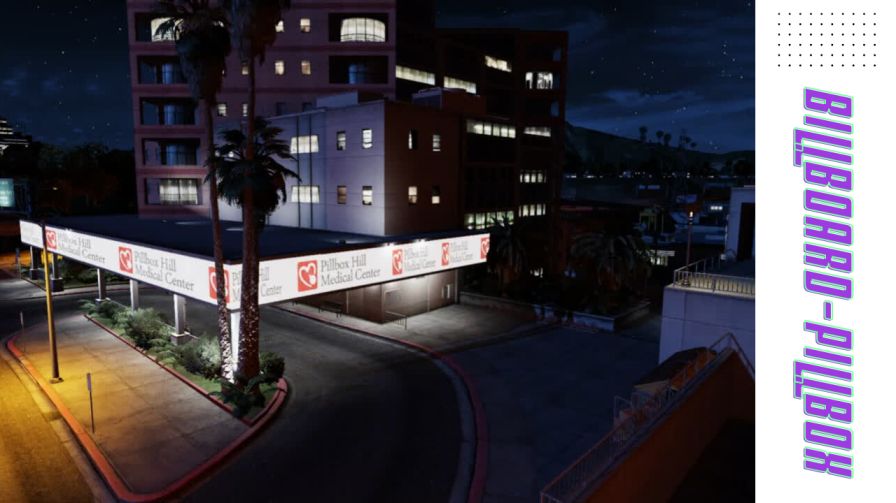
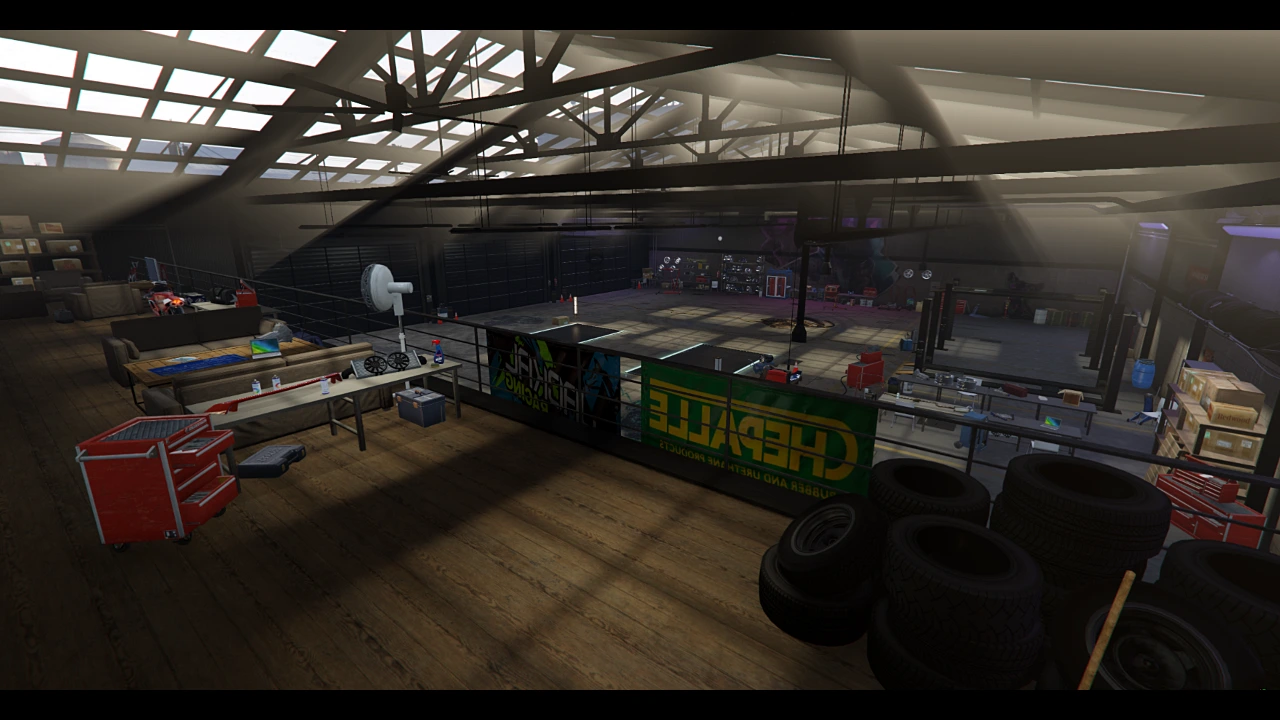
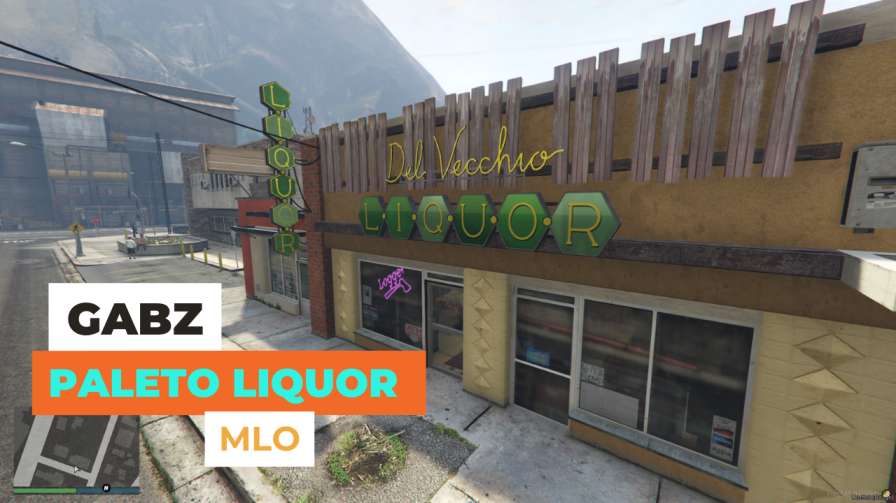
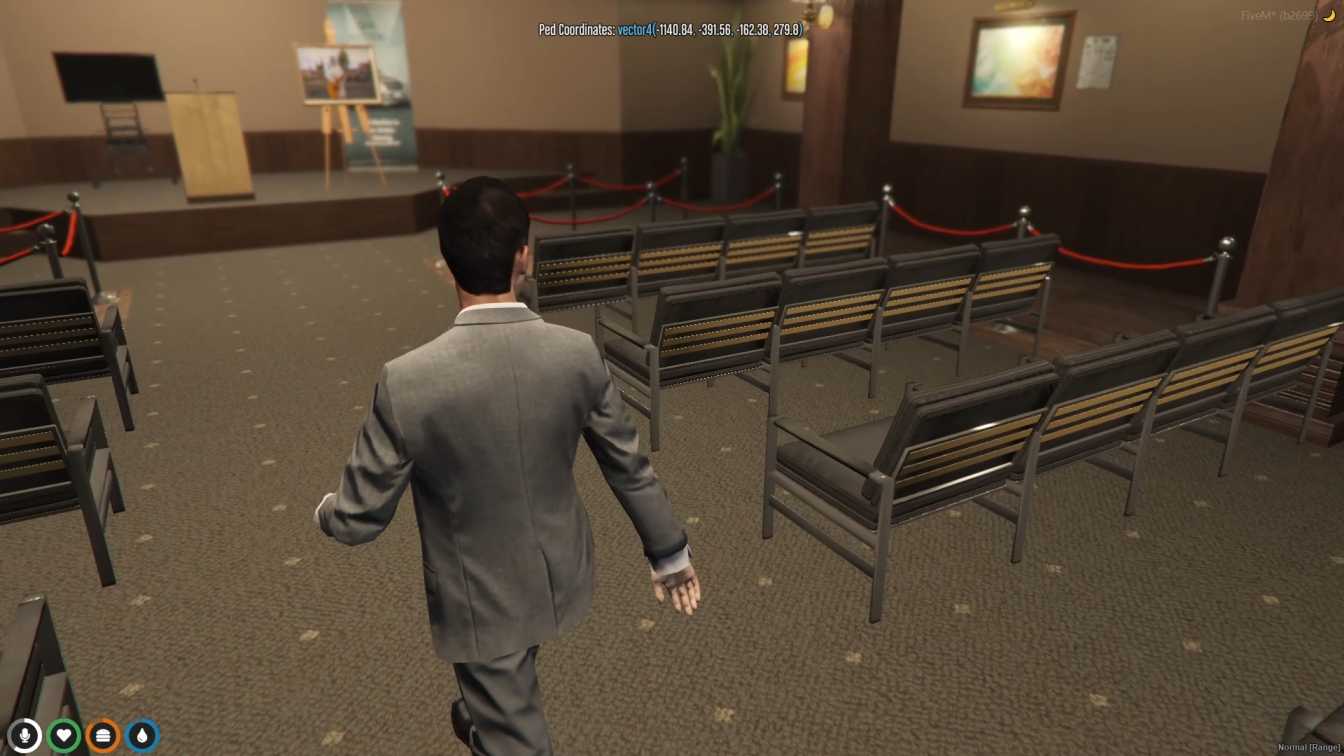
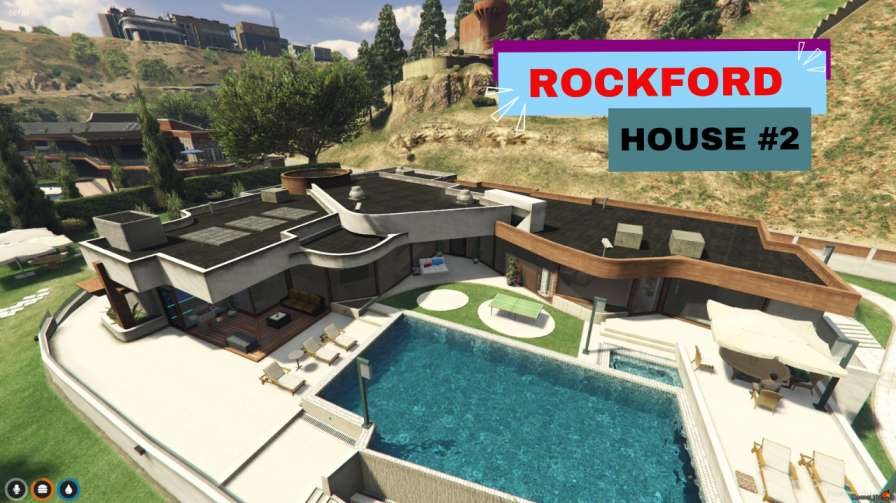
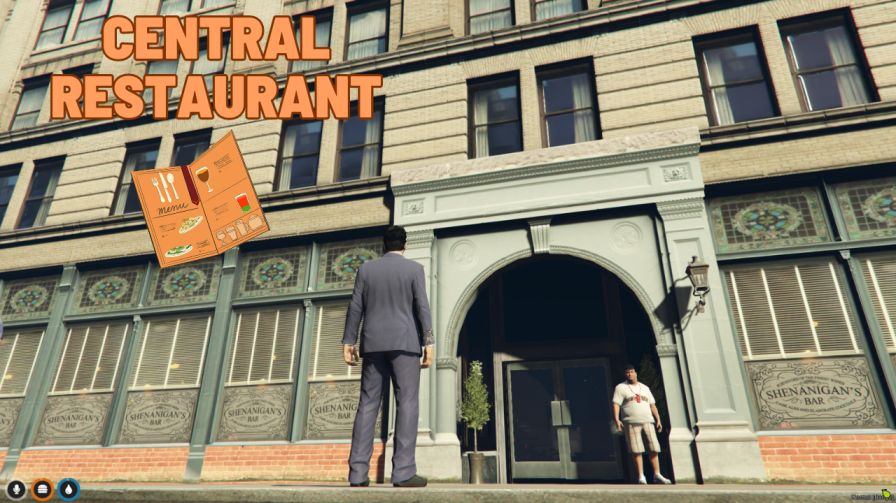
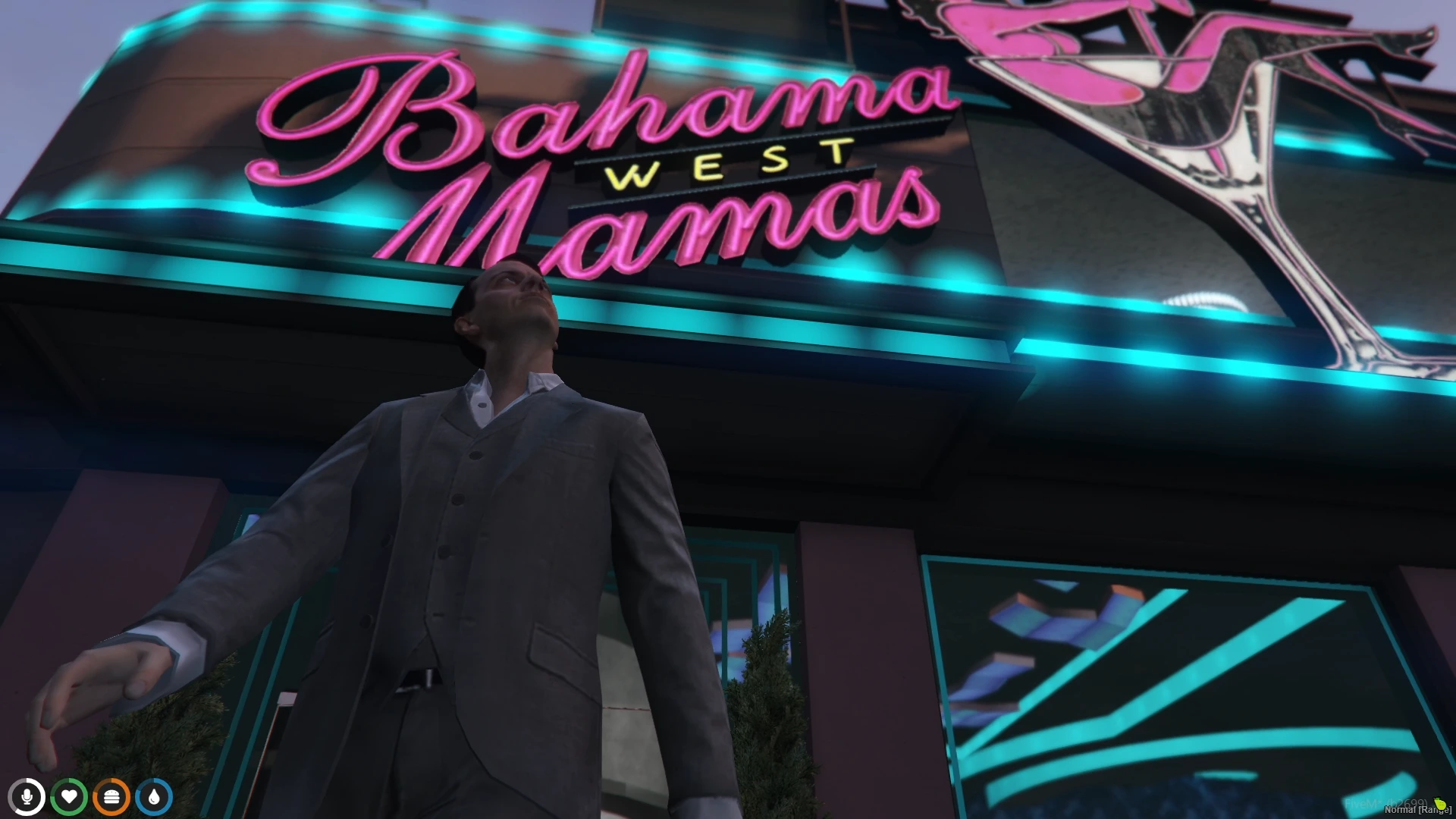
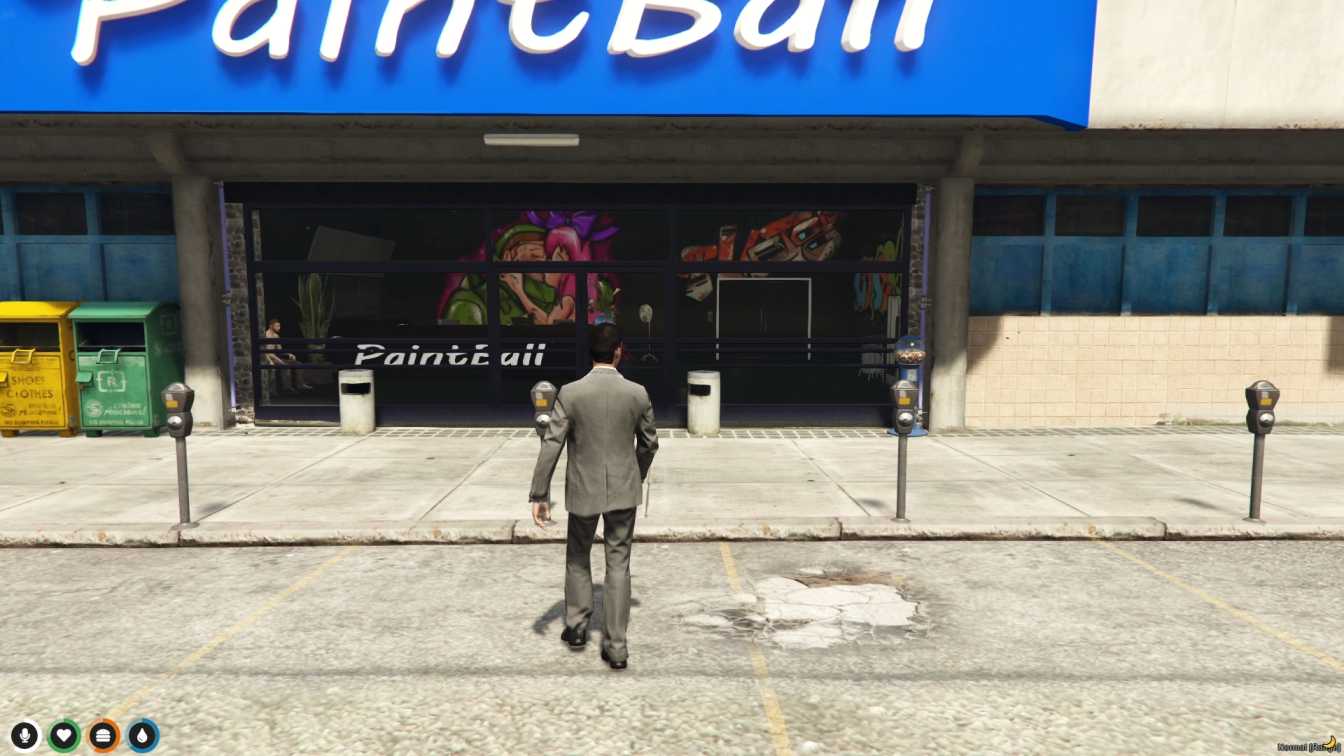
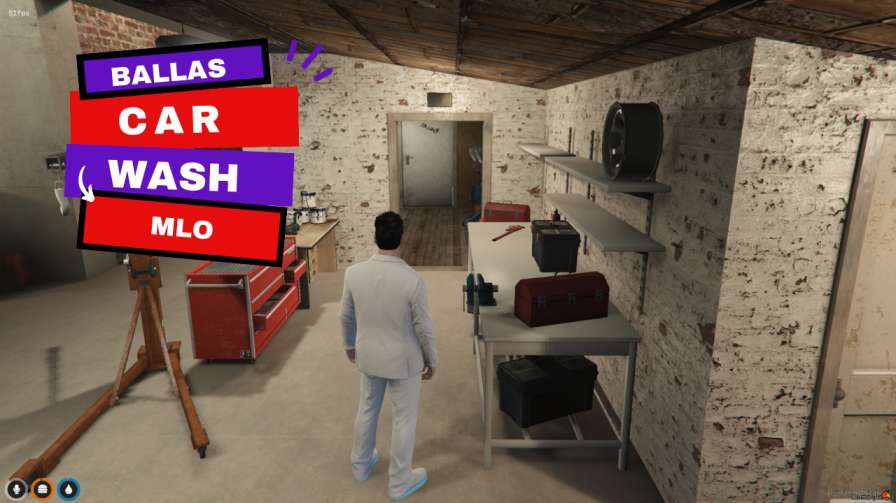
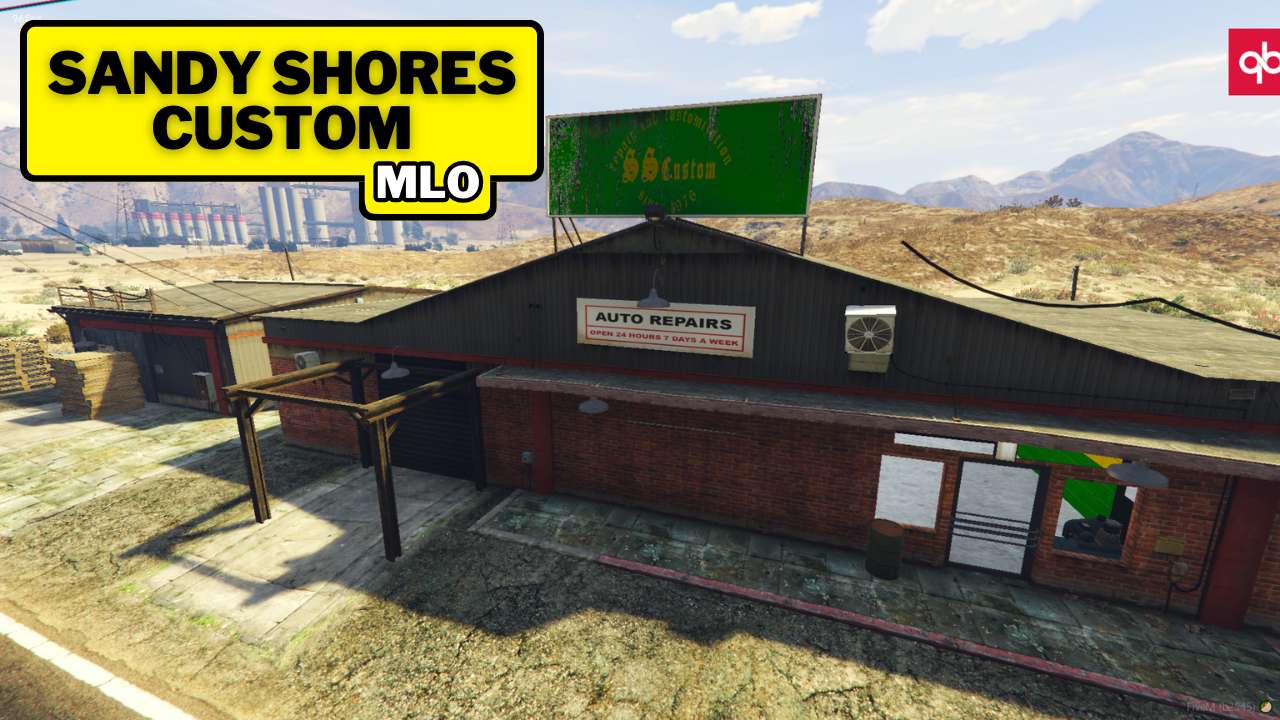
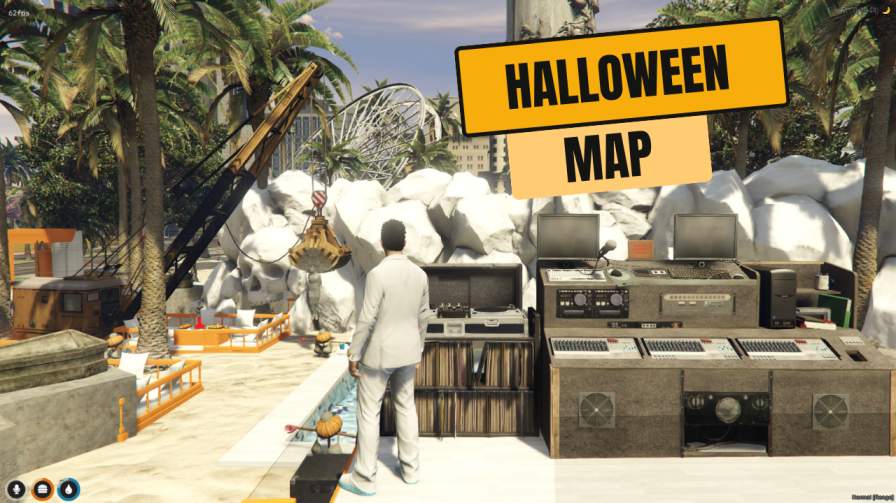
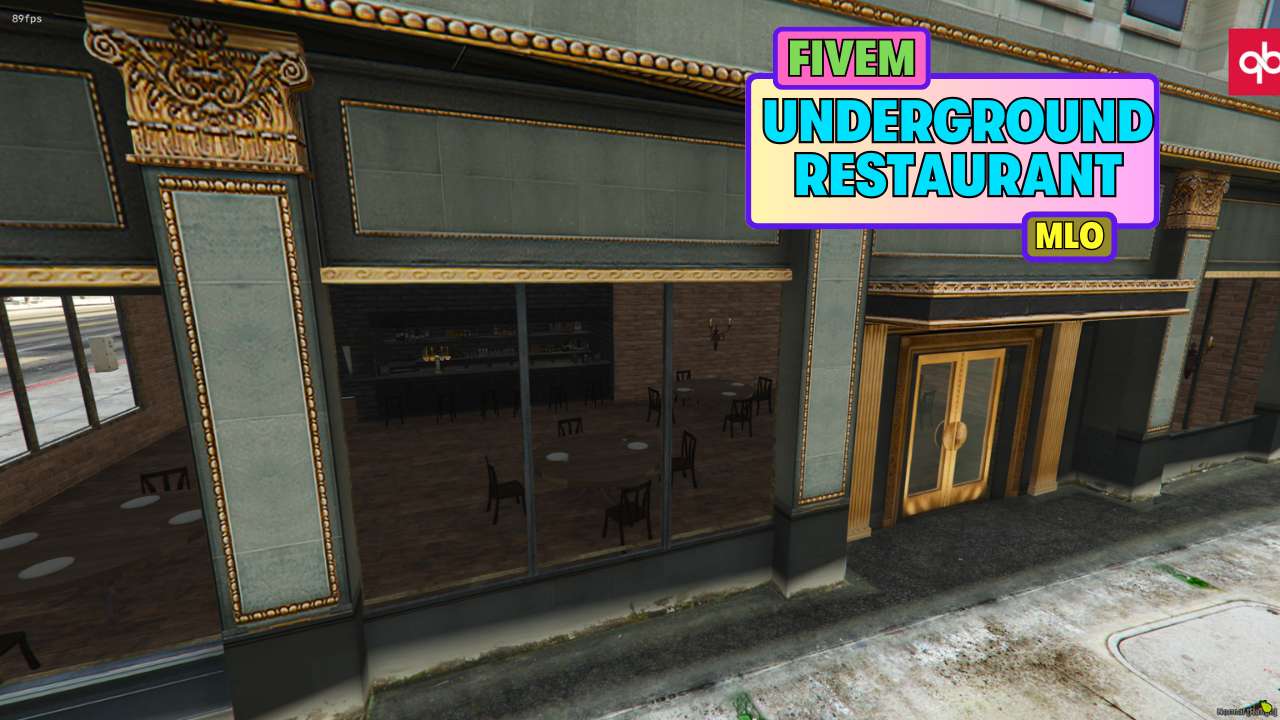
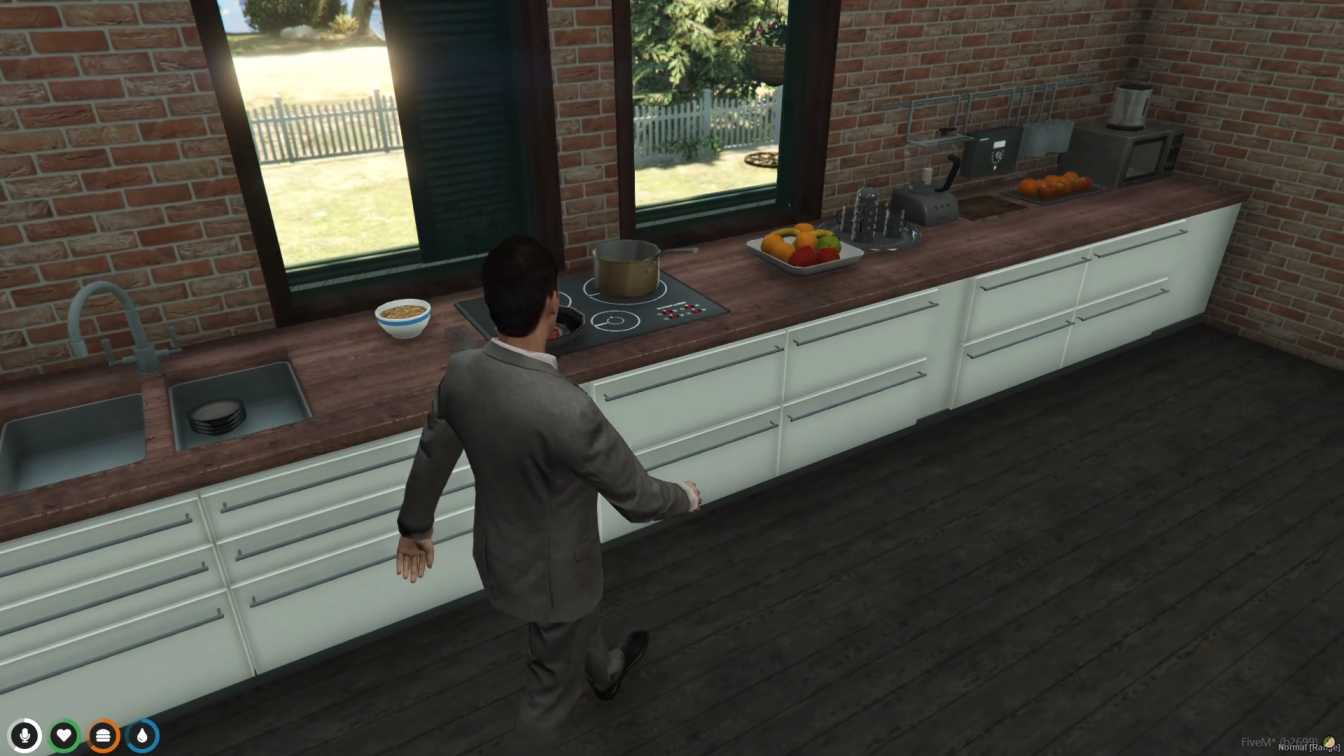
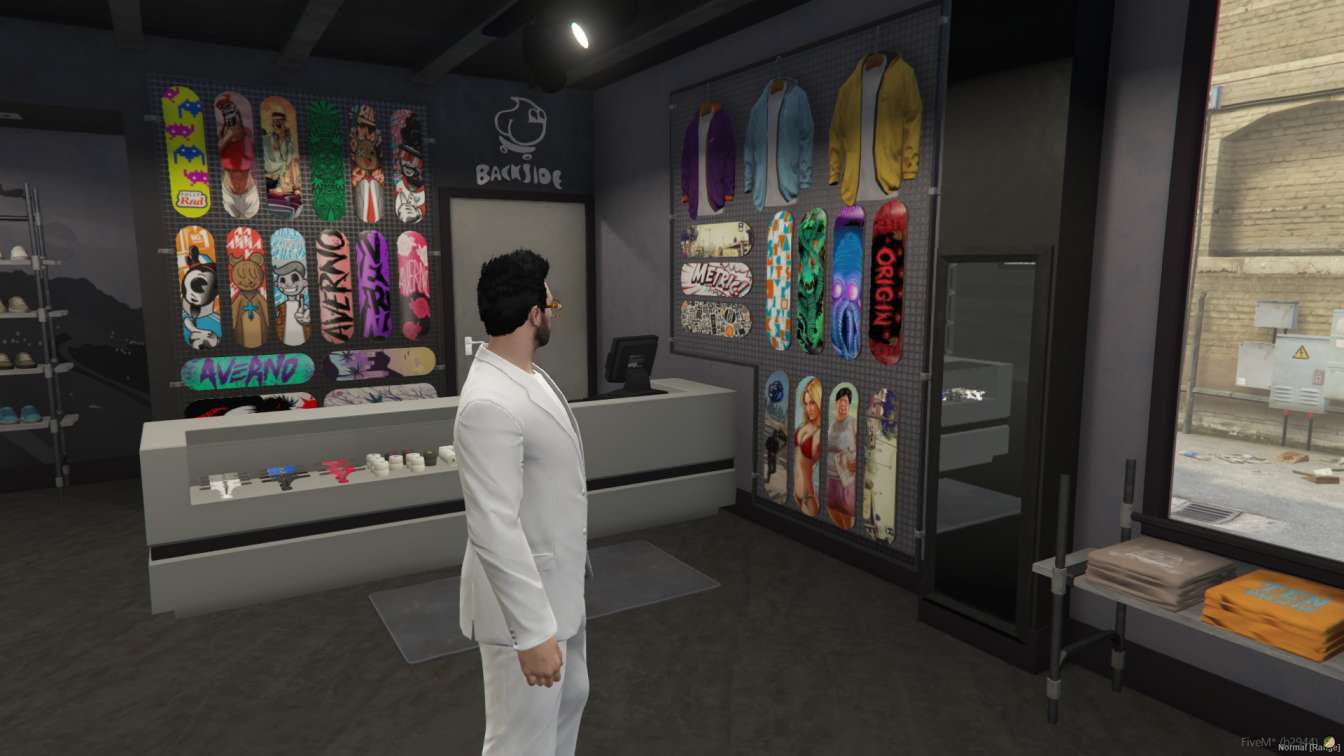
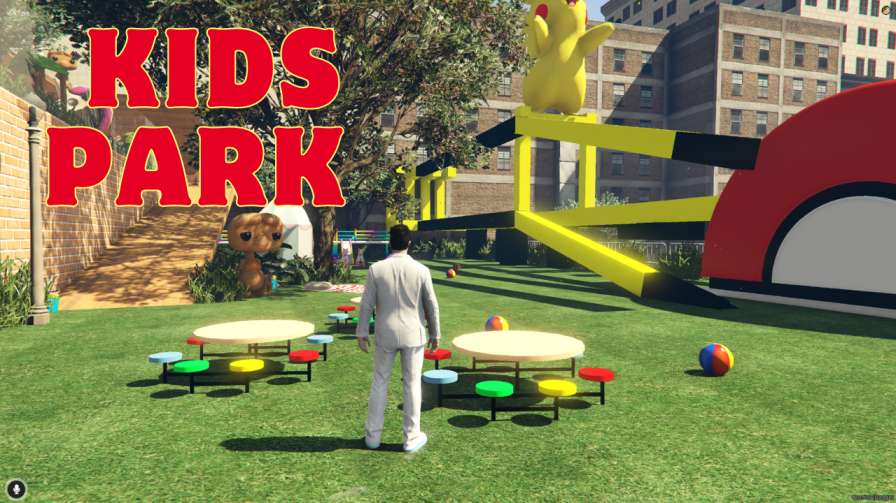
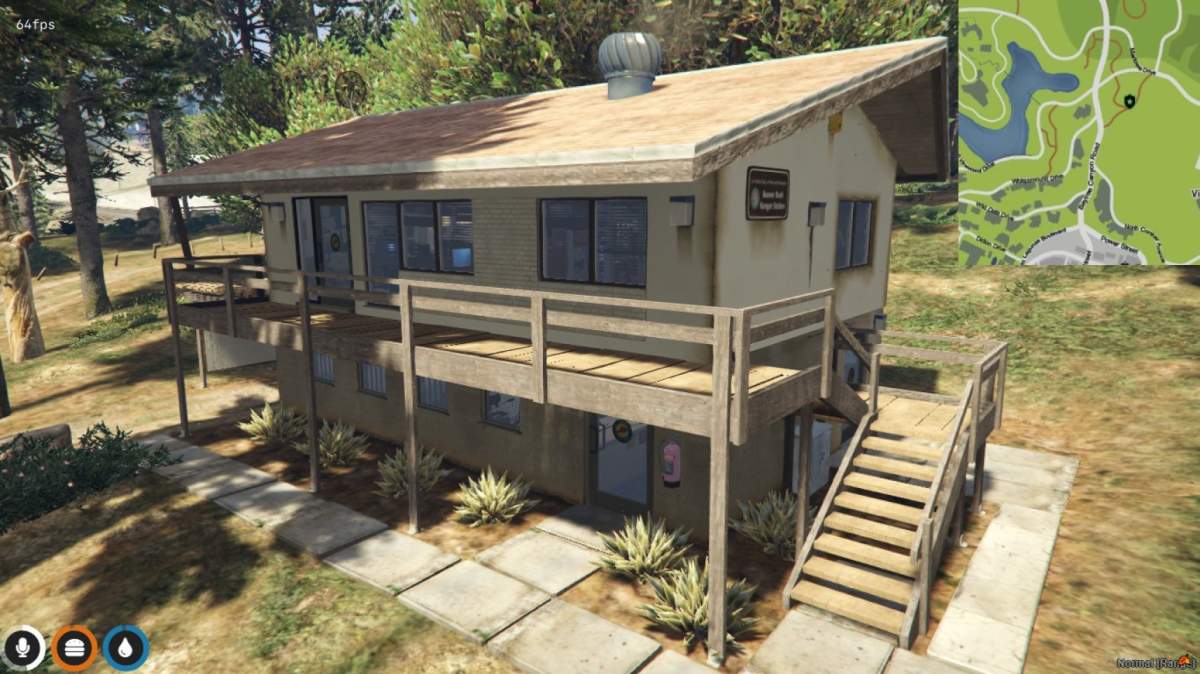
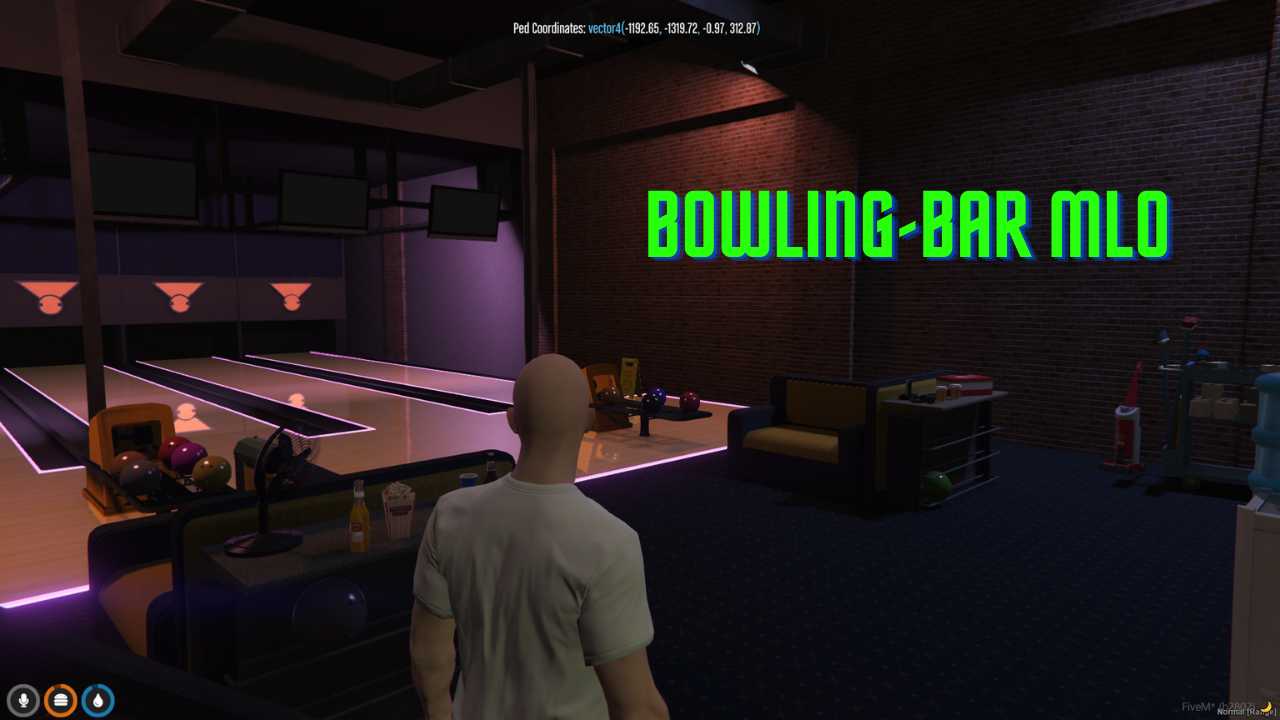
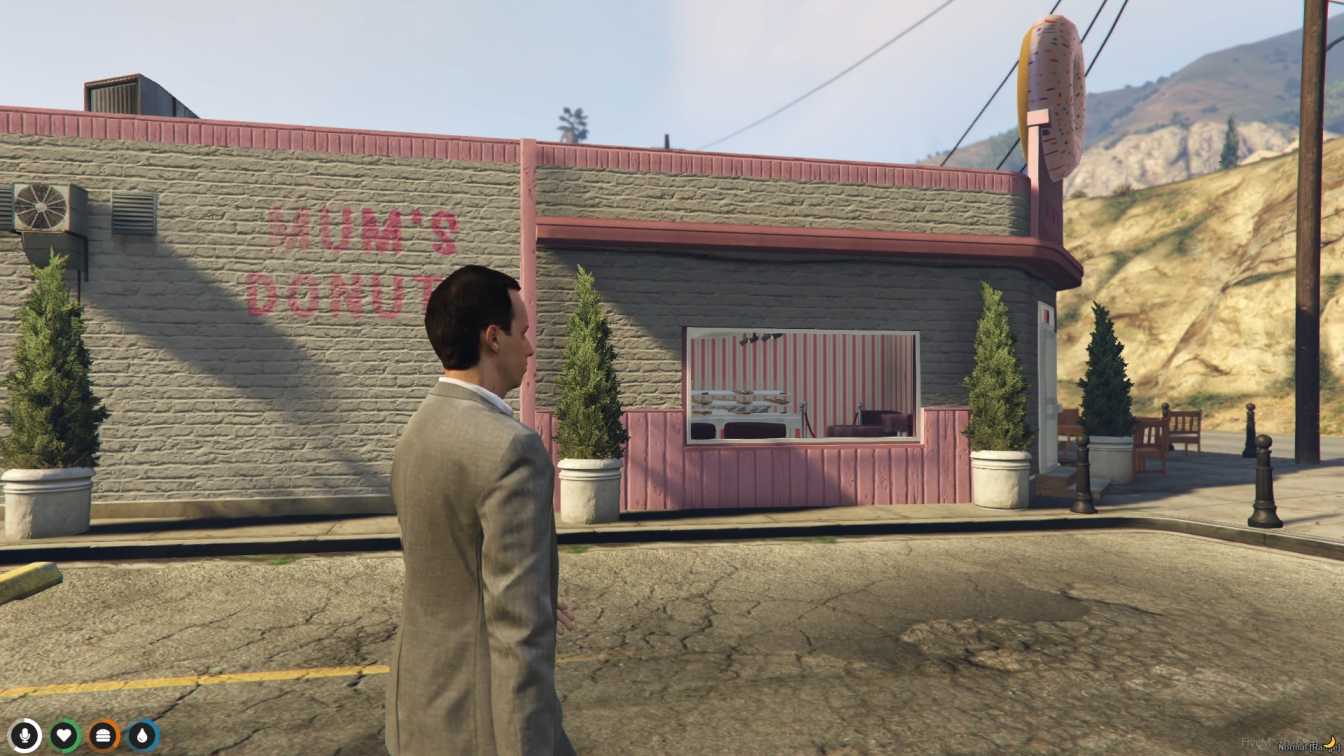
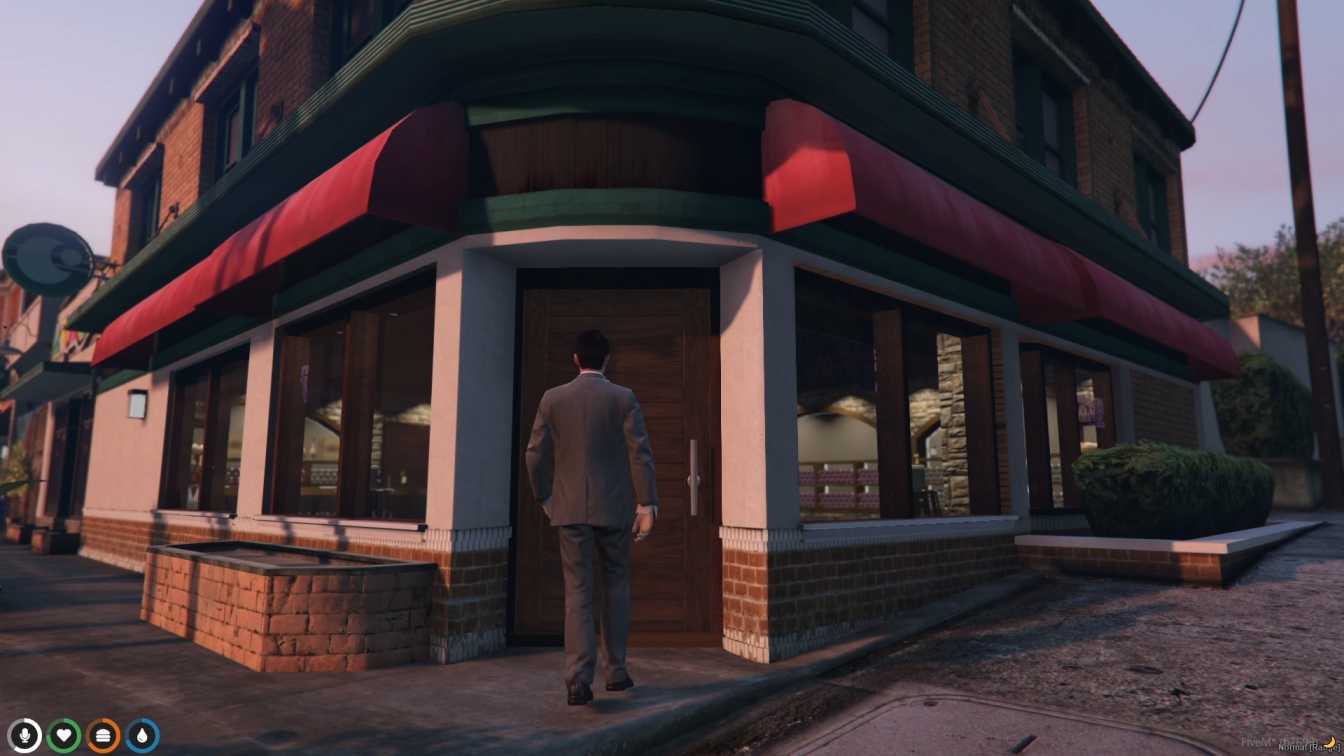
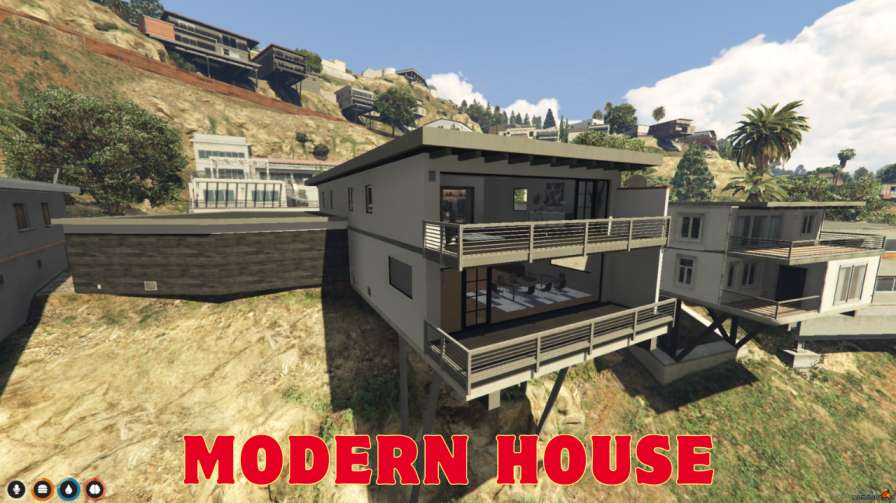
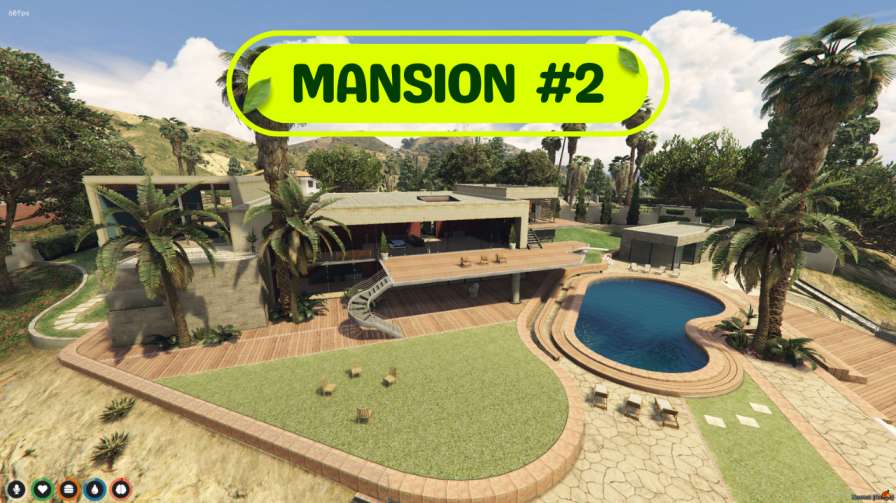
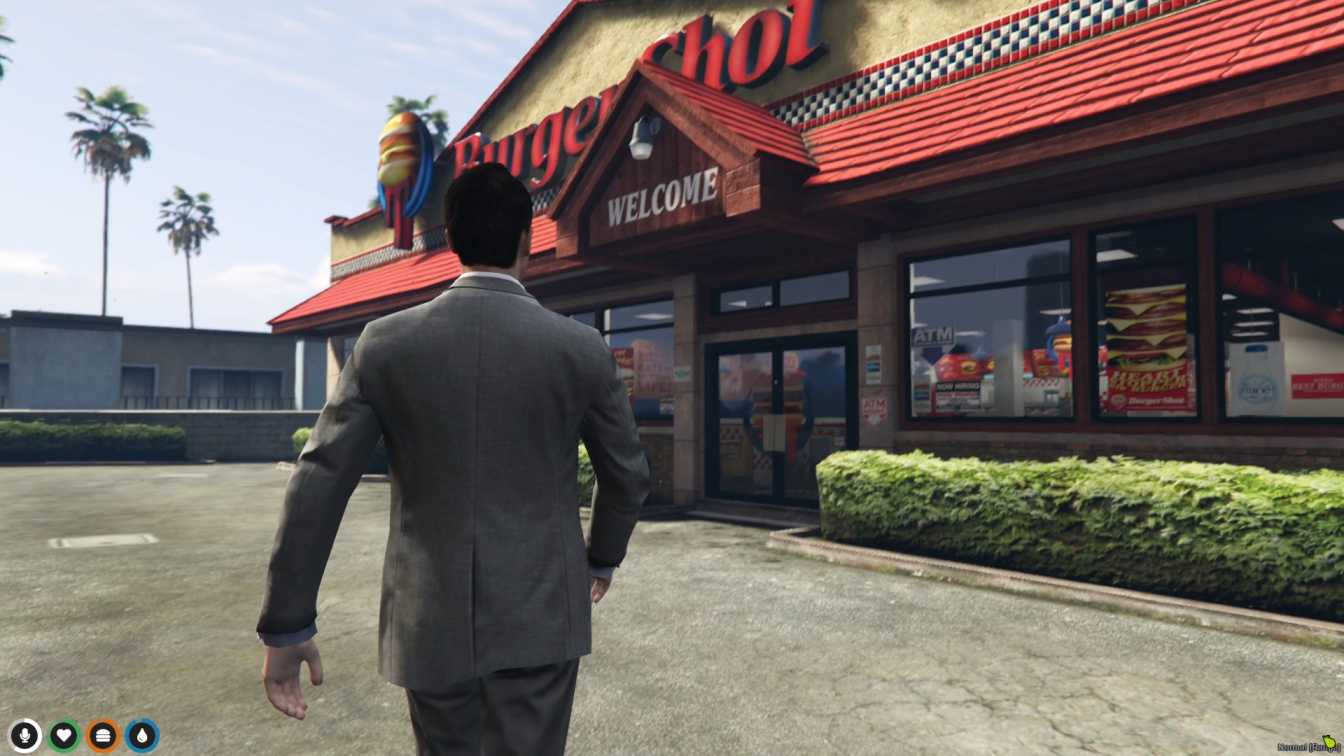
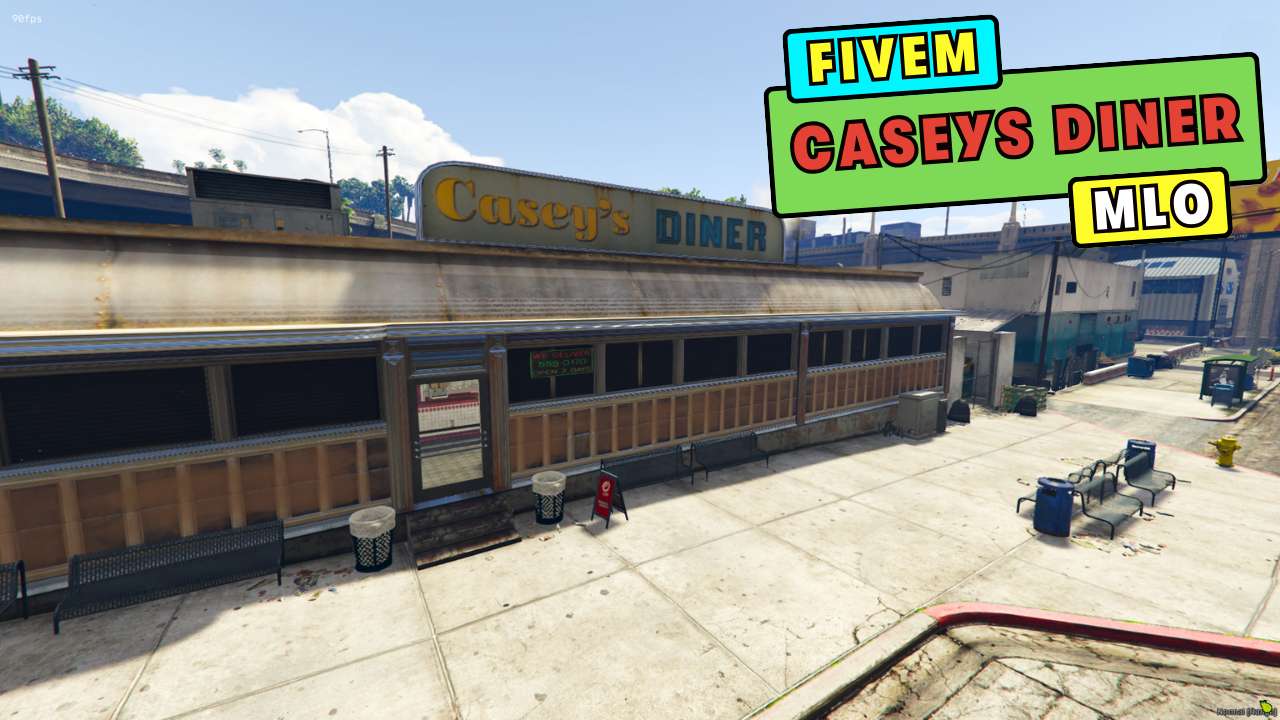
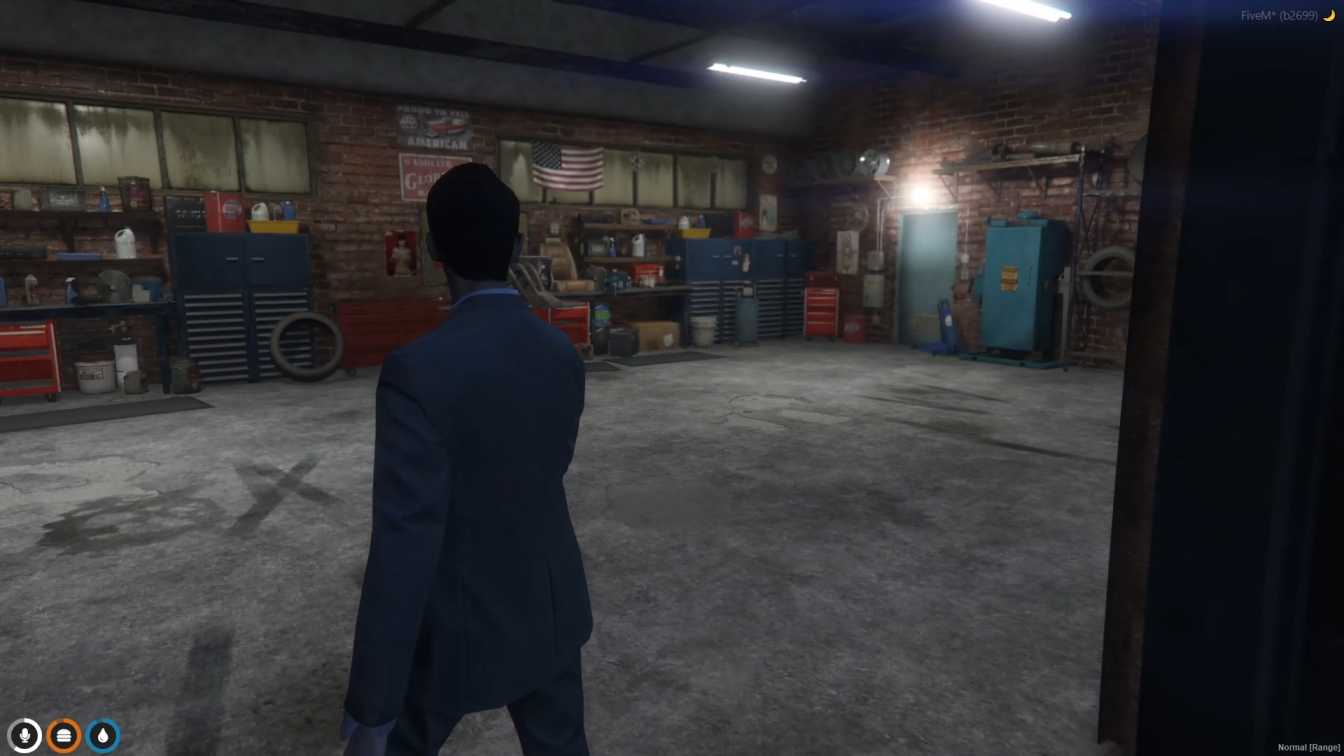
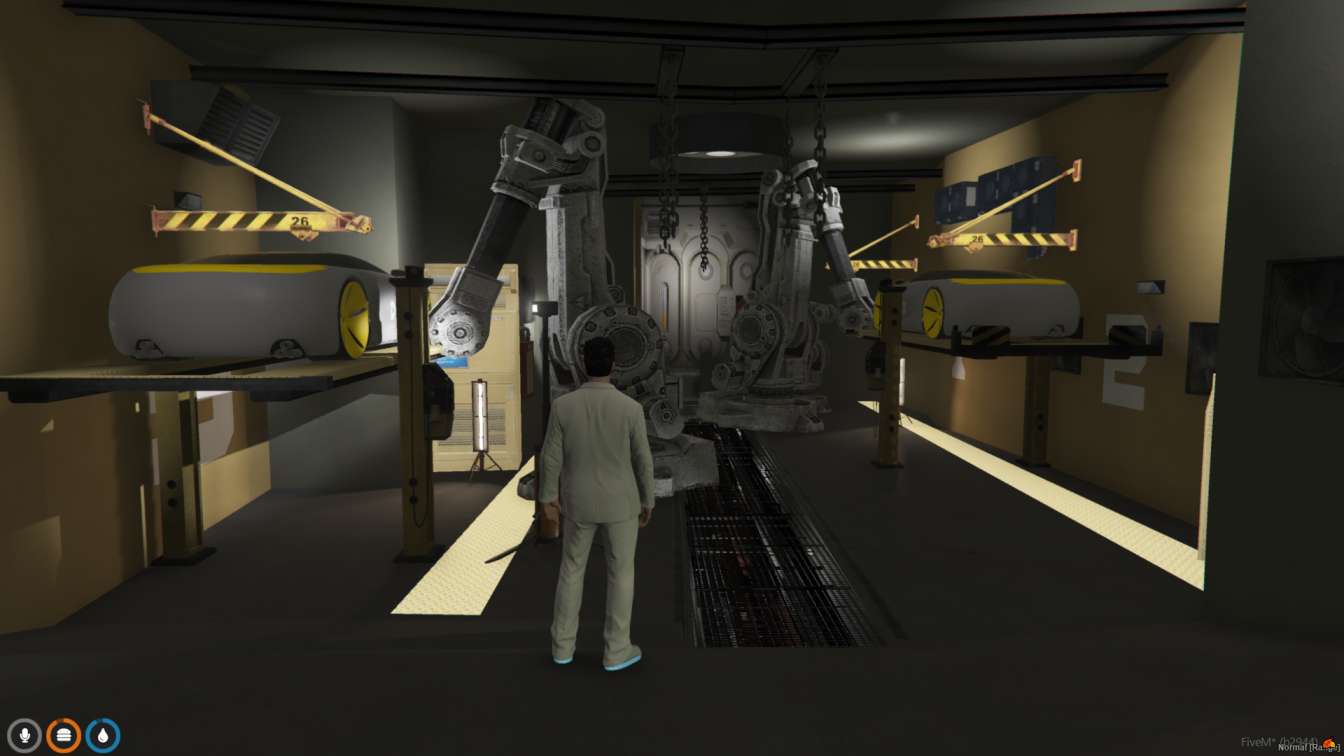
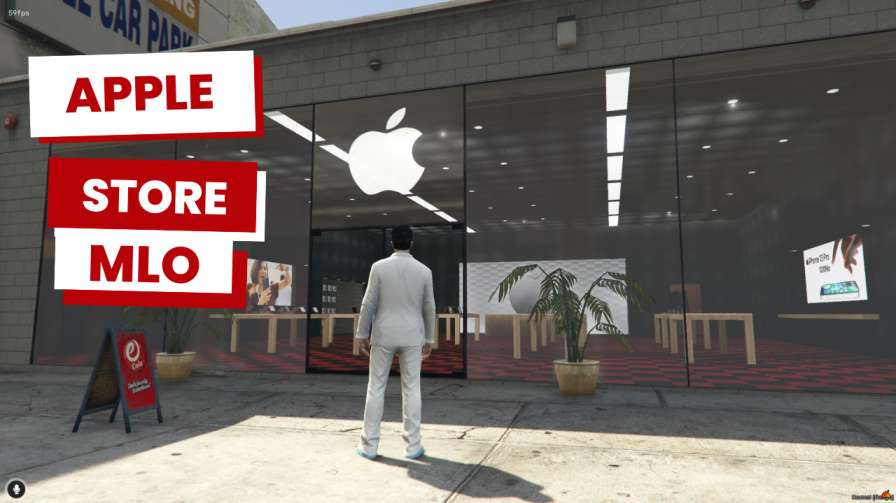
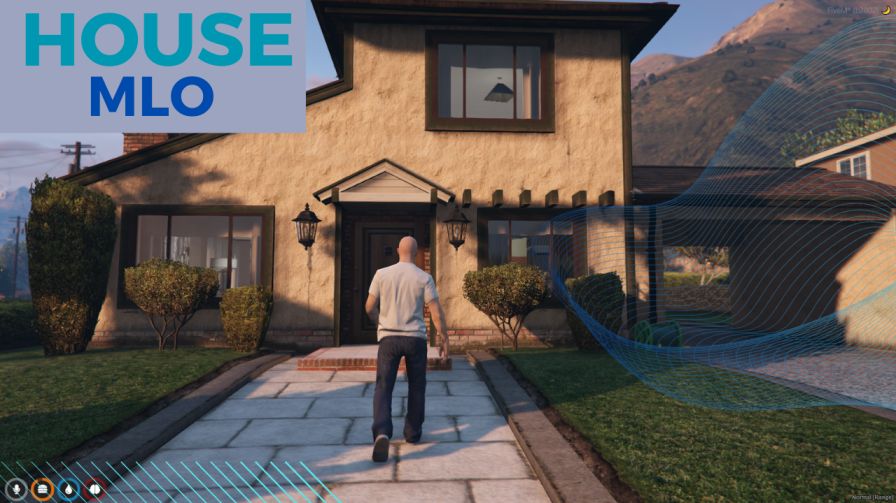
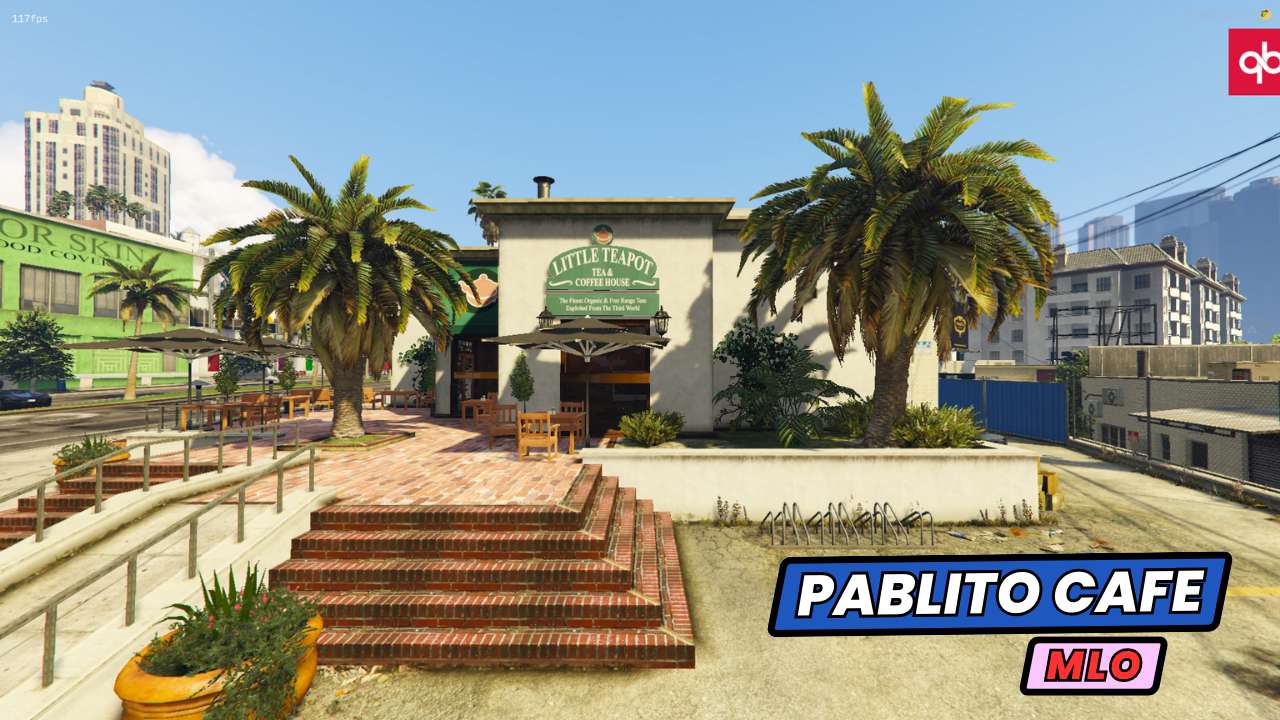
Premium FiveM MLO interiors with collisions, props and lighting baked. Drop-in ready for ESX housing, QBCore housing or standalone setups. Hand-modelled shop and store interiors, tuner shops, restaurants, nightclubs and more.
381 products · Page 4 of 8
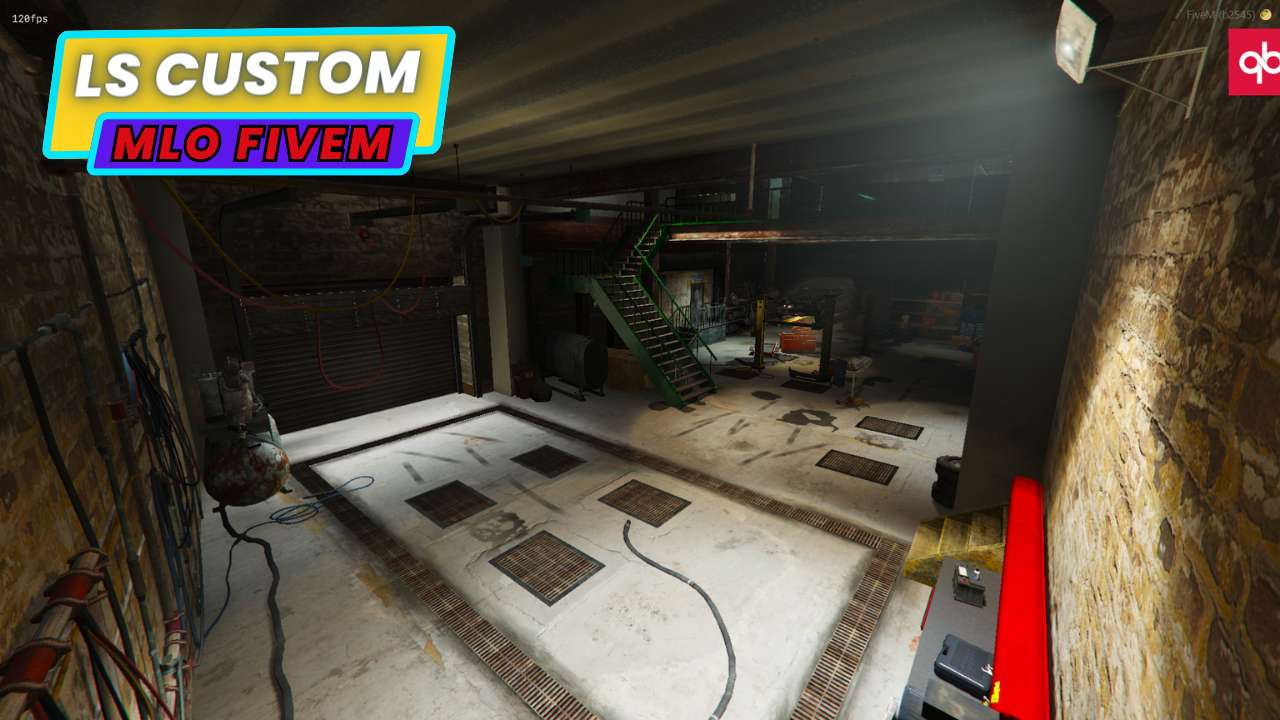
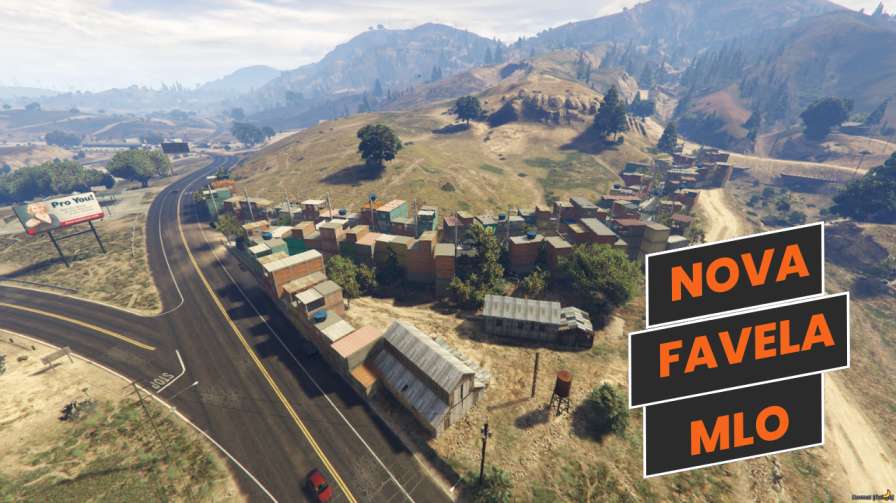
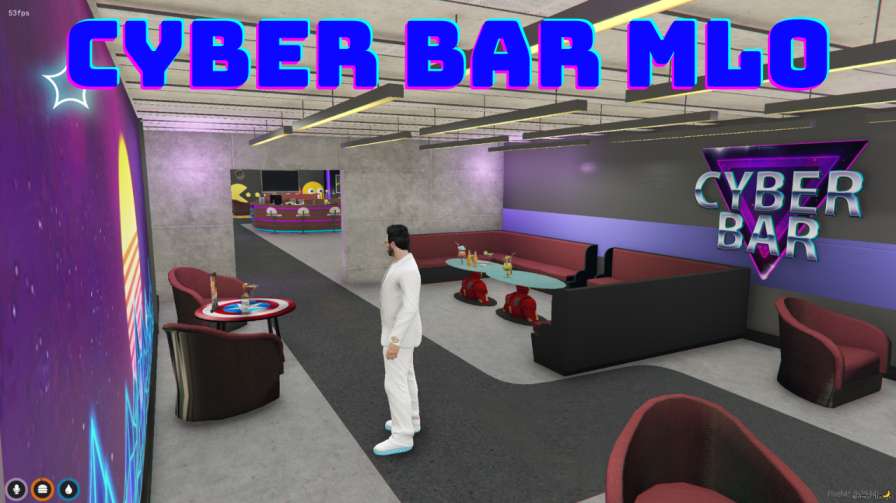
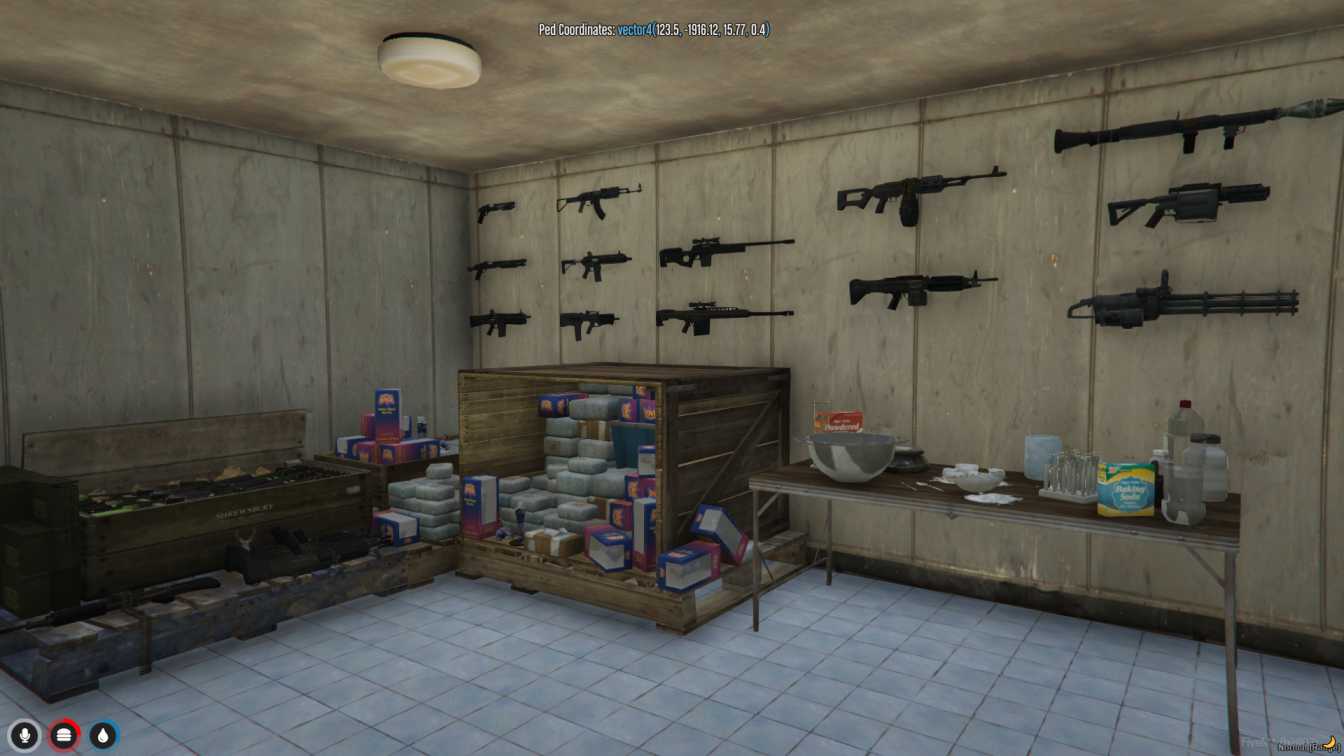
An MLO gives players somewhere that base GTA V never let them go. Interiors are the part of a roleplay map people remember — the precinct they get processed in, the hospital they wake up in, the club they spend Friday night in — and a badly built one breaks immersion faster than any script bug.
The interiors here are checked for the things that only surface once players are inside: collision that does not let you clip a wall, navmesh that lets NPCs path through a doorway, LODs that resolve before you reach the room, and prop batching that keeps streaming costs sane when forty people load the same building at once.
Because MLOs modify world geometry rather than game logic, they are framework-agnostic. A QBCore server, an ESX Legacy server and a fully standalone build all consume the same resource with no bridge and no dependency.
Every wall, rail and counter carries a real collision mesh. No invisible gaps, no falling out of the world at a doorframe.
Peds and dispatch AI move through the interior the way they do in vanilla buildings, so scripted scenes do not break.
Exterior placements are anchored properly. No floating props, no shells drifting a metre off the pavement after a game update.
Distance models are authored, not auto-generated, so rooms are solid before a player walks in rather than popping at the threshold.
Drawables are grouped so a busy interior does not spike streaming memory when a crowd loads it simultaneously.
Each listing states which stock interior or worldspace it replaces, so you can check for overlap before you buy.
MLOs are among the simplest resources to deploy: unzip into resources, add the ensure line to server.cfg, restart. There is no SQL, no framework config and normally no dependency. Interiors that replace a stock building also remove the vanilla geometry first, which is handled inside the resource.
The one thing worth checking is overlap. If two resources both edit the same worldspace you get z-fighting or doubled props, so read the conflict note on each listing and load order in server.cfg deliberately when you run several map edits in the same district.



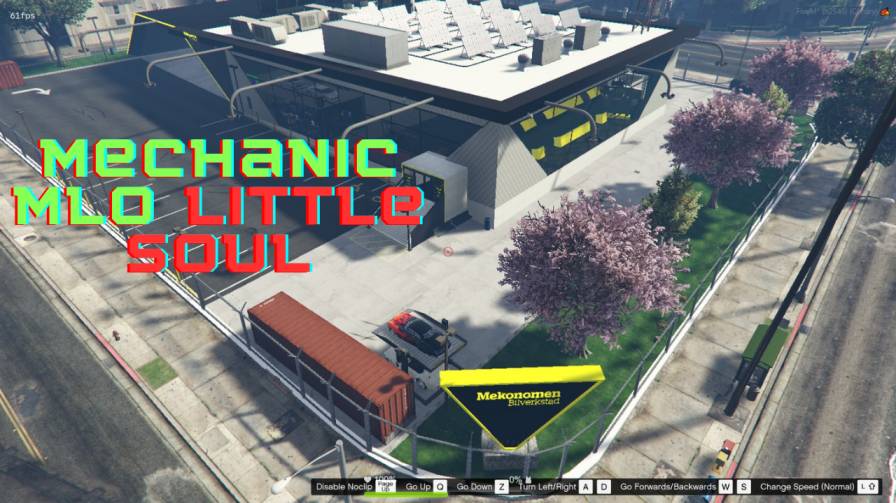
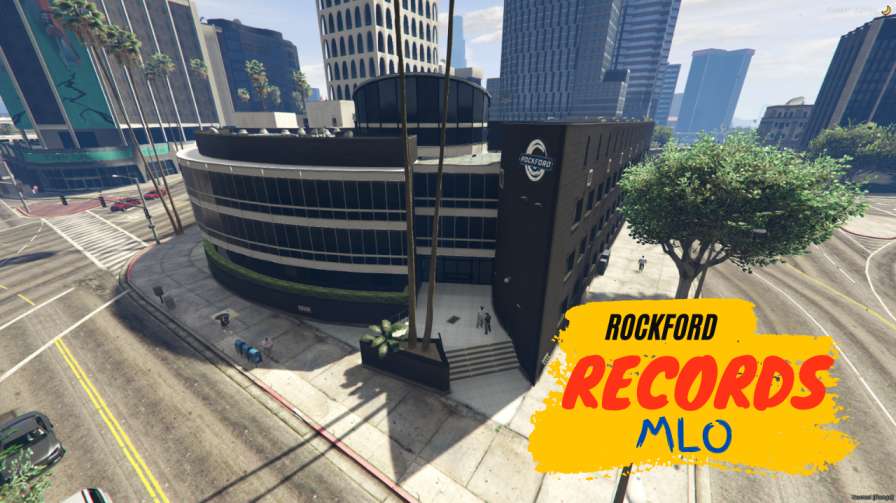
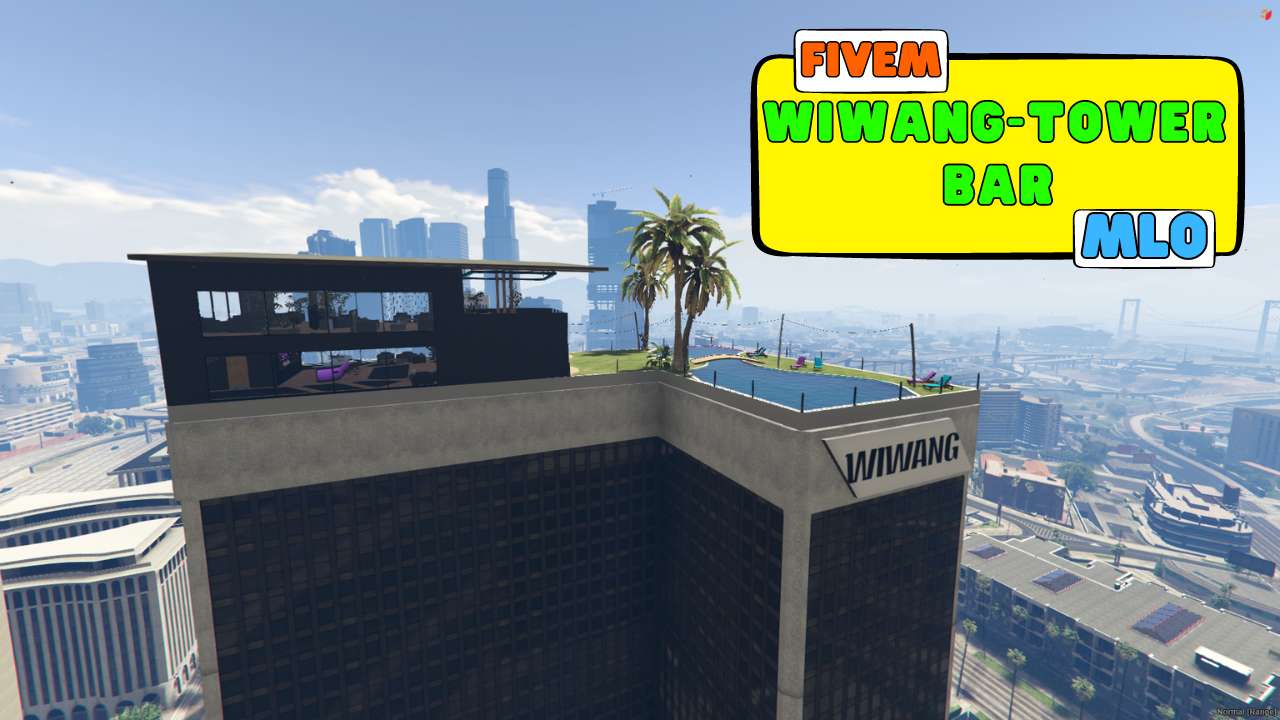
Map Location and Object — a custom interior packaged as streamable map data. It adds or replaces interior space in GTA V with hand-built geometry, props and lighting, rather than changing any game logic.
No. An MLO is map data, not a script, so it never touches your framework. The same file works on QBCore, ESX Legacy, Qbox and standalone servers with no bridge or dependency.
It can, if two resources modify the same worldspace. Every listing names the vanilla interior or area it replaces so you can check for overlap, and load order in server.cfg resolves most collisions between neighbouring edits.
Static map data costs effectively nothing on the server thread — the load is client-side streaming. That is why prop batching and authored LODs matter more here than resmon, and why we check both before listing.
Some creators take commissions for reskins, added rooms or branding. Open a Discord ticket naming the interior and we will tell you whether the original author offers custom work on it.
Browse our full fivem maps & mlos collection. Everything is in stock, everything is tested, and everything ships the moment you checkout. Your players will notice the difference.
50,000+ server owners trust xFiveM. Join the community and stop wasting time on broken free scripts.
Browse All ScriptsCreate Free AccountInstant delivery?
Yes — the download unlocks in your dashboard the second payment clears.
Refunds?
Yes — 30-day money-back guarantee on broken assets.
Discord support?
24/7, response within a few hours.

 FiveM
FiveM