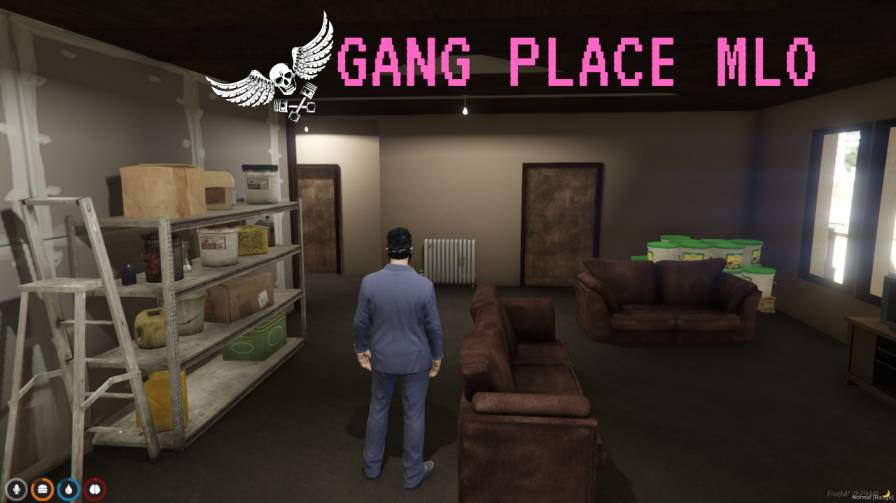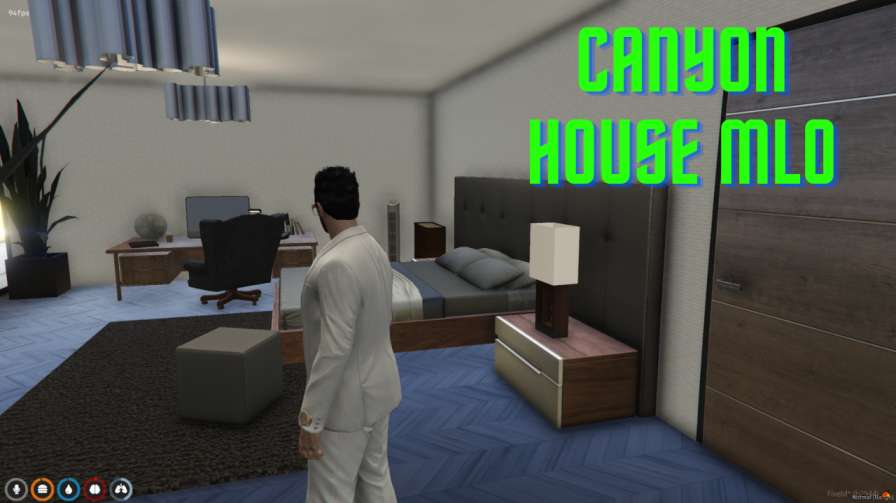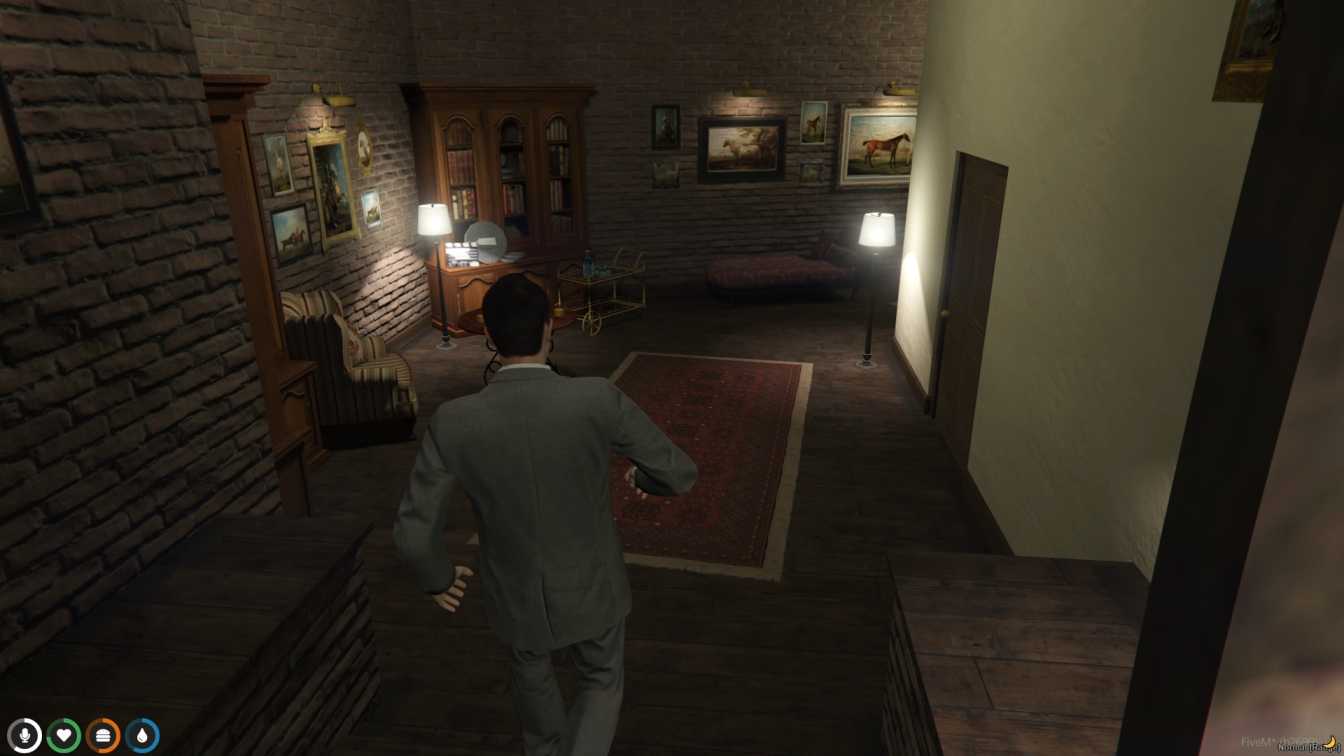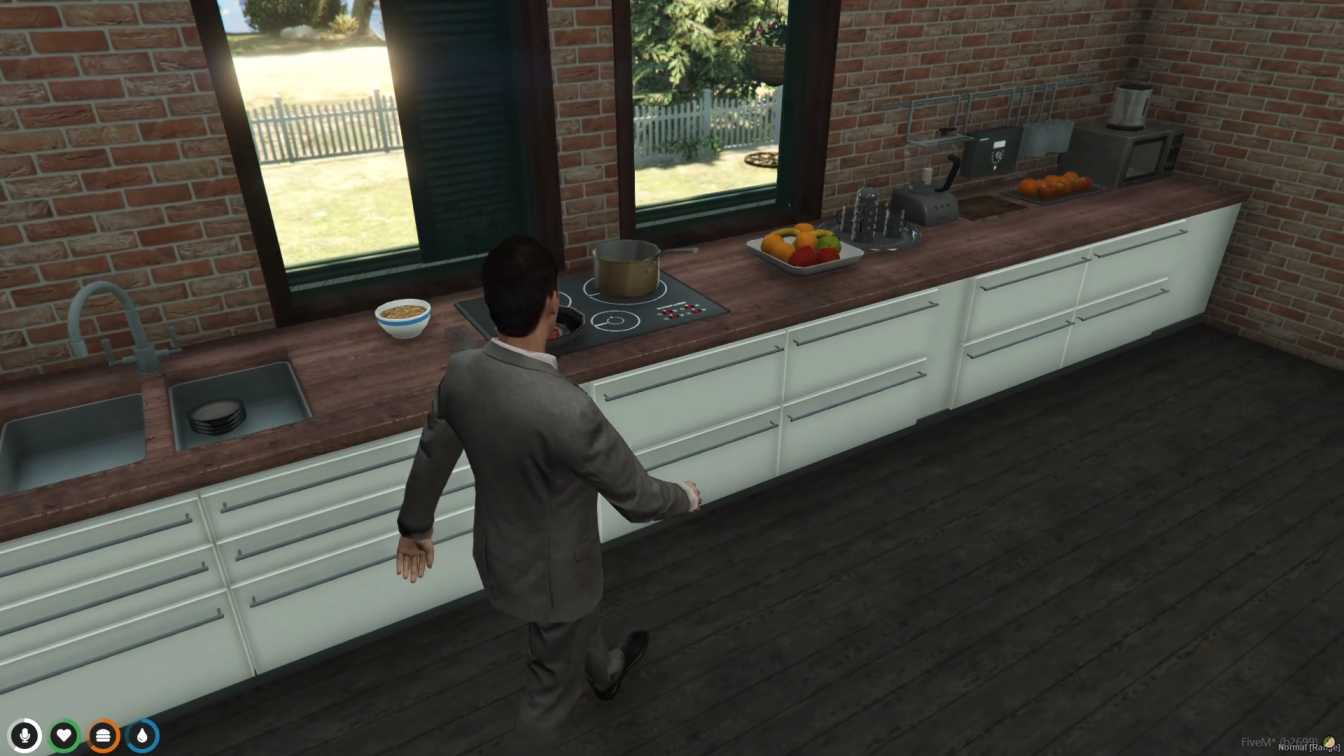
Detailed lighthouse interior for immersive gameplay Easy setup for seamless integration into servers Ideal for roleplay or scenic exploration in GTA V




Bridges ship across the catalogue. Confirm the cores for this listing in Requirements below.
Bring the iconic beacon to life with the FiveM Lighthouse MLO. This stunning lighthouse interior drops straight into your server, giving players a fully realized coastal landmark to explore, role‑play, and simply enjoy. Inside you’ll find a functional beacon room, an observation deck with sweeping sea views, and realistic living quarters that add depth to any maritime scenario.
Designed for both roleplay servers and casual crews, the lighthouse enhances atmosphere and authenticity. The detailed interior meshes seamlessly with any coastal map, making it a perfect backdrop for rescue missions, smuggler hideouts, or just a quiet spot to watch the sunrise. Its optimized design ensures smooth performance, even on modest hardware.
Installation is a breeze: drop the files into your resources folder, add start lighthouse to your server.cfg, restart, and you’re ready to go. No complex scripts or dependencies required, and it works with ESX, QBCore, or standalone setups.
Step into the beacon room to manage the light, climb up to the observation deck for breathtaking vistas, or settle into the cozy living quarters for a touch of realism. Whether you’re scripting a lighthouse keeper job or just giving players a scenic hangout, this MLO delivers.
Key benefits: enhanced coastal immersion, versatile roleplay options, plug‑and‑play setup, and full compatibility with most FiveM mods. Dive in, light the way, and let your community discover the sea‑side charm today!
This resource is built to be compatible with modern FiveM frameworks. Check the requirements for your framework version and installed resources before buying.
Yes, purchasing this asset grants you lifetime access to all future updates and patches.
Check the product requirements for file access and licensing details. If you need editable source files or a specific integration, contact support before buying.
After successful payment, sign in to your xFiveM Shop dashboard to access your purchased downloads. Contact support if your download is unavailable.
Review framework support, dependencies and editable files before buying. Contact support if your server uses a custom framework or needs a particular integration.
No waiting and no Keymaster syncing needed. Receive your clean, zip archive direct download link instantly in your dashboard right after your purchase.
Pay once and get every future update for free. When FiveM releases new builds or features, we update our scripts so your server stays up to date.
Complete your secure checkout. You will receive an instant download link to get your files immediately.
Extract the zip file and place the folder inside your server's resources directory.
Add ensure resource-name to your server.cfg and restart.

 FiveM
FiveM