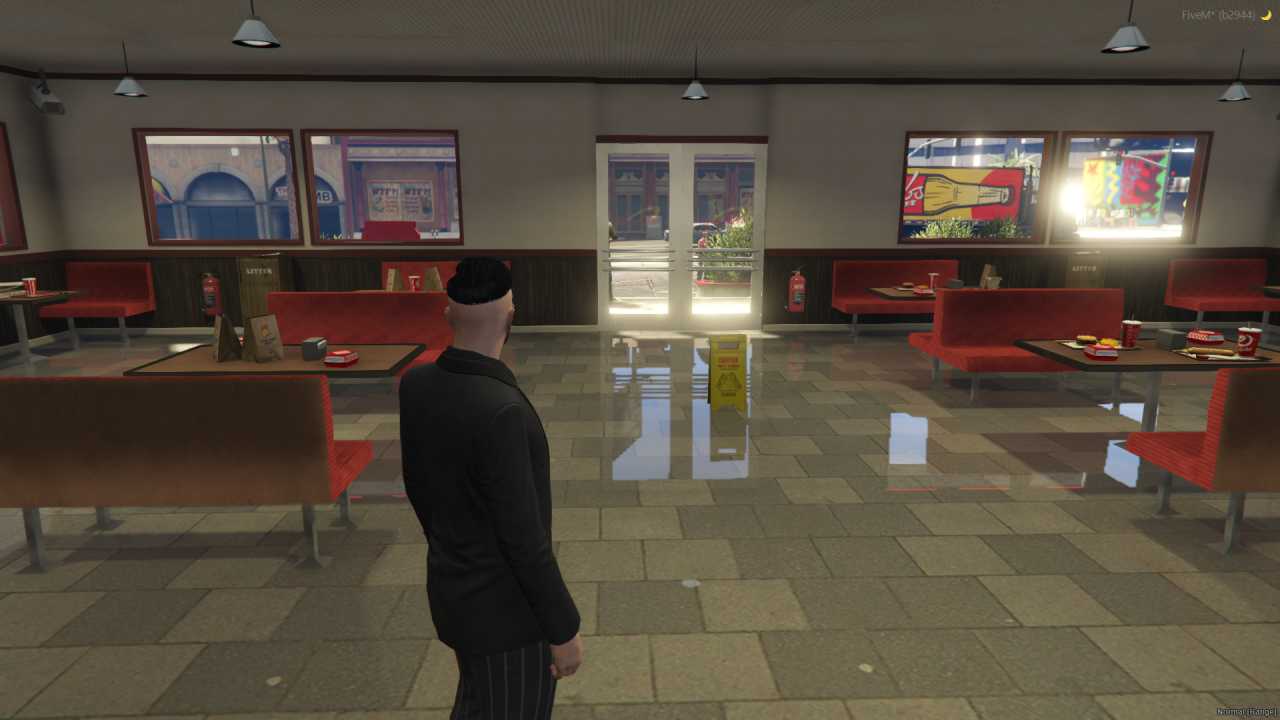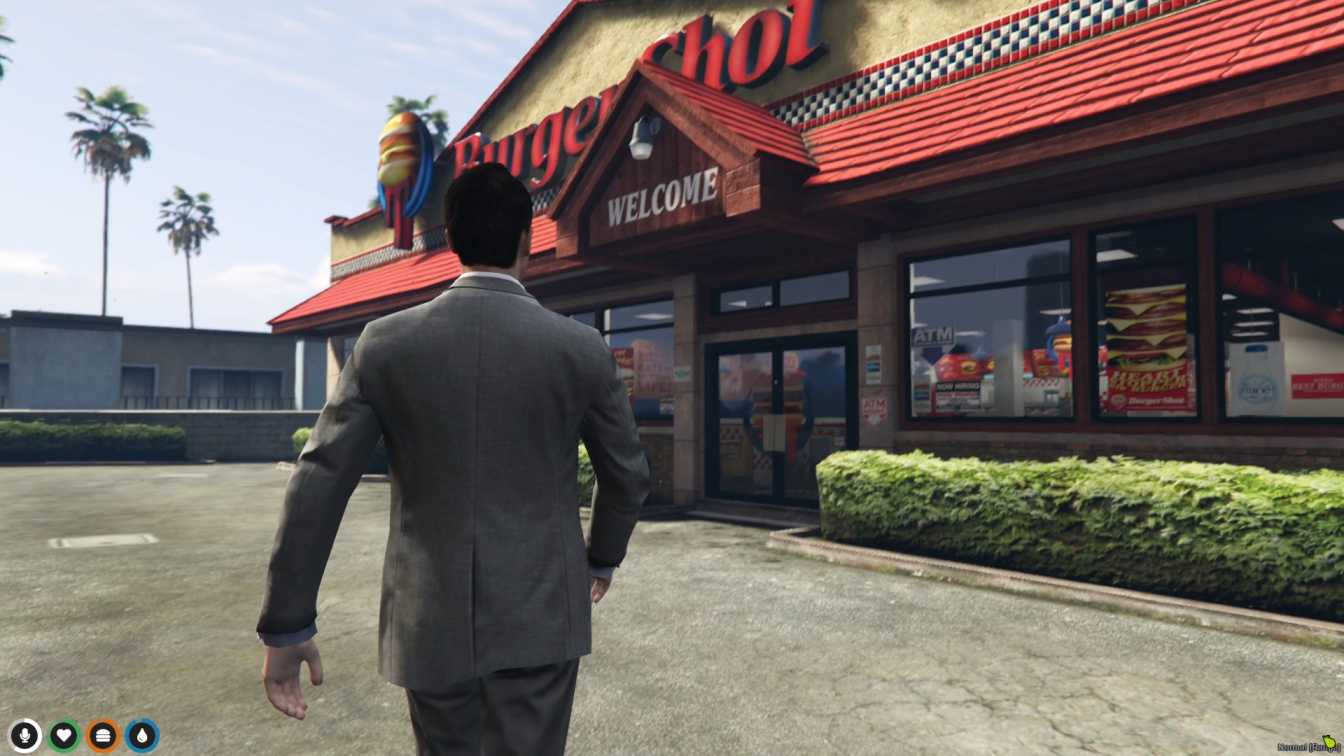
Iconic Restaurant: Enjoy the famous Bugershot joint from GTA V. Realistic Design: Red and white colors, cozy dining area, and detailed interior. Fun Gameplay: Perfect for role-playing or hanging out with friends. Easy Installation: Download and add to your server for instant fun. Community I...




Bridges ship across the catalogue. Confirm the cores for this listing in Requirements below.
FiveM Bugershot MLO brings the iconic red‑and‑white fast‑food joint straight into your GTA V world, giving players a realistic spot to chill, role‑play, or plot a heist over a cheeseburger. From the moment you pull up to the neon sign, the detailed interior—complete with a fully stocked kitchen, comfy seating, and a functional drive‑thru—feels like stepping into a real restaurant.
First‑time visitors will love the cozy dining area where friends can gather for a quick bite or a late‑night party. The authentic textures and lighting make the space pop, while the drive‑thru lane adds a dynamic element for traffic‑based role‑play scenarios. Whether you’re running a food‑truck empire or just need a hangout spot, this mod fits perfectly.
Use the Bugershot MLO for classic RP scenes—ordering a burger, meeting contacts, or staging a covert exchange in the kitchen. The layout supports both casual hangouts and high‑stakes missions, giving server owners endless creative possibilities.
Installation is a breeze: download, extract, drop the files into your resources folder, add the resource to your server.cfg, and restart. No complex scripts or dependencies required, so you can get the restaurant up and running in minutes.
Upgrade your server’s visual appeal and community interaction with the FiveM Bugershot MLO—because every great story needs a great place to eat.
This resource is built to be compatible with modern FiveM frameworks. Check the requirements for your framework version and installed resources before buying.
Yes, purchasing this asset grants you lifetime access to all future updates and patches.
Check the product requirements for file access and licensing details. If you need editable source files or a specific integration, contact support before buying.
After successful payment, sign in to your xFiveM Shop dashboard to access your purchased downloads. Contact support if your download is unavailable.
Review framework support, dependencies and editable files before buying. Contact support if your server uses a custom framework or needs a particular integration.
No waiting and no Keymaster syncing needed. Receive your clean, zip archive direct download link instantly in your dashboard right after your purchase.
Pay once and get every future update for free. When FiveM releases new builds or features, we update our scripts so your server stays up to date.
Complete your secure checkout. You will receive an instant download link to get your files immediately.
Extract the zip file and place the folder inside your server's resources directory.
Add ensure resource-name to your server.cfg and restart.

 FiveM
FiveM