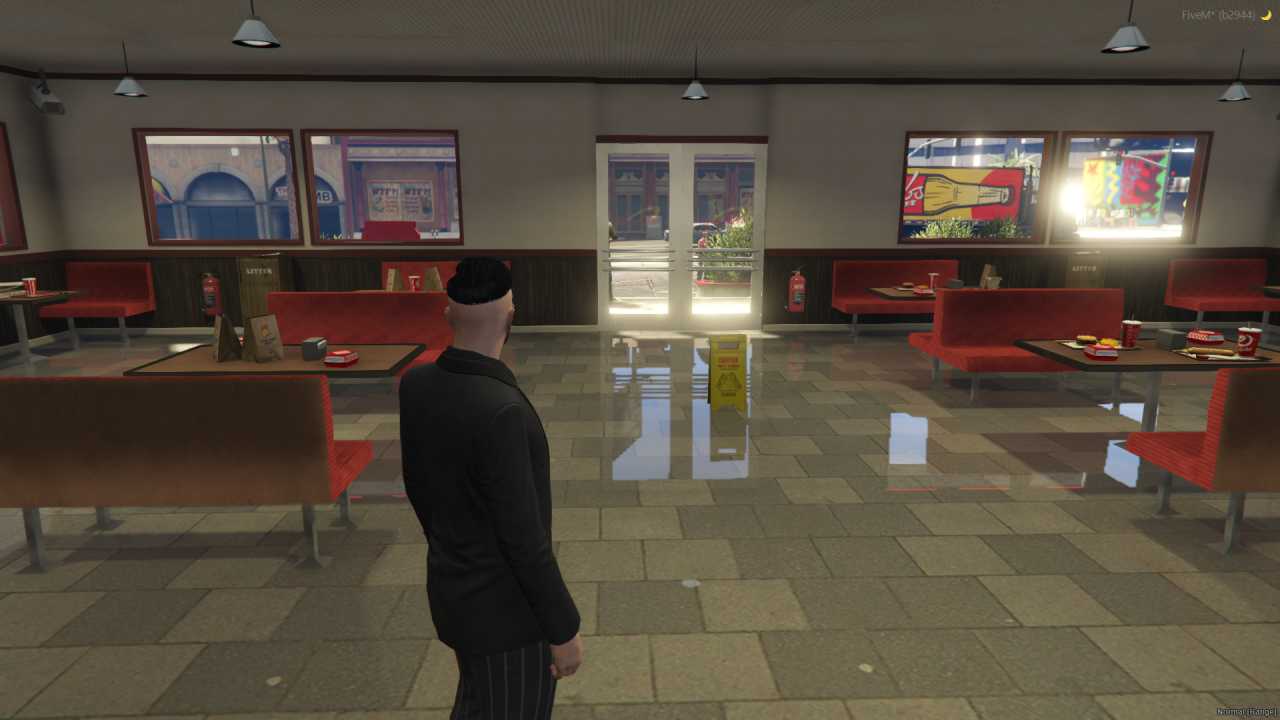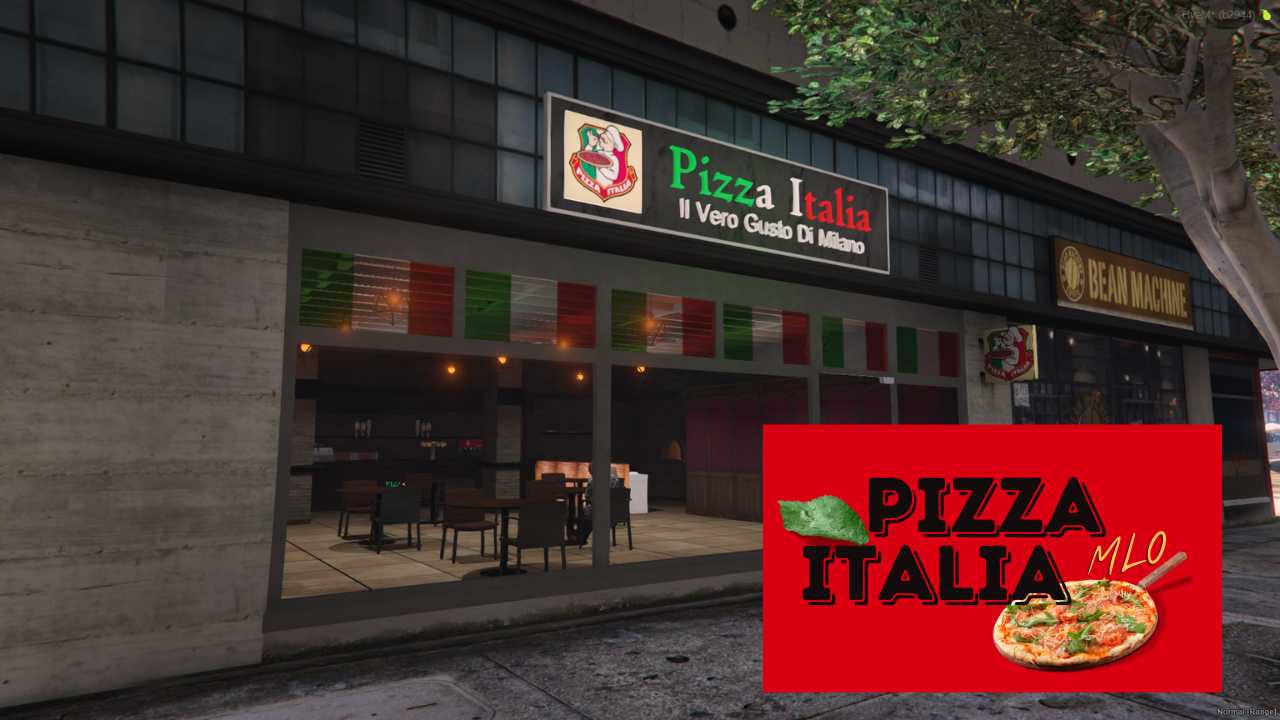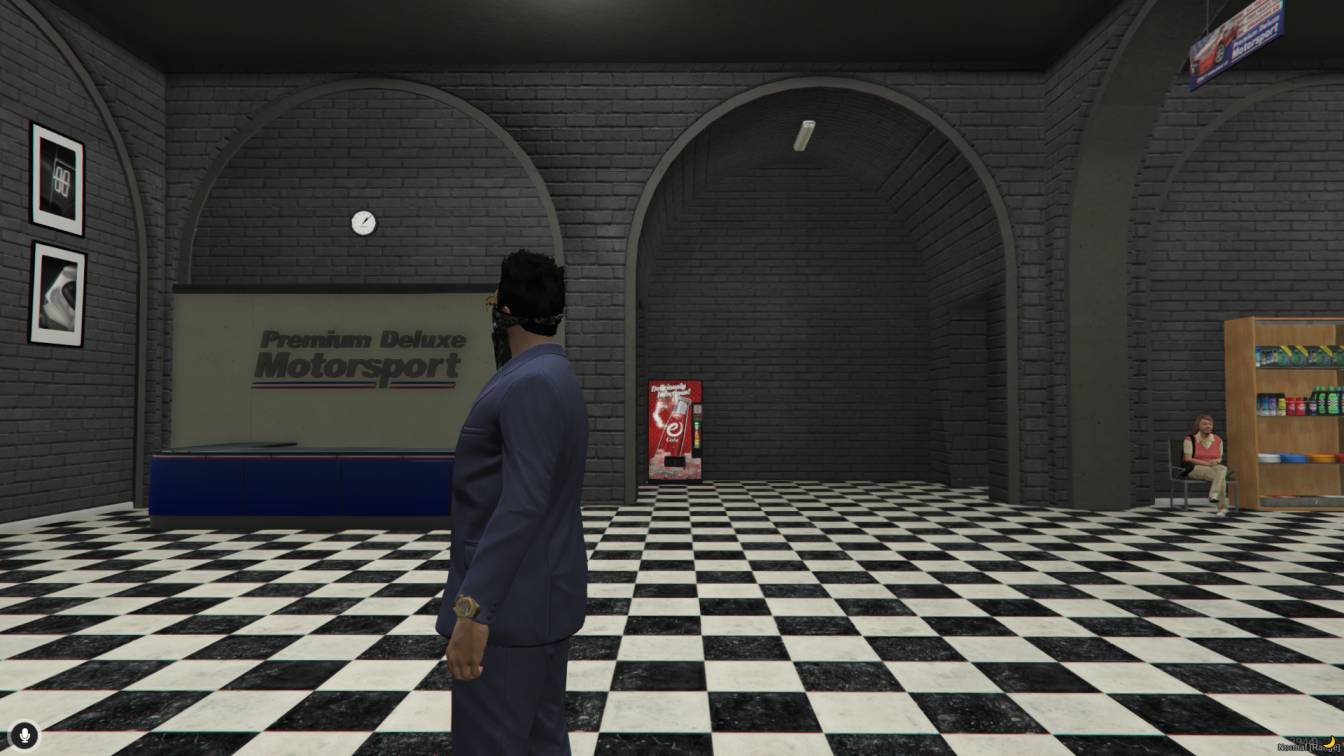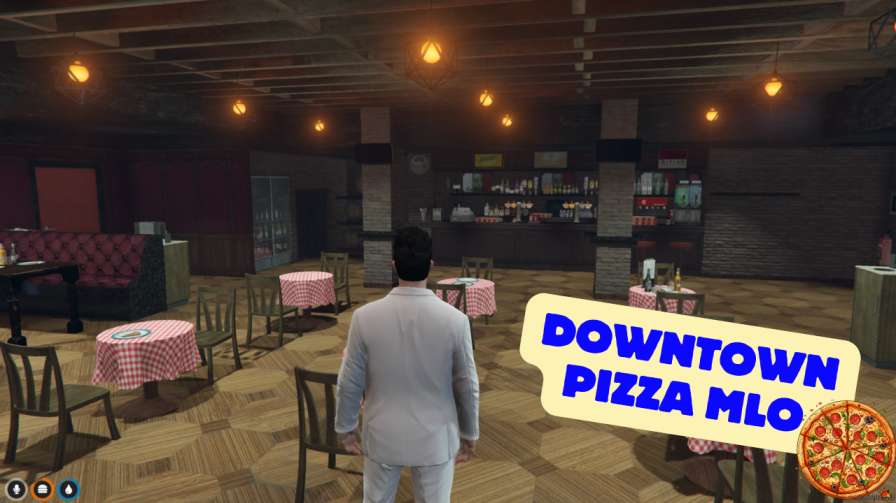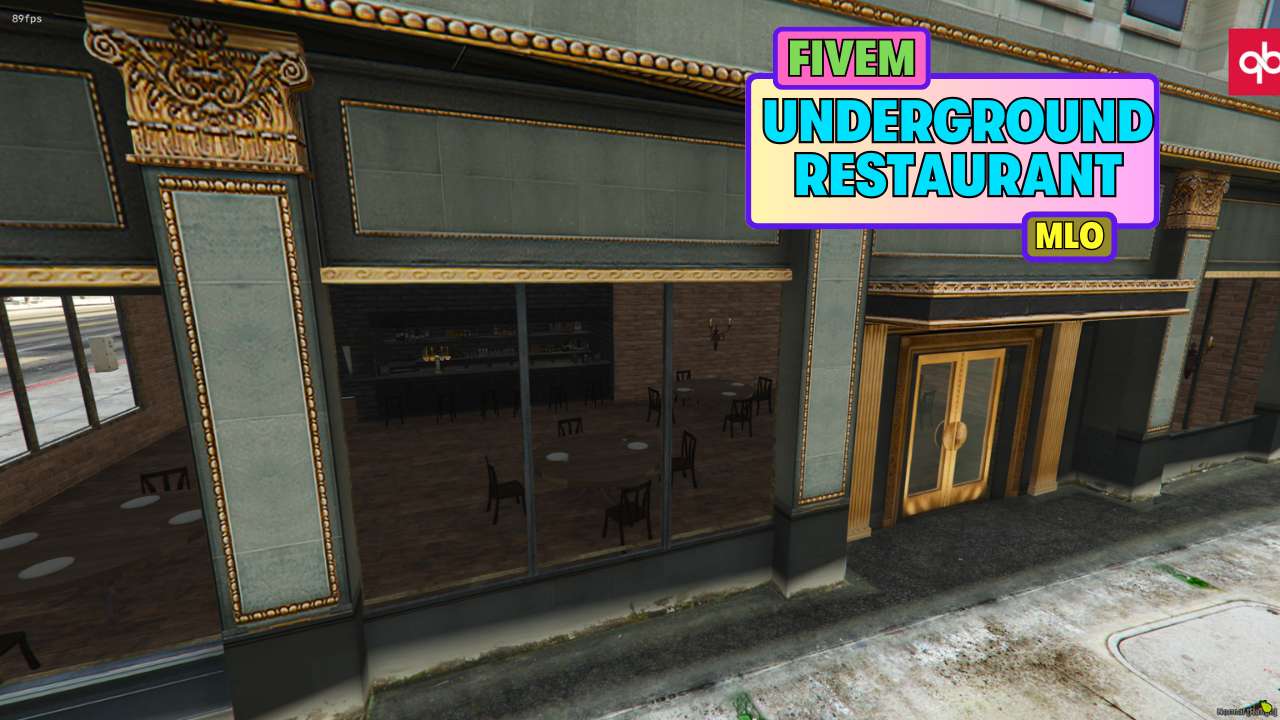
Subterranean Sanctuary: Dine and scheme in style below the surface. Culinary Command Center: A top-notch kitchen fuels your crew's needs. Versatile Seating: Multiple areas cater to every gathering, big or small. First Floor & Bar: Mingle and strategize upstairs before venturing down.




Bridges ship across the catalogue. Confirm the cores for this listing in Requirements below.
Step into the FiveM Underground Restaurant MLO and transform your server into a bustling culinary hotspot. This immersive map delivers a spacious underground kitchen, versatile seating, a chic first‑floor lounge, and a trendy bar—all meticulously crafted for role‑play perfection. Whether you’re staging a high‑stakes dinner rush or just want a cool hangout, this MLO offers unmatched detail and functionality.
Designed with both aesthetics and gameplay in mind, the underground kitchen is fully equipped for realistic cooking scenarios, while the seating areas cater to every player’s vibe—from intimate tables to group benches. The first floor adds a splash of elegance, and the bar area brings vibrant energy, making every visit feel like a real night out.
Installation is a breeze: drop the pablito_restaurant folder into your resources, add it to server.cfg, and restart. No complex scripts, just pure immersion. Compatible with ESX, QBCore, and standalone setups, it fits right into any server configuration.
Elevate player interaction with a fully functional kitchen for cooking jobs, diverse seating for social gatherings, and a stylish bar for nightlife events. The underground setting adds a secret‑society feel that keeps players coming back for more.
Ready to serve up unforgettable experiences? Grab the FiveM Underground Restaurant MLO now and watch your server’s vibe level up!This resource is built to be compatible with modern FiveM frameworks. Check the requirements for your framework version and installed resources before buying.
Yes, purchasing this asset grants you lifetime access to all future updates and patches.
Check the product requirements for file access and licensing details. If you need editable source files or a specific integration, contact support before buying.
After successful payment, sign in to your xFiveM Shop dashboard to access your purchased downloads. Contact support if your download is unavailable.
Review framework support, dependencies and editable files before buying. Contact support if your server uses a custom framework or needs a particular integration.
No waiting and no Keymaster syncing needed. Receive your clean, zip archive direct download link instantly in your dashboard right after your purchase.
Pay once and get every future update for free. When FiveM releases new builds or features, we update our scripts so your server stays up to date.
Complete your secure checkout. You will receive an instant download link to get your files immediately.
Extract the zip file and place the folder inside your server's resources directory.
Add ensure resource-name to your server.cfg and restart.

 FiveM
FiveM