Connect a FiveM mechanic MLO to jobs, inventory, billing, vehicle persistence, and society banking with a staged, testable service workflow.

A mechanic business feels convincing when the building, job script, inventory, vehicle state, and economy tell the same story. Simply placing repair markers in an attractive garage often produces awkward results: customers clip through lifts, upgrades bypass stock, invoices duplicate, or employees crowd one interaction point. This guide shows how to select a mechanic MLO and build a dependable service workflow around it.
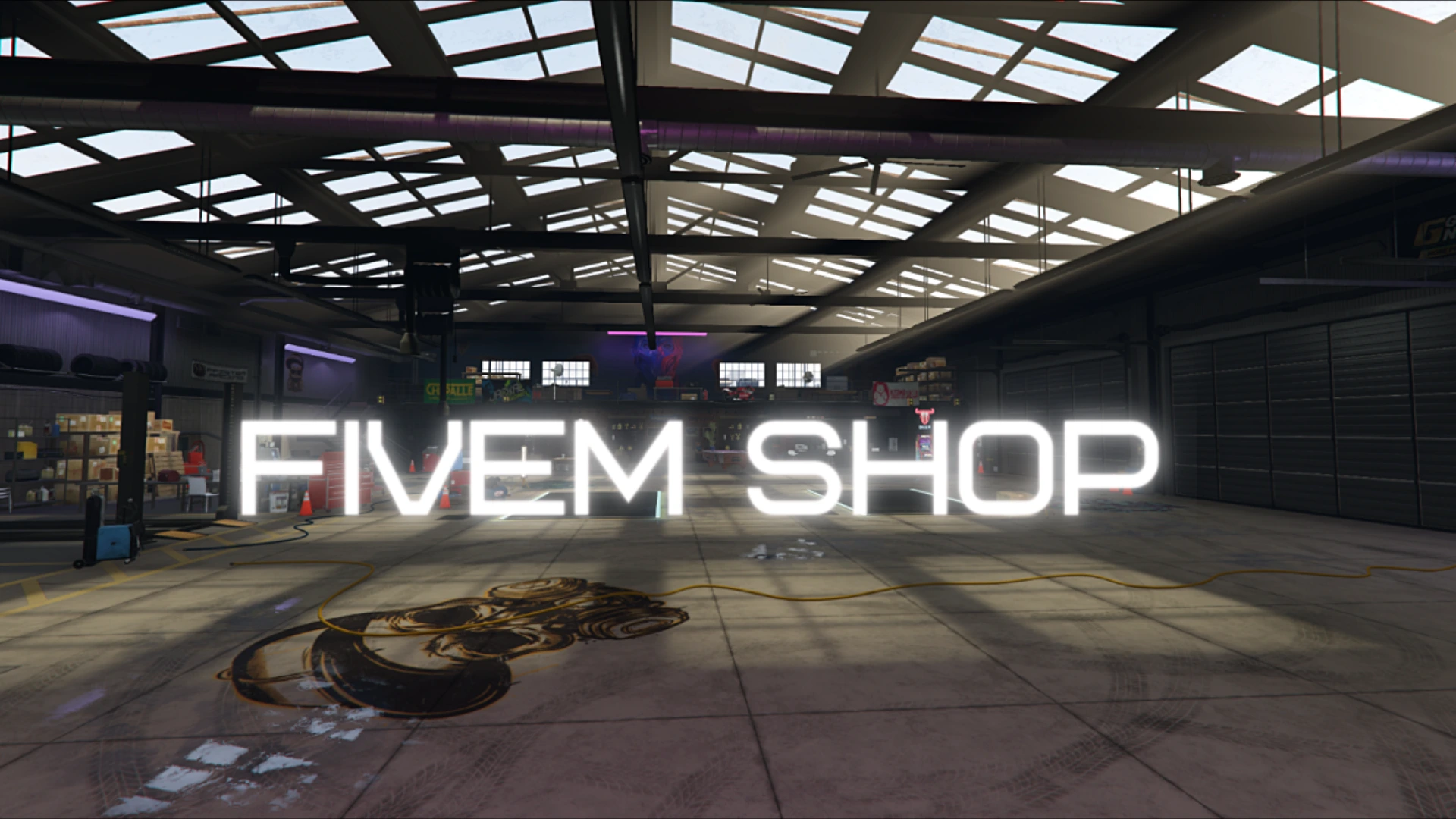
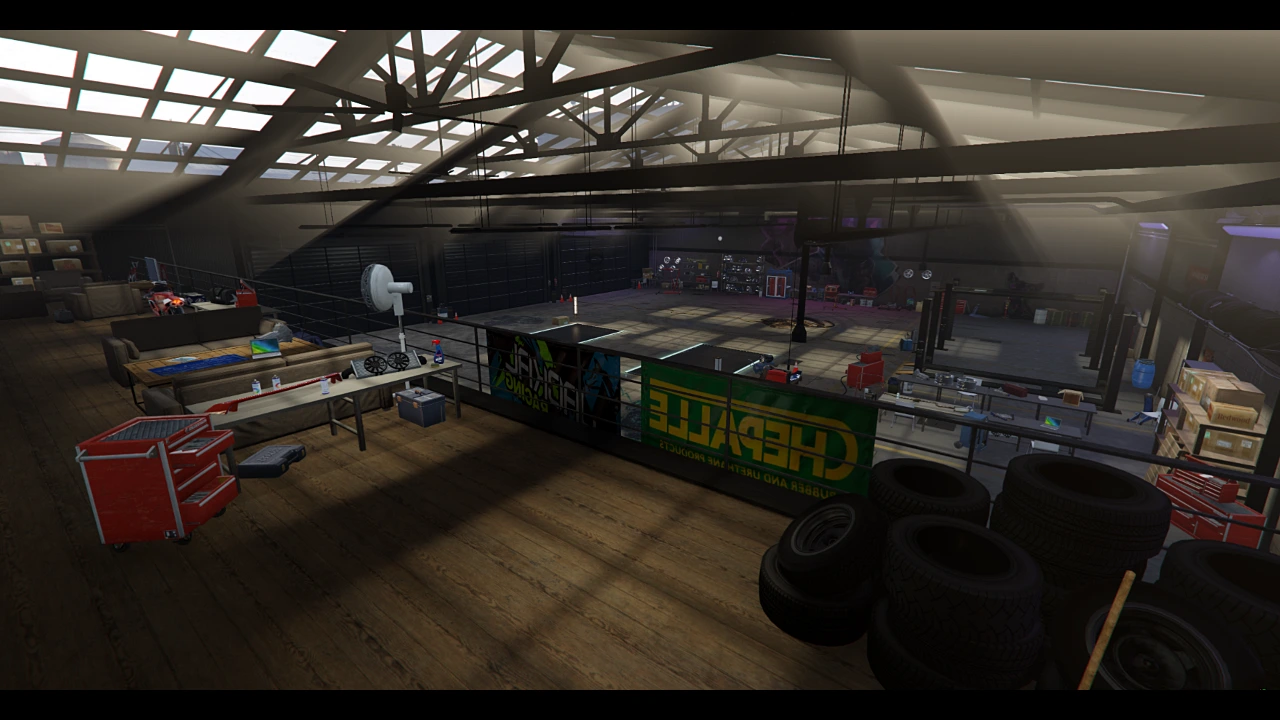
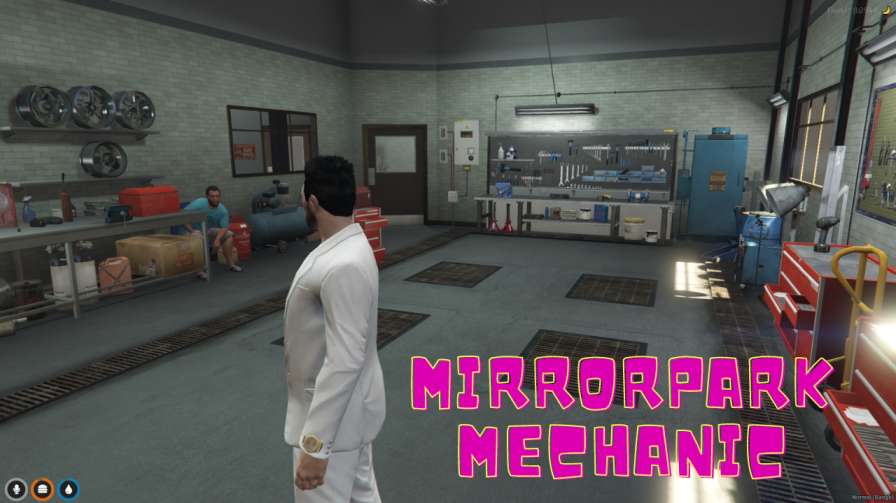
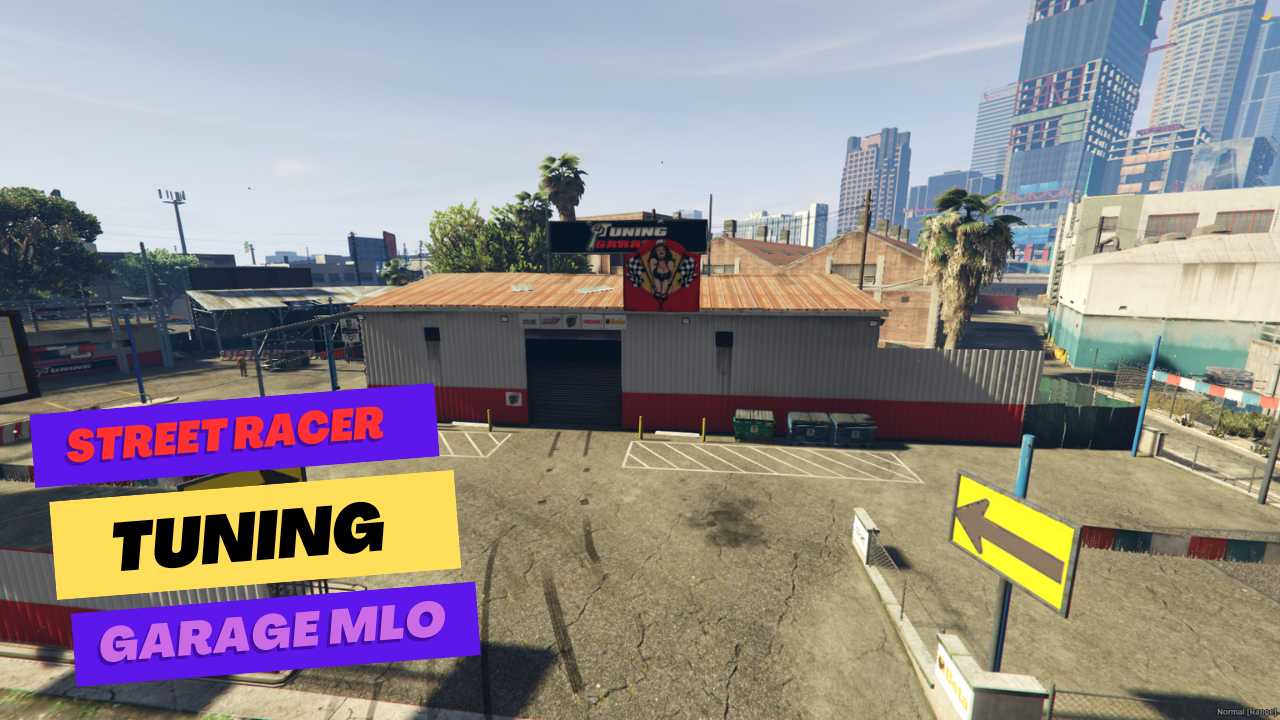
Use the workshop image to plan bay spacing and role separation; confirm the actual product package, dependencies, and supported framework before configuring it.
Start with the customer journey: arrival, diagnosis, quote, approval, repair or modification, payment, and vehicle return. Decide which steps need a player mechanic and which can be self-service when no employee is online. A server that promises an employee-run economy should not leave a hidden instant-repair marker beside the same business. If self-service is necessary, price and limit it so the staffed route remains meaningful.
Map the employee journey too: clock in, collect tools, accept a work order, move a vehicle into a bay, consume parts, issue an invoice, and restock. Every transition needs a clear owner. The job script may own duty and grades, an inventory bridge may own parts, a vehicle system may own modifications, and banking may own society funds. Document those boundaries before writing adapters.
Review mechanic and tuning options in FiveM categories, and inspect a combined reference such as the Tuner Shop job and MLO package. A combined package can reduce coordinate work, but it still needs compatibility and state checks.
Assess the interior with practical questions:
Check whether vehicle lifts are animated by the package or need a separate script. Ask which garage, keys, fuel, inventory, billing, target, and menu resources are supported. “Framework compatible” does not automatically mean those secondary systems match your stack.
Install the MLO alone in staging and verify exterior overlap, floor collision, doors, and all bay clearances. Add declared dependencies in their required order. Then choose one bay and configure its interaction zone with a visible debug mode. Test compact cars, long sedans, lifted trucks, and a low vehicle. Confirm the driver can position the vehicle without hitting a decorative prop and that the menu cannot operate a vehicle in another bay.
Connect the job script with a minimal path: duty check, one repair action, one required part, one server-authorized state change, and one invoice. Only after that path survives resource restarts and player reconnects should you add tuning categories, multiple bays, storage tiers, and management actions.
Treat modifications as a transaction. Capture the proposed changes, calculate cost, confirm stock and permissions server-side, apply vehicle properties, persist them once, and record payment. If any step fails, avoid taking money while leaving the old vehicle state. Where a complete rollback is not possible, return a clear error and provide staff with a traceable work-order identifier.
The economy and banking balance guide helps place wages, parts, and society revenue in the wider economy. Use the installation help for standard resource deployment, and the Jobs Creator to organize framework job configuration where it fits your stack.
Define grades by actions rather than labels alone. A trainee might diagnose and perform basic repairs; a mechanic can install common upgrades; a senior technician handles performance work; management controls pricing and society stock. Validate grade and duty state on the server for every paid or inventory-changing action.
Keep pricing sources consistent. If the tuning menu has one price table and the billing resource another, players will see mismatched quotes. Decide whether labor is fixed, percentage-based, or player-entered within limits. Log discounts and overrides. Society revenue should not be created both when the invoice is issued and when it is paid.
Parts should create decisions, not clerical punishment. Use categories meaningful to gameplay, sensible reorder points, and a delivery path that employees can understand. Avoid dozens of nearly identical items unless each changes the service decision.
A modification appears until the vehicle is stored. The visual update occurred, but persistent vehicle properties were not saved through the authoritative garage or owned-vehicle system. Trace the save call and verify plate normalization.
Customers are charged twice. Check whether the mechanic resource and a billing callback both transfer funds. Search for duplicate event handlers after restarts and ensure an invoice has an idempotent identifier.
Repairs work from outside the shop. Server validation is probably checking only job and item state. Add vehicle identity and reasonable distance validation; never trust a client-supplied price or target entity without verification.
A bay triggers the wrong vehicle. Reduce overlapping zones, validate network entity ownership, and select the vehicle in the intended bay rather than simply the nearest entity to the player.
Vehicles fall from lifts or collide with props. Determine whether the lift is visual, collision-enabled, or script-animated. Freeze behavior can fight network ownership; use the lift integration recommended for that asset or keep service at floor level.
The shop causes texture loss after several MLO visits. Inspect texture dictionaries and aggregate streaming load using the MLO texture-loss troubleshooting guide.
A good mechanic integration turns a garage into a readable business process. Build the smallest complete transaction first, test physical fit as seriously as code compatibility, and expand only when money, parts, and vehicle state remain consistent.
Written by
xFiveM Shop Editorial TeamResearch-led FiveM guides with disclosed review and update standards

 FiveM
FiveM