Diagnose FiveM MLO texture loss by separating map conflicts from cumulative streaming pressure and reviewing YTDs, geometry, LODs, bounds, and portals.

Texture loss is often blamed on the last MLO installed, but the visible failure can be the combined result of oversized texture dictionaries, dense geometry, poor LODs, overlapping maps, and a client that has already streamed many assets. Diagnose systematically before compressing every image or deleting props.
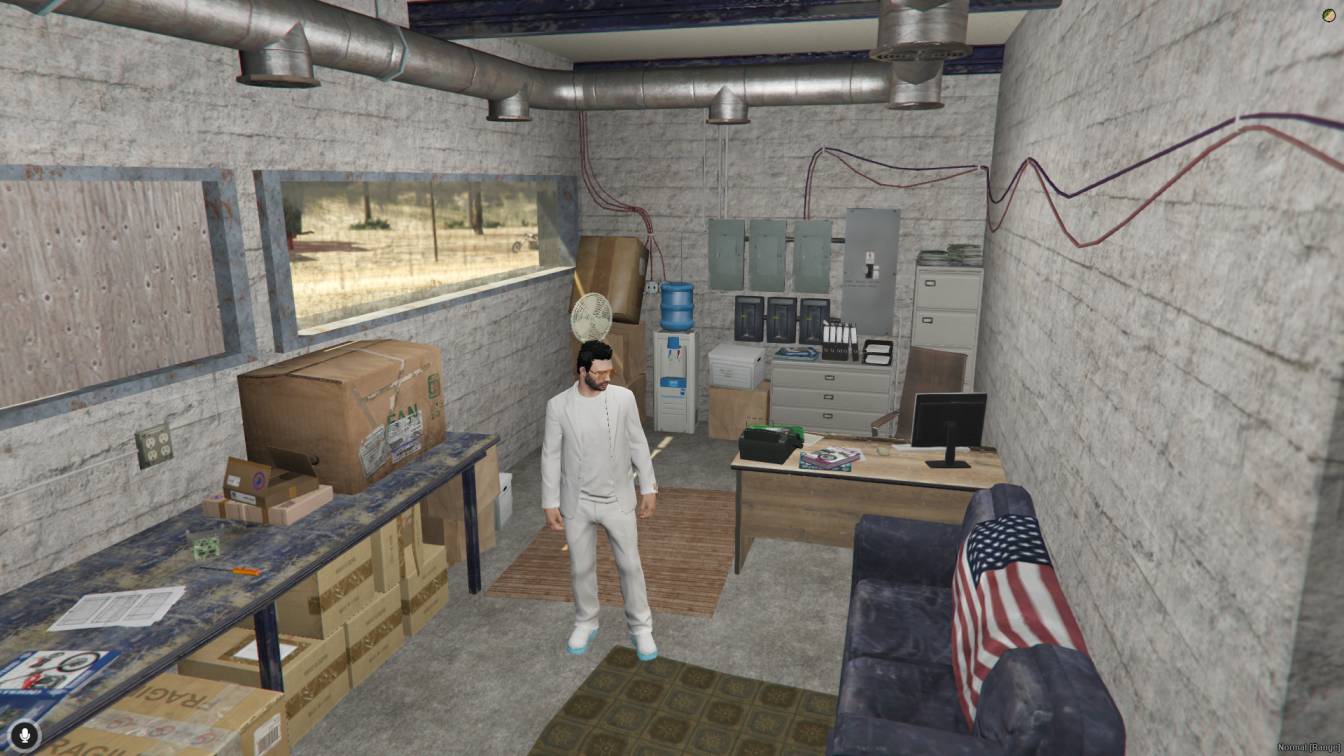
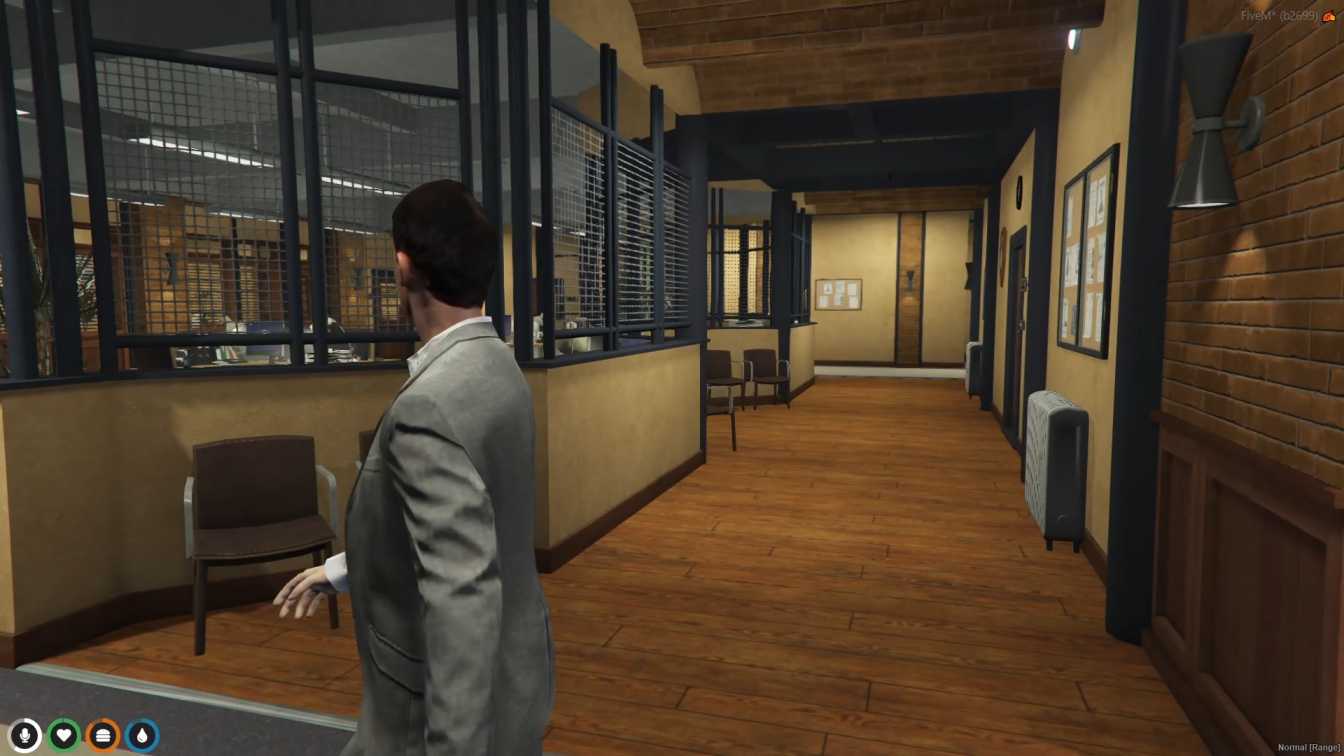
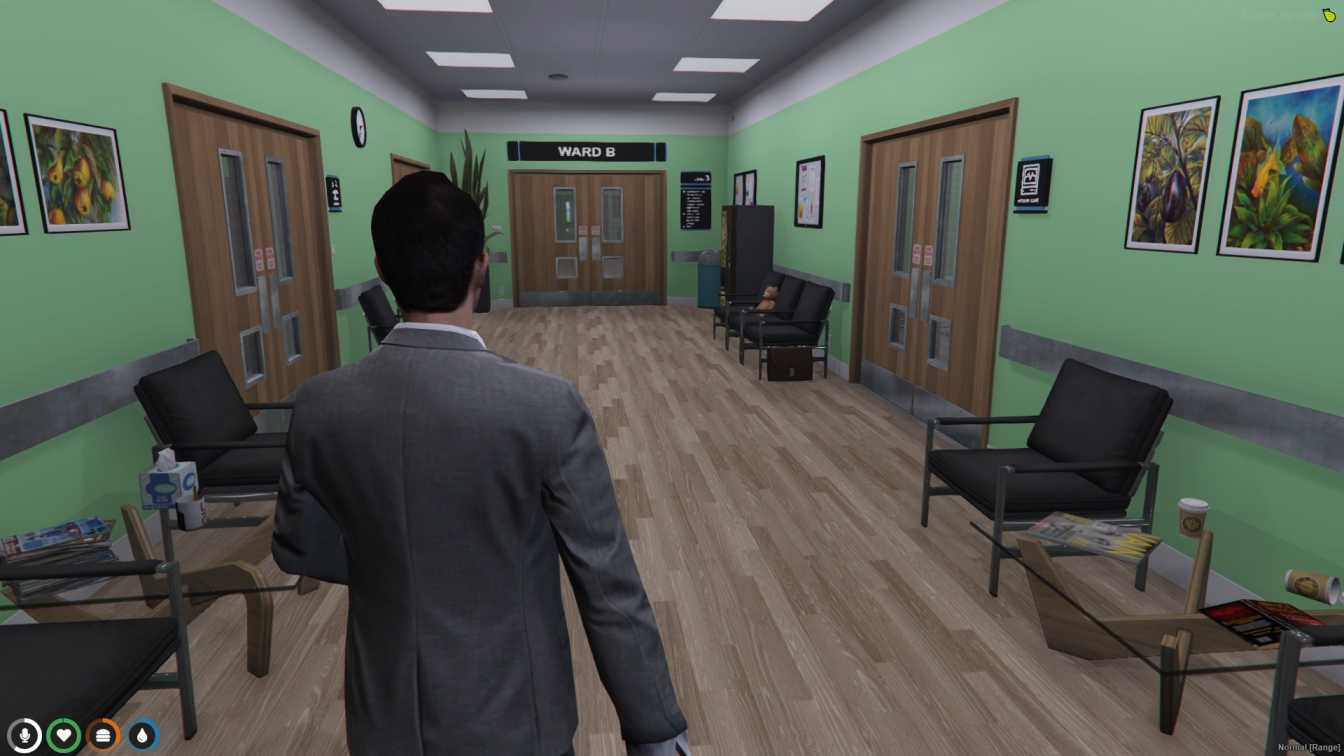
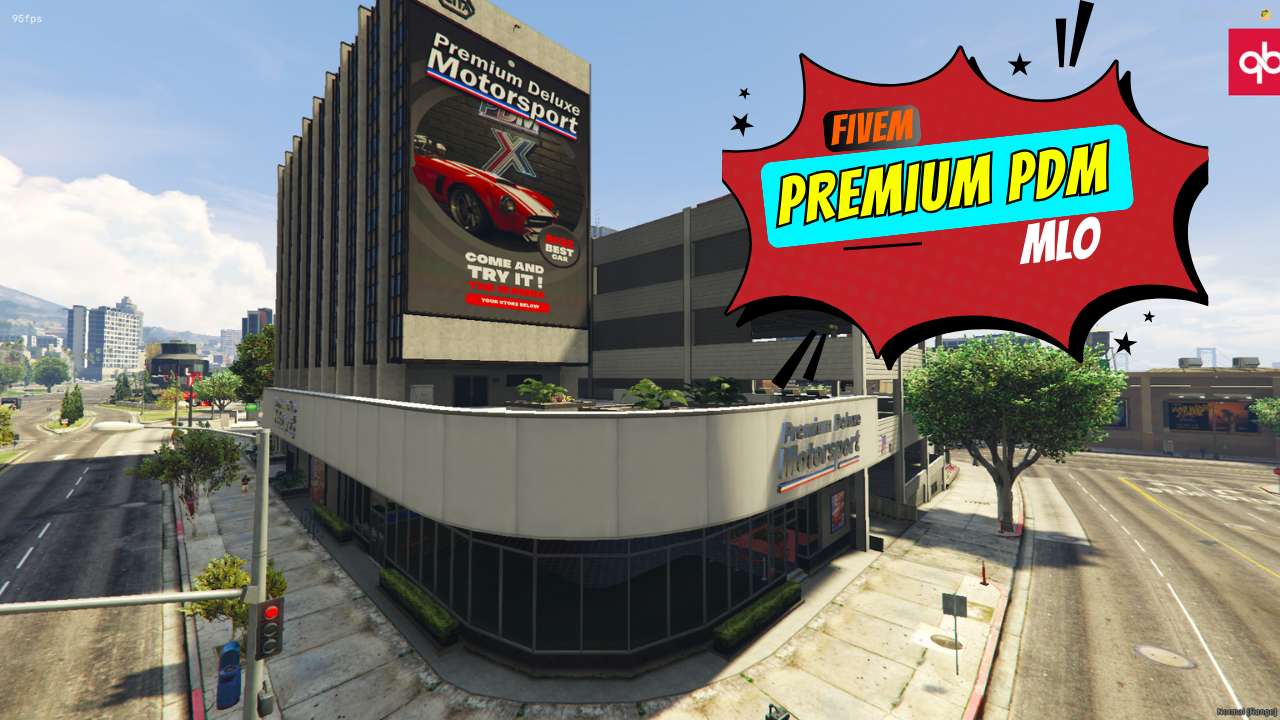
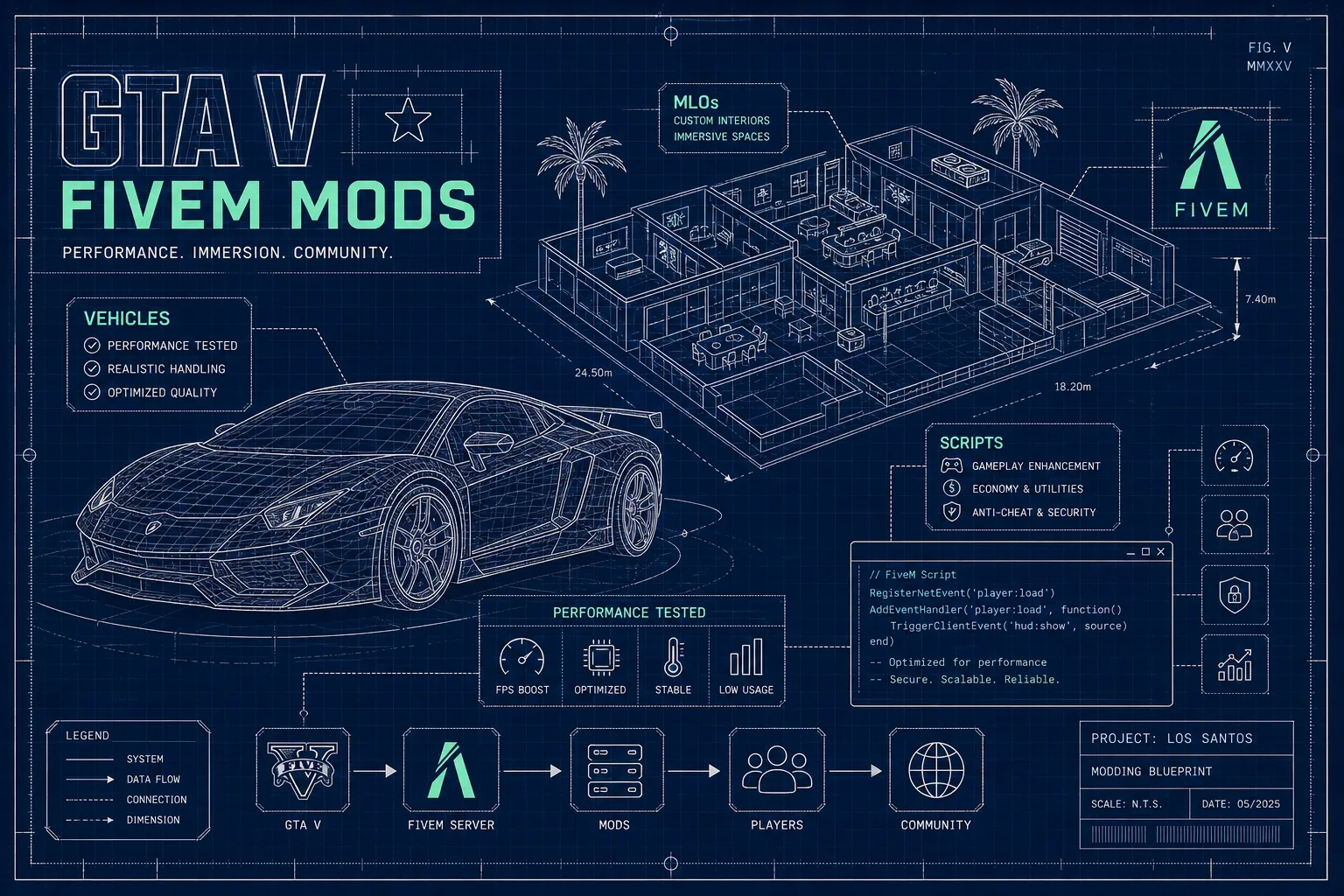
Use the image to notice material complexity; an image alone cannot establish actual runtime performance.
Record whether textures turn blurry, invisible, or late; whether geometry disappears; whether collision remains; whether the issue affects one location or the city; and whether it occurs on a fresh join or only after travel. Capture client settings, route, population, and active resources. Repeatability matters more than a single screenshot.
Distinguish local conflict from aggregate pressure. If two maps alter the same IPL or coordinates, isolation will reveal it. If each map works alone but failure appears after a route through several interiors, inspect cumulative streaming assets. Browse MLO categories for scope, not performance guarantees.
Create a reproducible route and baseline. Test the suspect MLO with unrelated maps disabled. If failure remains, inspect its stream files, console warnings, texture dictionaries, models, and placement data. If it disappears, restore resources in groups until the conflict or cumulative threshold returns.
Change one variable at a time. Resize only textures whose visual role does not justify their dimensions; choose an appropriate compression format and preserve alpha only where needed. Split or combine dictionaries based on actual reuse and load behavior, not a universal rule. Re-export models only with source ownership and a controlled workflow.
Validate after a clean restart and after the full travel route. Check close and distant appearance, night lighting, rain, collision, and nearby maps. Compare on more than one reasonable client configuration without claiming a universal benchmark. Use the MLO Coordinate Finder when checking bounds and overlap, and review installation help for duplicate-resource mistakes.
Create an evidence sheet for every run: resource set, client settings, spawn point, travel route, time until failure, console warnings, and which materials or drawables degrade first. Capture a short comparison at the same camera positions. This makes a change to one YTD, model, portal, or map group comparable instead of relying on memory after a restart.
When a dictionary is suspect, inventory texture dimensions, compression, alpha need, and where each material is visible. Prioritize oversized assets used on small props or distant surfaces. Preserve originals, change a limited group, and inspect signage, glass, emissive maps, normal detail, and nighttime appearance. Reducing dimensions without checking material purpose can trade streaming pressure for unreadable branding or broken transparency.
For geometry and placement, inspect bounds that stream assets too early or retain them too long, missing LOD levels, dense repeated props, room assignments, portals, and overlapping collision. Test from outside, at each doorway, across room boundaries, and while rapidly changing camera direction. A fix that works only from the original screenshot position is incomplete.
Rehearse recovery after both map-resource and client resource restarts. Confirm the MLO returns with collision, portals, and door integration intact and that duplicate entities are not created. Then restore the full city set and repeat the route in both directions with representative players, vehicles, clothing, and UI. If the failure returns only under aggregate load, decide whether to optimize this asset, remove a redundant map, or revise the overall streaming budget based on visual value and player frequency.
Define acceptance before shipping: no reproducible missing collision or geometry, no conflicting placement, stable room transitions, acceptable close and distant quality, and no degradation over the standard route on the supported client range. Document residual trade-offs and the exact rollback package so an update can be reversed without hunting for original files.
Everything is sharp after reconnect but degrades later. Reproduce a city route and inspect aggregate streaming load; a fresh spawn test is insufficient.
One wall is invisible while collision remains. Inspect material, drawable, room, portal, and archetype configuration rather than assuming memory pressure.
Two interiors flicker in the same location. Disable overlapping maps and IPL modifications; optimization cannot fix two surfaces competing.
Compression creates halos or broken glass. Revisit alpha requirements and texture format; test the actual material in varied lighting.
Reducing all textures barely helps. Geometry, duplicate assets, bounds, clothing, vehicles, or another resource may be the main pressure.
Players differ widely. Collect controlled route and settings data. Do not dismiss reports or promise one setting will solve every client.
Optimization is evidence-led asset work. Isolate first, measure in context, and protect visual quality by changing the actual bottleneck rather than applying blanket compression.
Written by
xFiveM Shop Editorial TeamResearch-led FiveM guides with disclosed review and update standards

 FiveM
FiveM