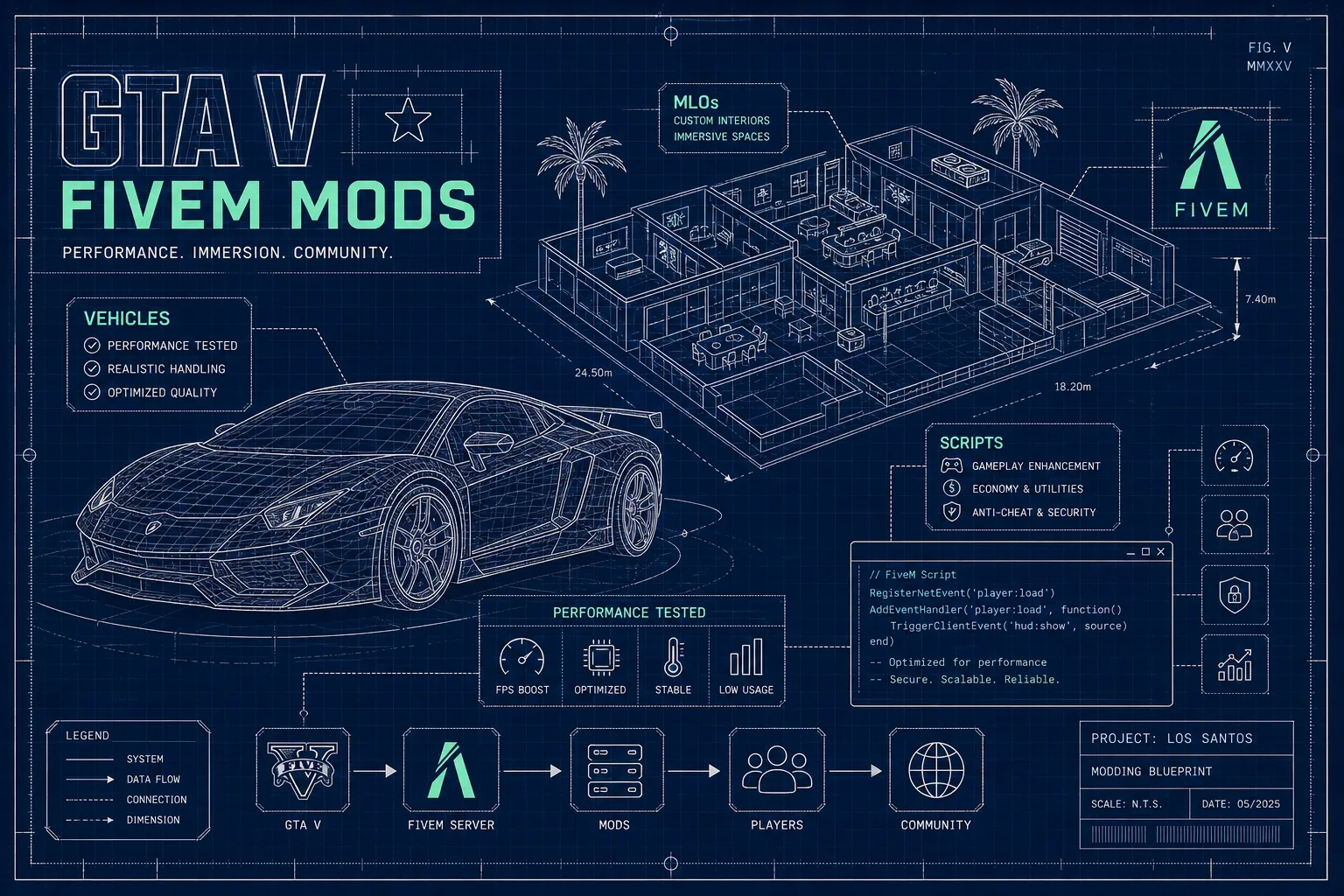
Evaluate FiveM HUDs for information hierarchy, accessibility, responsive layout, NUI integration, and measured client performance in your real stack.

A HUD should answer urgent questions without competing with the world: health, status, vehicle information, voice, and current context. More widgets do not create more clarity. A good FiveM HUD has a deliberate information hierarchy, adapts to different resolutions, and updates efficiently enough that the interface does not become a constant client cost.
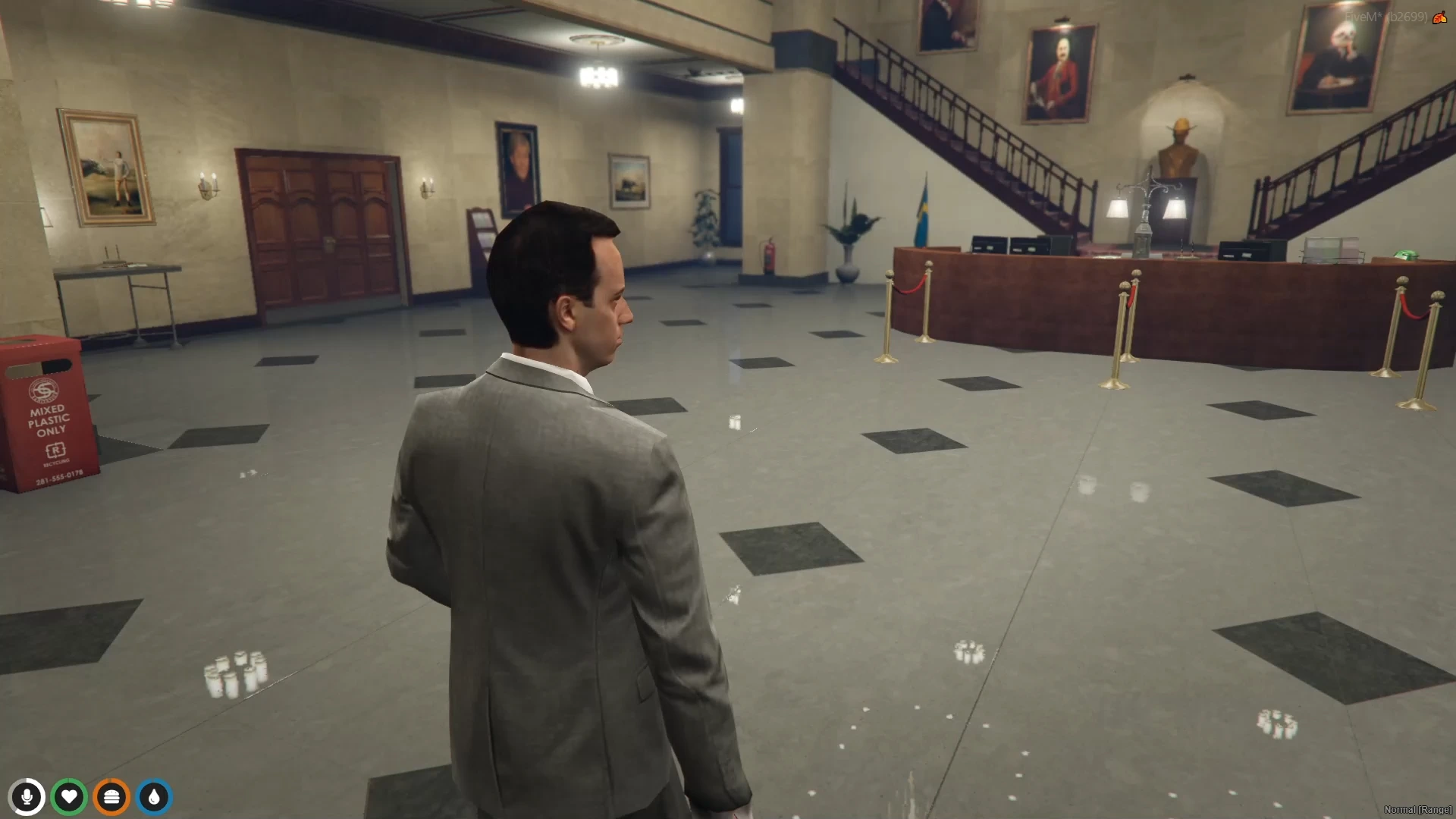
This is interface-planning context, not an image of the related HUD products. Use varied bright and dark scenes when evaluating readability.
Classify each element as persistent, contextual, urgent, or decorative. Health and immediate danger may be persistent or event-driven. Vehicle speed is contextual. A dispatch warning is urgent. Server branding is decorative. Give the highest visual priority to information that changes a player's next action.
Remove duplicated signals. If a colored bar, icon, number, and notification all show the same hunger state, choose the combination that remains understandable. Decide whether exact numbers are useful or create false precision. Include accessibility beyond color: shapes, labels, position, and motion can carry meaning too.
Review HUD and UI categories while treating screenshots as style references, not proof of runtime cost. Test candidate resources in your own stack.
Create a baseline on a staging client using the current HUD and representative city resources. Record resource timing while on foot, driving, speaking, taking damage, changing status, and opening menus. This is not a universal benchmark; it is a comparison within your environment.
Install the candidate with only required bridges enabled. Map every data source and update event. Prefer event-driven changes for job, money, voice, and status. Use a reasonable interval for values that genuinely need polling. Avoid repeatedly serializing the entire player state to NUI when one field changed.
Test at 16:9, ultrawide, and a narrower window, with several UI scale and safe-zone settings. Visit bright streets, dark interiors, rain, and high-motion driving scenes. Check overlap with phone, inventory, dispatch, subtitles, and notifications. The phone setup guide is useful when coordinating NUI focus and shared screen space.
Use the server tools and client resource monitor appropriate to your environment to compare behavior. Optimize measured hot paths rather than removing animations blindly.
Define acceptance in user-facing and technical terms before comparing themes. For urgent state changes, specify how quickly the indicator must become understandable; for ordinary values, specify a slower acceptable refresh. Measure idle, driving, combat, voice, and menu-open scenarios separately. Record frame-time contribution, NUI message rate, payload size, and visible update latency using the same route and client settings for every candidate.
Create an obstruction test sheet. Check the minimap, chat, subtitles, kill feed, dispatch alerts, phone, inventory, interaction prompts, and creator overlays together rather than one at a time. Include long translated labels, large currency values, status warnings arriving simultaneously, and players who use increased UI scale. A component passes when it reflows, truncates safely, or yields priority—not merely when it looks correct with ideal sample data.
Recovery testing should stop the HUD, status, voice, and fuel resources in different orders. Confirm the HUD displays a bounded unknown state instead of stale values, then subscribes once when the dependency returns. Switch characters and vehicles repeatedly to ensure old listeners are removed. While NUI is open, test death, pause, disconnect, and resource restart so focus, cursor, controls, and cached identity always reset.
Make the final decision from a weighted matrix: critical readability, accessibility, bridge coverage, focus safety, measured cost, maintainability, and optional visual polish. Require critical categories to pass independently; a beautiful theme should not compensate for unreadable danger states or a focus lock that can strand players.
The HUD flickers after character load. Multiple resources may publish default and loaded state in different orders. Add one initialization contract and ignore stale updates.
Client time rises while idle. Look for zero-wait loops, per-frame framework calls, DOM re-render storms, and frequent large NUI messages. Slow or suspend updates when values are unchanged.
Elements overlap on ultrawide screens. Anchor to safe containers, use responsive constraints, and test actual aspect ratios. Fixed pixel offsets from screen corners are fragile.
The cursor remains visible or controls stop working. Audit NUI focus calls and guarantee cleanup on close, death, character switch, and resource stop.
Voice or seatbelt indicators lag. Confirm you are consuming the authoritative resource event rather than polling outdated metadata.
Players report unreadable colors. Offer theme or contrast options and pair colors with icons, labels, or patterns.
Choose the HUD that makes decisions easier with the least persistent noise. Readability, integration boundaries, and measured update behavior matter more than the number of available widgets.
Written by
xFiveM Shop Editorial TeamResearch-led FiveM guides with disclosed review and update standards

 FiveM
FiveM