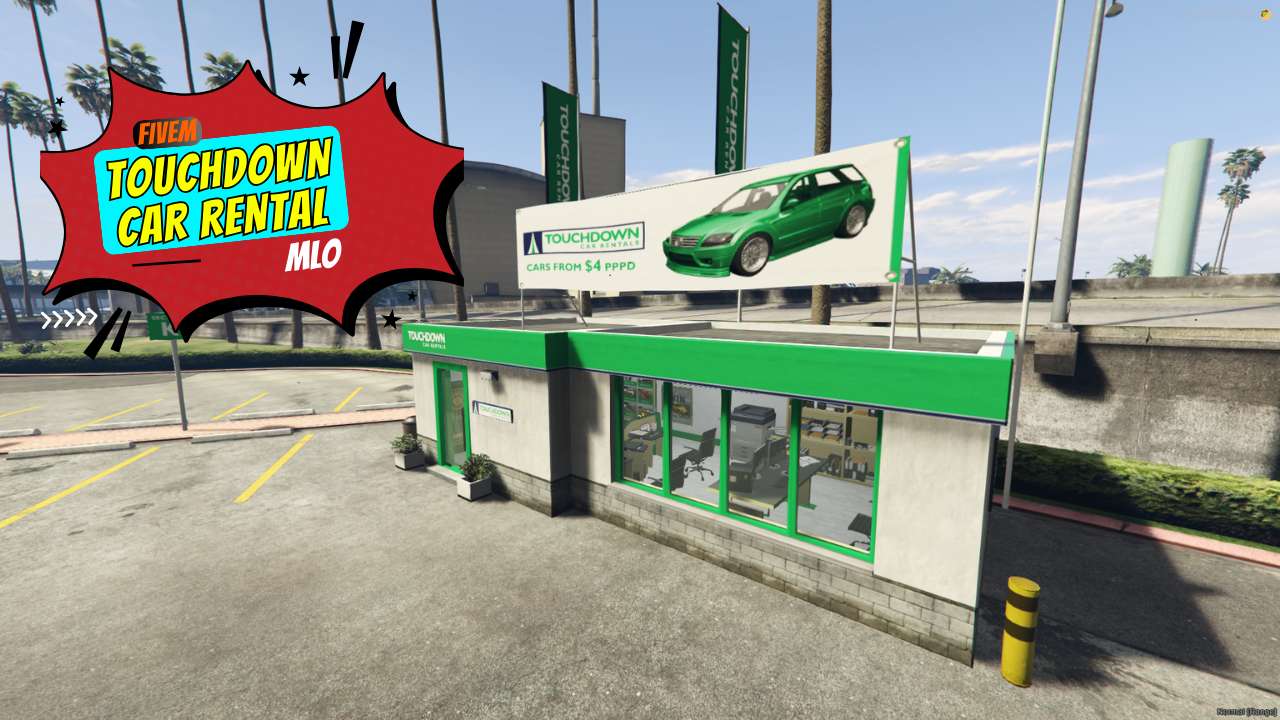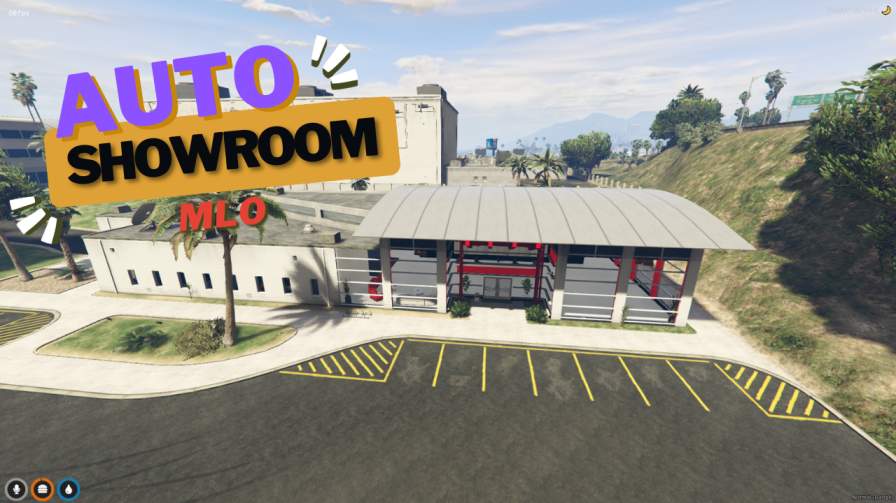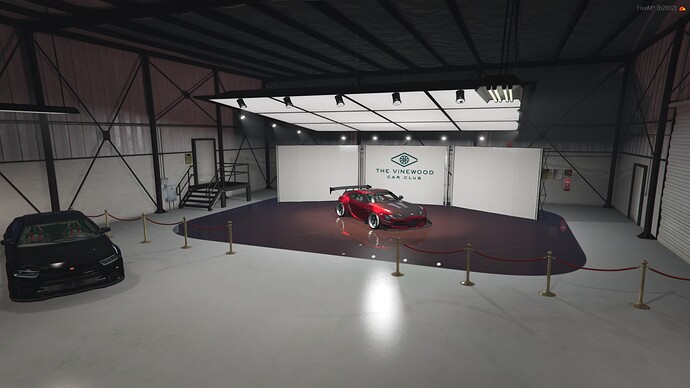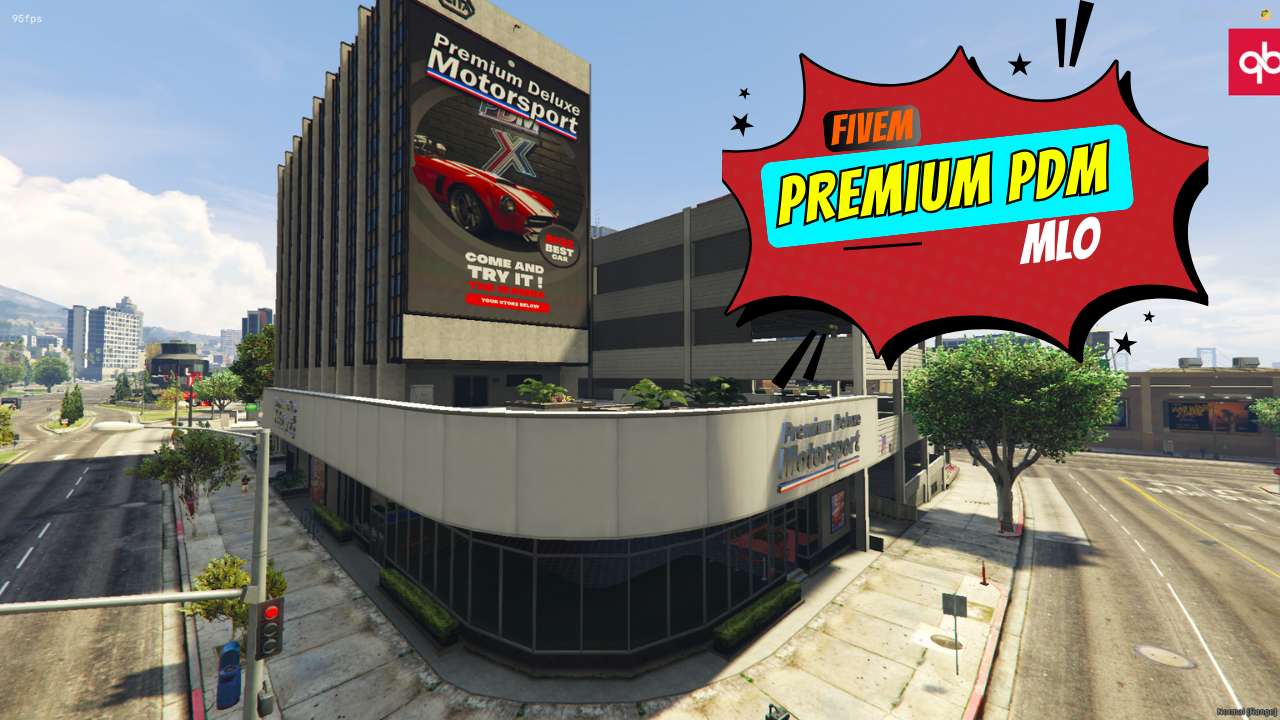
Design Your Dream Dealership: Customize textures to create your ideal showroom. Show & Store: Display cars on a launching ramp and secure them in hidden storage. Seamless FiveM Setup: Effortless installation for a smooth roleplay experience. Premium MLO: Enhance realism with our top-notch ...




Bridges ship across the catalogue. Confirm the cores for this listing in Requirements below.
FiveM Premium PDM MLO brings a high‑end car dealership to your server, letting you showcase premium rides in a sleek, fully‑customizable environment. Step onto a polished launching ramp, store vehicles on the spacious first floor, and glide cars between levels with a smooth lift – all designed to boost immersion and player excitement.
Tailor every texture to match your brand’s aesthetic. Whether you want a glossy showroom or a gritty garage vibe, the built‑in texture editor makes it easy to create a dealership that feels truly yours.
Display sports cars, classics, or any custom vehicle on the state‑of‑the‑art ramp, then park them securely on the dedicated storage floor. The lift system ensures effortless movement, so dealers can focus on sales, not logistics.
Installation is a breeze: drop the Premium_pdm_cardealer file into your server.cfg, place the MLO folder in your resources, and restart. No complex scripts, just pure visual impact.
Heightened realism for roleplay, a luxury atmosphere that draws players in, and flexible vehicle display options make this the ultimate dealership upgrade. Perfect for ESX, QBCore, or standalone servers, it transforms any city corner into a beacon of automotive excellence.
Ready to rev up your FiveM world? Install the FiveM Premium PDM MLO today and let the showroom shine.
This resource is built to be compatible with modern FiveM frameworks. Check the requirements for your framework version and installed resources before buying.
Yes, purchasing this asset grants you lifetime access to all future updates and patches.
Check the product requirements for file access and licensing details. If you need editable source files or a specific integration, contact support before buying.
After successful payment, sign in to your xFiveM Shop dashboard to access your purchased downloads. Contact support if your download is unavailable.
Review framework support, dependencies and editable files before buying. Contact support if your server uses a custom framework or needs a particular integration.
No waiting and no Keymaster syncing needed. Receive your clean, zip archive direct download link instantly in your dashboard right after your purchase.
Pay once and get every future update for free. When FiveM releases new builds or features, we update our scripts so your server stays up to date.
Complete your secure checkout. You will receive an instant download link to get your files immediately.
Extract the zip file and place the folder inside your server's resources directory.
Add ensure resource-name to your server.cfg and restart.

 FiveM
FiveM