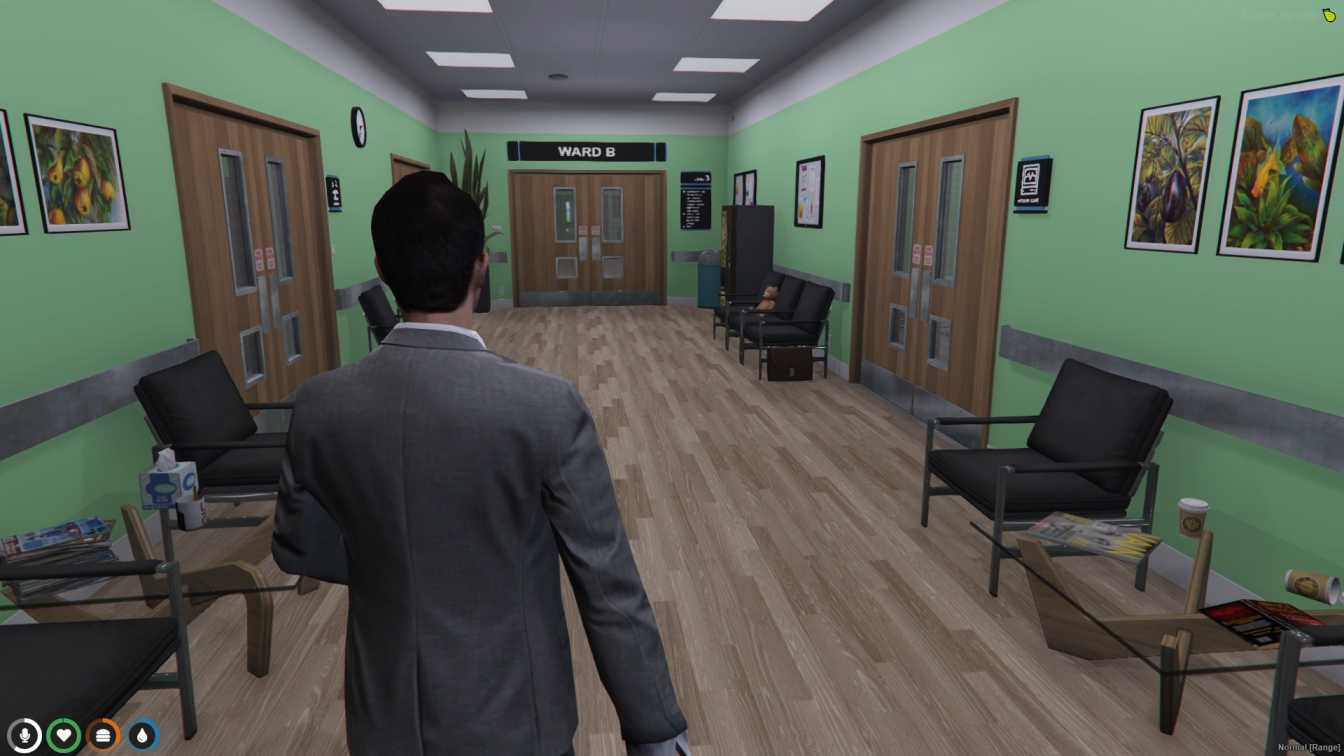
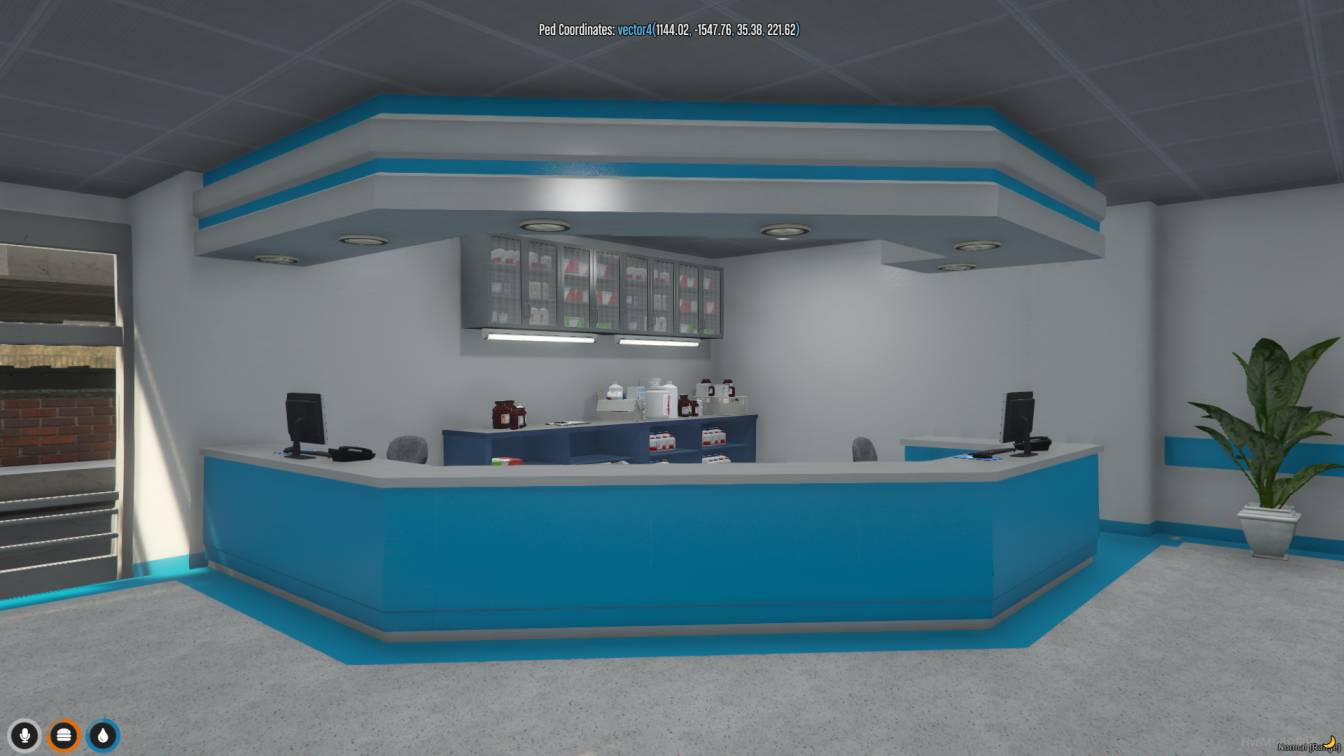
Plan a FiveM hospital MLO around ambulance intake, triage, treatment, state ownership, EMS permissions, and reliable patient recovery workflows.

A hospital interior succeeds when it helps EMS turn an emergency into a clear sequence: arrival, triage, treatment, admission or discharge. Beautiful rooms cannot compensate for an ambulance bay that blocks traffic, treatment points that overlap, or a respawn script that drops patients behind locked doors. This guide explains how to assess a FiveM hospital MLO and connect it to an EMS workflow without making medical roleplay feel like a row of menus.
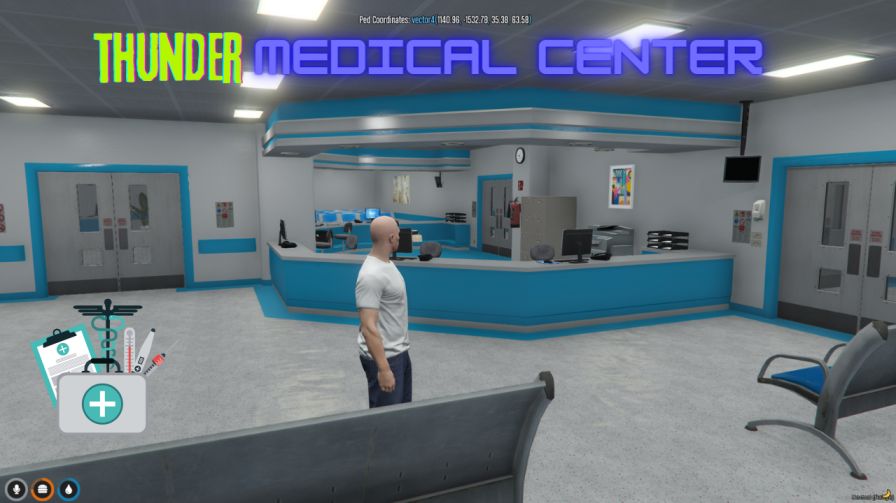
Study the image for room relationships and access, then confirm the actual package layout and technical requirements before installation.
Map three journeys before comparing interiors. The first is a walk-in patient who reaches reception and waits for triage. The second is an incapacitated player brought by ambulance to a controlled intake point. The third is a complex incident where police, relatives, and several EMS staff arrive together. Each journey needs an obvious endpoint and must avoid cutting through unrelated scenes.
Decide what your scripts actually model. Some servers use one treatment interaction and a short revive timer. Others track beds, injuries, medication, billing, and on-duty capacity. An MLO with ten specialist rooms is unnecessary if the job system exposes one interaction; conversely, a tiny clinic will bottleneck a detailed medical system. Match physical complexity to gameplay complexity.
Compare options in the MLO categories and inspect a relevant listing such as the FiveM Hospital MLO. Treat the listing as a source of package facts, while this guide remains the place to decide whether the workflow suits your server.
A practical review should cover:
Check whether bed props are static and whether your medical script expects specific bed models. Ask whether elevators are native map transitions or script-driven teleports. Identify any required door, target, inventory, or interaction libraries before purchase so dependency work is part of the estimate.
Create a staging copy of the server and install the map resource by itself. Follow the package manifest and dependency order; do not rename folders until you know no script relies on their exports or paths. Walk every floor, test collision from a wheelchair or stretcher perspective if those systems exist, and verify that exterior traffic remains intact.
Next, make a hospital coordinate register. For each point record its purpose, floor, vector, heading, allowed role, and owning resource. Add one bed first and prove the complete treatment cycle: place patient, synchronize animation, apply medical action, release the bed, and recover after disconnect. Then scale the configuration to other beds. This avoids duplicating a flawed coordinate or model assumption throughout the building.
Connect duty, stash, pharmacy, billing, garage, and dispatch only after the core patient path works. Test ambulance dispatch through arrival and case closure; the dispatch and MDT architecture guide helps keep identifiers and status changes consistent. For base resource steps, use the installation guide.
The dangerous part of medical integration is usually state, not the map. Write down what happens when a patient disconnects in a bed, a medic goes off duty during treatment, the hospital resource restarts, or the bill cannot be paid. Decide which state is authoritative: the medical resource, framework metadata, or database. Two systems should not independently decide whether a player is dead, admitted, or released.
Keep treatment actions server-validated. The client can request a revive or medication use, but the server should confirm role, distance, item or account state, and cooldown. Limit pharmacy and controlled storage by role and grade. If police need temporary access for an investigation, grant a narrow action rather than sharing a broad EMS permission.
A patient snaps beside or under a bed. Confirm the expected bed model, coordinate, heading, and animation offset. Test one known bed rather than changing every position. Decorative beds may not share the dimensions assumed by the script.
Players revive on another floor or outside. Separate hospital spawn logic from generic respawn logic and inspect Z coordinates. Verify whether the script uses a fixed location, nearest bed, or stored admission state.
Elevators leave patients behind. Test while carrying, escorting, or using a stretcher. A teleport written for one player may not transfer attached entities or synchronized scenes. Use an integration supported by both resources or define a ground-floor emergency route.
The ambulance bay fills with abandoned vehicles. Add timed or role-based storage rules and a safe overflow point. Do not auto-delete occupied vehicles. Coordinate the hospital garage with the broader garage and parking guide.
Treatment works twice or charges twice. Look for duplicate target zones, repeated event registration, or both client and server billing calls. Restart the resource repeatedly during staging to expose handlers that register more than once.
Texture loss appears after long patrols. Test the hospital after loading other interiors and review stream assets, not only a fresh client join. The MLO texture-loss guide gives a focused diagnostic sequence.
The best hospital is the one where players understand what happens next. Choose a layout that supports your care model, integrate one complete patient journey before multiplying interactions, and document recovery behavior as carefully as the normal path.
Written by
xFiveM Shop Editorial TeamResearch-led FiveM guides with disclosed review and update standards

 FiveM
FiveM