Virtual bar setting for socializing Role-playing opportunities as bartenders or patrons Atmosphere enhanced with cozy lighting Ideal for hosting themed events Enjoy virtual cocktails and drinks with friends




Bridges ship across the catalogue. Confirm the cores for this listing in Requirements below.
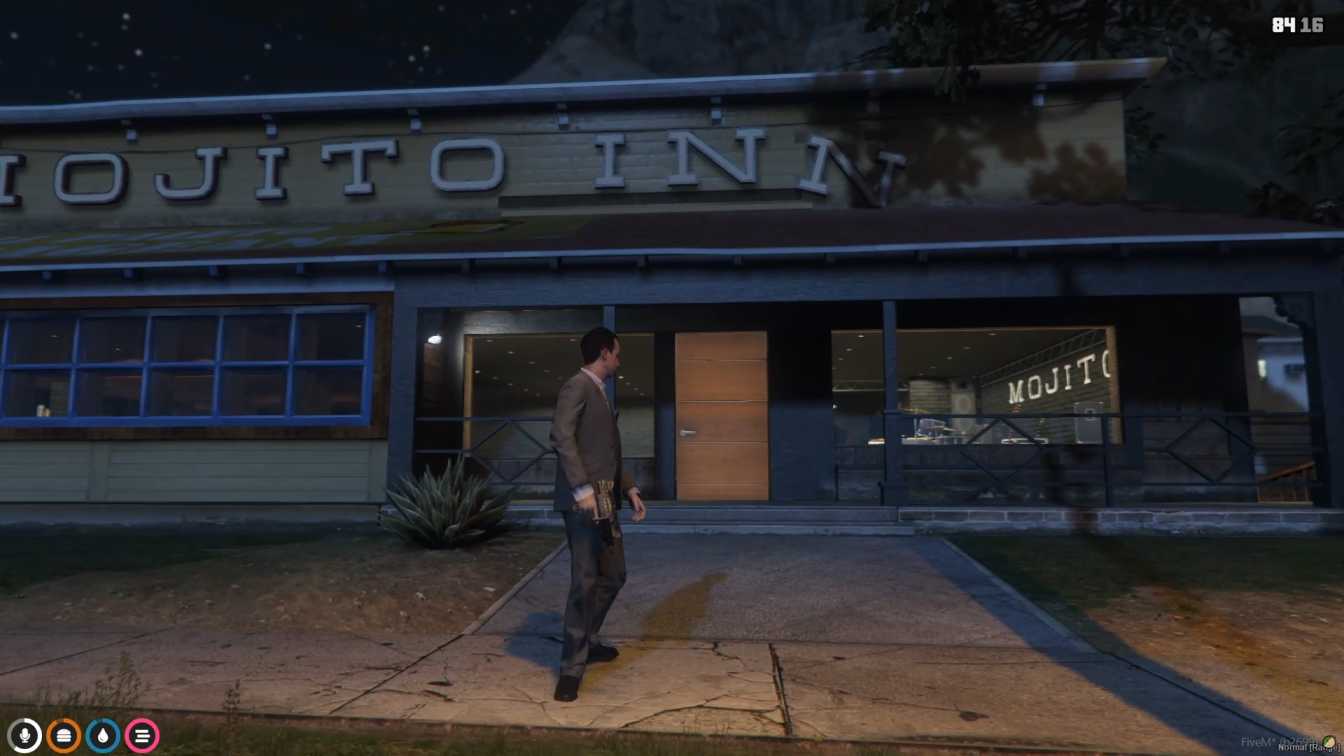
Mojito-bar shop MLO brings a vibrant, fully‑stocked bar to any FiveM server, giving players a realistic place to chill, role‑play, and party. From sleek lighting to comfy seating, this MLO creates a lively atmosphere that feels like a real downtown lounge.
Step inside and you’ll be greeted by atmospheric lighting, a polished bar counter, and a variety of cocktail options. Whether you want to play bartender, sip a virtual mojito, or just chat with friends, the space is designed for endless social fun. The layout includes multiple seating zones, from high stools to lounge sofas, ensuring everyone finds a perfect spot.
Server owners can host themed nights, private parties, or community meet‑ups without any hassle. The MLO’s optimized design runs smoothly on both Windows and Linux, making it a plug‑and‑play addition to ESX, QBCore, or standalone setups.
Download, extract, upload to your resources folder, add to the server config, and restart – that’s it. The Mojito-bar shop MLO is ready to roll, letting you focus on the fun rather than technical headaches.
With a dedicated space for role‑play, players can earn tips as bartenders, create custom drink menus, or simply enjoy a night out with the crew. This MLO not only enhances the visual appeal of your world but also drives player engagement and retention.
Get ready to raise a glass in the most stylish bar on your server!
This resource is built to be compatible with modern FiveM frameworks. Check the requirements for your framework version and installed resources before buying.
Yes, purchasing this asset grants you lifetime access to all future updates and patches.
Check the product requirements for file access and licensing details. If you need editable source files or a specific integration, contact support before buying.
After successful payment, sign in to your xFiveM Shop dashboard to access your purchased downloads. Contact support if your download is unavailable.
Review framework support, dependencies and editable files before buying. Contact support if your server uses a custom framework or needs a particular integration.
No waiting and no Keymaster syncing needed. Receive your clean, zip archive direct download link instantly in your dashboard right after your purchase.
Pay once and get every future update for free. When FiveM releases new builds or features, we update our scripts so your server stays up to date.
Complete your secure checkout. You will receive an instant download link to get your files immediately.
Extract the zip file and place the folder inside your server's resources directory.
Add ensure resource-name to your server.cfg and restart.

 FiveM
FiveM