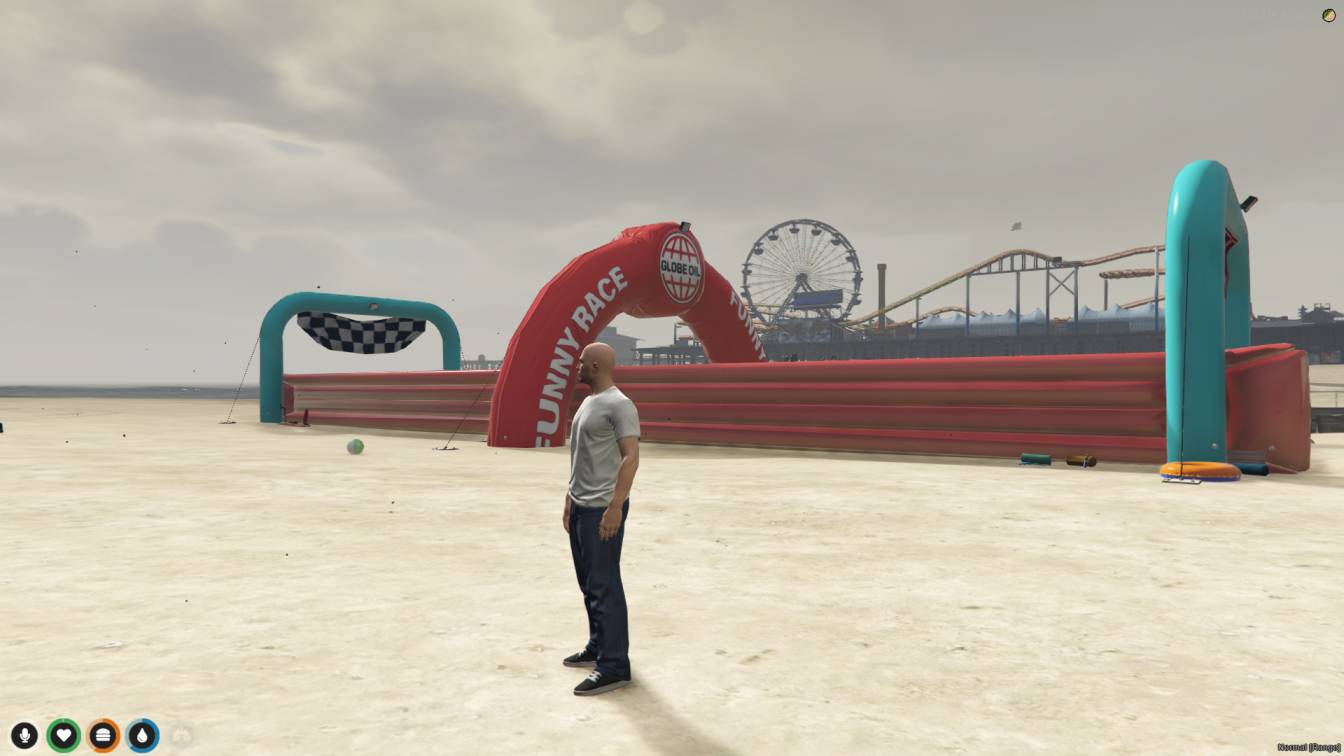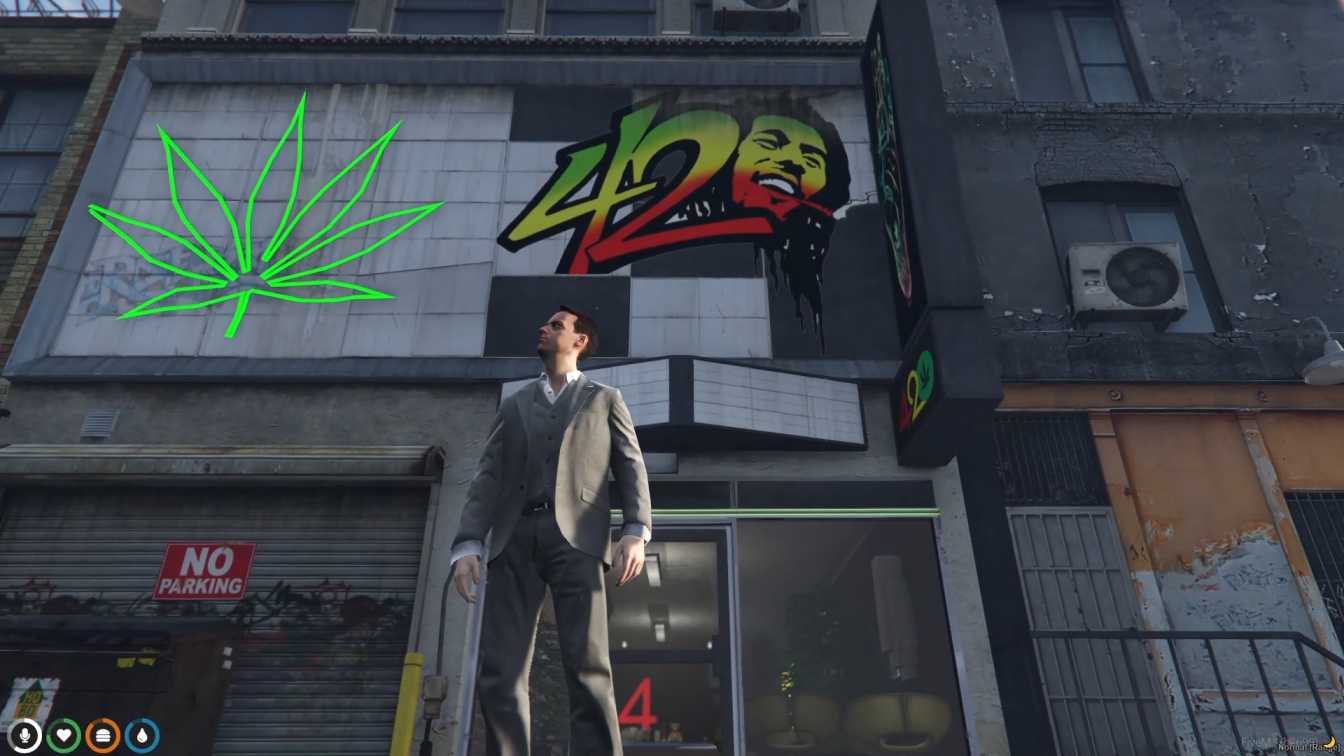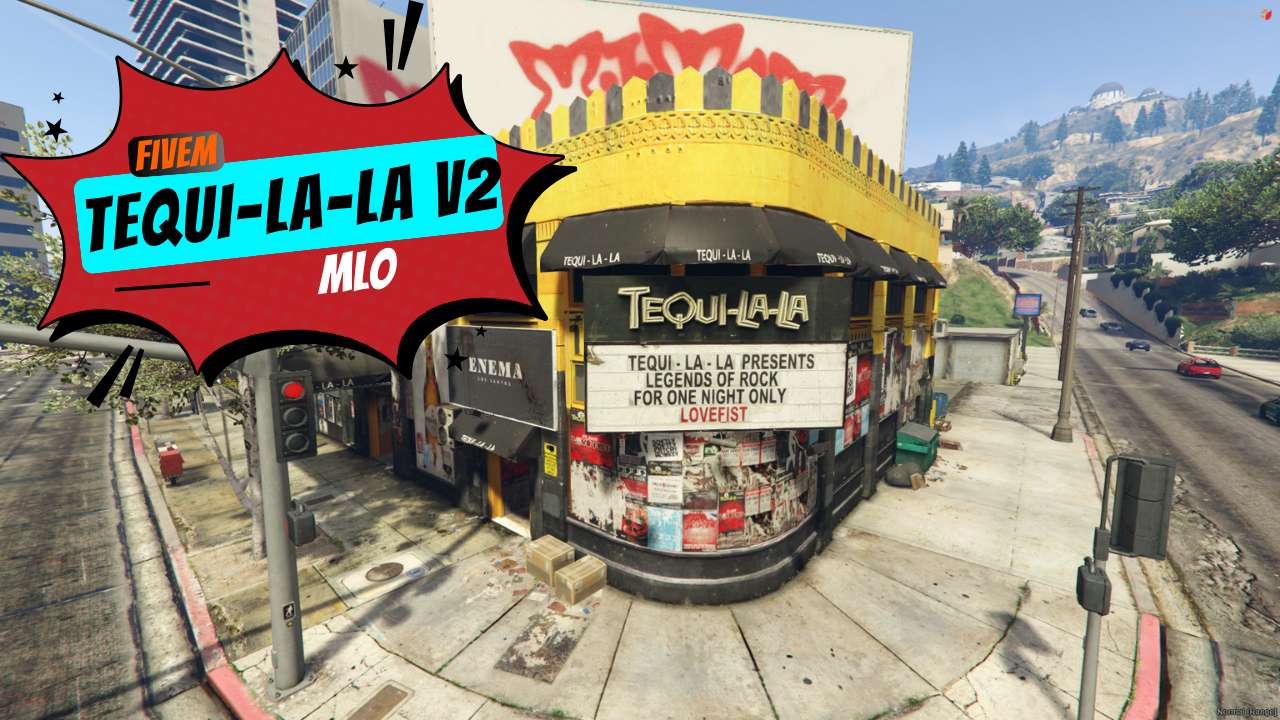
Lively Bar & Booths: Chill or mingle with friends. Dance Floor Fun: Show off your moves in the spacious zone. Fight Ring: Settle disputes (or have fun) in epic battles. Perfect Location: Convenient spot at V3 coords. FiveM Friendly: Works seamlessly with your server.




Bridges ship across the catalogue. Confirm the cores for this listing in Requirements below.
Tequi-La-La v2 MLO brings a pulsating bar, exclusive party booths, a massive dance floor, and an adrenaline‑pumping fighting ring to any FiveM server. From the moment players step inside, the vibrant lighting, realistic bar counters, and dynamic crowd ambience make the venue feel alive. Whether they want to sip drinks, show off dance moves, or throw down in the ring, this MLO delivers a fully immersive experience that keeps them coming back for more.
Designed for party lovers and role‑play enthusiasts, the map features a spacious dancing zone that can host dozens of avatars simultaneously, while the exclusive party booths provide private spaces for VIP gatherings or secret deals. The newly added fighting ring adds a competitive edge, perfect for tournaments, street fights, or scripted events.
Every detail, from the neon signs to the bar stools, is meticulously crafted to create a realistic nightlife atmosphere. The MLO integrates seamlessly with ESX, QBCore, or standalone setups, ensuring a hassle‑free installation. Once live, you’ll see increased server activity, higher player retention, and a fresh venue for community events.
Just drop the "tequilala‑v2" folder into your resources, add it to server.cfg, restart, and watch the party begin. Our support team is ready to help with any issues, and we provide regular updates to keep the venue fresh and bug‑free.
Elevate your server’s nightlife today—add Tequi‑La‑La v2 MLO and let the celebrations begin!
This resource is built to be compatible with modern FiveM frameworks. Check the requirements for your framework version and installed resources before buying.
Yes, purchasing this asset grants you lifetime access to all future updates and patches.
Check the product requirements for file access and licensing details. If you need editable source files or a specific integration, contact support before buying.
After successful payment, sign in to your xFiveM Shop dashboard to access your purchased downloads. Contact support if your download is unavailable.
Review framework support, dependencies and editable files before buying. Contact support if your server uses a custom framework or needs a particular integration.
No waiting and no Keymaster syncing needed. Receive your clean, zip archive direct download link instantly in your dashboard right after your purchase.
Pay once and get every future update for free. When FiveM releases new builds or features, we update our scripts so your server stays up to date.
Complete your secure checkout. You will receive an instant download link to get your files immediately.
Extract the zip file and place the folder inside your server's resources directory.
Add ensure resource-name to your server.cfg and restart.

 FiveM
FiveM