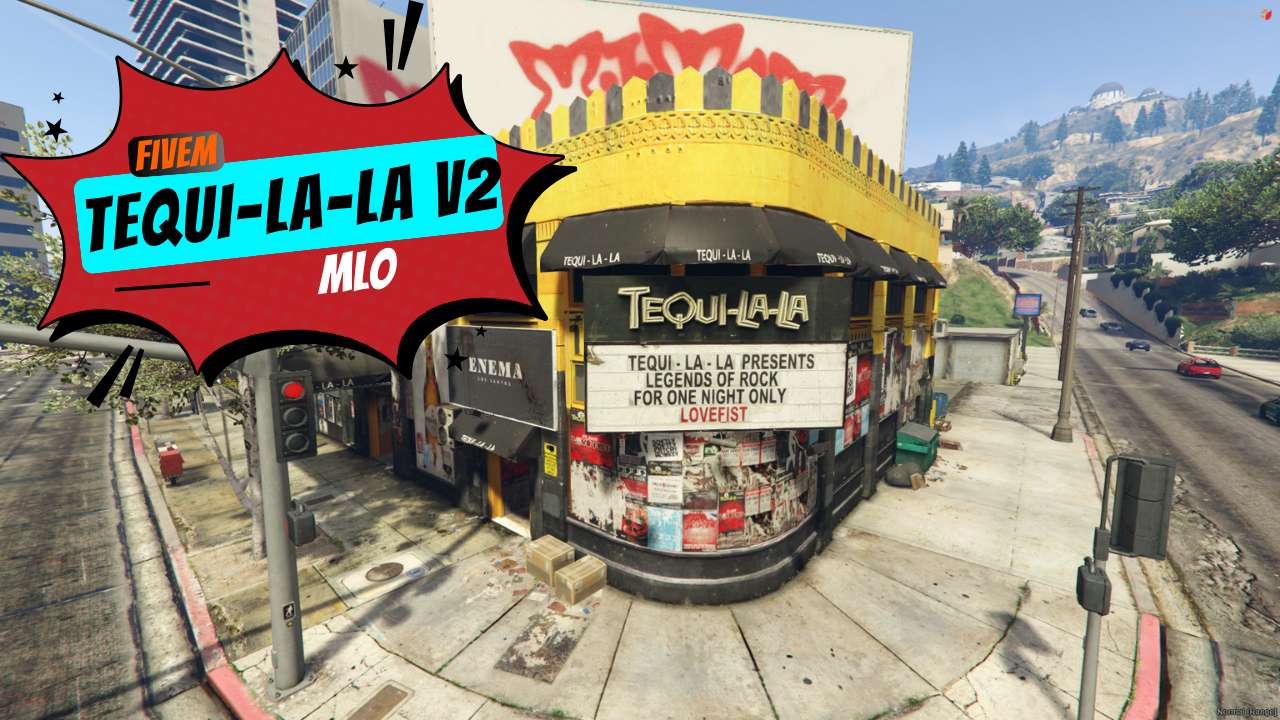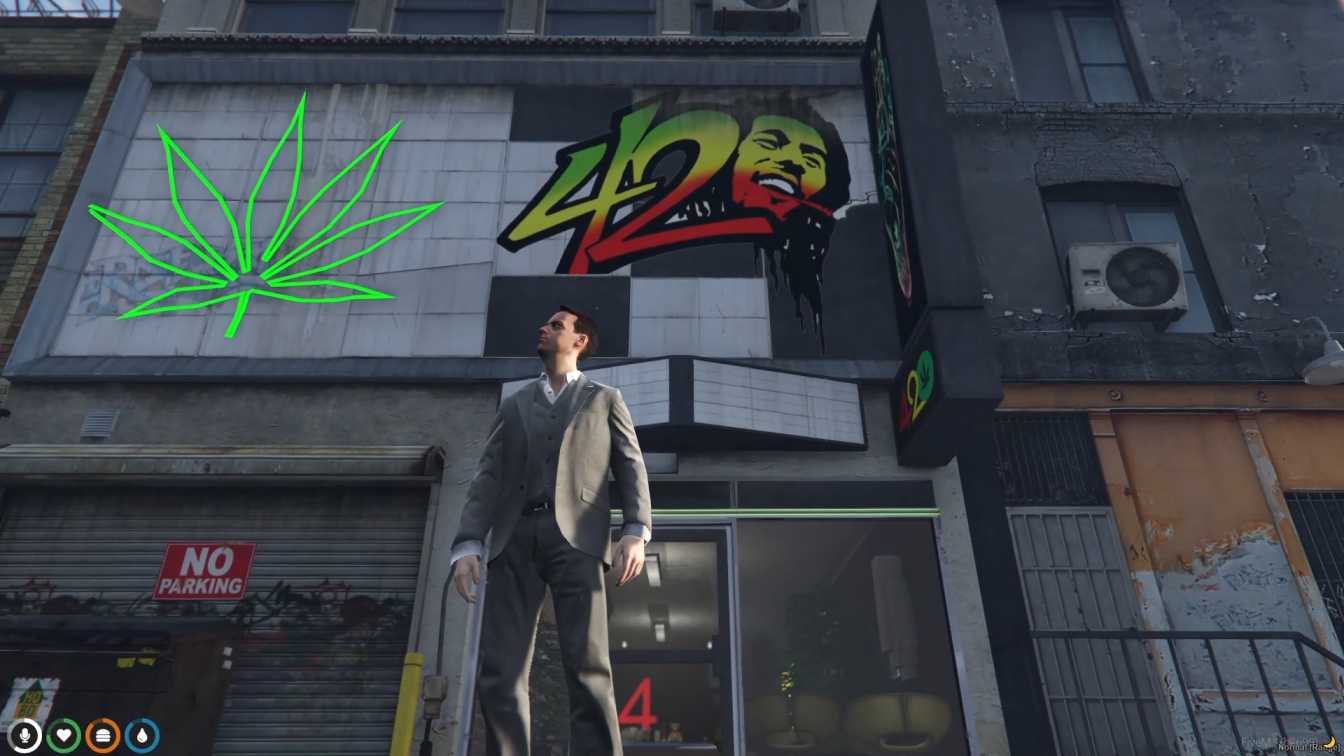
Tequila Smuggling HQ! Tequi-La-La Bar MLO for FiveM. Fully Loaded: Custom props & interiors for deep immersion. Seamless Fun: Optimized performance, ready to play.




Bridges ship across the catalogue. Confirm the cores for this listing in Requirements below.
Tequi-La-La Bar MLO FiveM transports your server’s players straight into a buzzing, neon‑lit tequila haven where the drinks flow, the music pumps, and the vibe is always on point. From the moment you walk through the doors, you’ll feel the pulse of a real‑world bar—soft lighting, polished countertops, and a jukebox that drops the perfect tracks for every crowd.
Our immersive mod features a fully interactive bar: serve drinks, chat with patrons, and trigger spontaneous events like live music gigs or themed parties. Whether you’re a laid‑back bartender or a party‑throwing mastermind, the bar adapts to your style. Players can sample a range of tequilas—from classic blanco to premium aged sips—adding depth to role‑play scenarios.
Looking to unwind after a heist? Want to host a massive rave? The Tequi-La-La Bar MLO FiveM gives you the tools to do both. Set up custom events, organize tournaments, or simply hang out and make new friends. The bar’s modular design includes multiple sections—dance floor, lounge, and private booths—each packed with interactive props and lighting effects.
Drop the files into your FiveM resources folder, add ensure tequilalabar to your server.cfg, and reboot. The mod works flawlessly with ESX, QBCore, or any standalone framework, so you can get the party started instantly.
Feel the realism of a bustling nightlife hotspot, engage with endless activities, and build community
This resource is built to be compatible with modern FiveM frameworks. Check the requirements for your framework version and installed resources before buying.
Yes, purchasing this asset grants you lifetime access to all future updates and patches.
Check the product requirements for file access and licensing details. If you need editable source files or a specific integration, contact support before buying.
After successful payment, sign in to your xFiveM Shop dashboard to access your purchased downloads. Contact support if your download is unavailable.
Review framework support, dependencies and editable files before buying. Contact support if your server uses a custom framework or needs a particular integration.
No waiting and no Keymaster syncing needed. Receive your clean, zip archive direct download link instantly in your dashboard right after your purchase.
Pay once and get every future update for free. When FiveM releases new builds or features, we update our scripts so your server stays up to date.
Complete your secure checkout. You will receive an instant download link to get your files immediately.
Extract the zip file and place the folder inside your server's resources directory.
Add ensure resource-name to your server.cfg and restart.

 FiveM
FiveM