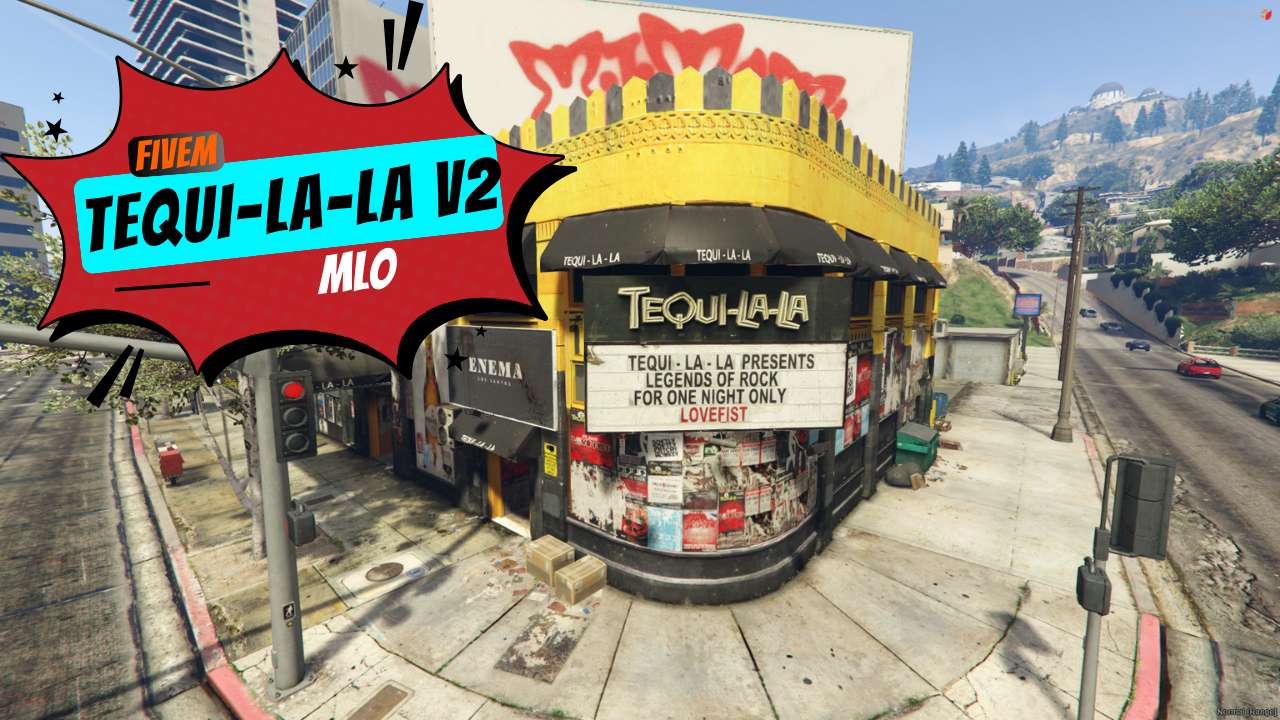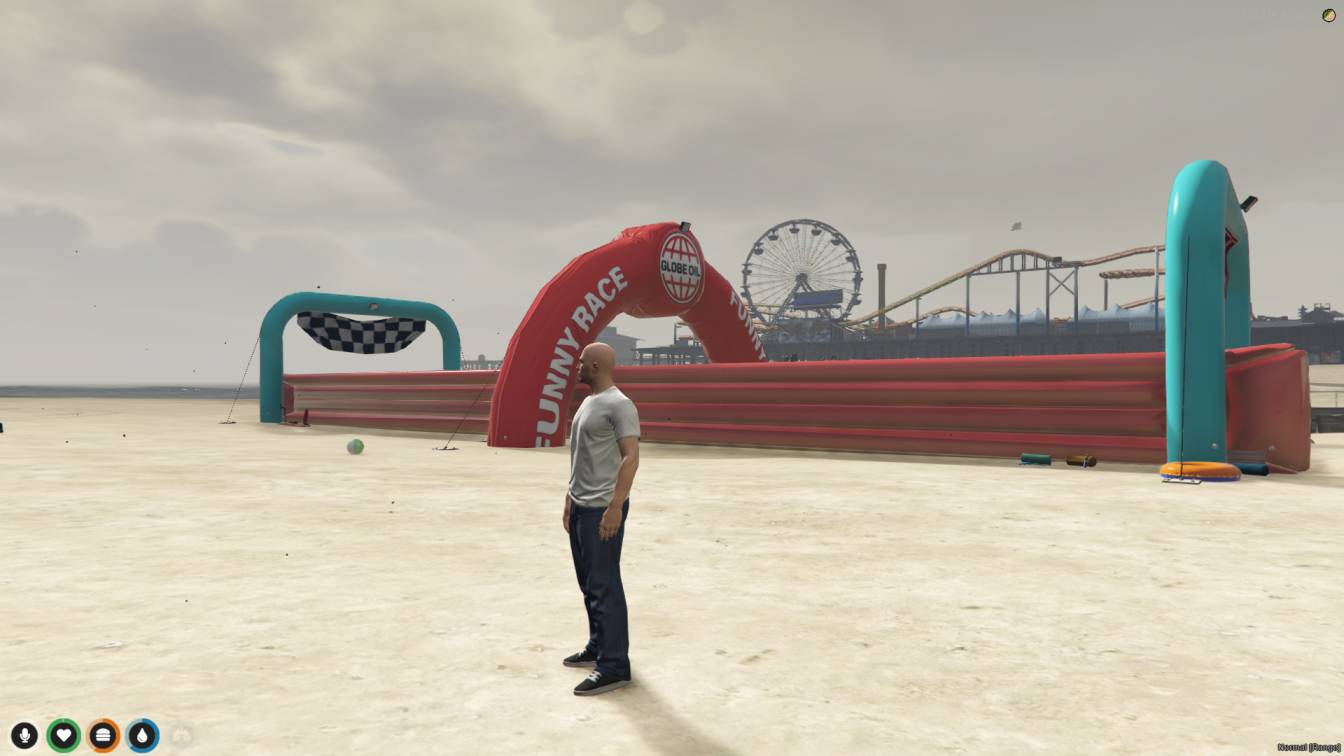
Explore Hideout FiveM: a virtual sanctuary in GTA V's multiplayer.</strong> <strong>Customize your hideout, socialize with friends, and embark on adventures. Immerse yourself in an interactive world where creativity thrives and friendships flourish.</strong>




Bridges ship across the catalogue. Confirm the cores for this listing in Requirements below.
Looking for a FiveM Hideout MLO that turns your server into a secret clubhouse? This immersive hideout gives you and your crew a private space to plot heists, chill, and showcase your style. Within the first 100 words, we’ve highlighted the main keyword so search engines know exactly what you’re offering.
Imagine stepping into a dynamic environment that feels alive—customizable walls, weapon storage lockers, and a chat hub where friendships form. The Hideout MLO isn’t just a map; it’s a community hub that encourages social interaction and creative freedom. Whether you’re planning a high‑octane robbery or just hanging out, the space adapts to your gameplay.
Secret Hideout: A hidden location only your crew knows about, perfect for covert operations.
Customization Options: Paint, furniture, lighting—make it truly yours.
Social Interaction: Built‑in voice and text chat, weapon racks, and activity stations.
Dynamic Environment: Weather‑aware lighting and interactive objects keep the experience fresh.
Community Hub: Easy for new players to join, fostering teamwork and long‑term friendships.
Download, extract, copy to your server folder, add the start command to server.cfg, restart, and you’re ready to explore. No heavy coding required, and it runs smoothly on both Windows and Linux hosts.
With the FiveM Hideout MLO, your server becomes a magnet for players seeking immersive role‑play and high‑energy action. Dive in, customize, and watch your community thrive!
This resource is built to be compatible with modern FiveM frameworks. Check the requirements for your framework version and installed resources before buying.
Yes, purchasing this asset grants you lifetime access to all future updates and patches.
Check the product requirements for file access and licensing details. If you need editable source files or a specific integration, contact support before buying.
After successful payment, sign in to your xFiveM Shop dashboard to access your purchased downloads. Contact support if your download is unavailable.
Review framework support, dependencies and editable files before buying. Contact support if your server uses a custom framework or needs a particular integration.
No waiting and no Keymaster syncing needed. Receive your clean, zip archive direct download link instantly in your dashboard right after your purchase.
Pay once and get every future update for free. When FiveM releases new builds or features, we update our scripts so your server stays up to date.
Complete your secure checkout. You will receive an instant download link to get your files immediately.
Extract the zip file and place the folder inside your server's resources directory.
Add ensure resource-name to your server.cfg and restart.

 FiveM
FiveM