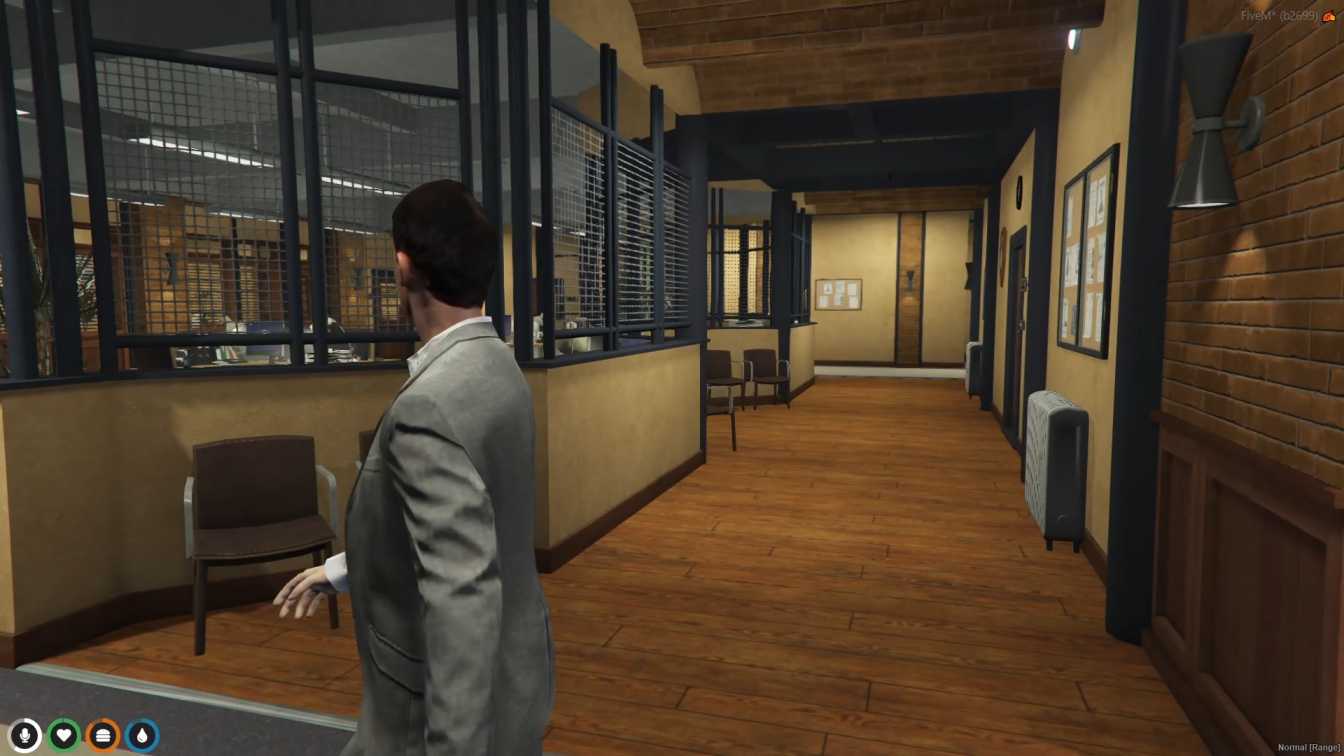
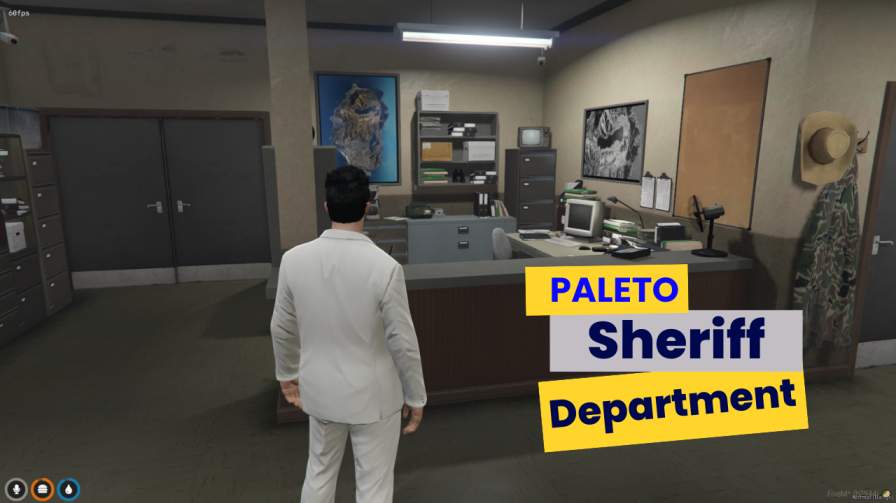
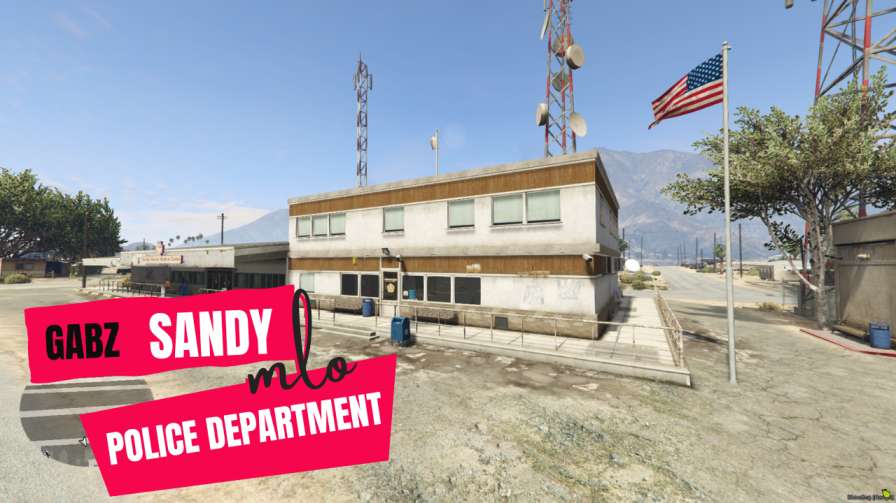
A practical guide to selecting a FiveM police station MLO, mapping public and secure routes, integrating job systems, and fixing common station issues.

A police station is not just a backdrop. It is a workflow shared by officers, suspects, lawyers, dispatchers, and visitors, often while several scenes happen at once. The right FiveM police station MLO makes those movements understandable without turning every arrest into a tour of locked doors. This guide focuses on selecting an interior and planning the operational flow around it, rather than treating room count as the only measure of quality.
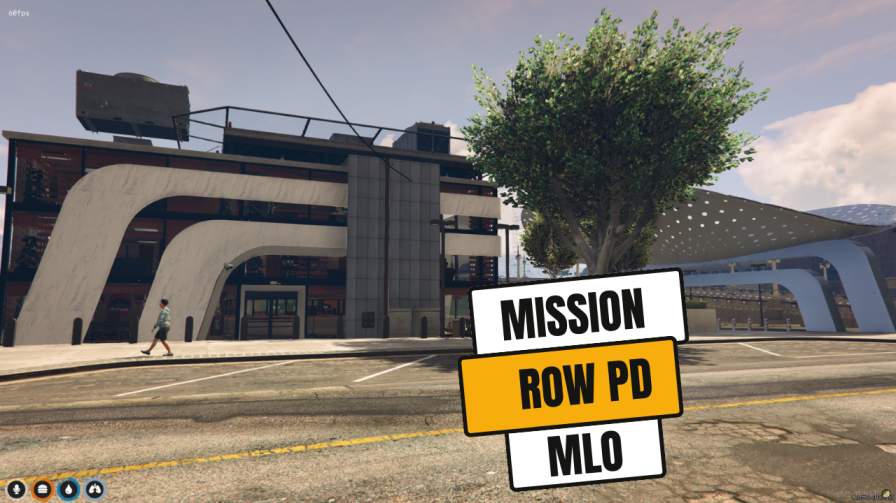
Use product imagery to study entrances, sightlines, and likely traffic paths; verify the delivered files and documentation before deployment.
Write down the normal path for five common situations: a citizen filing a report, an officer beginning a shift, a suspect being booked, evidence being stored, and a command meeting. An interior can look impressive yet create friction if all five routes cross one narrow hallway. Public visitors should reach reception and interview space without wandering through an armory. Detainees should move from vehicle intake to processing and cells without passing the public lobby. Staff need a short route between briefing, lockers, garage, and patrol exit.
Scale matters more than maximum size. A large headquarters can feel empty on a 32-slot server and may spread officers so far apart that scenes lose energy. A compact station becomes chaotic when eight units return after a major incident. Estimate peak simultaneous use, not only average population. Include civilians, legal roles, and detained players in that estimate.
Browse the police and law-enforcement categories to compare layouts, then use a specific interior such as the Mission Row PD MLO as a reference point rather than assuming every station serves the same operating model.
Evaluate each candidate against a written matrix:
Ask for installation notes, dependency details, update policy, and whether doors are supplied as static objects or intended for a door-lock resource. If your server uses OneSync routing buckets for interviews or training, confirm that any interaction scripts behave correctly when players are separated.
Install the MLO in a staging server and start it alone after its declared dependencies. Walk the full perimeter before adding interactions. Check exterior collision, all entrances, roof access, stairs, elevators, and emergency exits. Then create a coordinate sheet with a plain-language label, vector location, heading, intended job grade, and the resource that owns the interaction.
Configure in layers. First add door permissions and confirm an officer, command member, civilian, and off-duty officer each receive the intended result. Next add duty and storage points. Then connect booking, evidence, MDT, dispatch, and garage functions. Finally test scene handoffs: dispatch call to garage, arrest to booking, booking to cell, and release to a public exit. The dispatch and MDT setup guide covers the data side of that chain, while the installation help is useful for the resource-loading basics.
Keep ownership clear. A door should not be controlled by two resources, and an evidence stash should not be registered in both a job script and an inventory bridge. Duplicate ownership creates intermittent bugs that are hard to reproduce.
Least privilege is useful inside roleplay systems too. Recruits may need lockers and briefing rooms but not evidence deletion or command storage. Detectives may need records and interview controls without armory management. Build permissions around actions, not only a single `police` job check. Document temporary access for lawyers, EMS, mechanics, and escorted visitors.
Do not lock every interior door simply because a lock is available. Excessive prompts slow movement and can trap players when a door resource restarts. Protect meaningful boundaries and leave ordinary circulation simple. Add a documented fallback command or staff procedure for stuck doors; do not make broad admin access the normal fix.
Players see missing walls or flickering rooms. Check for another map at the same coordinates, duplicated IPL changes, or an incorrect resource start order. Test the station with other map resources stopped, then restore them in groups. If texture loss appears only after touring the city, use the focused MLO texture-loss guide.
Doors appear closed for one player and open for another. Confirm one authoritative door resource, stable door identifiers, and server-side state synchronization. Re-test after a resource restart, not only a full server reboot.
Suspects escape through unintended exits. Walk the route without job permissions and inspect roof, garage, elevator, and decorative doors. Fix collision or permissions; invisible barriers should be a last resort because they confuse everyone.
Voice from adjacent rooms ruins interviews. Review room spacing and your voice range settings. If the layout cannot isolate scenes, designate alternate interview rooms or use supported routing rather than asking players to whisper around a structural problem.
Officers cluster in the lobby. Move duty, lockers, and vehicle retrieval away from public reception. The fix is usually better placement, not a larger lobby.
Before approving a police station MLO, confirm:
Choose the station that makes routine roleplay legible. Detail is valuable, but a coherent arrest path, predictable permissions, and stable map behavior will support more stories than decorative rooms nobody can use.
Written by
xFiveM Shop Editorial TeamResearch-led FiveM guides with disclosed review and update standards

 FiveM
FiveM