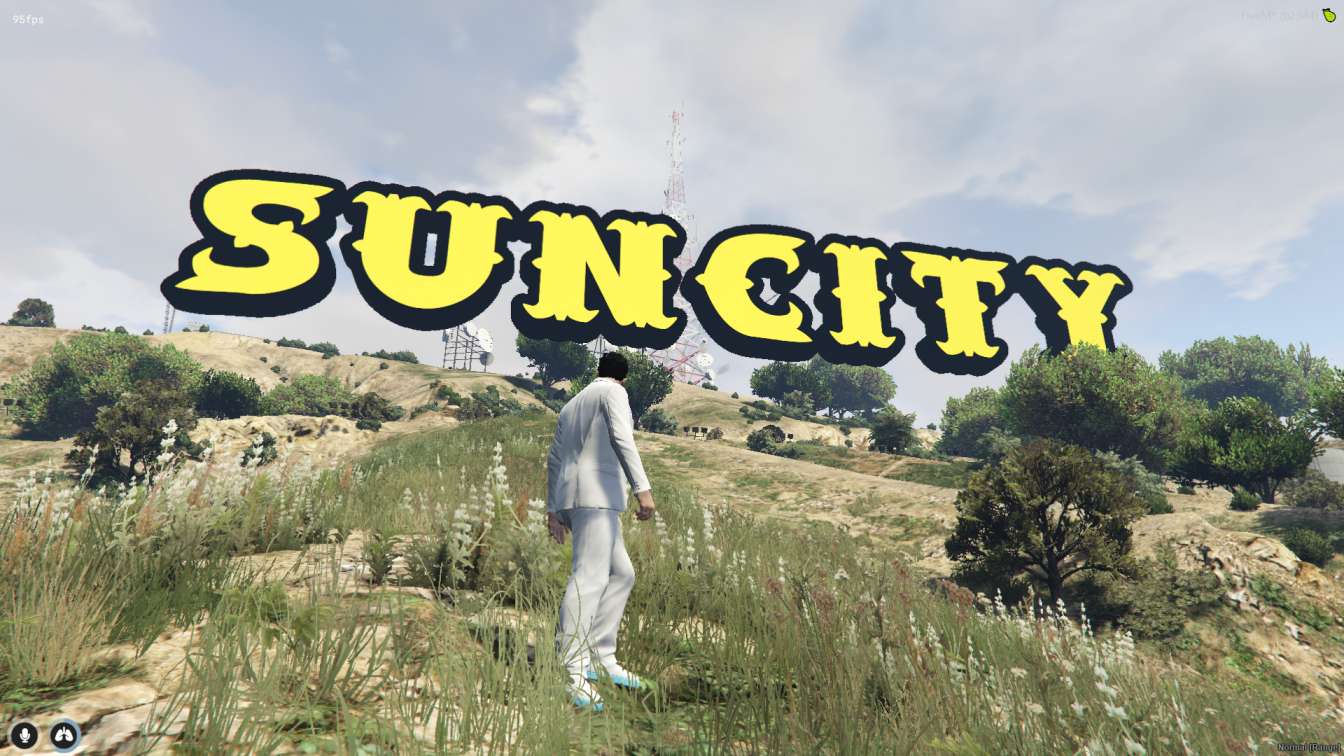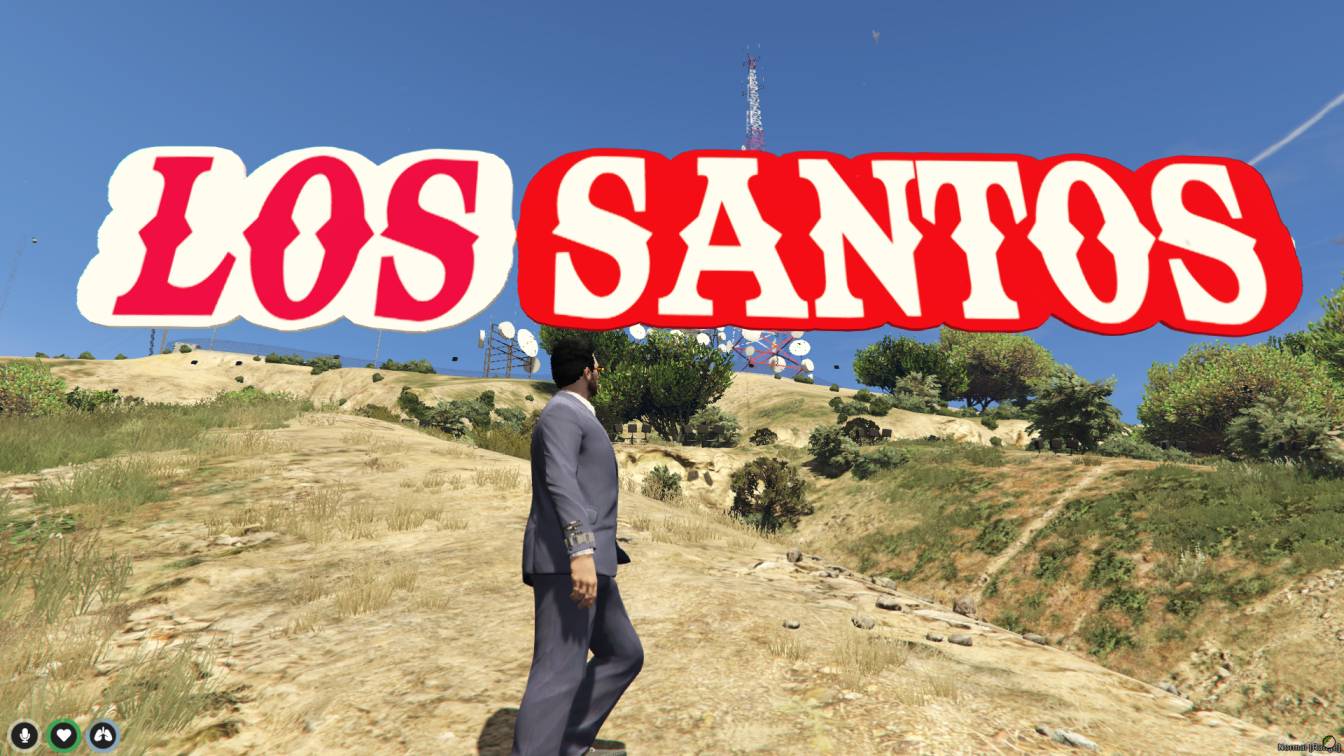
Add the iconic Vinewood Sign to your FiveM server. Enhance roleplay scenes, events, and server aesthetics. Fixed in place for easy use, no modifications needed. Compatible with most FiveM servers. Enjoy smooth performance and high-quality design.




Bridges ship across the catalogue. Confirm the cores for this listing in Requirements below.
Transform your FiveM server with the legendary Vinewood Sign, the most recognizable landmark from Los Santos! This meticulously crafted MLO brings authentic Hollywood glamour directly to your roleplay experience.
Our team has carefully recreated the famous Vinewood Sign with stunning detail. High-quality textures and expert design ensure players will feel like they're standing in front of the real Hollywood landmark. The detailed lettering and realistic weathering create an immersive experience that elevates your server's visual appeal.
Whether you're hosting special events, organizing screenshot competitions, or creating cinematic roleplay scenes, the Vinewood Sign delivers. It's strategically placed for easy access and maximum visibility, making it ideal for photo opportunities, stream content, and memorable player moments.
Adding this iconic landmark helps attract more players seeking authentic Los Santos experiences. Create unique roleplay scenarios around this famous location, from celebrity encounters to film industry storylines. The Vinewood Sign becomes a natural gathering point that increases engagement and keeps players coming back.
Installation is straightforward - simply add the file to your resources folder, include it in your server.cfg, and restart. Compatible with ESX, QBCore, and standalone frameworks.
This resource is built to be compatible with modern FiveM frameworks. Check the requirements for your framework version and installed resources before buying.
Yes, purchasing this asset grants you lifetime access to all future updates and patches.
Check the product requirements for file access and licensing details. If you need editable source files or a specific integration, contact support before buying.
After successful payment, sign in to your xFiveM Shop dashboard to access your purchased downloads. Contact support if your download is unavailable.
Review framework support, dependencies and editable files before buying. Contact support if your server uses a custom framework or needs a particular integration.
No waiting and no Keymaster syncing needed. Receive your clean, zip archive direct download link instantly in your dashboard right after your purchase.
Pay once and get every future update for free. When FiveM releases new builds or features, we update our scripts so your server stays up to date.
Complete your secure checkout. You will receive an instant download link to get your files immediately.
Extract the zip file and place the folder inside your server's resources directory.
Add ensure resource-name to your server.cfg and restart.

 FiveM
FiveM