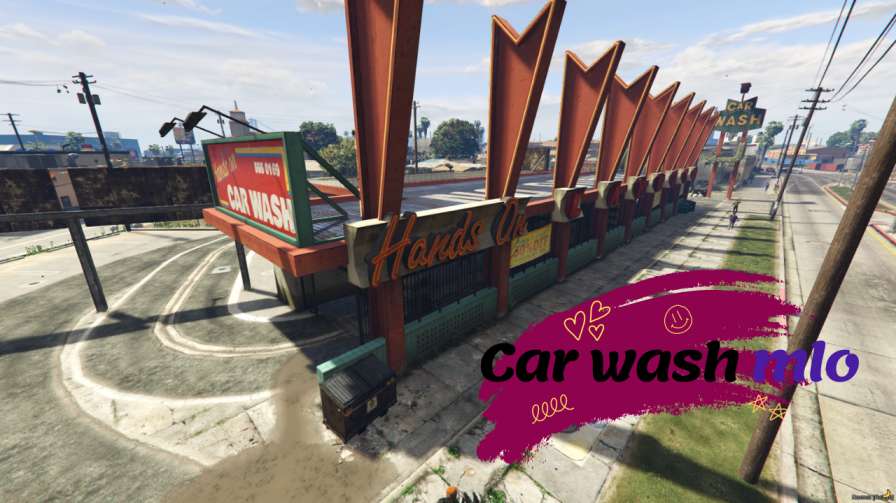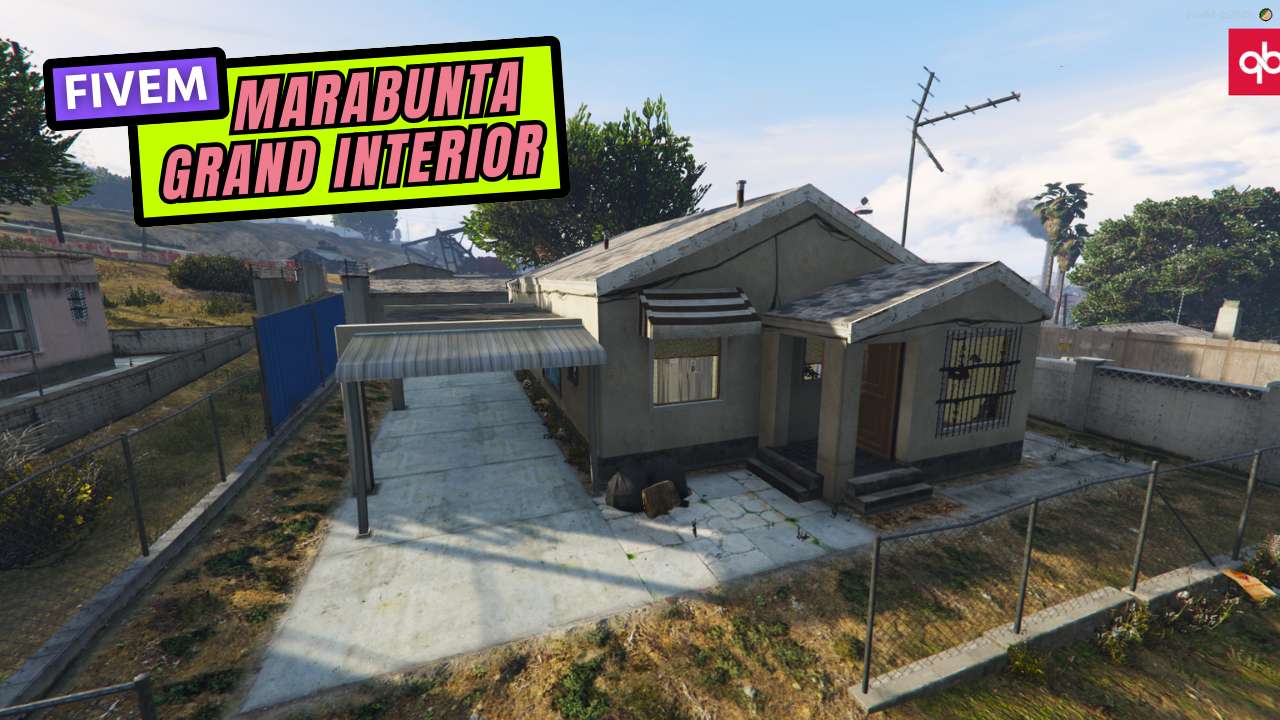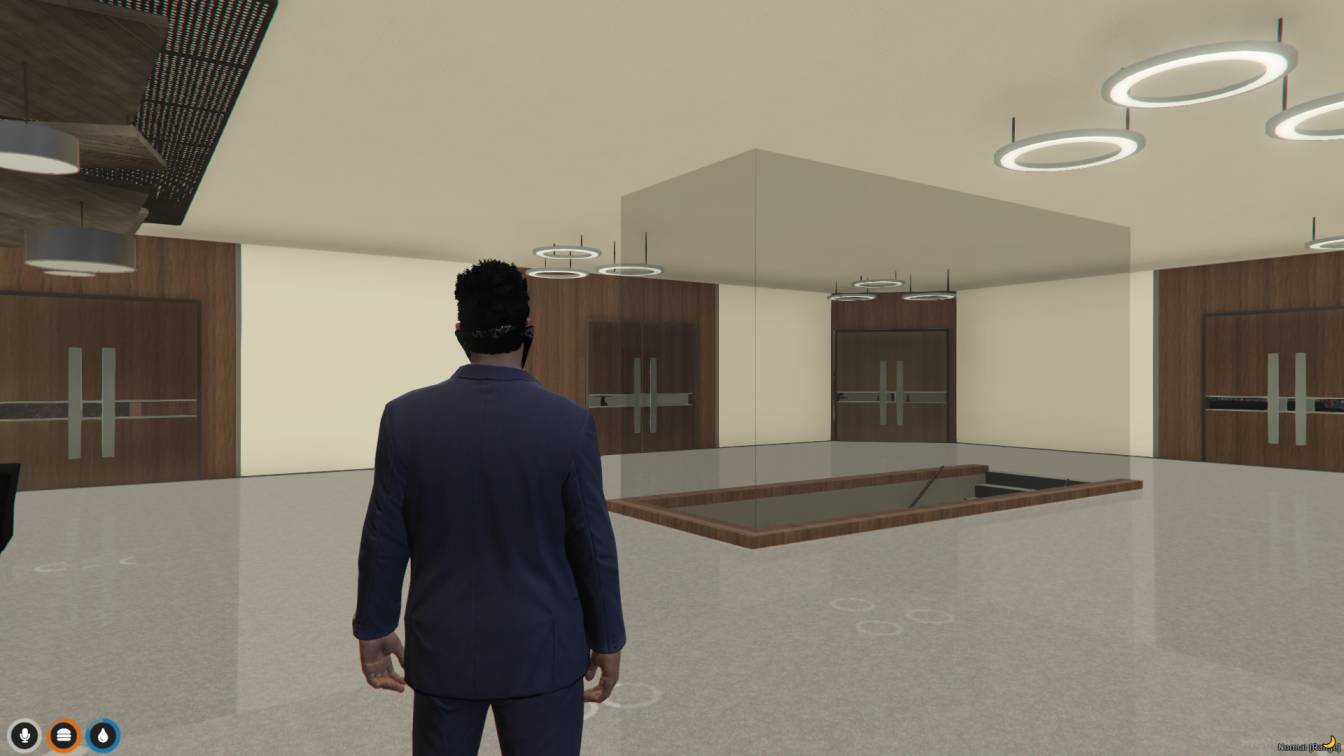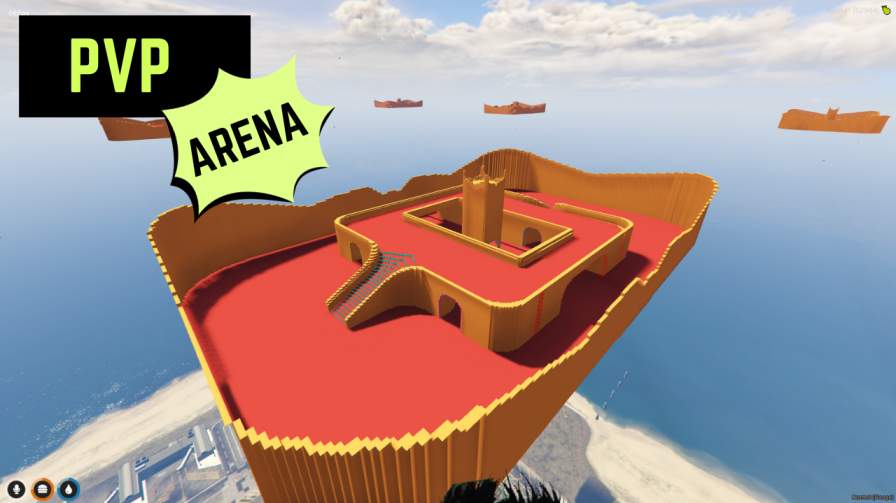
6 Tactical Shooting Arenas: Strategically designed for intense battles. Premium Design: Gain a competitive edge with stunning visuals. Sharpen Your Skills: Hone your reflexes and tactics for victory. Easy Setup: Drag-and-drop installation for quick access. Detailed Guide: Get started fast wi...




Bridges ship across the catalogue. Confirm the cores for this listing in Requirements below.
Looking to supercharge your FiveM experience? PVP Arena MLO drops you straight into adrenaline‑pumping combat zones, from gritty urban streets to sleek futuristic coliseums. Within the first 100 words, you’ll see why this map is a game‑changer: diverse layouts, strategic choke points, and endless weapon choices keep every match fresh and fierce.
Whether you crave open‑field shootouts or tight‑corridor ambushes, the arena’s multiple layouts deliver tactical depth. Players can sprint through neon‑lit corridors, hide behind abandoned cars, or dominate high‑ground platforms.
From pistols and rifles to grenades and melee, the weapon variety lets you craft your own combat strategy. Switch up the action with modes like Team Deathmatch, Capture the Flag, King of the Hill, or Last Man Standing – perfect for casual fun or hardcore tournaments.
Server owners love the plug‑and‑play setup. Just upload the files, tweak a few config lines, and restart – the arena is live. It works seamlessly with ESX, QBCore, or standalone frameworks, making it a hassle‑free addition to any server.
Thrilling gameplay, strategic depth, and community competition create an immersive experience that keeps players hooked. Host events, rank ladders, or spontaneous brawls – the arena adapts to any style.
This resource is built to be compatible with modern FiveM frameworks. Check the requirements for your framework version and installed resources before buying.
Yes, purchasing this asset grants you lifetime access to all future updates and patches.
Check the product requirements for file access and licensing details. If you need editable source files or a specific integration, contact support before buying.
After successful payment, sign in to your xFiveM Shop dashboard to access your purchased downloads. Contact support if your download is unavailable.
Review framework support, dependencies and editable files before buying. Contact support if your server uses a custom framework or needs a particular integration.
No waiting and no Keymaster syncing needed. Receive your clean, zip archive direct download link instantly in your dashboard right after your purchase.
Pay once and get every future update for free. When FiveM releases new builds or features, we update our scripts so your server stays up to date.
Complete your secure checkout. You will receive an instant download link to get your files immediately.
Extract the zip file and place the folder inside your server's resources directory.
Add ensure resource-name to your server.cfg and restart.

 FiveM
FiveM