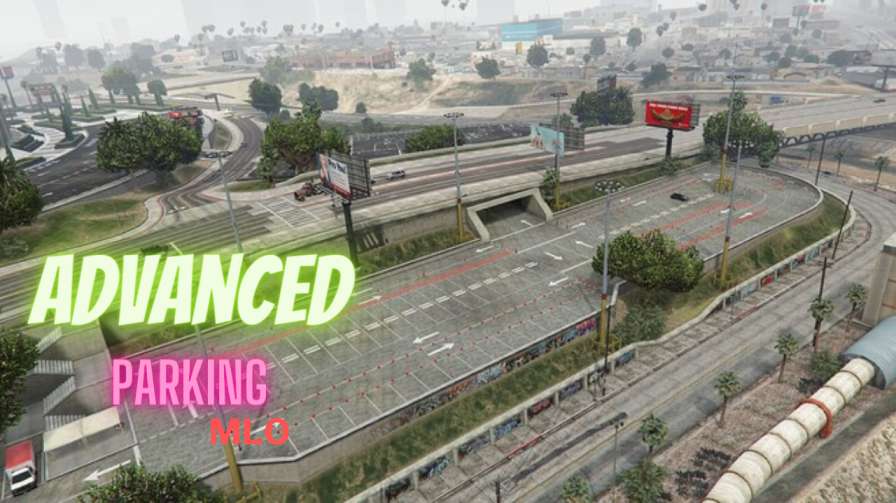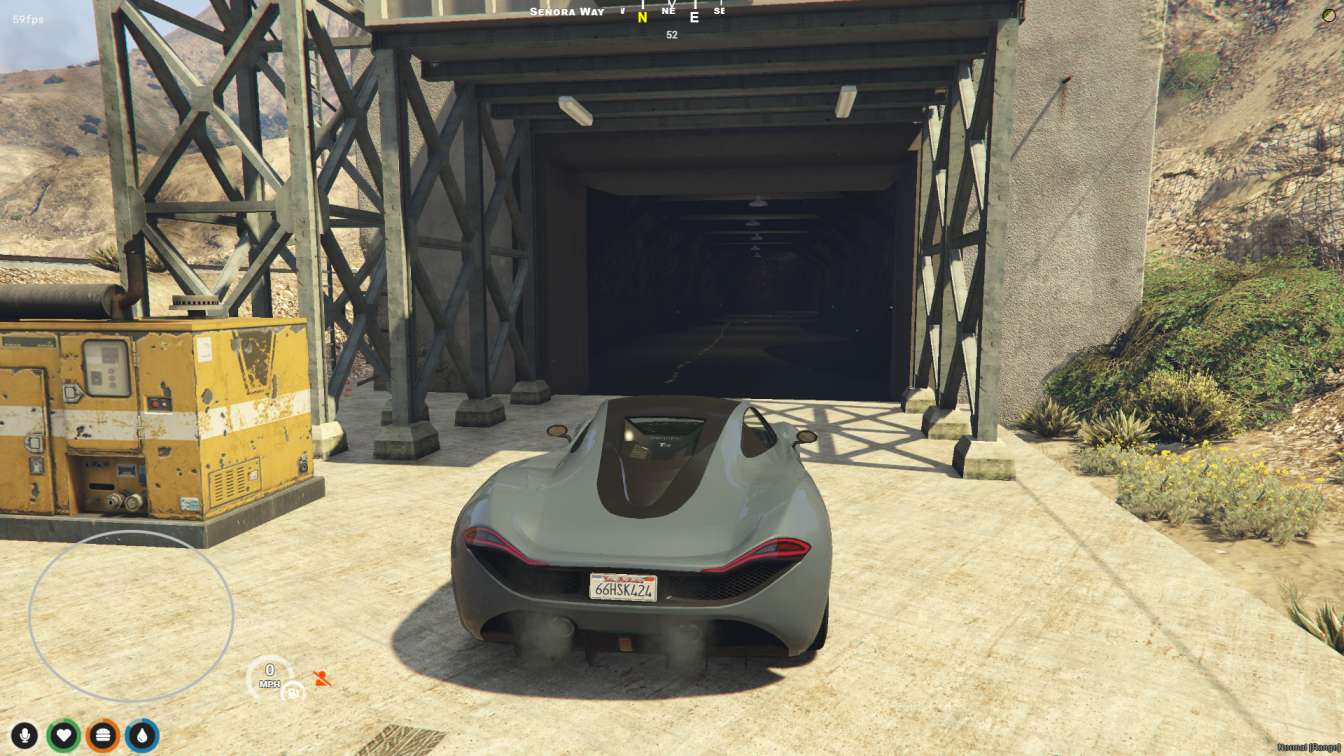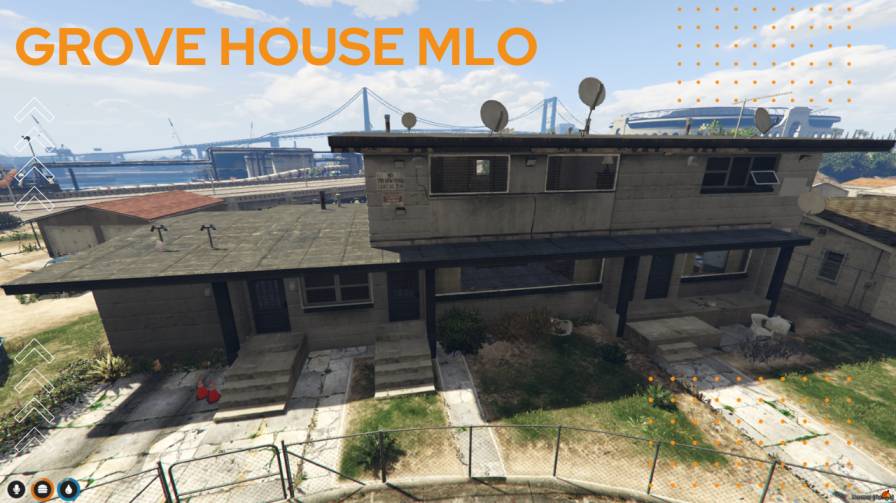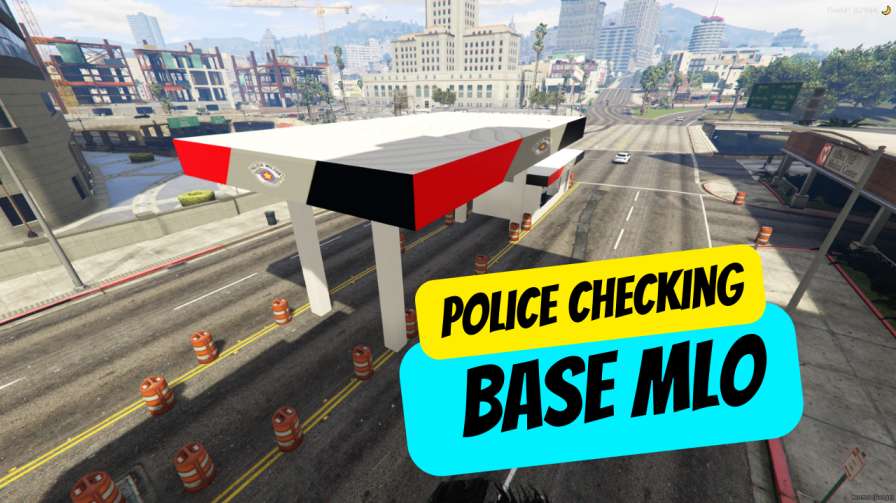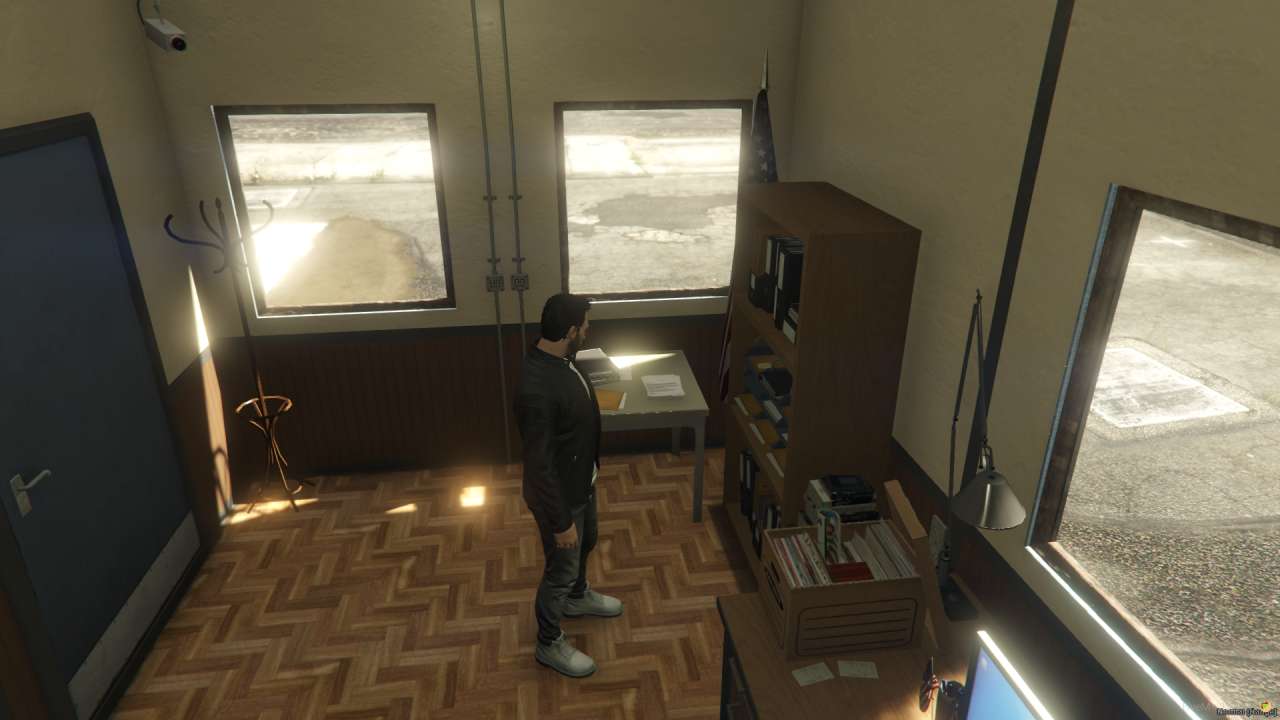
Instant Setup: Drag, drop & deploy for FiveM servers. Seamless Performance: Optimized for smooth gameplay. Immersive Interior: Fully furnished & detailed environment.




Bridges ship across the catalogue. Confirm the cores for this listing in Requirements below.
Security Guard Shack MLO is the perfect addition to any FiveM server looking to boost immersion and safety. In the first 100 words we dive straight into how this compact, fully equipped security office transforms your role‑play environment, giving players a realistic spot to monitor, report, and react to crime. With a sleek computer, sturdy desk, and a handy bookshelf, the MLO is ready for instant deployment. The location is strategically chosen to keep an eye on key areas while blending seamlessly into any city layout.
Players love the authenticity of a real guard office, and this MLO delivers. The setup process is a breeze—just drop the folder into your resources, add a single line to server.cfg, and you’re ready to go. No extra scripts or dependencies mean you can focus on your gameplay instead of troubleshooting. The design is lightweight yet detailed, ensuring your server’s performance stays smooth.
• Easy Installation – One‑click setup with no extra steps.
• Fully Equipped – Comes with a computer, desk, security area, and bookshelf for a realistic feel.
• Prime Location – Placed in a spot that’s both visible and accessible for role‑players.
• Customizable – Swap out furniture or tweak lighting with minimal effort.
• Future‑Proof – Regular updates keep it compatible with new FiveM releases.
1. Download the Security Guard Shack MLO.
2. Place the folder in your server’s resources directory.
3. Add start security-guard-shack to your server.cfg.
4. Restart your server and enjoy the new security hub.
Ready to elevate your server’s realism? Download now and give your players a brand‑new spot to keep the city safe!
This resource is built to be compatible with modern FiveM frameworks. Check the requirements for your framework version and installed resources before buying.
Yes, purchasing this asset grants you lifetime access to all future updates and patches.
Check the product requirements for file access and licensing details. If you need editable source files or a specific integration, contact support before buying.
After successful payment, sign in to your xFiveM Shop dashboard to access your purchased downloads. Contact support if your download is unavailable.
Review framework support, dependencies and editable files before buying. Contact support if your server uses a custom framework or needs a particular integration.
No waiting and no Keymaster syncing needed. Receive your clean, zip archive direct download link instantly in your dashboard right after your purchase.
Pay once and get every future update for free. When FiveM releases new builds or features, we update our scripts so your server stays up to date.
Complete your secure checkout. You will receive an instant download link to get your files immediately.
Extract the zip file and place the folder inside your server's resources directory.
Add ensure resource-name to your server.cfg and restart.

 FiveM
FiveM