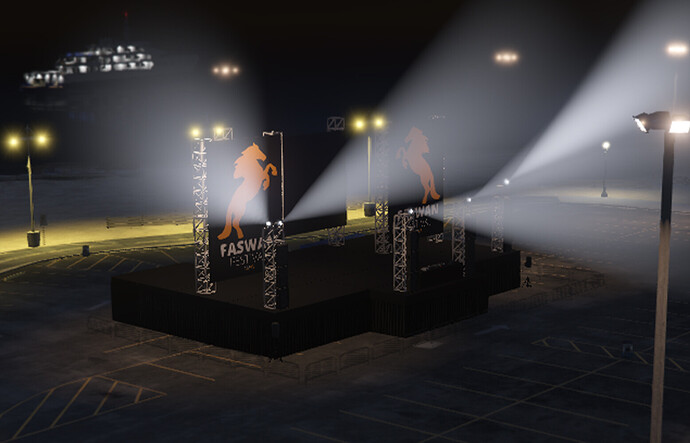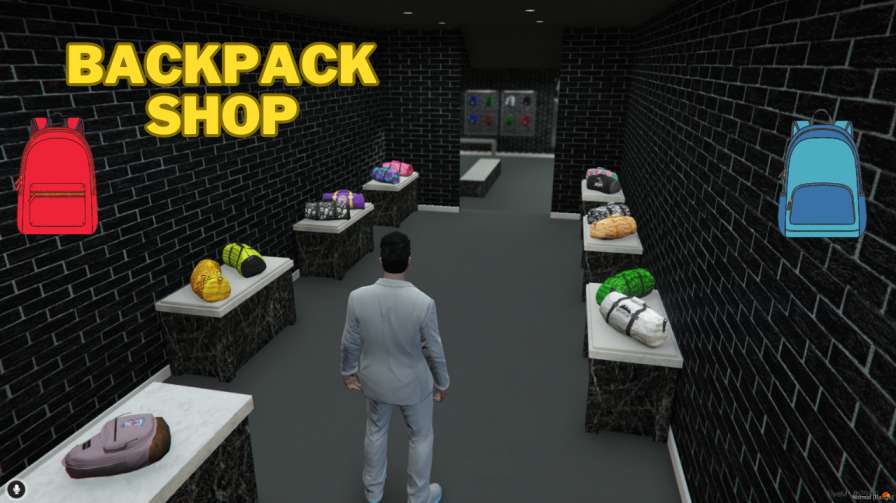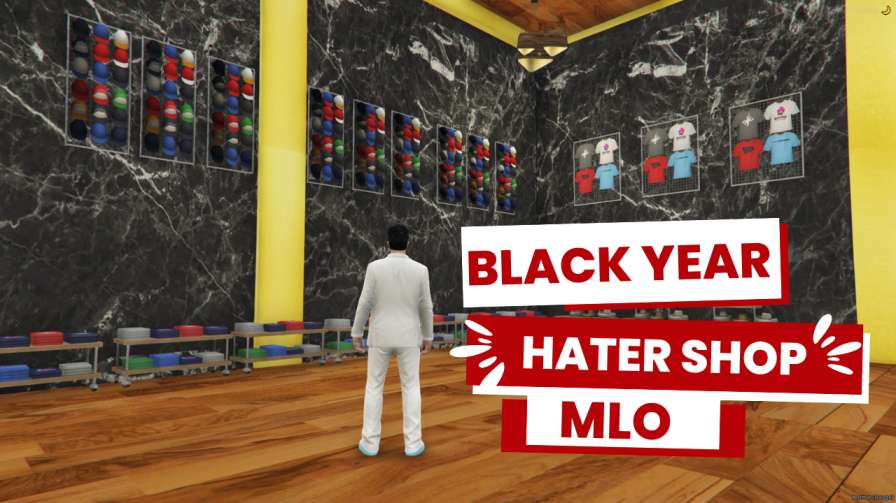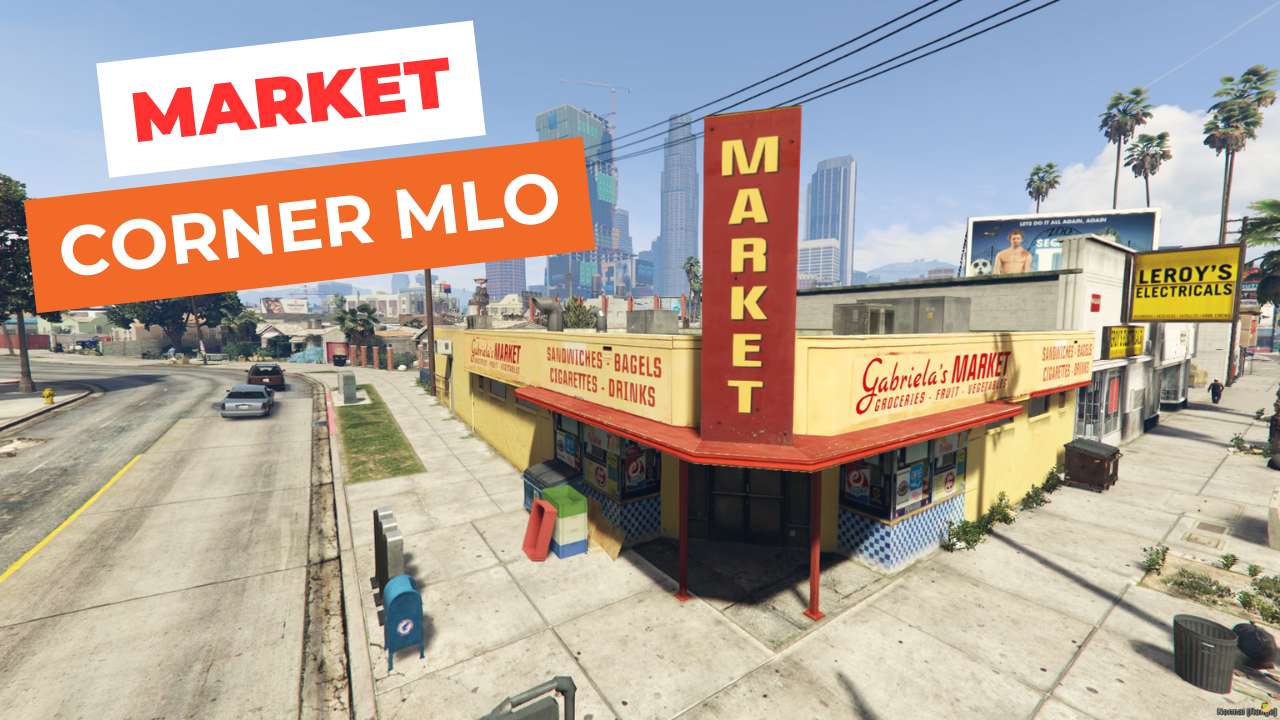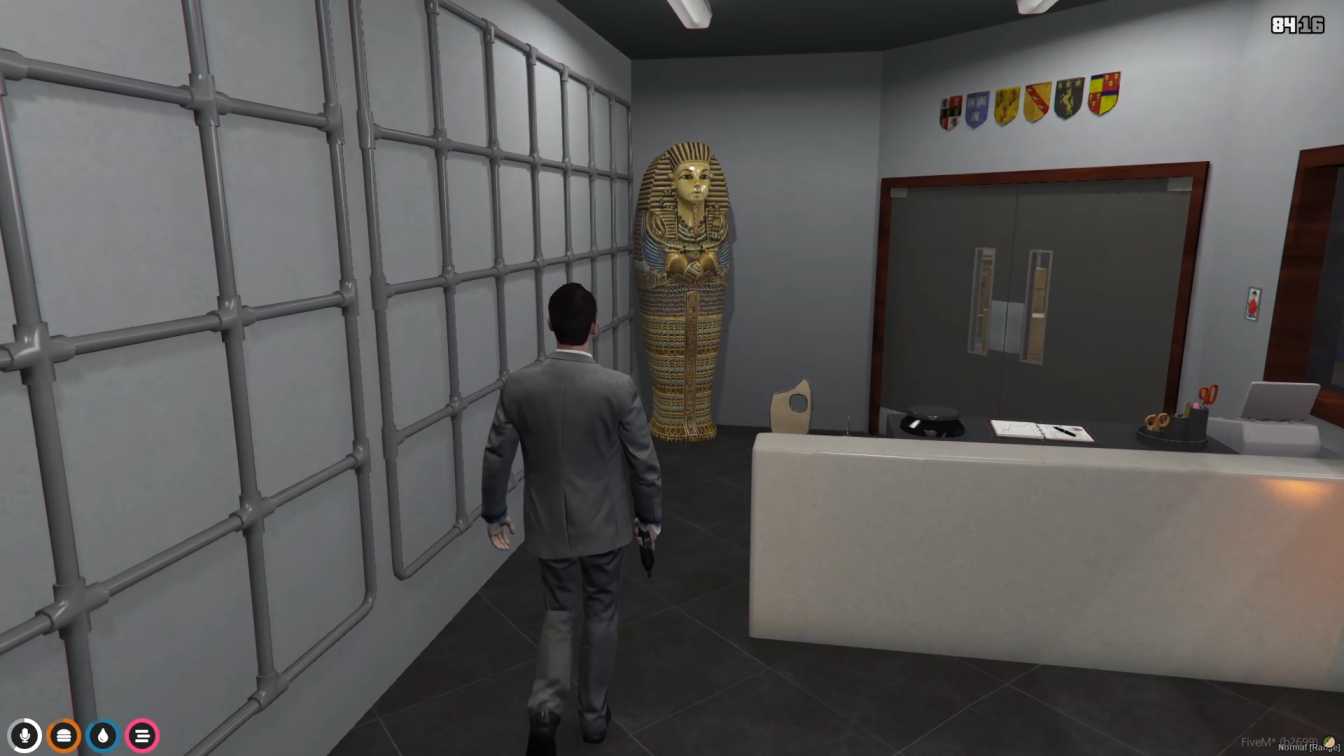
Detailed interior with diverse items Interactive showcases for trading Realistic negotiation and transaction spaces Enhances roleplay experiences Easy integration into GTA V servers




Bridges ship across the catalogue. Confirm the cores for this listing in Requirements below.
Welcome to the Pawn Shop MLO, the hottest new interior for your FiveM server that brings a bustling marketplace straight into GTA V’s urban sprawl. Within the first 100 words you’ll feel the buzz of neon lights, the clink of jewelry, and the hum of negotiations as players wander through a meticulously crafted space filled with interactive showcases. This mod isn’t just a building—it’s a living hub where traders pawn goods for quick cash, collectors hunt for rare antiques, and role‑players negotiate deals with NPCs.
Every corner of the pawn shop is designed for realism: polished counters, glass cases displaying glittering items, and a backroom perfect for private negotiations. Players can approach any showcase, press the interaction key, and instantly start buying, selling, or haggling, making each visit feel unique.
Designed for both ESX and QBCore frameworks, the Pawn Shop MLO drops straight into your resources folder. Add start pawnshop to your server.cfg and you’re ready to go—no complicated scripts, no extra dependencies. The interior loads quickly and is optimized to keep server performance smooth, even on modest hardware.
Adding the Pawn Shop MLO injects fresh role‑play opportunities, boosts player engagement, and diversifies the urban economy. Whether you run a high‑risk crime server or a laid‑back community, this shop becomes a natural gathering point, encouraging social interaction and repeat visits. Plus, its realistic ambiance enhances immersion, making every transaction feel authentic.
Download, install, and watch your players flock to the new hotspot. The Pawn Shop MLO is the perfect blend of style, function, and performance—an essential addition for any serious FiveM community.
This resource is built to be compatible with modern FiveM frameworks. Check the requirements for your framework version and installed resources before buying.
Yes, purchasing this asset grants you lifetime access to all future updates and patches.
Check the product requirements for file access and licensing details. If you need editable source files or a specific integration, contact support before buying.
After successful payment, sign in to your xFiveM Shop dashboard to access your purchased downloads. Contact support if your download is unavailable.
Review framework support, dependencies and editable files before buying. Contact support if your server uses a custom framework or needs a particular integration.
No waiting and no Keymaster syncing needed. Receive your clean, zip archive direct download link instantly in your dashboard right after your purchase.
Pay once and get every future update for free. When FiveM releases new builds or features, we update our scripts so your server stays up to date.
Complete your secure checkout. You will receive an instant download link to get your files immediately.
Extract the zip file and place the folder inside your server's resources directory.
Add ensure resource-name to your server.cfg and restart.

 FiveM
FiveM