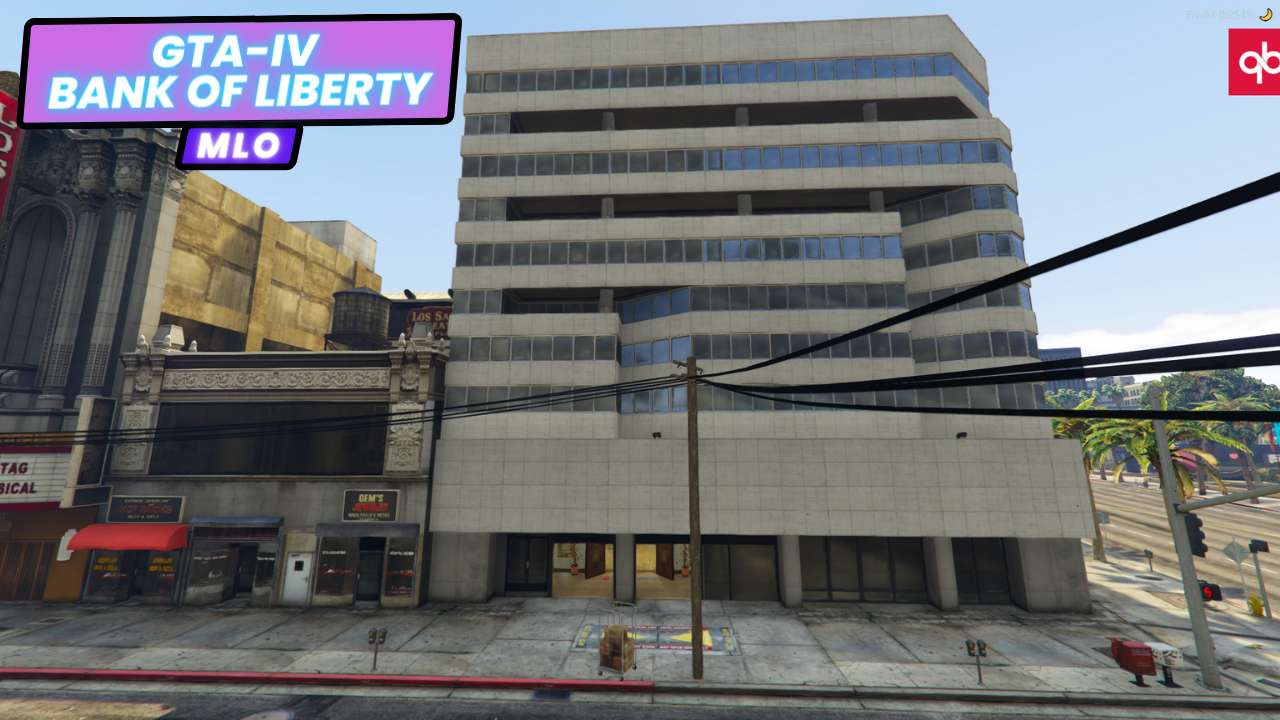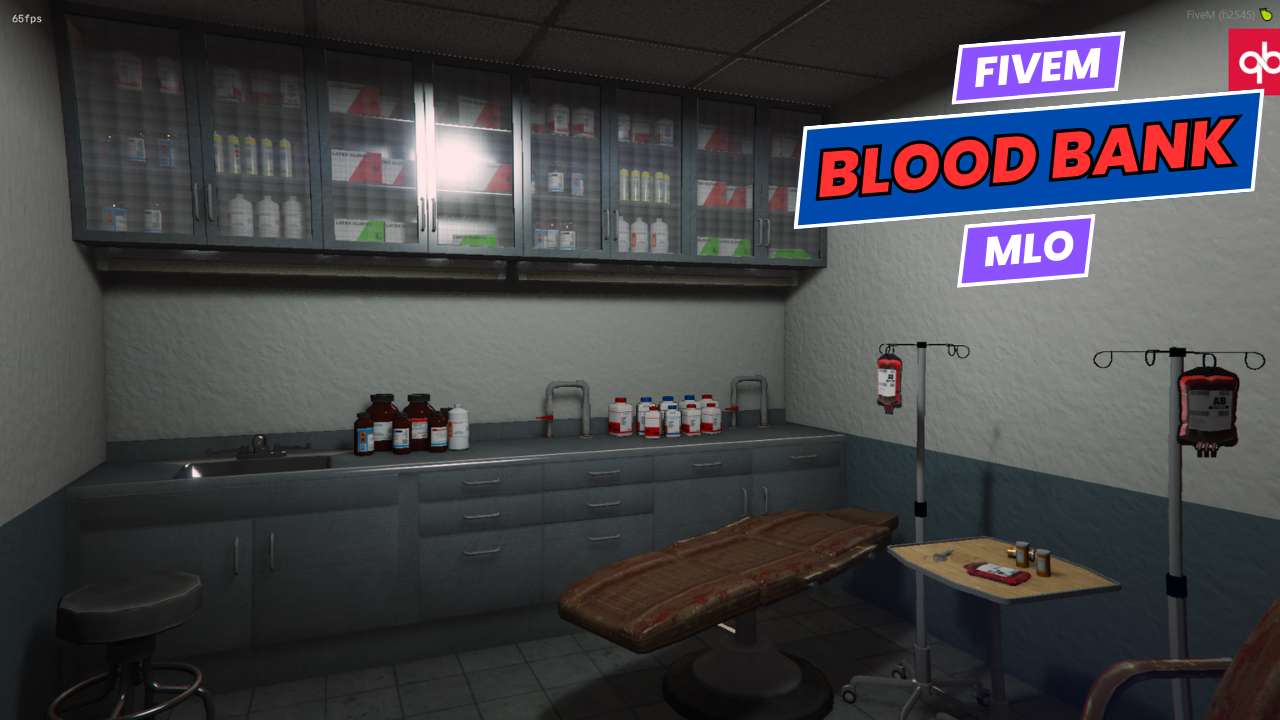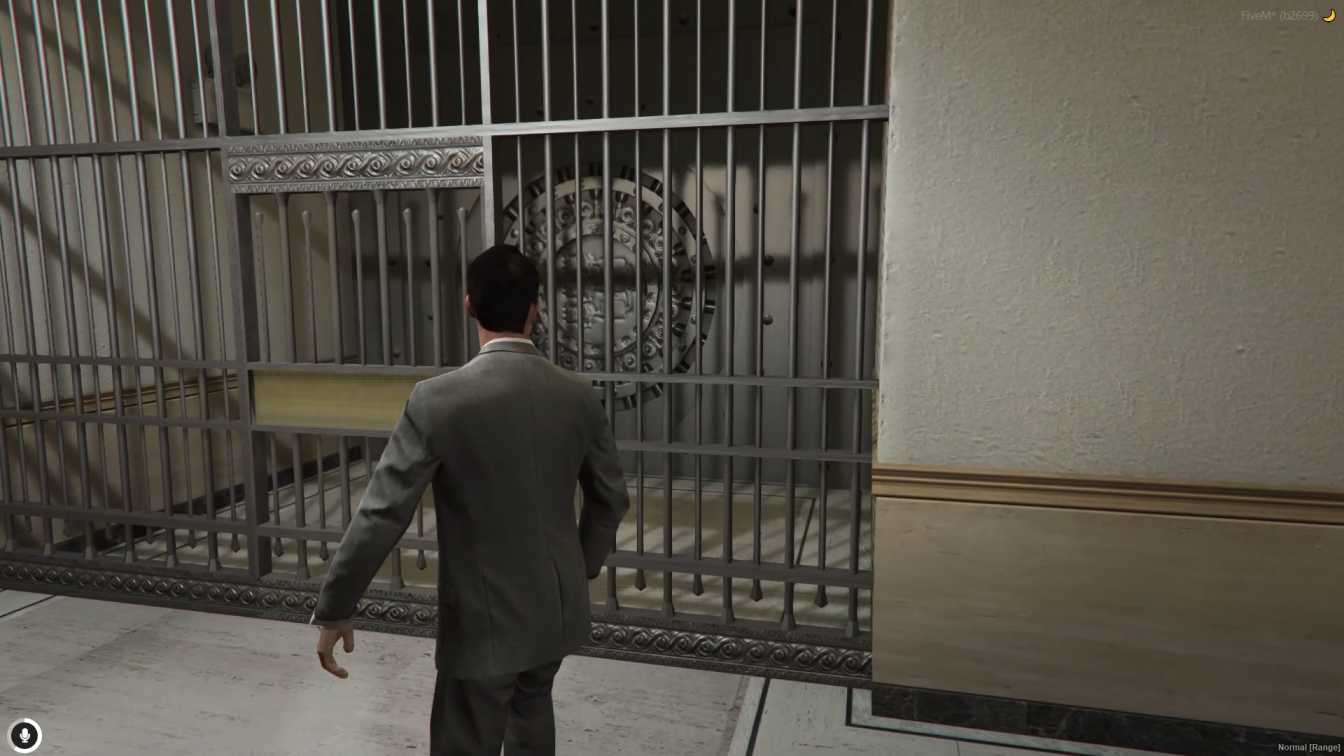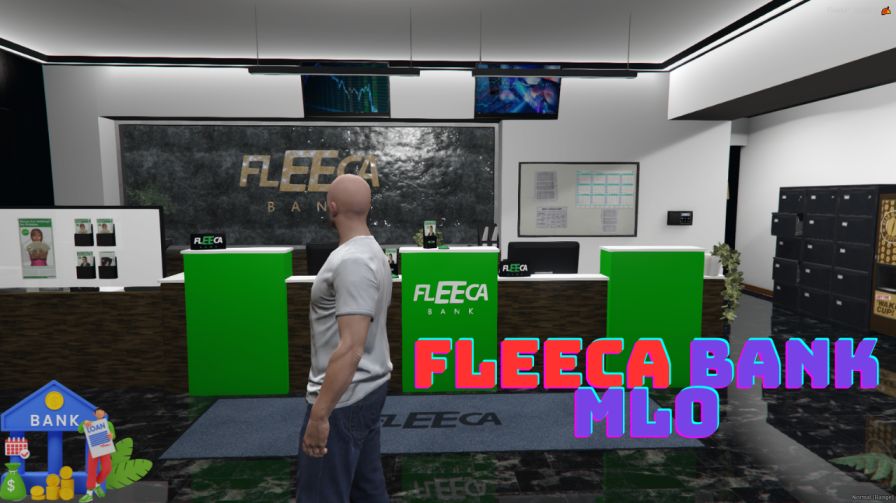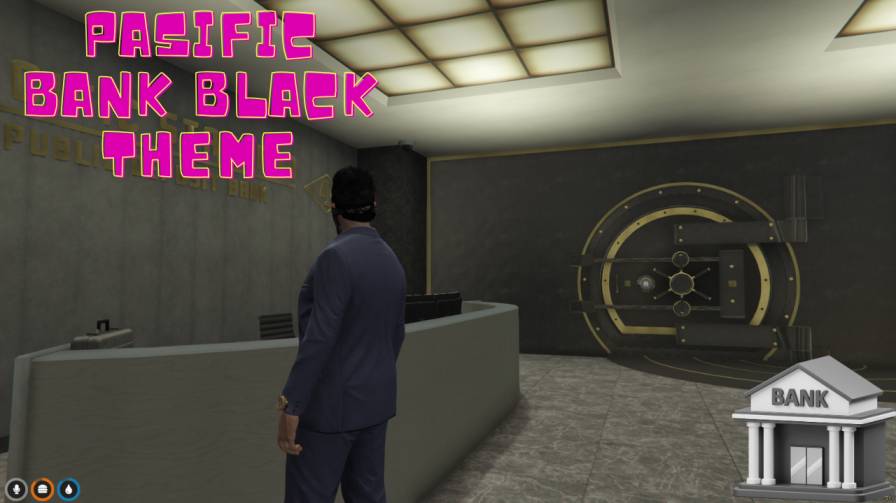
Introduce a secure and modern bank environment to your server Engage players with a highly detailed and realistic bank MLO Elevate your server's roleplay potential with the Pacific Bank Black MLO




Bridges ship across the catalogue. Confirm the cores for this listing in Requirements below.
Pacific Bank Black MLO brings a sleek, high‑security financial hub straight into your FiveM world, letting players dive into realistic heists, negotiations, and daily banking roleplay. Set in a downtown location, this modern interior boasts detailed vaults, teller counters, and office spaces, all crafted with optimized textures to keep lag to a minimum.
Players love immersive environments, and the Pacific Bank Black MLO delivers just that. The realistic design fuels thrilling scenarios—from coordinated robberies to everyday deposits—while the flexible layout supports multiple users simultaneously, perfect for large‑scale events.
Immersive Roleplay: Detailed interiors and functional vaults create authentic banking interactions.
Server Activity Boost: Unique location draws new players and keeps veterans engaged.
Performance Friendly: Optimized assets ensure smooth gameplay even on modest hardware.
Download the "Pacific_Bank_Black_FiveM" file, drop it into your resources folder, add start Pacific_Bank_Black_FiveM to your server.cfg, and restart. That’s it—your bank is live and ready for action.
Works on both Windows and Linux FiveM servers and is compatible with ESX, QBCore, or standalone frameworks. Need help? Our support team is just a click away.
This resource is built to be compatible with modern FiveM frameworks. Check the requirements for your framework version and installed resources before buying.
Yes, purchasing this asset grants you lifetime access to all future updates and patches.
Check the product requirements for file access and licensing details. If you need editable source files or a specific integration, contact support before buying.
After successful payment, sign in to your xFiveM Shop dashboard to access your purchased downloads. Contact support if your download is unavailable.
Review framework support, dependencies and editable files before buying. Contact support if your server uses a custom framework or needs a particular integration.
No waiting and no Keymaster syncing needed. Receive your clean, zip archive direct download link instantly in your dashboard right after your purchase.
Pay once and get every future update for free. When FiveM releases new builds or features, we update our scripts so your server stays up to date.
Complete your secure checkout. You will receive an instant download link to get your files immediately.
Extract the zip file and place the folder inside your server's resources directory.
Add ensure resource-name to your server.cfg and restart.

 FiveM
FiveM