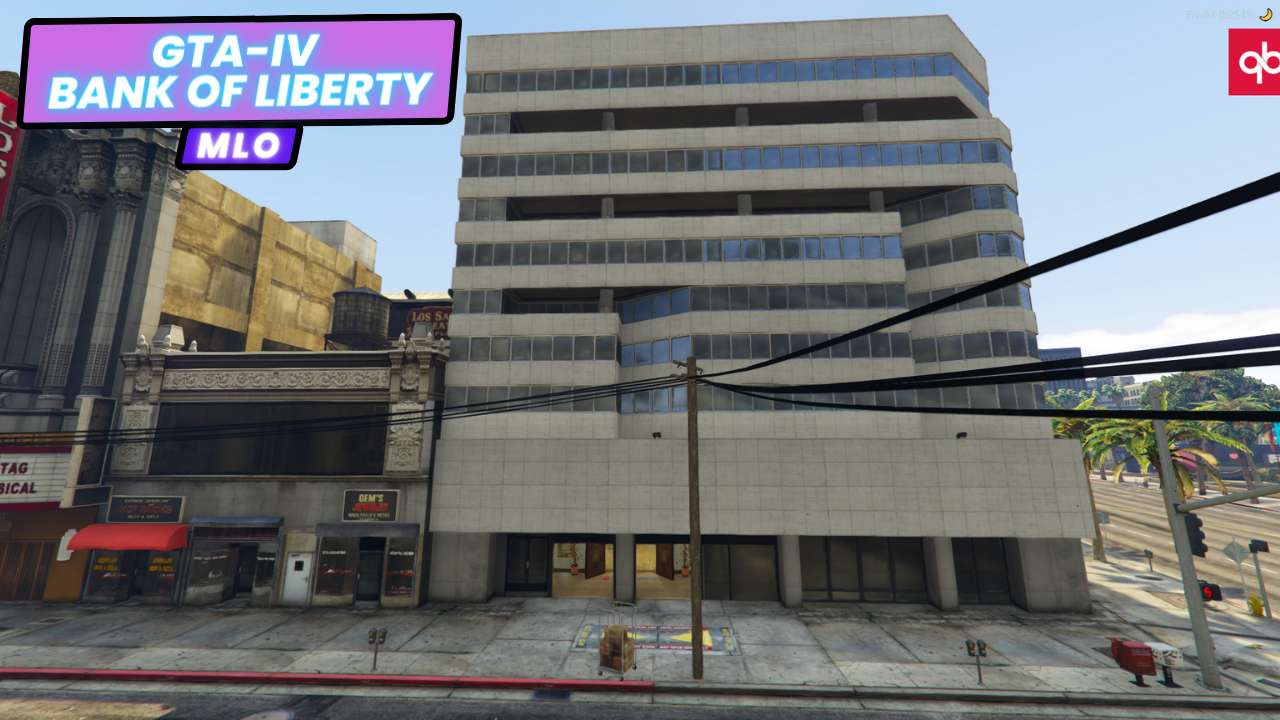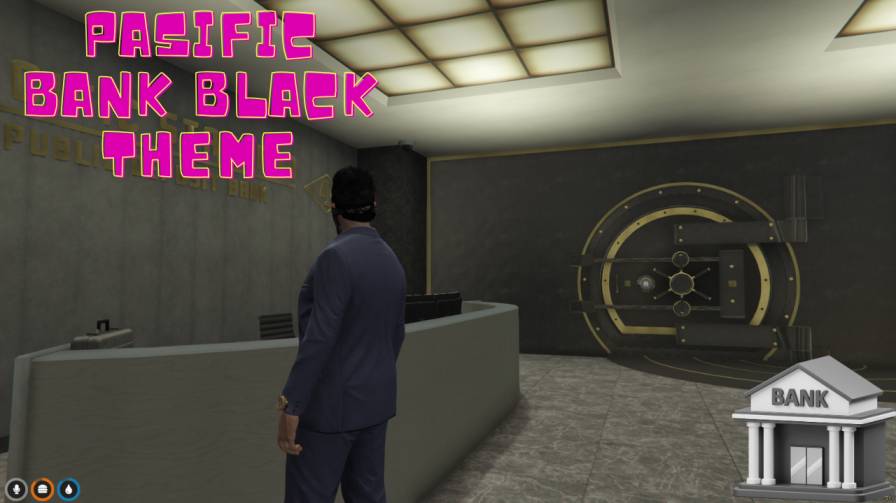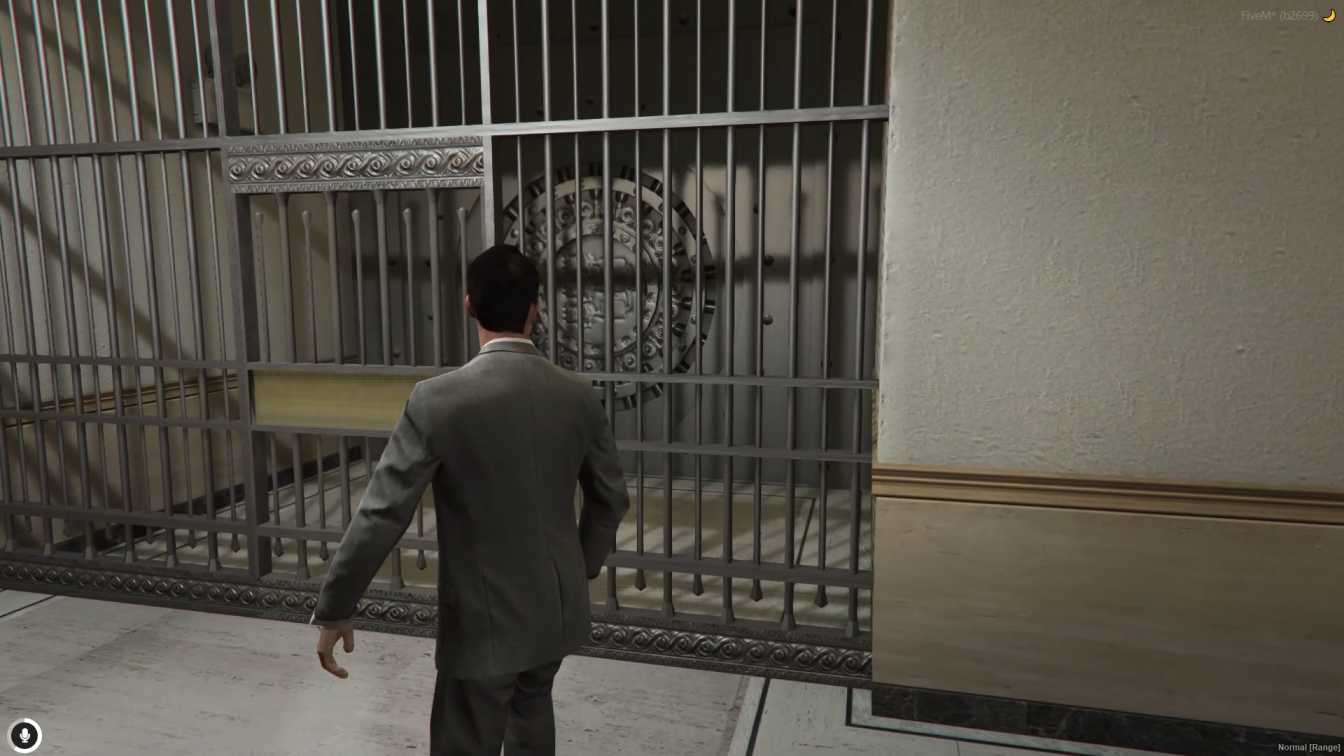
Underground network of tunnels beneath the Pacific Bank Perfect for heists, covert operations, and criminal role-playing Quick and hassle-free setup for server administrators Adds depth and excitement to FiveM gameplay Seamless integration for immersive underground adventures




Bridges ship across the catalogue. Confirm the cores for this listing in Requirements below.
FiveM Pacific Bank Tunnel MLO drops you into a secret network of tunnels beneath the iconic Pacific Bank, perfect for daring heists, covert ops, and immersive role‑play. Imagine sneaking through dimly lit passageways, evading security drones, and uncovering hidden caches—all without leaving the comfort of your server. This MLO is designed for quick installation, seamless integration, and endless creative scenarios, letting you and your crew plan the ultimate bank robbery or simply explore the city’s unseen depths.
From hidden side doors to maze‑like corridors, the Pacific Bank Tunnel adds a layer of intrigue that transforms ordinary gameplay into a pulse‑pounding adventure. Whether you’re a mastermind planner or a rogue escape artist, the tunnels offer strategic routes that keep law enforcement guessing.
Every tunnel is meticulously crafted for realism, with textured walls, dynamic lighting, and interactive elements that react to player actions. The MLO works flawlessly with ESX, QBCore, or any standalone setup, ensuring maximum compatibility.
Just drop the resource into your FiveM server resources folder, add it to server.cfg, restart, and you’re ready to dive underground. No complicated scripts, no lag—just pure, adrenaline‑filled fun.
Plan a multi‑stage robbery, set up secret meet‑ups, or hide loot in concealed chambers. The tunnel network encourages teamwork, strategy, and spontaneous storytelling, making each session fresh and unpredictable.
This resource is built to be compatible with modern FiveM frameworks. Check the requirements for your framework version and installed resources before buying.
Yes, purchasing this asset grants you lifetime access to all future updates and patches.
Check the product requirements for file access and licensing details. If you need editable source files or a specific integration, contact support before buying.
After successful payment, sign in to your xFiveM Shop dashboard to access your purchased downloads. Contact support if your download is unavailable.
Review framework support, dependencies and editable files before buying. Contact support if your server uses a custom framework or needs a particular integration.
No waiting and no Keymaster syncing needed. Receive your clean, zip archive direct download link instantly in your dashboard right after your purchase.
Pay once and get every future update for free. When FiveM releases new builds or features, we update our scripts so your server stays up to date.
Complete your secure checkout. You will receive an instant download link to get your files immediately.
Extract the zip file and place the folder inside your server's resources directory.
Add ensure resource-name to your server.cfg and restart.

 FiveM
FiveM