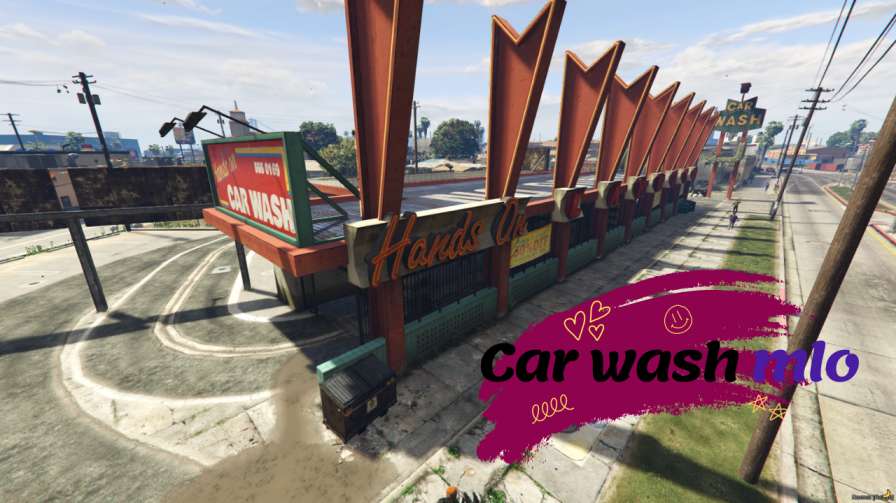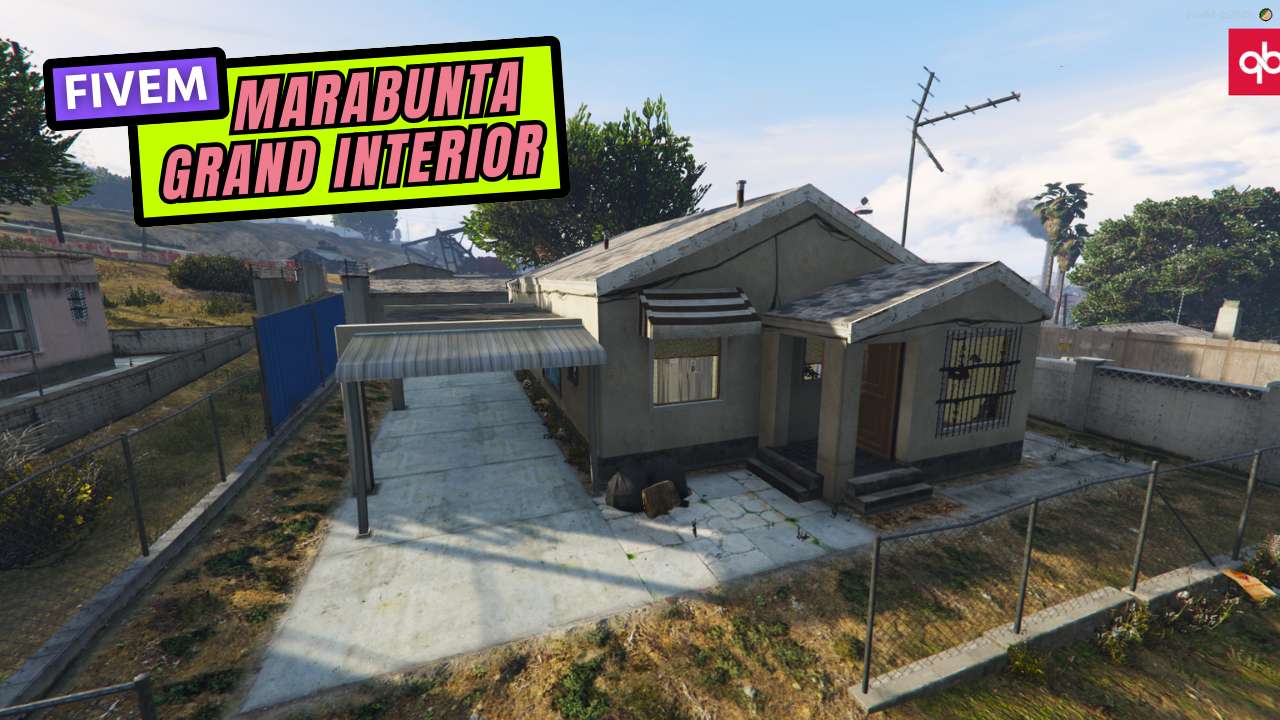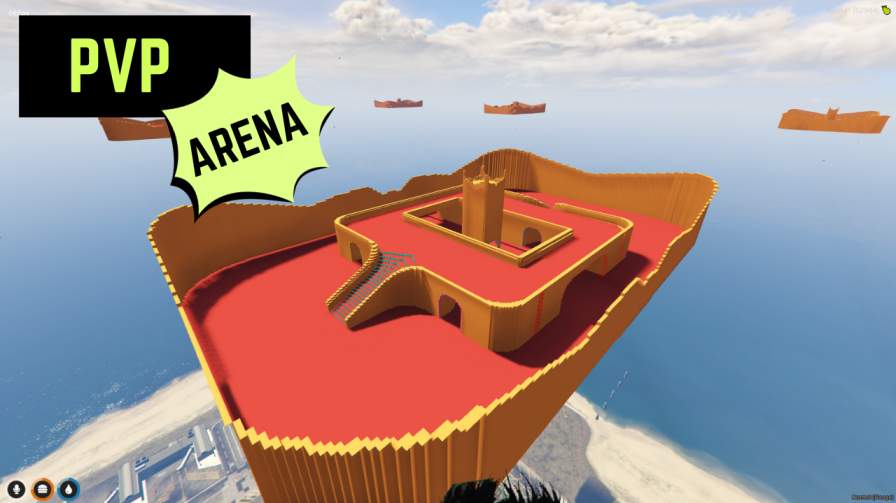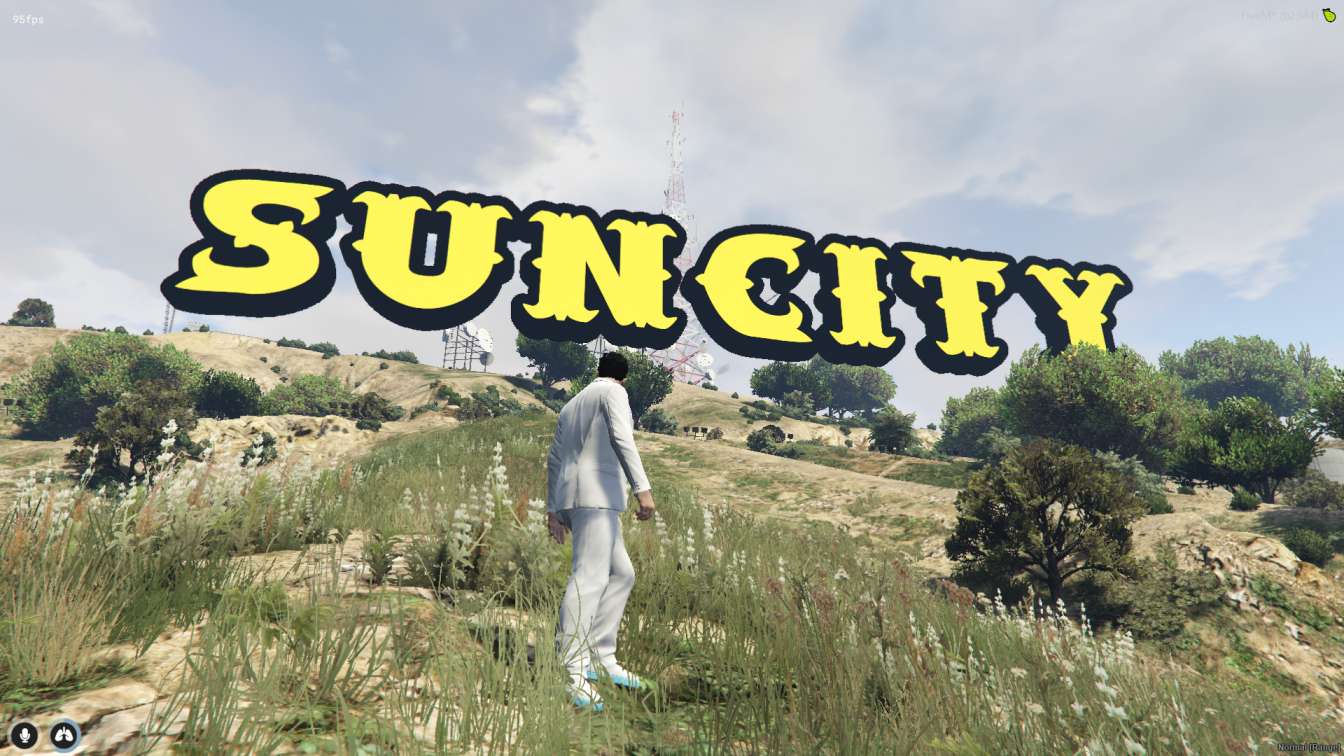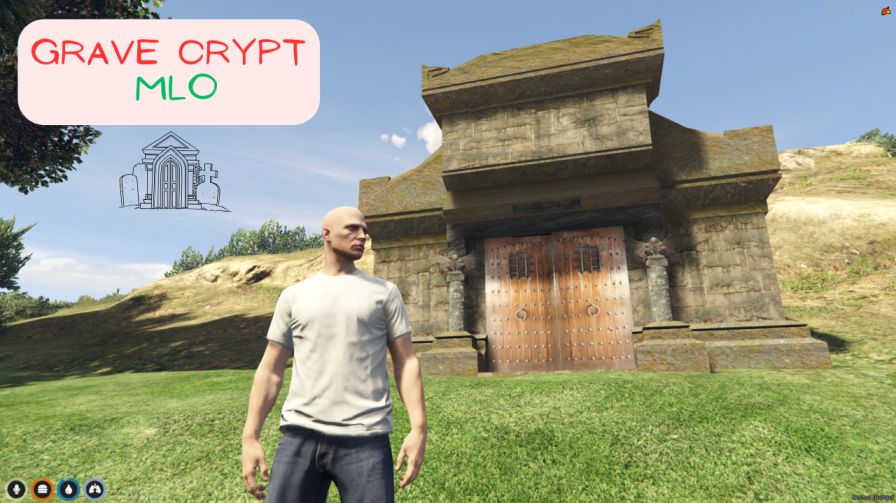
Explore mysterious underground crypts Discover hidden treasures and solve puzzles High-quality textures and detailed design Convenient installation for immediate use Adds excitement and adventure to gameplay




Bridges ship across the catalogue. Confirm the cores for this listing in Requirements below.
NoPixel Crypt Map brings an exhilarating underground adventure to your FiveM server. Players step into a meticulously crafted crypt, packed with hidden treasures, mind‑bending puzzles, and ancient symbols that spark curiosity from the first footstep.
Navigate winding corridors and secret chambers where every corner hides a new challenge. Discover rare artifacts, decode cryptic riddles, and claim hidden loot that rewards daring explorers. The map’s high‑quality textures and detailed design create an immersive atmosphere that feels both eerie and awe‑inspiring.
Adding the NoPixel Crypt Map instantly upgrades server immersion. It offers endless exploration for players of all ages, encourages teamwork, and adds a fresh layer of depth to role‑play scenarios. Whether you run an ESX, QBCore, or standalone server, the crypt integrates seamlessly and can host multiple players simultaneously.
Just drop the NoPixel_Crypt_Map folder into your resources, add start NoPixel_Crypt_Map to your server.cfg, and restart. No extra configuration needed—your crypt is ready for adventure in minutes.
Turn your FiveM world into an epic quest hub. Players will keep returning for the mystery, the challenge, and the loot. Grab the NoPixel Crypt Map today and watch your community dive into the unknown!
This resource is built to be compatible with modern FiveM frameworks. Check the requirements for your framework version and installed resources before buying.
Yes, purchasing this asset grants you lifetime access to all future updates and patches.
Check the product requirements for file access and licensing details. If you need editable source files or a specific integration, contact support before buying.
After successful payment, sign in to your xFiveM Shop dashboard to access your purchased downloads. Contact support if your download is unavailable.
Review framework support, dependencies and editable files before buying. Contact support if your server uses a custom framework or needs a particular integration.
No waiting and no Keymaster syncing needed. Receive your clean, zip archive direct download link instantly in your dashboard right after your purchase.
Pay once and get every future update for free. When FiveM releases new builds or features, we update our scripts so your server stays up to date.
Complete your secure checkout. You will receive an instant download link to get your files immediately.
Extract the zip file and place the folder inside your server's resources directory.
Add ensure resource-name to your server.cfg and restart.

 FiveM
FiveM