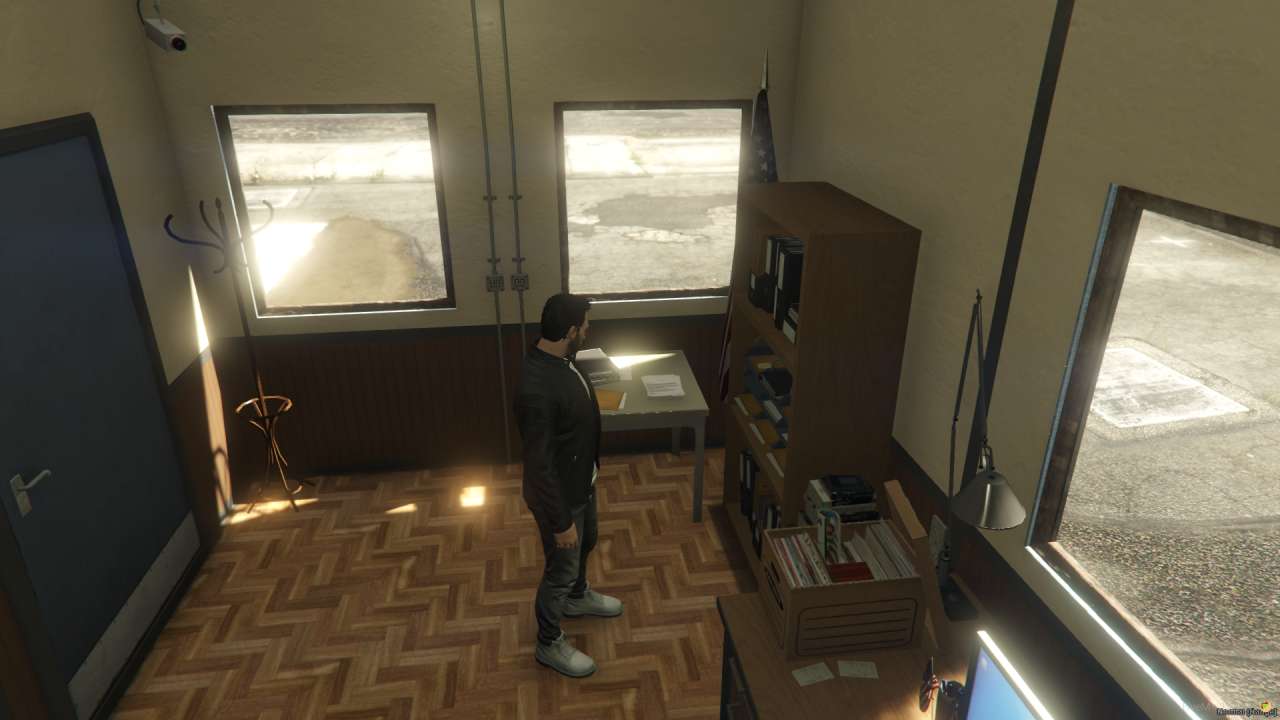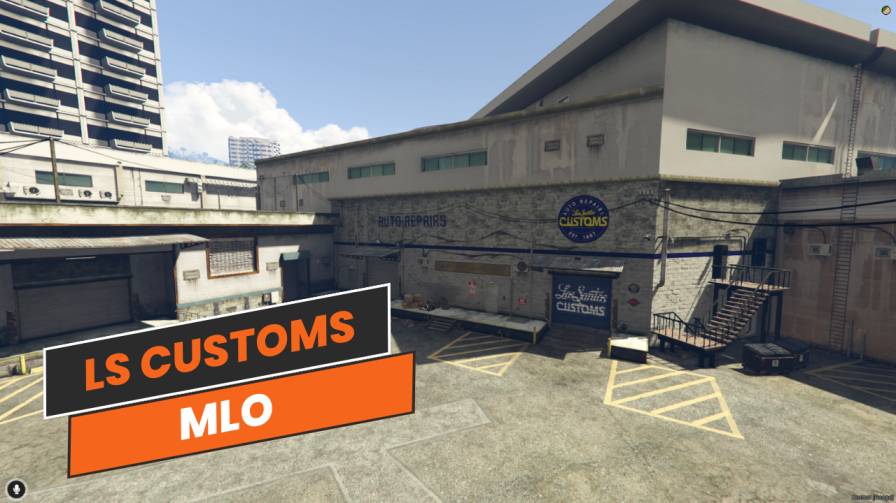
Explore immersive car customization and upgrades in Los Santos Custom MLO. High-tech equipment and detailed interiors offer a realistic garage experience. Reinforced doors ensure security, while seamless integration enhances gameplay.




Bridges ship across the catalogue. Confirm the cores for this listing in Requirements below.
Los Santos Custom MLO brings a next‑level car customization hub to your FiveM role‑play server. From the moment players step inside, they’re greeted by sleek high‑tech equipment, spacious work bays and realistic tool racks that make every upgrade feel authentic. Whether you’re tuning performance, swapping spoilers, or just fixing a busted engine, this immersive garage delivers the tools and vibe you need.
Designed with detail‑obsessed gamers in mind, the interior boasts diagnostic machines, reinforced doors for security, and a comfortable waiting area where crews can chat about their latest builds. The layout is optimized for multiple vehicles, so you won’t get bottlenecked during busy RP sessions.
Plug the Los Santos Custom MLO into any ESX, QBCore or standalone server and watch it blend perfectly into the Los Santos skyline. It works flawlessly on both PC and mobile, giving your community flexibility without sacrificing performance.
Enhanced role‑play – Give players a professional setting to showcase mods.
Wide customization options – From engine swaps to paint jobs.
Realistic environment – Detailed interiors keep immersion high.
Secure and accessible – Reinforced doors and multi‑platform support.
Download, extract, move to your resources folder, update the config and restart. That’s it – your server now boasts the most realistic custom shop in GTA V RP.
This resource is built to be compatible with modern FiveM frameworks. Check the requirements for your framework version and installed resources before buying.
Yes, purchasing this asset grants you lifetime access to all future updates and patches.
Check the product requirements for file access and licensing details. If you need editable source files or a specific integration, contact support before buying.
After successful payment, sign in to your xFiveM Shop dashboard to access your purchased downloads. Contact support if your download is unavailable.
Review framework support, dependencies and editable files before buying. Contact support if your server uses a custom framework or needs a particular integration.
No waiting and no Keymaster syncing needed. Receive your clean, zip archive direct download link instantly in your dashboard right after your purchase.
Pay once and get every future update for free. When FiveM releases new builds or features, we update our scripts so your server stays up to date.
Complete your secure checkout. You will receive an instant download link to get your files immediately.
Extract the zip file and place the folder inside your server's resources directory.
Add ensure resource-name to your server.cfg and restart.

 FiveM
FiveM