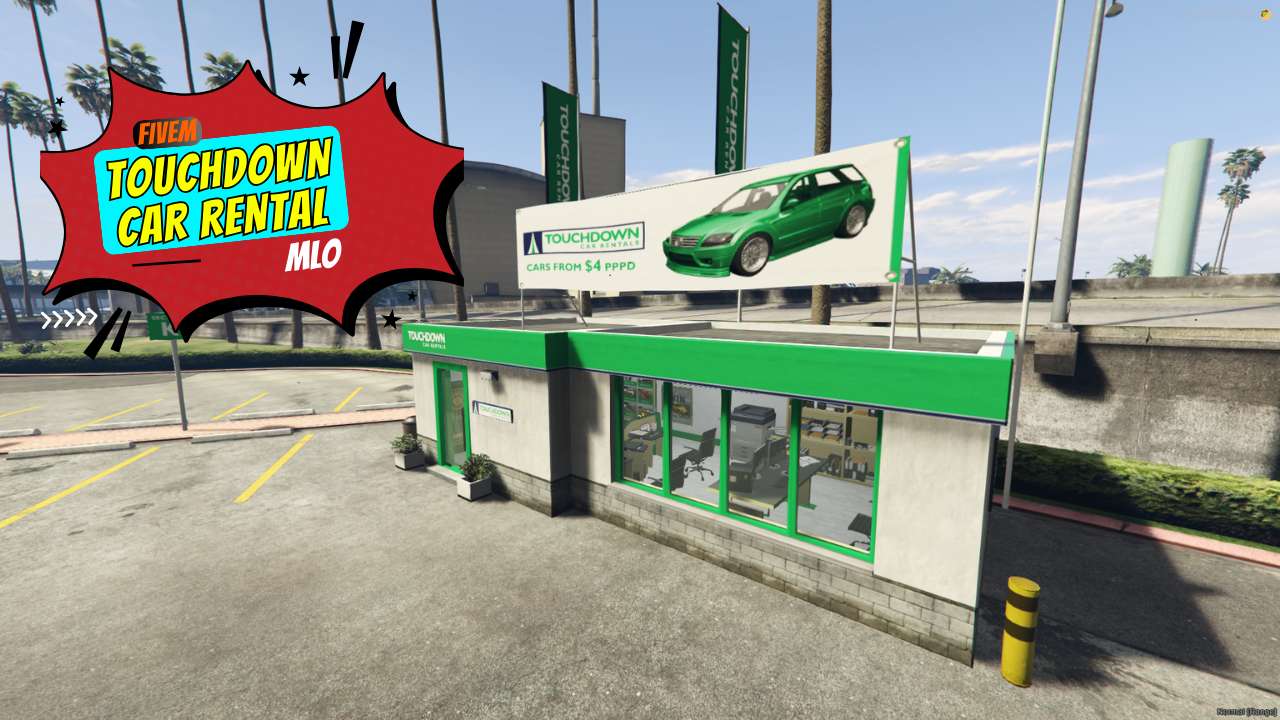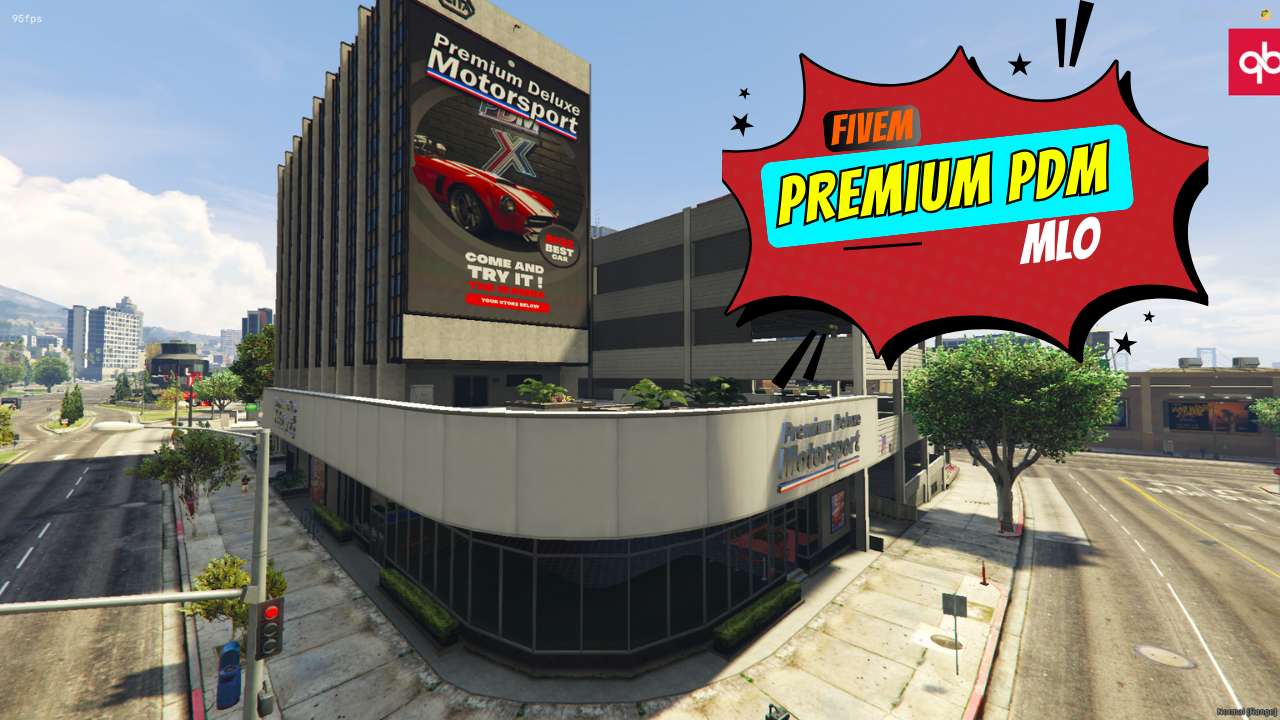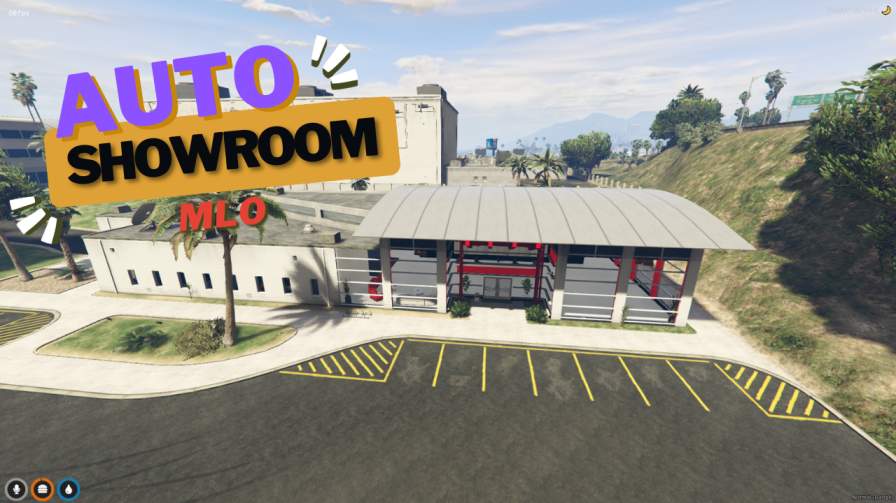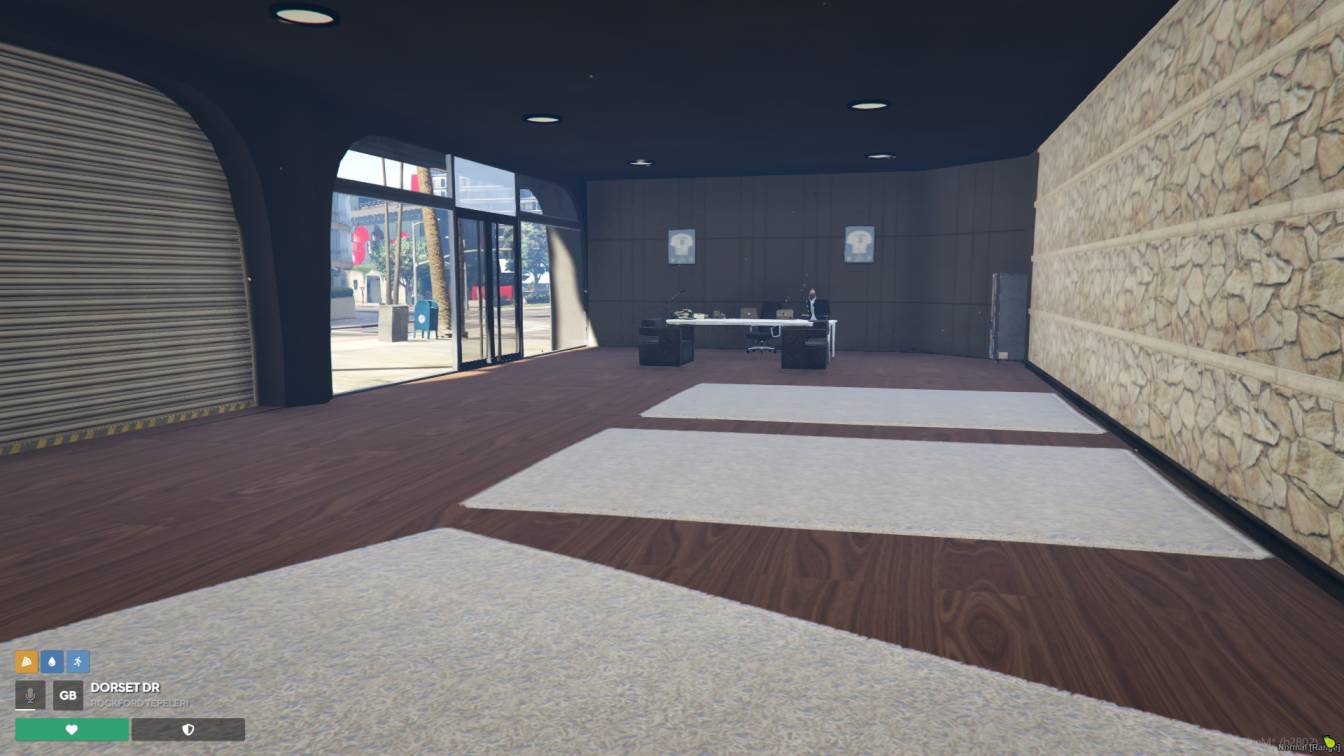
Explore a modern car dealership environment. Browse a wide range of vehicles. Engage in immersive car buying and selling experiences. Elevate your server with realistic automotive roleplay.




Bridges ship across the catalogue. Confirm the cores for this listing in Requirements below.
Galaxy Car Dealer MLO brings a sleek, modern car dealership straight to your FiveM server, turning vehicle trading into an unforgettable adventure. Players step into a high‑end showroom filled with glossy sports cars, rugged off‑road trucks, and everything in between, all rendered with ultra‑realistic textures and immersive details.
Explore expansive showroom floors that showcase a diverse fleet, negotiate deals in stylish office spaces, and head to the service bays for maintenance or custom upgrades. The layout is designed for smooth navigation, making it easy for both buyers and sellers to hustle and hustle‑back in a bustling automotive hub.
Beyond the eye‑candy, this MLO adds depth to role‑play. It encourages car‑enthusiast communities, boosts server immersion, and creates a natural gathering spot for thrill‑seekers. With high‑quality graphics and a fully functional environment, your server gains a professional edge that keeps players coming back for more rides.
Just drop the Galaxy_Car_Dealer_FiveM folder into your resources, add start Galaxy_Car_Dealer_FiveM to server.cfg, and restart. No scripting headaches—just pure automotive fun ready to roll.
Upgrade your FiveM world with Galaxy Car Dealer MLO and watch the traffic flow. Whether it’s a high‑octane race night or a casual cruise, this dealership is the perfect backdrop for every car‑centric storyline. Let the automotive excitement begin!
This resource is built to be compatible with modern FiveM frameworks. Check the requirements for your framework version and installed resources before buying.
Yes, purchasing this asset grants you lifetime access to all future updates and patches.
Check the product requirements for file access and licensing details. If you need editable source files or a specific integration, contact support before buying.
After successful payment, sign in to your xFiveM Shop dashboard to access your purchased downloads. Contact support if your download is unavailable.
Review framework support, dependencies and editable files before buying. Contact support if your server uses a custom framework or needs a particular integration.
No waiting and no Keymaster syncing needed. Receive your clean, zip archive direct download link instantly in your dashboard right after your purchase.
Pay once and get every future update for free. When FiveM releases new builds or features, we update our scripts so your server stays up to date.
Complete your secure checkout. You will receive an instant download link to get your files immediately.
Extract the zip file and place the folder inside your server's resources directory.
Add ensure resource-name to your server.cfg and restart.

 FiveM
FiveM