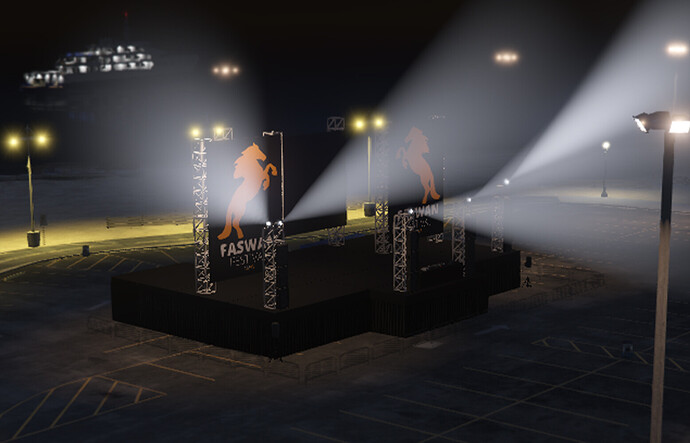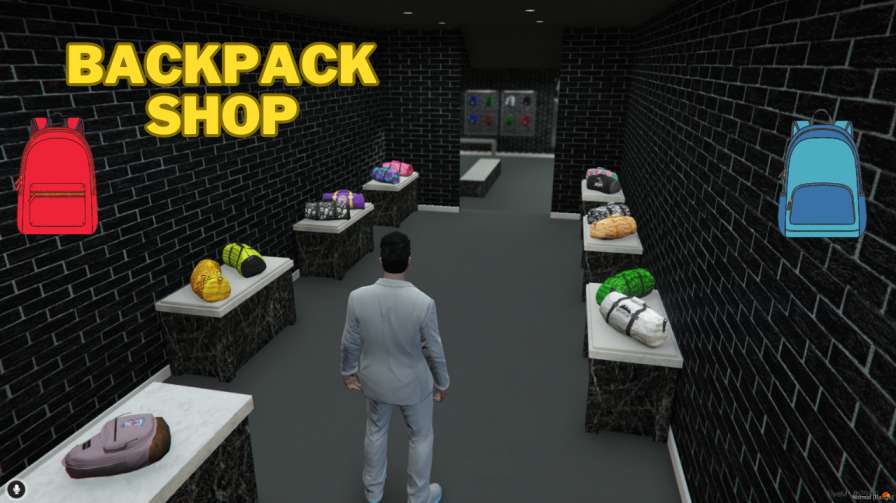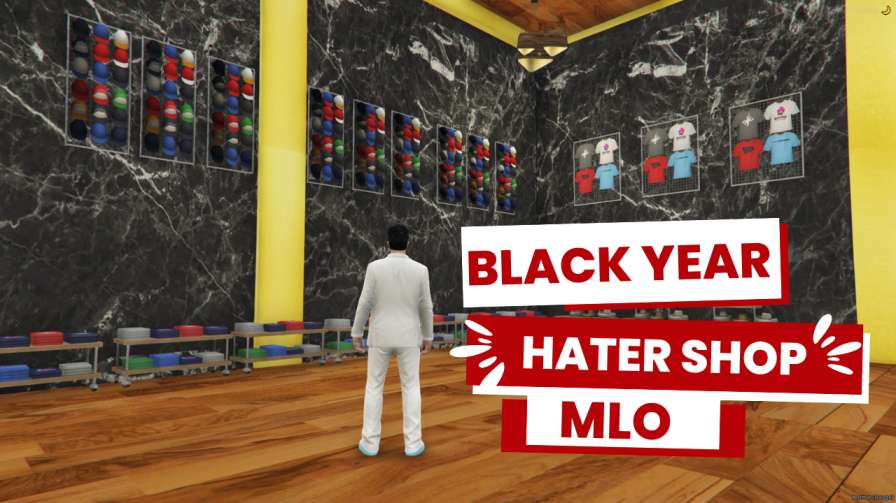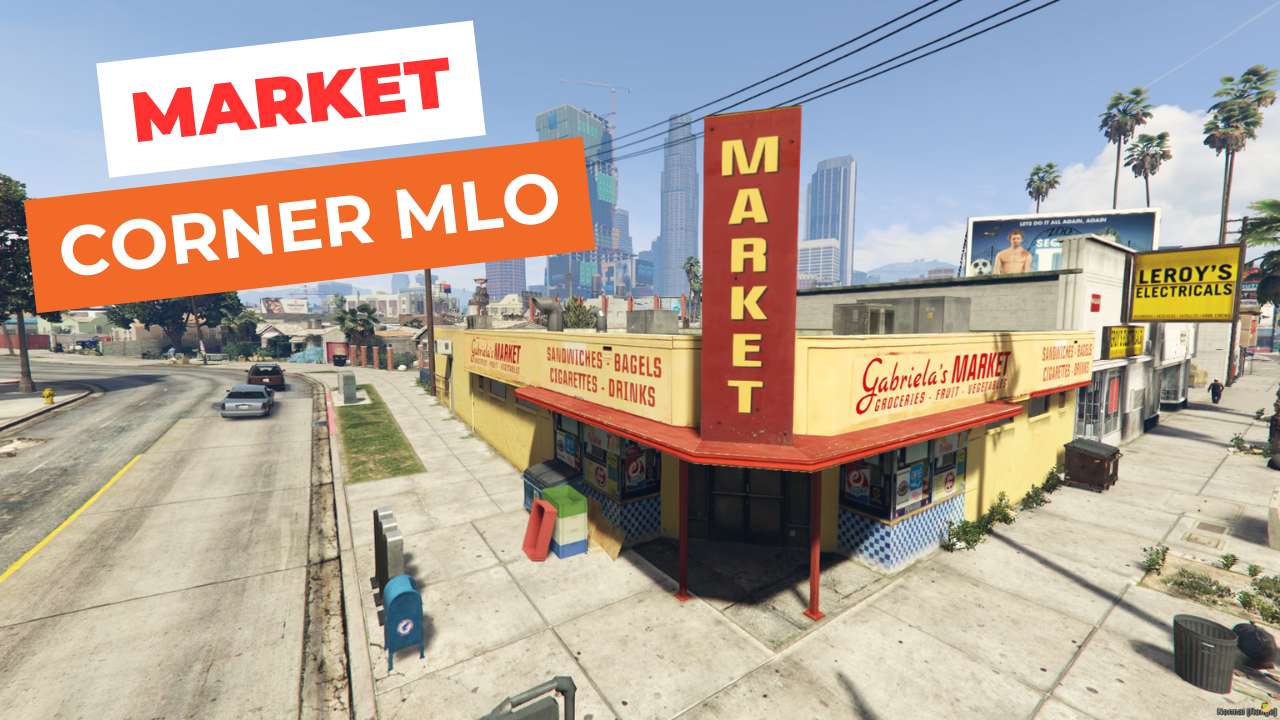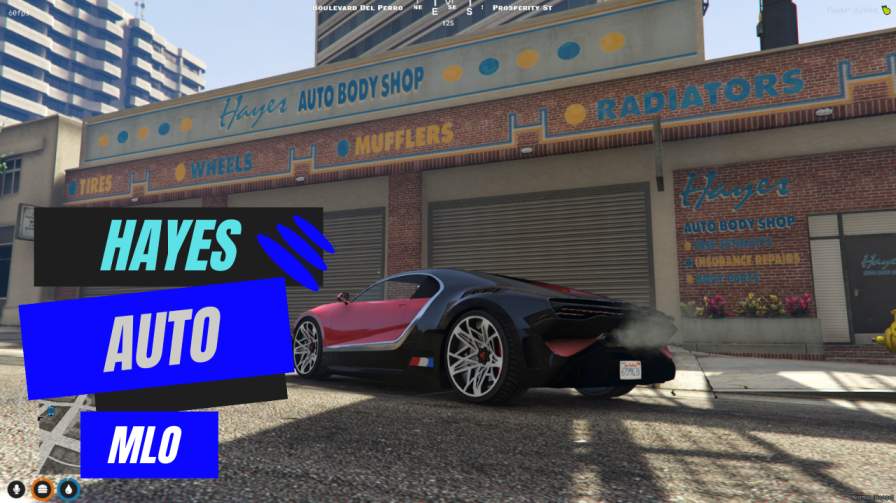
Instant FiveM Garage: Drag-and-drop MLO for quick setup. Performance Focused: Optimized for smooth gameplay. Premium Auto Mechanic Shop: Play as Gabz Hayes in a top-tier mechanic space.




Bridges ship across the catalogue. Confirm the cores for this listing in Requirements below.
Gabz Hayes Auto MLO brings a lifelike car dealership straight into Los Santos, giving players an immersive place to browse, buy, and customize rides. From sleek supercars to roaring motorcycles, this virtual showroom is packed with detail and style, making every visit feel like a real‑world auto‑show experience.
Step onto polished showroom floors, chill in the customer lounge, or head to the service bay where upgrades await. The layout is thoughtfully divided: a glossy showroom displays each vehicle, a lounge offers a social hub, and a dedicated customization area lets you tweak engines, paint jobs, and add flashy accessories. Every corner is designed for maximum immersion.
Whether you’re a gearhead or just looking to pimp your ride, the Gabz Hayes Auto MLO delivers endless options. Explore a diverse fleet—classic cars, high‑performance bikes, and exotic supercars—all ready for purchase and modification. The realistic lighting, detailed textures, and smooth navigation keep the experience fresh and exciting.
Integrate this dealership into any FiveM server with ease. It boosts community interaction, encourages role‑play, and adds a lucrative revenue stream for in‑game businesses. Plus, the MLO is fully customizable, so you can tailor vehicle lists, pricing, or events to fit your server’s vibe.
Installation is simple: download, extract, upload to your resources folder, adjust the config, and restart. Players will instantly locate Hayes Auto in Los Santos or teleport via server commands. Need support? Our team is ready to help you fine‑tune the experience.
This resource is built to be compatible with modern FiveM frameworks. Check the requirements for your framework version and installed resources before buying.
Yes, purchasing this asset grants you lifetime access to all future updates and patches.
Check the product requirements for file access and licensing details. If you need editable source files or a specific integration, contact support before buying.
After successful payment, sign in to your xFiveM Shop dashboard to access your purchased downloads. Contact support if your download is unavailable.
Review framework support, dependencies and editable files before buying. Contact support if your server uses a custom framework or needs a particular integration.
No waiting and no Keymaster syncing needed. Receive your clean, zip archive direct download link instantly in your dashboard right after your purchase.
Pay once and get every future update for free. When FiveM releases new builds or features, we update our scripts so your server stays up to date.
Complete your secure checkout. You will receive an instant download link to get your files immediately.
Extract the zip file and place the folder inside your server's resources directory.
Add ensure resource-name to your server.cfg and restart.

 FiveM
FiveM