20 Unique Boxes: Organize everything from cars to secret stashes. Boost Your RP: More possibilities for immersive roleplay. Free to Try: Download the complete DEMO and see what it offers!




Bridges ship across the catalogue. Confirm the cores for this listing in Requirements below.
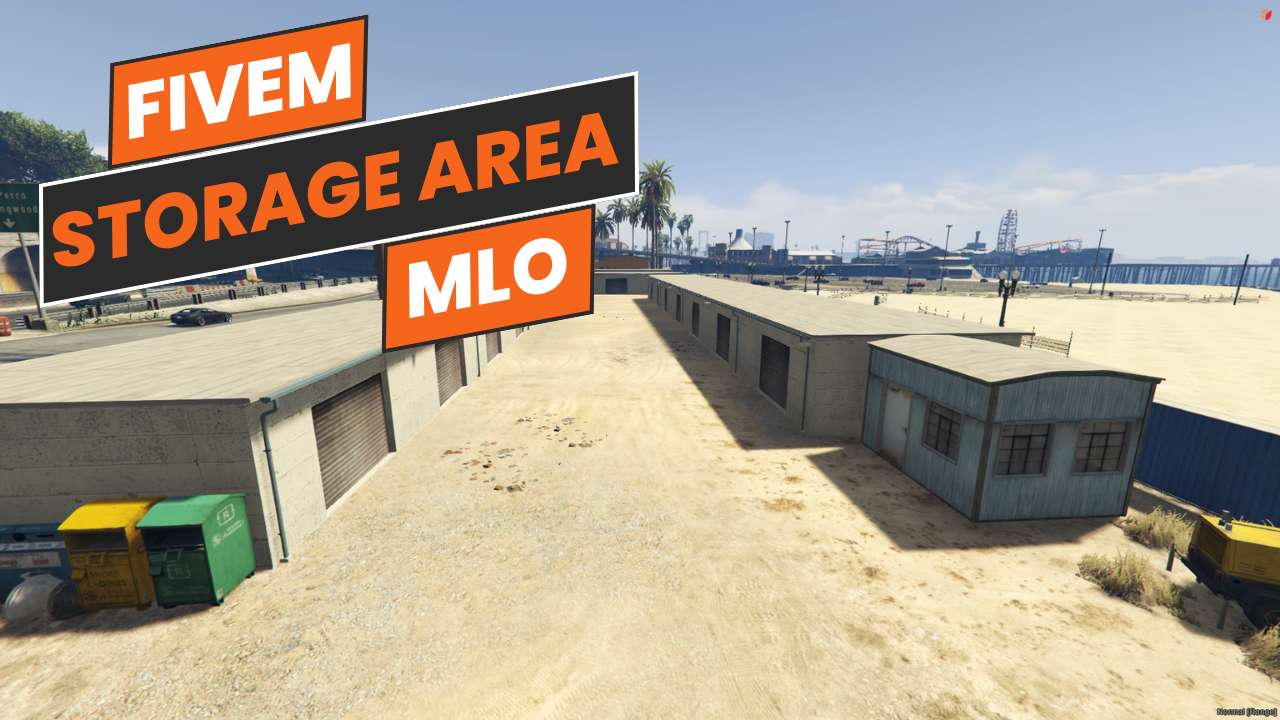
FiveM Storage Area MLO drops you into a meticulously crafted storage complex perfect for role‑play servers. Located at V3 (-1693.08081, -767.2422, 9.257727), this map packs 20 distinct storage boxes—from dedicated vehicle bays to secret compartments and sport gear lockers—giving you endless scenario possibilities. The demo version is fully functional, letting players test every box type before upgrading to the expanded edition.
Imagine a bustling hub where players can stash cars, hide contraband, or simply organize their gear. The hidden compartments add mystery, while the sport boxes let you role‑play a gym or equipment rental shop. With 20 varied storage options, chaos stays organized, and storytelling becomes richer.
Just download the storage_map file, place it in your resources folder, and add ensure storage_map to your server.cfg. No extra scripts or dependencies—compatible with ESX, QBCore, or standalone setups.
The free demo includes every box type, fully operational for testing. Upgrade to the full version for expanded role‑play features, custom interiors, and the freedom to create your own scenarios without restrictions.
Boost your server’s immersion today—install FiveM Storage Area MLO and watch your community’s creativity explode!
This resource is built to be compatible with modern FiveM frameworks. Check the requirements for your framework version and installed resources before buying.
Yes, purchasing this asset grants you lifetime access to all future updates and patches.
Check the product requirements for file access and licensing details. If you need editable source files or a specific integration, contact support before buying.
After successful payment, sign in to your xFiveM Shop dashboard to access your purchased downloads. Contact support if your download is unavailable.
Review framework support, dependencies and editable files before buying. Contact support if your server uses a custom framework or needs a particular integration.
No waiting and no Keymaster syncing needed. Receive your clean, zip archive direct download link instantly in your dashboard right after your purchase.
Pay once and get every future update for free. When FiveM releases new builds or features, we update our scripts so your server stays up to date.
Complete your secure checkout. You will receive an instant download link to get your files immediately.
Extract the zip file and place the folder inside your server's resources directory.
Add ensure resource-name to your server.cfg and restart.

 FiveM
FiveM