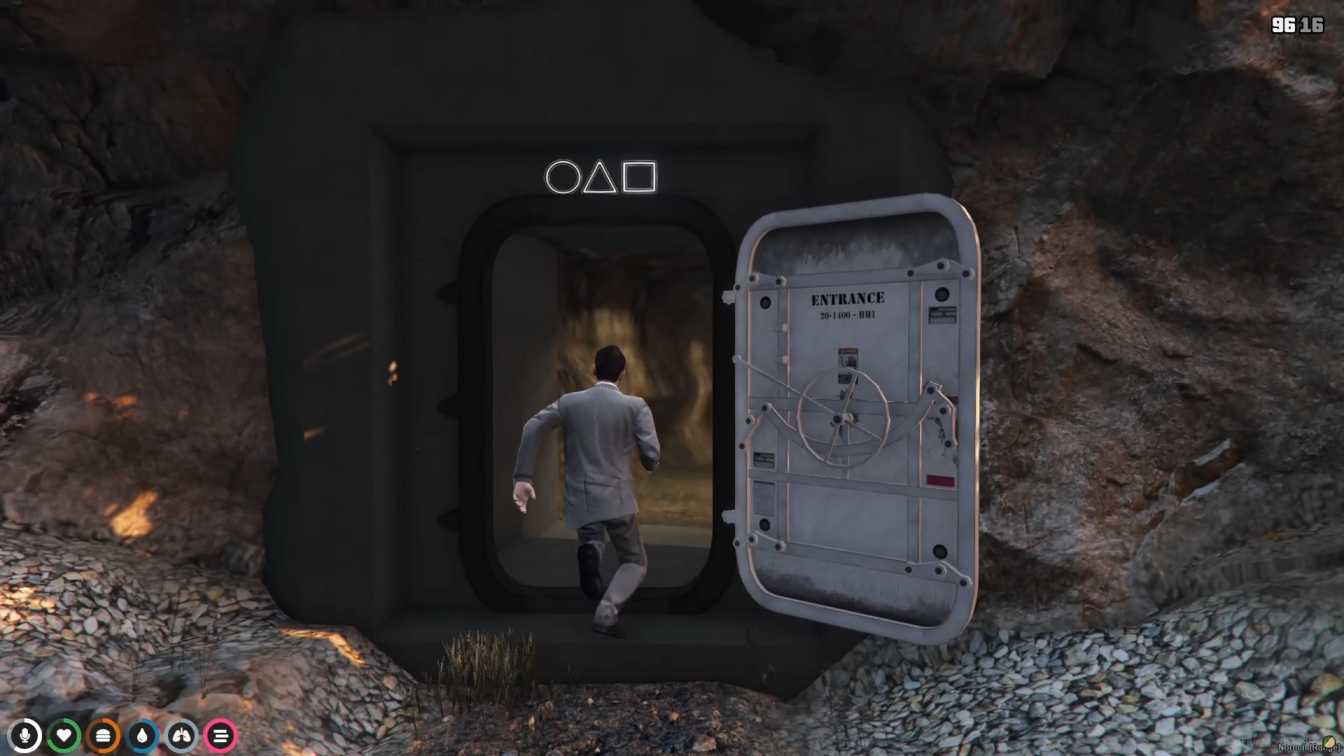
Detailed recreation of Squid Games arena Various challenges inspired by the TV series Perfect for roleplay servers or casual gameplay Easy integration into FiveM servers Enhances player engagement and interaction




Bridges ship across the catalogue. Confirm the cores for this listing in Requirements below.
FiveM Squid Games MLO brings the heart‑pounding excitement of the hit TV series straight into your GTA V world. Picture yourself stepping into the vibrant arena, surrounded by neon lights, buzzing crowds, and the unmistakable tension of each challenge. From the iconic red light, green light race to the frantic tug‑of‑war and strategic marble showdown, every corner of this MLO is packed with adrenaline‑filled gameplay that will keep your crew on the edge of their seats.
Designed for both roleplay servers and casual sessions, this mod is a game‑changer. Host epic tournaments, organize themed events, or simply dive into the chaos with friends. The installation is a breeze—just drop the files into your FiveM resources folder, add start squidgames to your server.cfg, restart, and you’re ready to compete. No extra scripts or complex setups required.
The arena feels alive, with detailed recreation of the show’s set pieces and immersive soundscapes that heighten the tension. Players can experience a variety of difficulty levels, ensuring both newcomers and veterans find their sweet spot. The mod also encourages social interaction, boosting player engagement and creating memorable moments that will keep your server buzzing.
Whether you’re running a bustling RP community or just looking for a fresh way to entertain friends, the FiveM Squid Games MLO adds a fresh layer of excitement to your server. Grab it today, unleash the chaos, and see who will emerge as the ultimate champion!
This resource is built to be compatible with modern FiveM frameworks. Check the requirements for your framework version and installed resources before buying.
Yes, purchasing this asset grants you lifetime access to all future updates and patches.
Check the product requirements for file access and licensing details. If you need editable source files or a specific integration, contact support before buying.
After successful payment, sign in to your xFiveM Shop dashboard to access your purchased downloads. Contact support if your download is unavailable.
Review framework support, dependencies and editable files before buying. Contact support if your server uses a custom framework or needs a particular integration.
No waiting and no Keymaster syncing needed. Receive your clean, zip archive direct download link instantly in your dashboard right after your purchase.
Pay once and get every future update for free. When FiveM releases new builds or features, we update our scripts so your server stays up to date.
Complete your secure checkout. You will receive an instant download link to get your files immediately.
Extract the zip file and place the folder inside your server's resources directory.
Add ensure resource-name to your server.cfg and restart.

 FiveM
FiveM