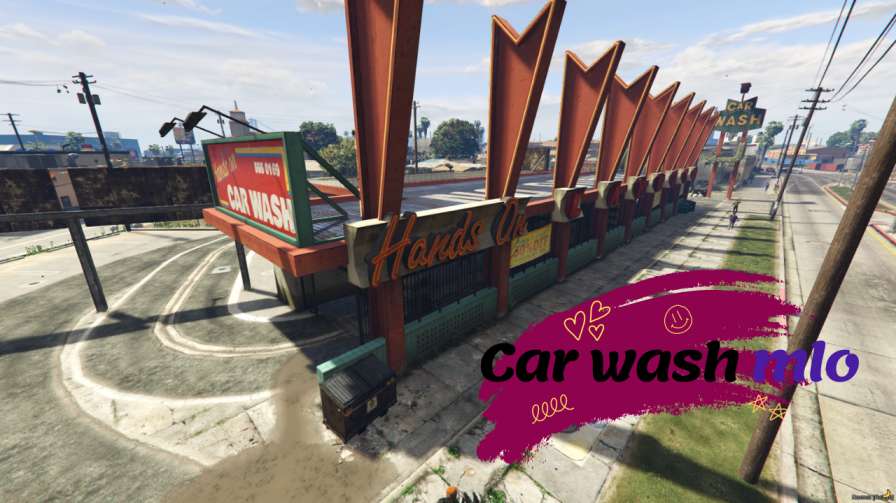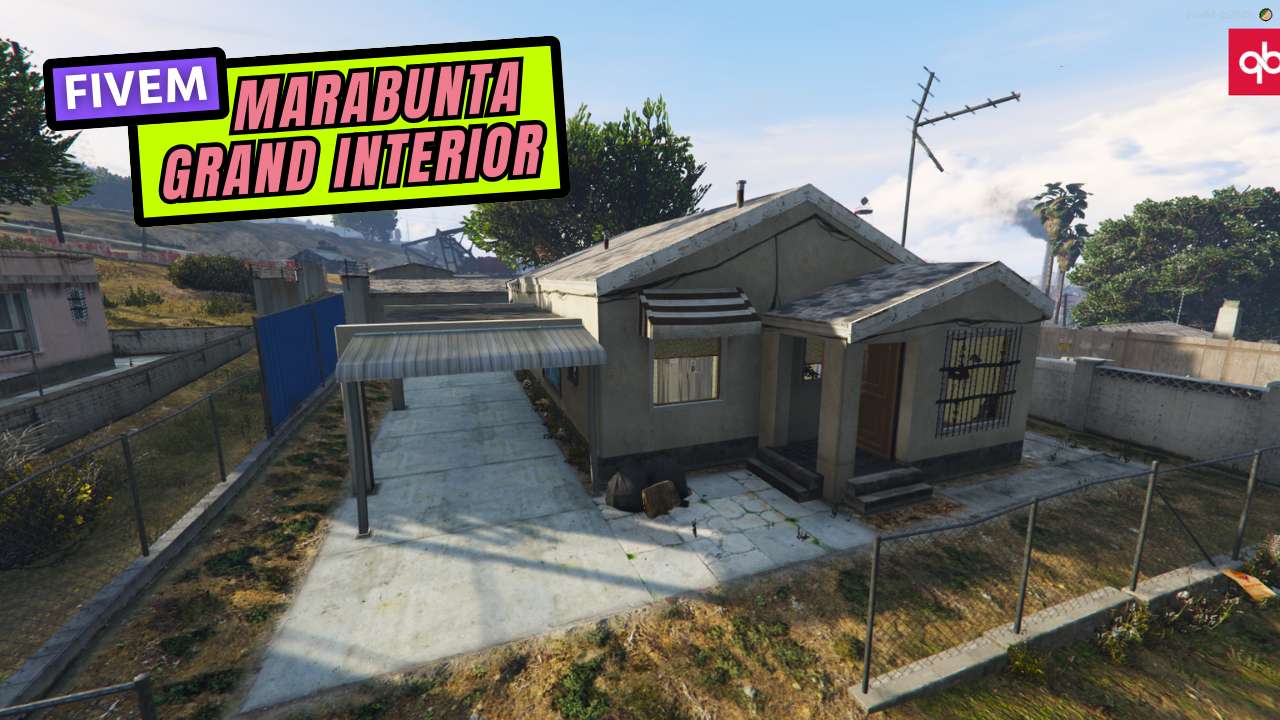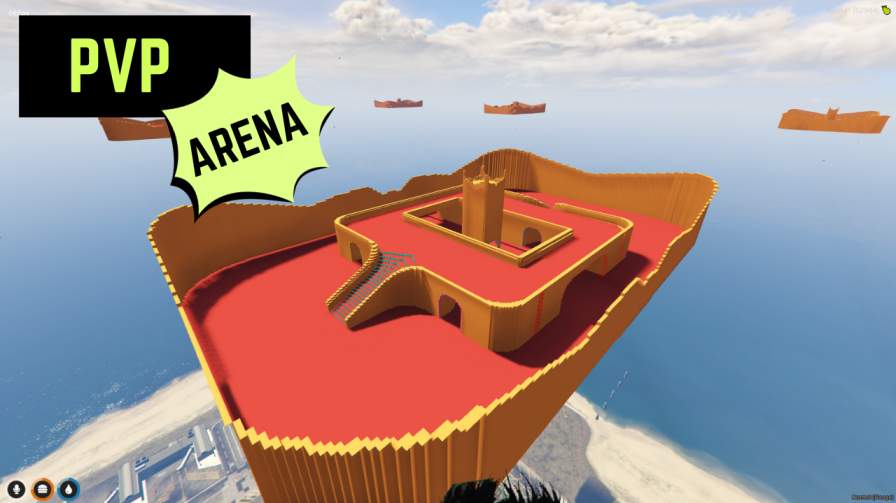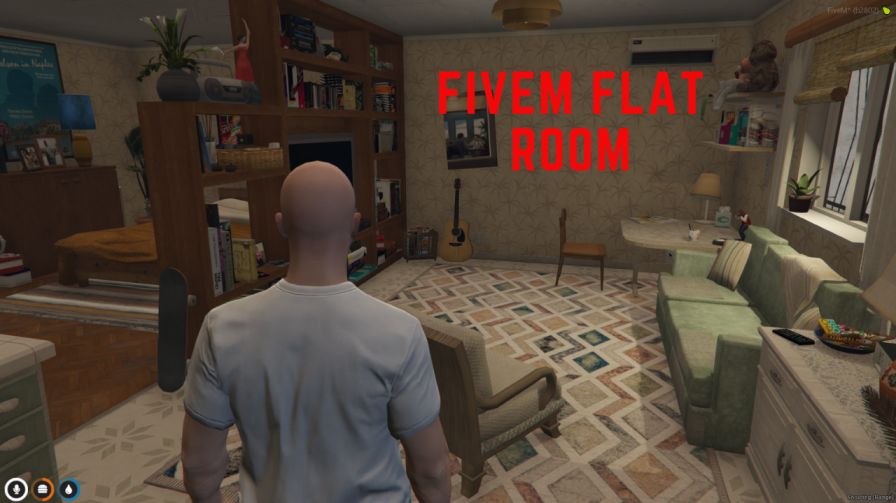
A very clean and optimized single room map. It is perfect for cheap motel rooms or starter housing for new players joining your server.




Bridges ship across the catalogue. Confirm the cores for this listing in Requirements below.
Single Room Apartment Interior for FiveM brings a sleek, fully customizable space right into your server, perfect for meetings, interviews, or casual hangouts. Crafted with high‑resolution textures and meticulous detail, this Room MLO drops immersion to the next level within the first 100 words, promising a realistic backdrop that feels alive.
Every wall, piece of furniture, and decorative item has been modeled to perfection. Players can rearrange furnishings, swap out décor, and interact with objects like desks, chairs, and shelves, making each session unique. Whether you’re staging a corporate boardroom or a cozy coffee chat, the versatile layout adapts to any scenario.
Enhanced immersion: High‑quality textures and lighting create a believable environment.
Full customization: Adjust layouts and props to match your story.
Interactive objects: Clickable items boost roleplay depth.
Versatile use cases: Ideal for serious RP, casual gatherings, or scripted events.
Easy installation: Drop‑in resource that works on Windows or Linux servers.
Download the Room_MLO_FiveM zip, place it in your server’s resources folder, add start Room_MLO_FiveM to server.cfg, and restart. You’re ready to invite players and start building stories.
Got questions? Our support team is ready to help. From layout tweaks to compatibility checks, we’ve got you covered.
This resource is built to be compatible with modern FiveM frameworks. Check the requirements for your framework version and installed resources before buying.
Yes, purchasing this asset grants you lifetime access to all future updates and patches.
Check the product requirements for file access and licensing details. If you need editable source files or a specific integration, contact support before buying.
After successful payment, sign in to your xFiveM Shop dashboard to access your purchased downloads. Contact support if your download is unavailable.
Review framework support, dependencies and editable files before buying. Contact support if your server uses a custom framework or needs a particular integration.
No waiting and no Keymaster syncing needed. Receive your clean, zip archive direct download link instantly in your dashboard right after your purchase.
Pay once and get every future update for free. When FiveM releases new builds or features, we update our scripts so your server stays up to date.
Complete your secure checkout. You will receive an instant download link to get your files immediately.
Extract the zip file and place the folder inside your server's resources directory.
Add ensure resource-name to your server.cfg and restart.

 FiveM
FiveM