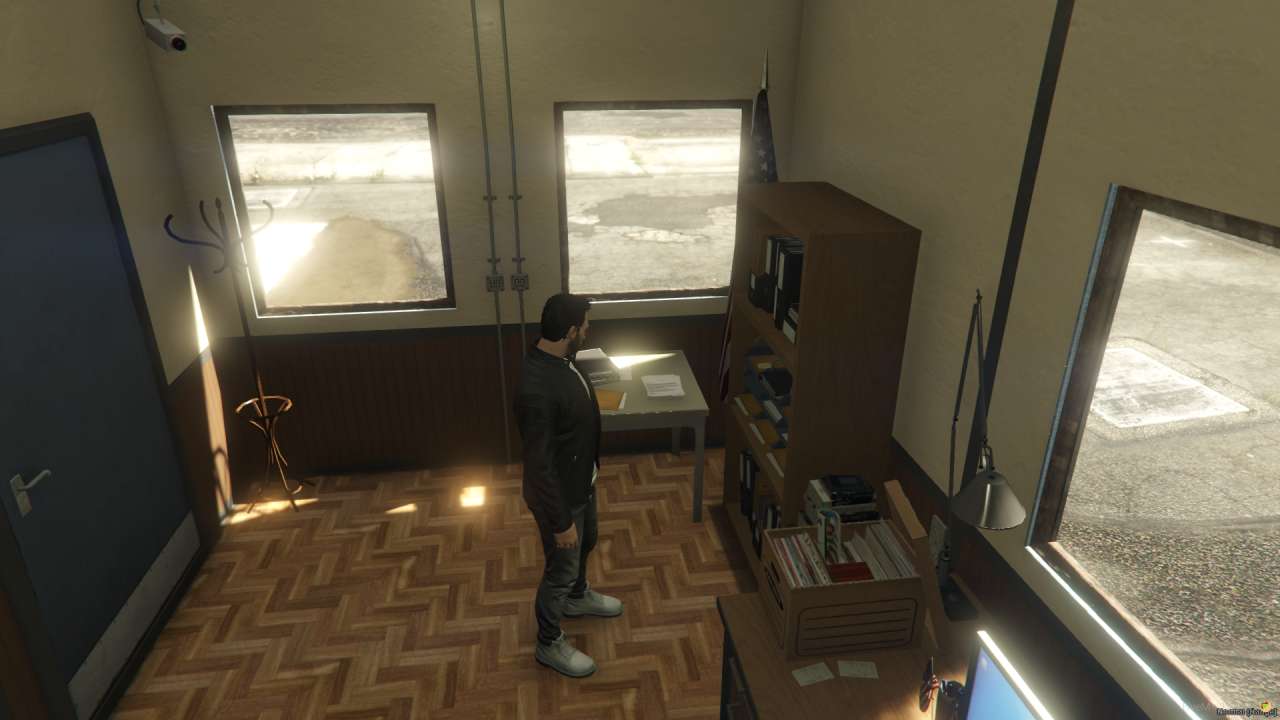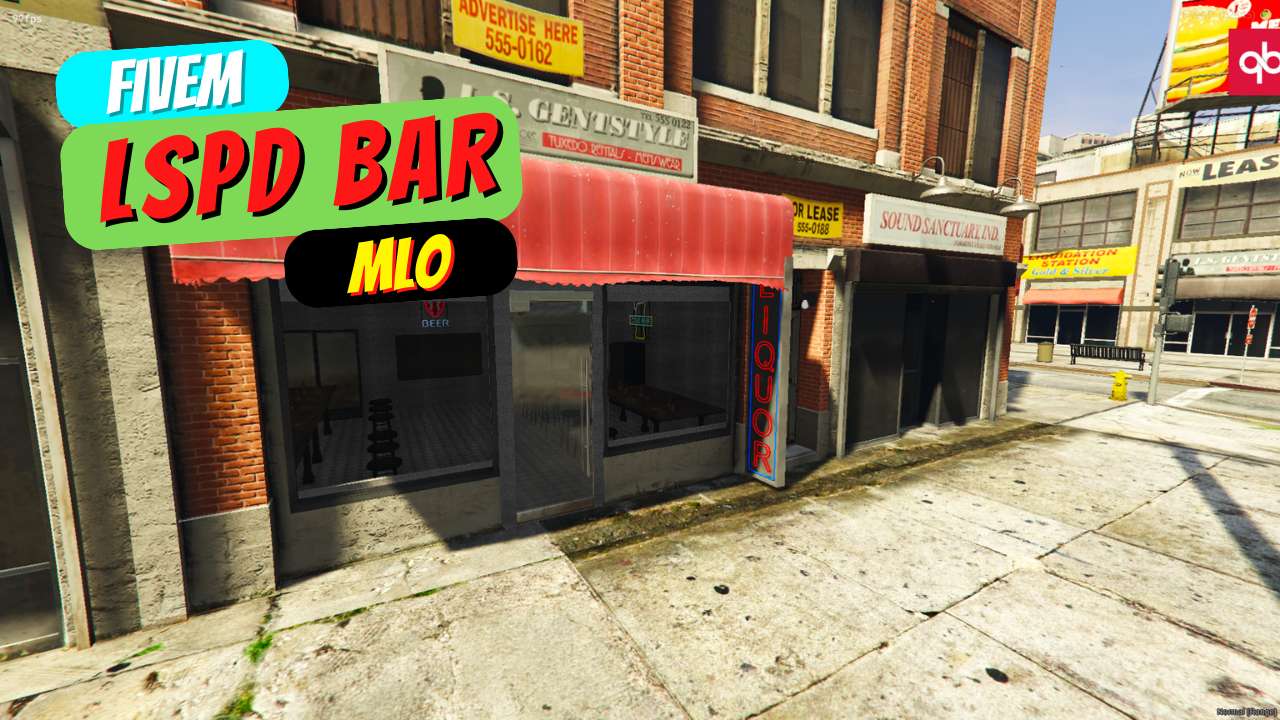
Enhance LSPD roleplay with a compact bar MLO. Enjoy seamless integration and a bug-free experience. Features 2 windows, 1 door, and a room for immersive gameplay. Perfect for small-scale FiveM environments. Elevate your LSPD station with the "minipdbar" advantage.




Bridges ship across the catalogue. Confirm the cores for this listing in Requirements below.
Transform your FiveM server with the FiveM LSPD Bar MLO, the ultimate mini police bar designed for immersive law‑enforcement roleplay. Built with precision, this compact MLO features two windows, one door, and a single functional room, all positioned at V3 coordinates (385.036, -978.1649, 28.45174). Whether you’re hosting virtual patrols or deep‑dive RP scenarios, this bar delivers authenticity without sacrificing performance.
Our MLO is engineered for bug‑free performance and seamless integration. It’s lightweight yet packed with detail, making it perfect for small‑scale servers that demand high realism. The two windows provide optimal visibility, while the single door ensures easy access for officers and civilians alike. The single room layout keeps the environment intimate, fostering camaraderie among players.
Installation is a breeze: download the package, add it to your server.cfg, and restart. Detailed step‑by‑step instructions accompany the download, so even newcomers can set it up in minutes. Plus, it’s fully compatible with major frameworks such as ESX and QBCore, giving you flexibility across different server setups.
By adding the FiveM LSPD Bar MLO, you’ll elevate your server’s aesthetics, enhance player immersion, and create a hub for police interactions. Don’t miss out on this must‑have addition – download now and take your roleplay to new heights!
This resource is built to be compatible with modern FiveM frameworks. Check the requirements for your framework version and installed resources before buying.
Yes, purchasing this asset grants you lifetime access to all future updates and patches.
Check the product requirements for file access and licensing details. If you need editable source files or a specific integration, contact support before buying.
After successful payment, sign in to your xFiveM Shop dashboard to access your purchased downloads. Contact support if your download is unavailable.
Review framework support, dependencies and editable files before buying. Contact support if your server uses a custom framework or needs a particular integration.
No waiting and no Keymaster syncing needed. Receive your clean, zip archive direct download link instantly in your dashboard right after your purchase.
Pay once and get every future update for free. When FiveM releases new builds or features, we update our scripts so your server stays up to date.
Complete your secure checkout. You will receive an instant download link to get your files immediately.
Extract the zip file and place the folder inside your server's resources directory.
Add ensure resource-name to your server.cfg and restart.

 FiveM
FiveM