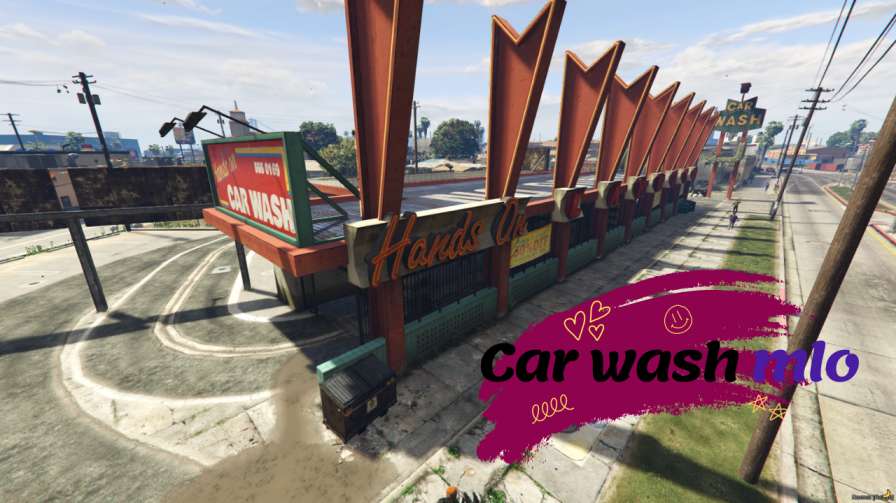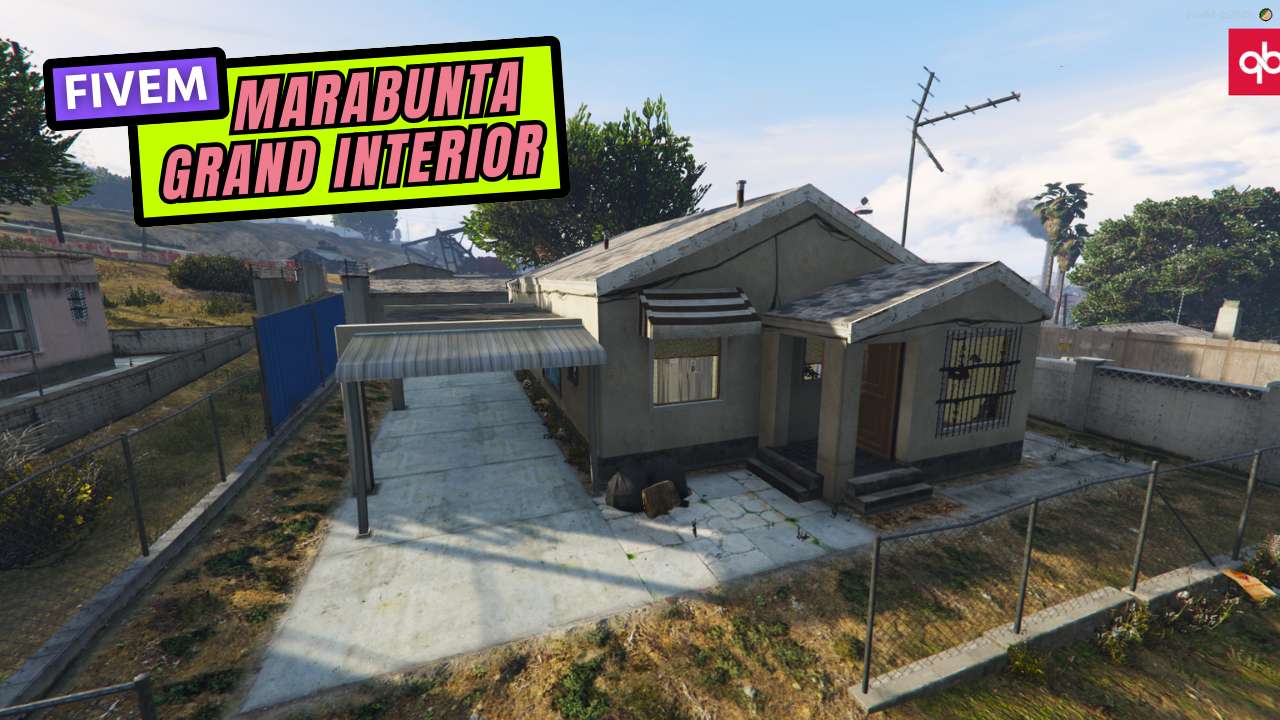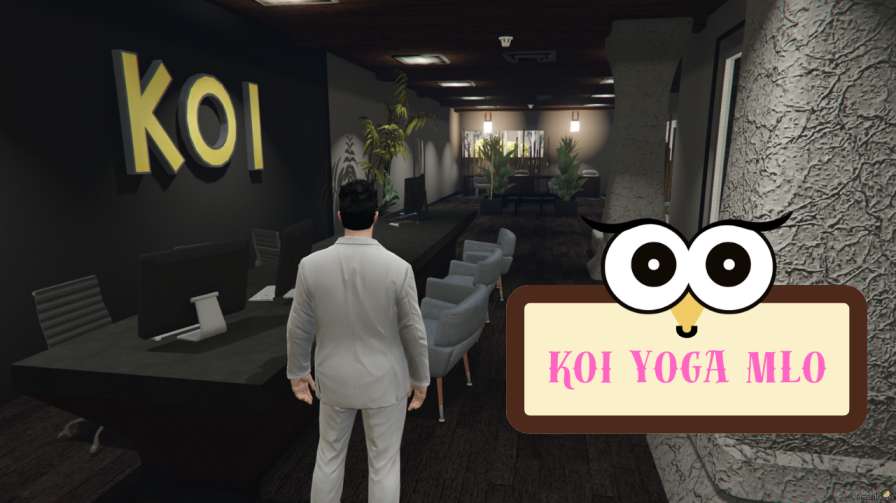
Community Corner: Relax and connect in the spacious seating area. Zen Zone: Rejuvenate after practice with dedicated bathing & rest areas. Work & Wellness: Manage your yoga business or personal projects in the on-site office. Prime Location: Convenient access for you and your practice.




Bridges ship across the catalogue. Confirm the cores for this listing in Requirements below.
Step into the FiveM KOI Yoga MLO and leave the chaos of Los Santos behind. This meticulously crafted Map Loading Object drops you into a tranquil yoga studio where soft lighting, calming ambiance, and soothing music create the perfect escape. Whether you’re a solo yogi or want to stretch with friends, the KOI Yoga MLO delivers a serene sanctuary right inside GTA V.
Explore a variety of yoga poses and meditation techniques designed to boost physical flexibility, strengthen core muscles, and sharpen mental focus. The studio’s immersive environment encourages mindfulness, helping you unwind after a high‑octane chase or a long night on the streets.
Invite your crew to join the session – the KOI Yoga MLO supports multiplayer, so you can practice together, share tips, and build a community of calm amidst the urban hustle. It’s a unique way to bond with fellow players beyond the usual heists and races.
Installation is a breeze: just drop the files into your server’s resources folder, activate the resource, and restart. The MLO integrates flawlessly with both ESX and QBCore frameworks, ensuring a smooth experience without conflicts.
Benefits at a glance: stress relief, improved posture, enhanced concentration, social connection, and a dedicated space for self‑care. The FiveM KOI Yoga MLO turns your server into a holistic haven where gamers can recharge, refocus, and return to the action feeling refreshed.
This resource is built to be compatible with modern FiveM frameworks. Check the requirements for your framework version and installed resources before buying.
Yes, purchasing this asset grants you lifetime access to all future updates and patches.
Check the product requirements for file access and licensing details. If you need editable source files or a specific integration, contact support before buying.
After successful payment, sign in to your xFiveM Shop dashboard to access your purchased downloads. Contact support if your download is unavailable.
Review framework support, dependencies and editable files before buying. Contact support if your server uses a custom framework or needs a particular integration.
No waiting and no Keymaster syncing needed. Receive your clean, zip archive direct download link instantly in your dashboard right after your purchase.
Pay once and get every future update for free. When FiveM releases new builds or features, we update our scripts so your server stays up to date.
Complete your secure checkout. You will receive an instant download link to get your files immediately.
Extract the zip file and place the folder inside your server's resources directory.
Add ensure resource-name to your server.cfg and restart.

 FiveM
FiveM