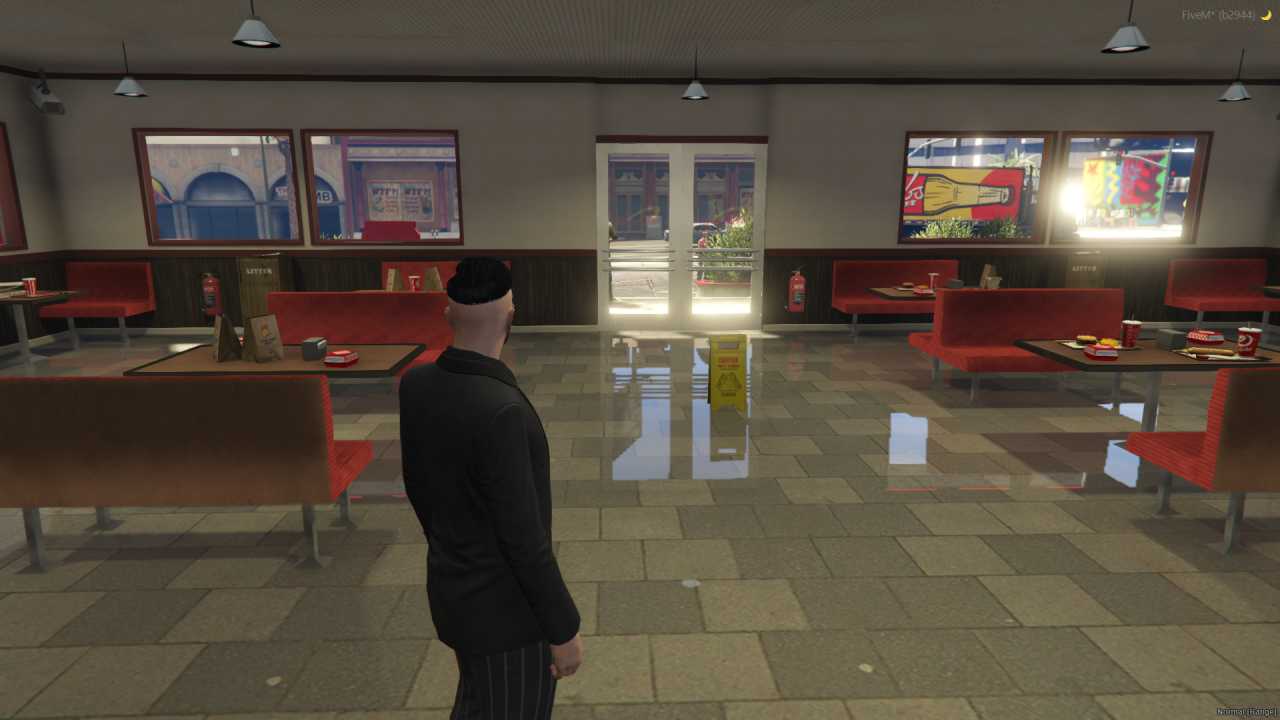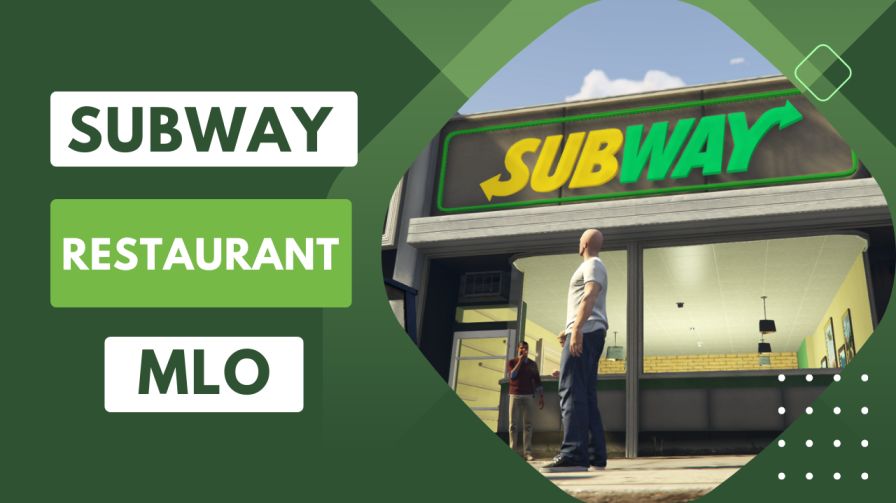
Authentic Subway restaurant interiors Detailed seating areas, counters, and kitchen facilities High-quality textures for a realistic experience Suitable for both customers and staff roleplay Enhances virtual dining experiences with depth and immersion




Bridges ship across the catalogue. Confirm the cores for this listing in Requirements below.
Bring the iconic taste of Subway into GTA RP with the Subway Restaurant MLO. This meticulously crafted map drops you straight into a fully realized sandwich haven—complete with authentic interiors, cozy seating, bustling counters, and a functional kitchen. Whether you’re craving a virtual footlong or eager to serve as a deli clerk, the experience feels as real as the real thing, and the primary keyword appears right at the start to boost your server’s SEO.
Every detail, from the high‑resolution textures to the perfectly placed signage, screams realism. Players can wander in as customers, order signature subs, salads, and drinks, or jump behind the counter to slice, toast, and serve. The environment is designed for both customer roleplay and staff interactions, giving your community endless storytelling possibilities.
- Authentic Subway branding and layout
- Detailed seating areas for group hangouts
- Fully equipped kitchen with prep stations
- High‑quality textures that blend seamlessly with any map
- Ready‑to‑play setup—no extra scripting needed
Integrate it today and watch your server’s dining district come alive. The Subway Restaurant MLO adds depth, variety, and a touch of everyday life that players love to explore.
This resource is built to be compatible with modern FiveM frameworks. Check the requirements for your framework version and installed resources before buying.
Yes, purchasing this asset grants you lifetime access to all future updates and patches.
Check the product requirements for file access and licensing details. If you need editable source files or a specific integration, contact support before buying.
After successful payment, sign in to your xFiveM Shop dashboard to access your purchased downloads. Contact support if your download is unavailable.
Review framework support, dependencies and editable files before buying. Contact support if your server uses a custom framework or needs a particular integration.
No waiting and no Keymaster syncing needed. Receive your clean, zip archive direct download link instantly in your dashboard right after your purchase.
Pay once and get every future update for free. When FiveM releases new builds or features, we update our scripts so your server stays up to date.
Complete your secure checkout. You will receive an instant download link to get your files immediately.
Extract the zip file and place the folder inside your server's resources directory.
Add ensure resource-name to your server.cfg and restart.

 FiveM
FiveM