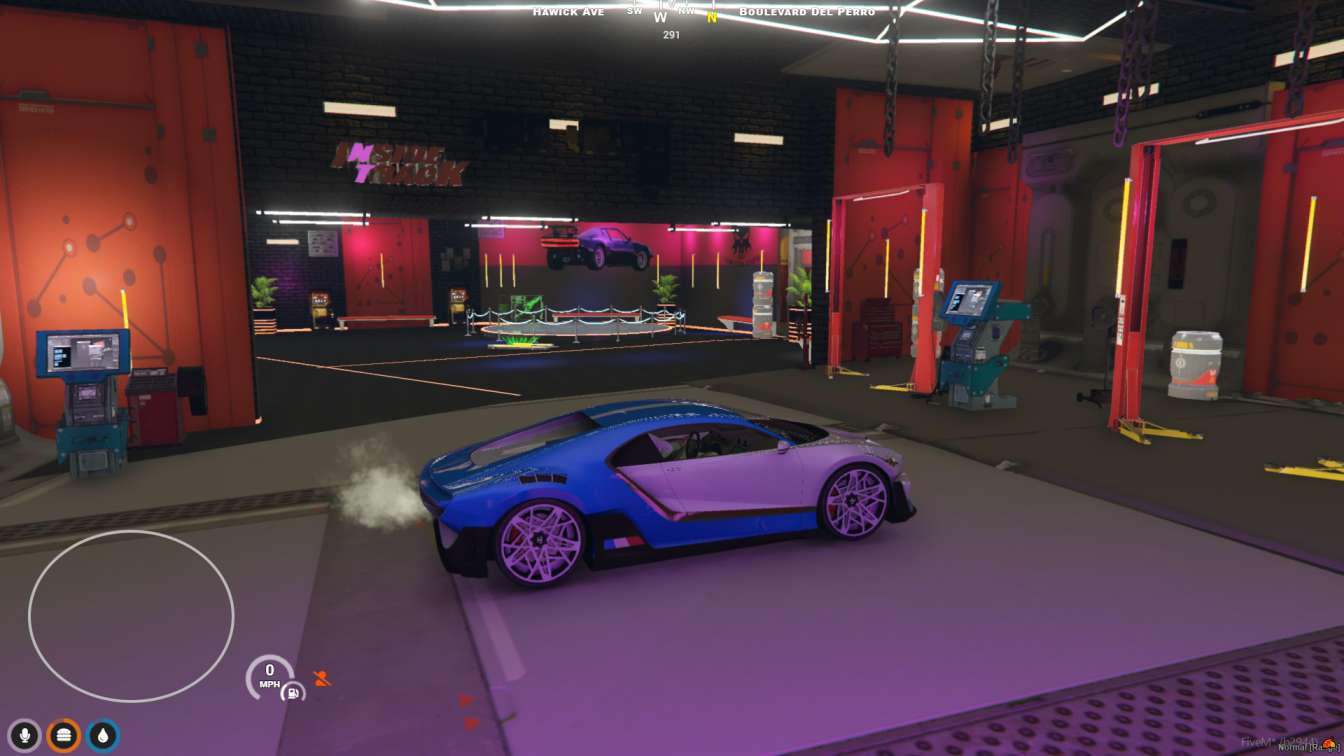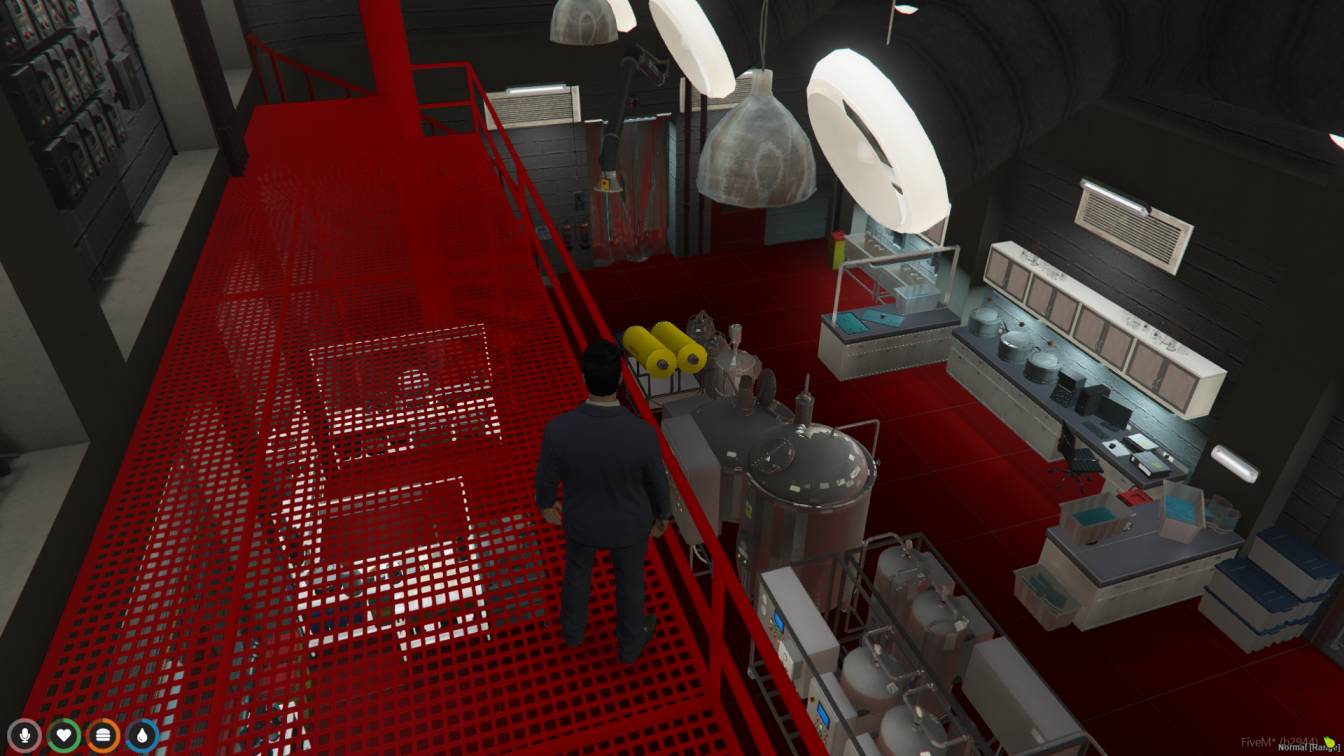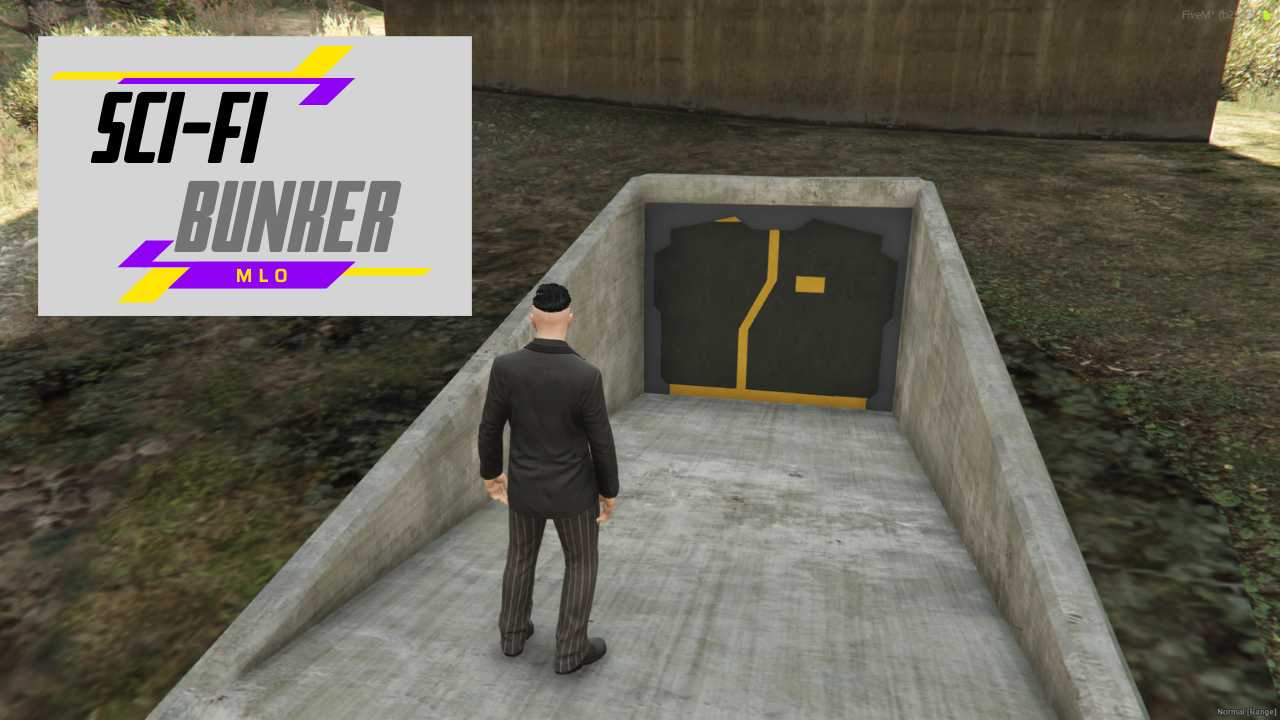
FiveM Sci-Fi Bunker! Teleport to the future with high-tech style. Instant Setup: Drag & play for your server. Epic RP: Craft unforgettable sci-fi stories. Detailed Interior: Explore a fully functional bunker.




Bridges ship across the catalogue. Confirm the cores for this listing in Requirements below.
Step into the next level of FiveM roleplay with the Sci-fi Bunker MLO. This plug‑and‑play masterpiece drops a sleek, high‑tech stronghold onto your server in seconds, giving players an instant base for intergalactic missions, covert ops, or just a safe haven from the chaos outside. The futuristic design shouts style while the built‑in security systems keep troublemakers at bay, making every raid feel like a scene from a sci‑fi blockbuster.
From its polished neon‑lit corridors to hidden gadget bays, the bunker is packed with interactive props that invite exploration. Players can hack terminals, access weapon lockers, and even control external turrets, creating endless role‑play scenarios. Because it’s optimized for FiveM, you won’t notice any lag – just smooth, immersive gameplay.
Just drop the file into your resources folder, add start sci-fi-bunker to your server.cfg, restart, and you’re ready. No scripting, no conflicts, pure plug‑and‑play fun. Whether you run ESX, QBCore, or a standalone setup, this MLO integrates flawlessly.
Give your crew a place to strategize, loot, and brag about their discoveries. The bunker’s secret rooms and hidden loot spots keep players coming back for more, fostering teamwork and competition.
Ready to lock down the future?Download the Sci‑fi Bunker MLO today, drop it into your server, and watch your community dive into a world of high‑tech adventure.
This resource is built to be compatible with modern FiveM frameworks. Check the requirements for your framework version and installed resources before buying.
Yes, purchasing this asset grants you lifetime access to all future updates and patches.
Check the product requirements for file access and licensing details. If you need editable source files or a specific integration, contact support before buying.
After successful payment, sign in to your xFiveM Shop dashboard to access your purchased downloads. Contact support if your download is unavailable.
Review framework support, dependencies and editable files before buying. Contact support if your server uses a custom framework or needs a particular integration.
No waiting and no Keymaster syncing needed. Receive your clean, zip archive direct download link instantly in your dashboard right after your purchase.
Pay once and get every future update for free. When FiveM releases new builds or features, we update our scripts so your server stays up to date.
Complete your secure checkout. You will receive an instant download link to get your files immediately.
Extract the zip file and place the folder inside your server's resources directory.
Add ensure resource-name to your server.cfg and restart.

 FiveM
FiveM