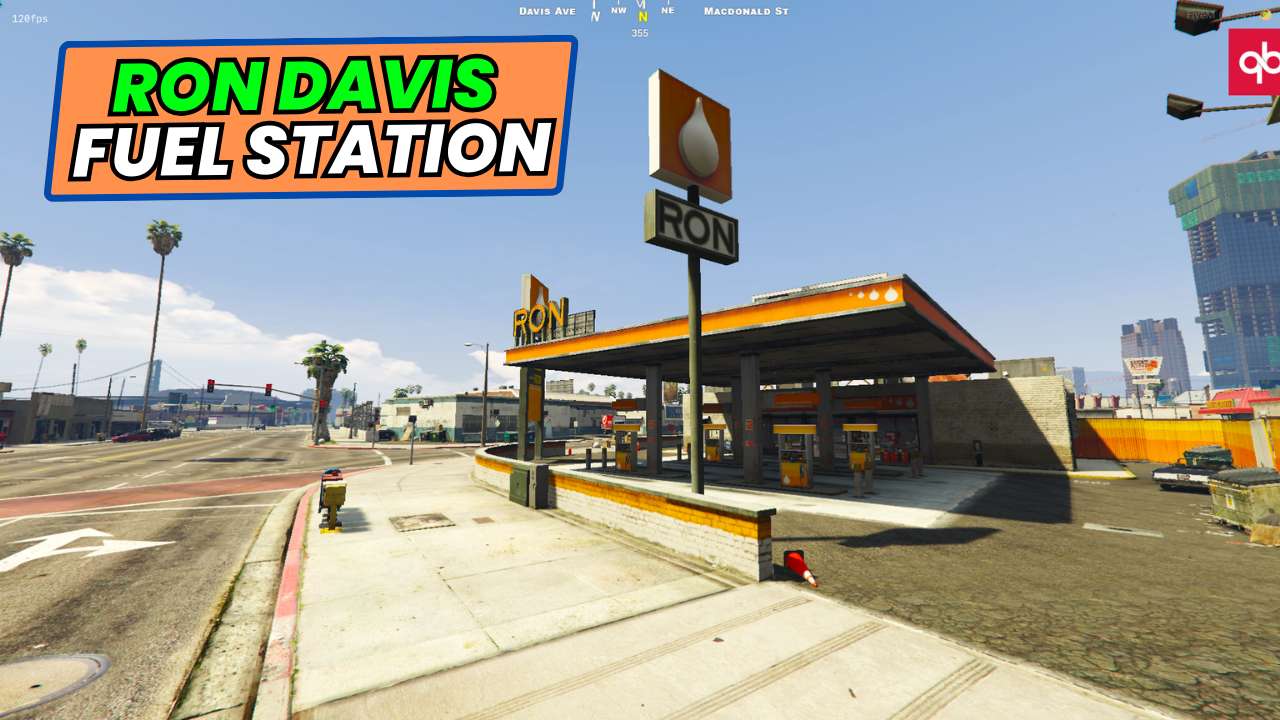
Upgrade patrol: Equip your server with the Ron Davis Patrol Pump. Fuel your RP: Stock your server with food & drink shops for added immersion. Hyper-realism: Boost player engagement with enhanced realism features. Seamless performance: Enjoy smooth gameplay without lag or compromises. Le...




Bridges ship across the catalogue. Confirm the cores for this listing in Requirements below.
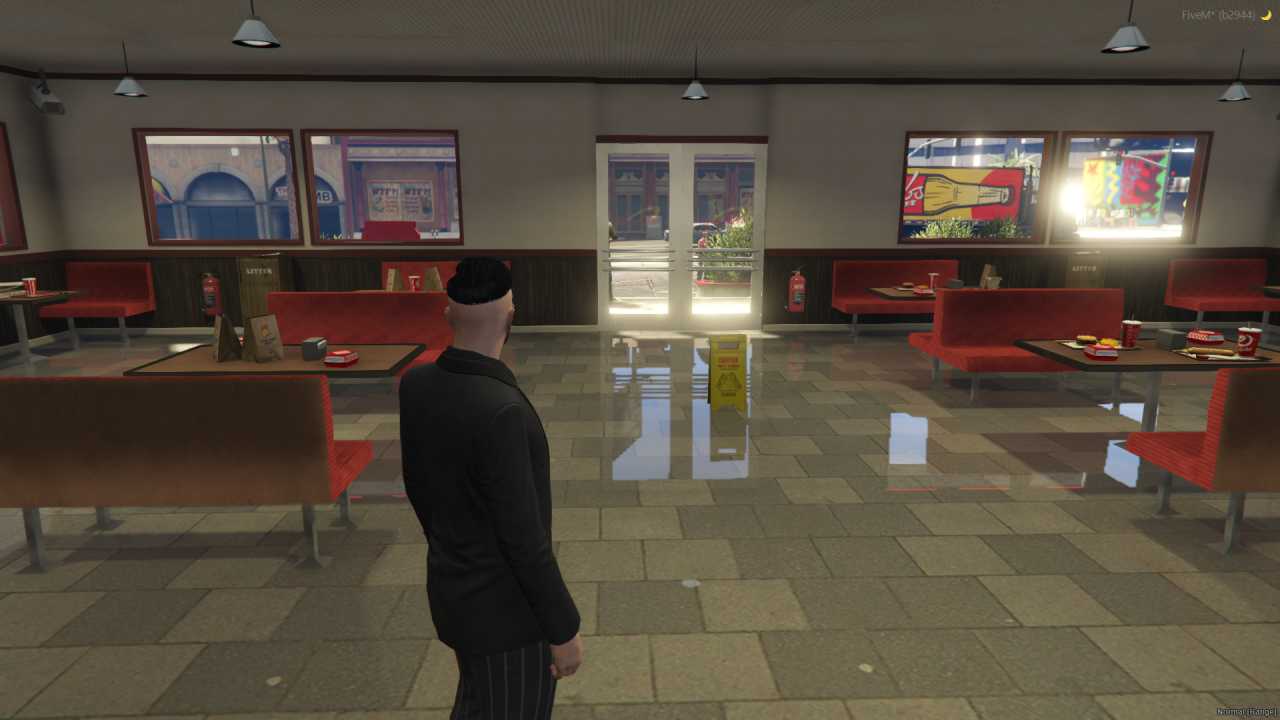
Bring authentic convenience to your FiveM world with the Ron Davis Fuel Station. This fully functional gas pump and convenience shop lets players refuel their rides and grab snacks without ever leaving the map, adding a fresh layer of realism that every roleplayer craves. Imagine pulling up to the pump, watching the meter rise, then snatching a soda before hitting the road again – all in real time. Installation is a breeze: drop the ron_davis_pump file into your server folder, restart, and the station is ready to roll.
With a fuel pump that works just like the real thing and a convenience shop stocked with snacks and drinks, your community gets a seamless, immersive experience. No more hopping between locations; everything they need is right there, boosting gameplay flow and keeping sessions lively.
Enhanced Realism: The station mirrors a real‑world gas stop, deepening immersion.
Convenient Gameplay: Refuel and snack in one stop, saving time for missions.
Easy Integration: Works flawlessly with ESX, QBCore, or standalone setups.
Strategic Placement: Positioned for quick access across the map.
Boosted Engagement: Players stay longer when the world feels alive.
Just add the ron_davis_pump folder to your resources, ensure it’s listed in your server.cfg, and hit restart. The station appears at the predefined coordinates, ready for immediate use.
This resource is built to be compatible with modern FiveM frameworks. Check the requirements for your framework version and installed resources before buying.
Yes, purchasing this asset grants you lifetime access to all future updates and patches.
Check the product requirements for file access and licensing details. If you need editable source files or a specific integration, contact support before buying.
After successful payment, sign in to your xFiveM Shop dashboard to access your purchased downloads. Contact support if your download is unavailable.
Review framework support, dependencies and editable files before buying. Contact support if your server uses a custom framework or needs a particular integration.
No waiting and no Keymaster syncing needed. Receive your clean, zip archive direct download link instantly in your dashboard right after your purchase.
Pay once and get every future update for free. When FiveM releases new builds or features, we update our scripts so your server stays up to date.
Complete your secure checkout. You will receive an instant download link to get your files immediately.
Extract the zip file and place the folder inside your server's resources directory.
Add ensure resource-name to your server.cfg and restart.

 FiveM
FiveM