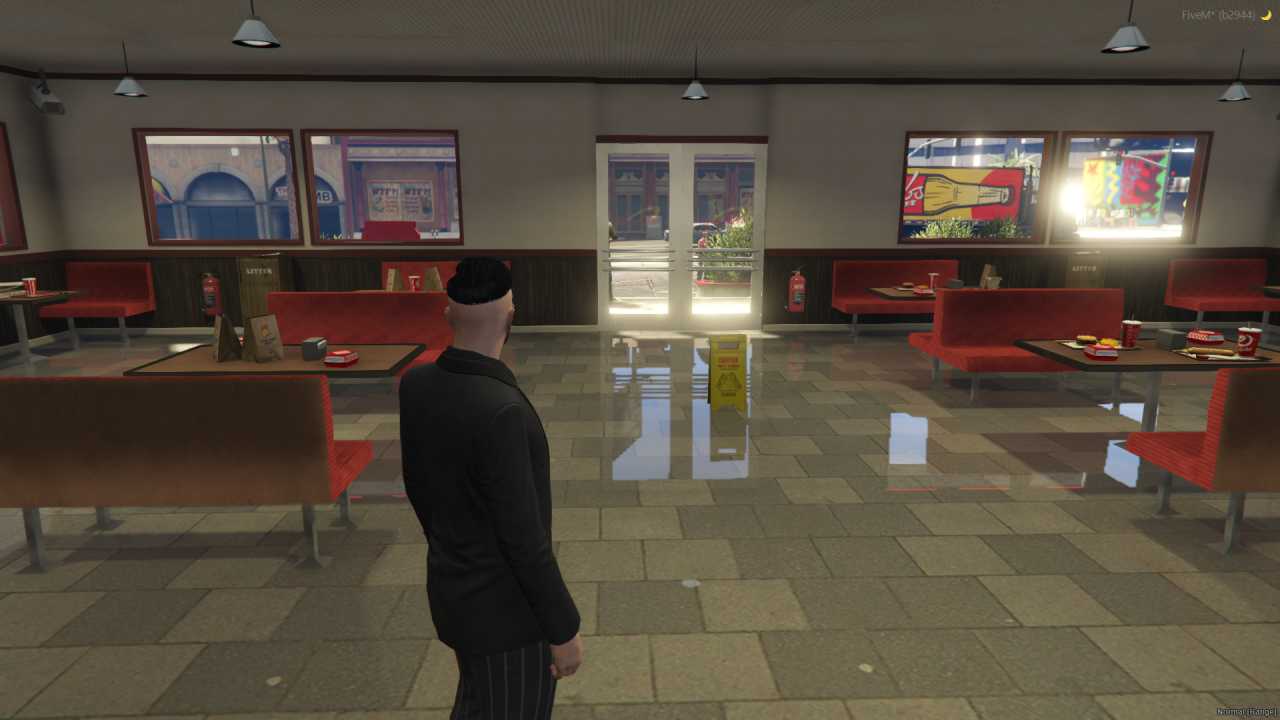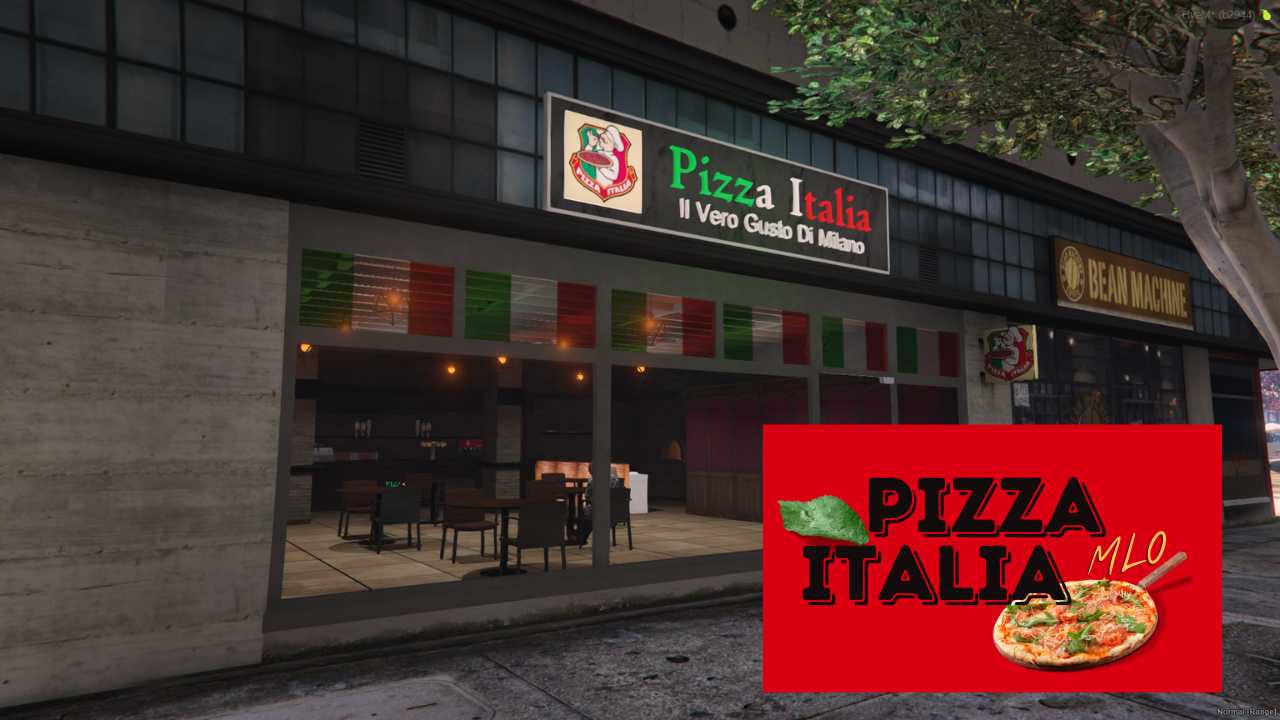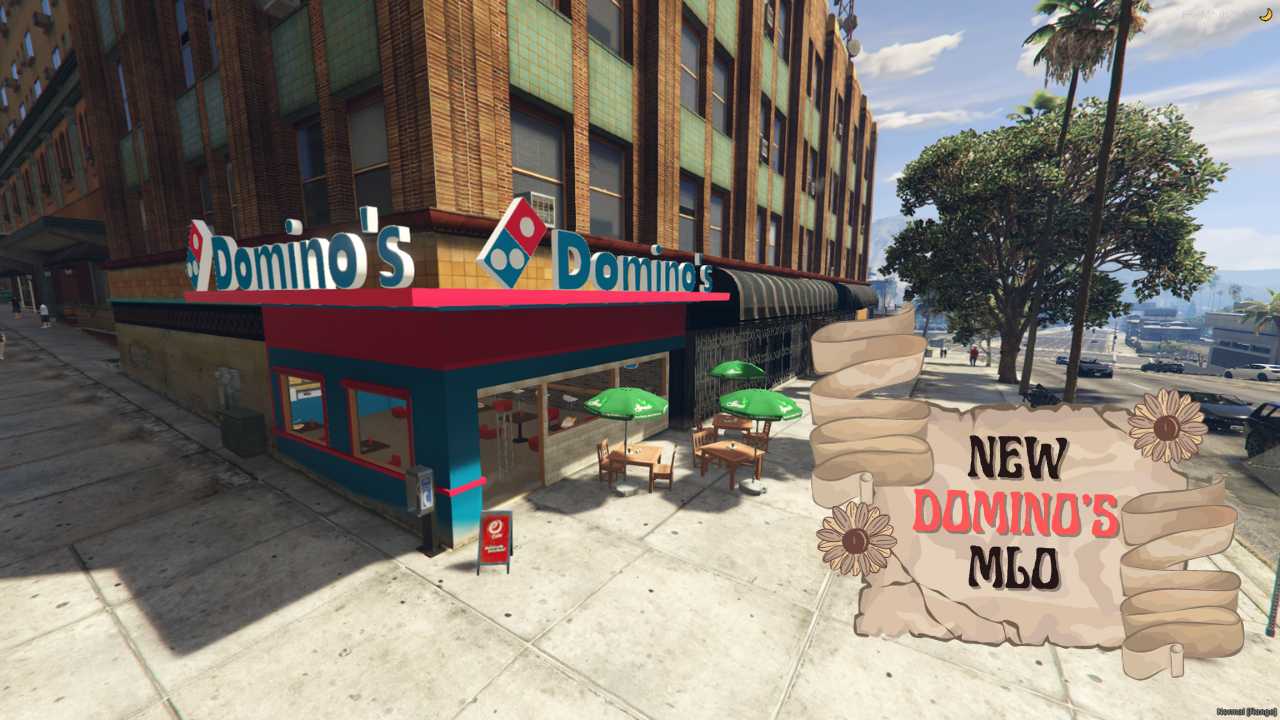
FiveM Foodie Alert! New Domino's MLO for realistic RP. GTA V Pizza Perfection: Add a slice of Domino's to your world. Grab a Slice Today! Easy install, start your Domino's MLO fun. Location: v3(543.8566, 111.6461, 97.63795)




Bridges ship across the catalogue. Confirm the cores for this listing in Requirements below.
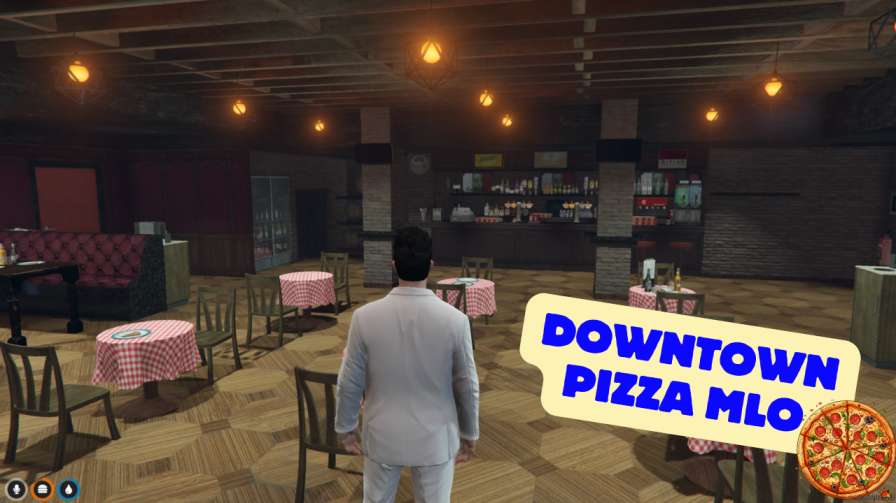
Get ready to dominate the streets of Los Santos with New Domino's MLO FiveM, the ultimate pizza place mod that brings a bustling, fully‑interactive pizzeria right into your roleplay world. Within the first 100 words you’ll feel the aroma of fresh dough, see custom neon lights flicker, and hear the hustle of customers placing orders – all thanks to this meticulously crafted MLO. Whether you want to slice up virtual pies, serve hungry patrons, or just chill with the crew at the sleek tables and counters, this mod delivers a realistic, fun‑filled experience.
Imagine stepping into a vibrant, fully‑furnished restaurant where every detail – from the glowing signage to the polished countertops – screams authenticity. The cool decorations and dynamic lighting set the mood for late‑night cravings, while the interactive tables let you and your friends role‑play as chefs, servers, or just pizza‑loving patrons.
Installation is a breeze: drop the files into your resources folder, add ensure newdominosmlo to server.cfg, restart, and you’re ready to serve. No complex configs, no headaches – just pure pizza party action.
Whether you run an ESX economy, a QBCore hustle, or a standalone RP server, New Domino's MLO integrates seamlessly. It’s designed to boost player interaction, encourage role‑play scenarios, and add a tasty hotspot for community gatherings.
Start your pizza empire today – install New Domino's MLO FiveM and let the dough fly!
This resource is built to be compatible with modern FiveM frameworks. Check the requirements for your framework version and installed resources before buying.
Yes, purchasing this asset grants you lifetime access to all future updates and patches.
Check the product requirements for file access and licensing details. If you need editable source files or a specific integration, contact support before buying.
After successful payment, sign in to your xFiveM Shop dashboard to access your purchased downloads. Contact support if your download is unavailable.
Review framework support, dependencies and editable files before buying. Contact support if your server uses a custom framework or needs a particular integration.
No waiting and no Keymaster syncing needed. Receive your clean, zip archive direct download link instantly in your dashboard right after your purchase.
Pay once and get every future update for free. When FiveM releases new builds or features, we update our scripts so your server stays up to date.
Complete your secure checkout. You will receive an instant download link to get your files immediately.
Extract the zip file and place the folder inside your server's resources directory.
Add ensure resource-name to your server.cfg and restart.

 FiveM
FiveM