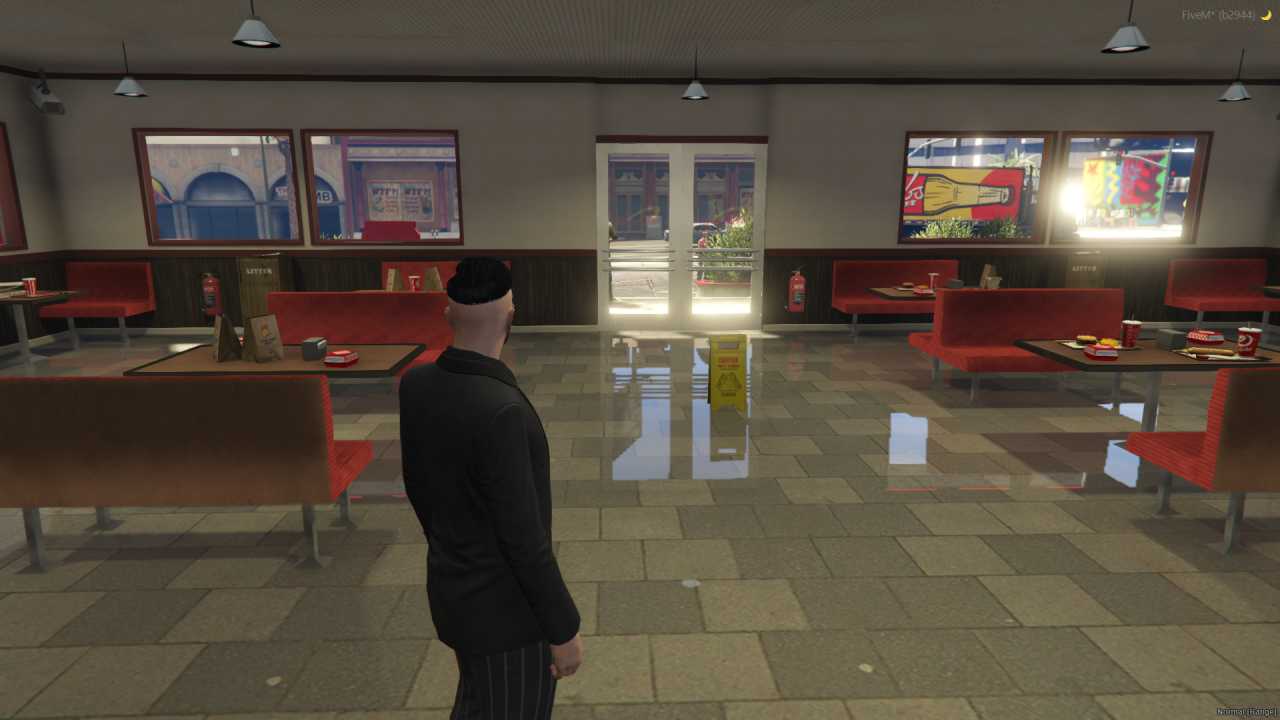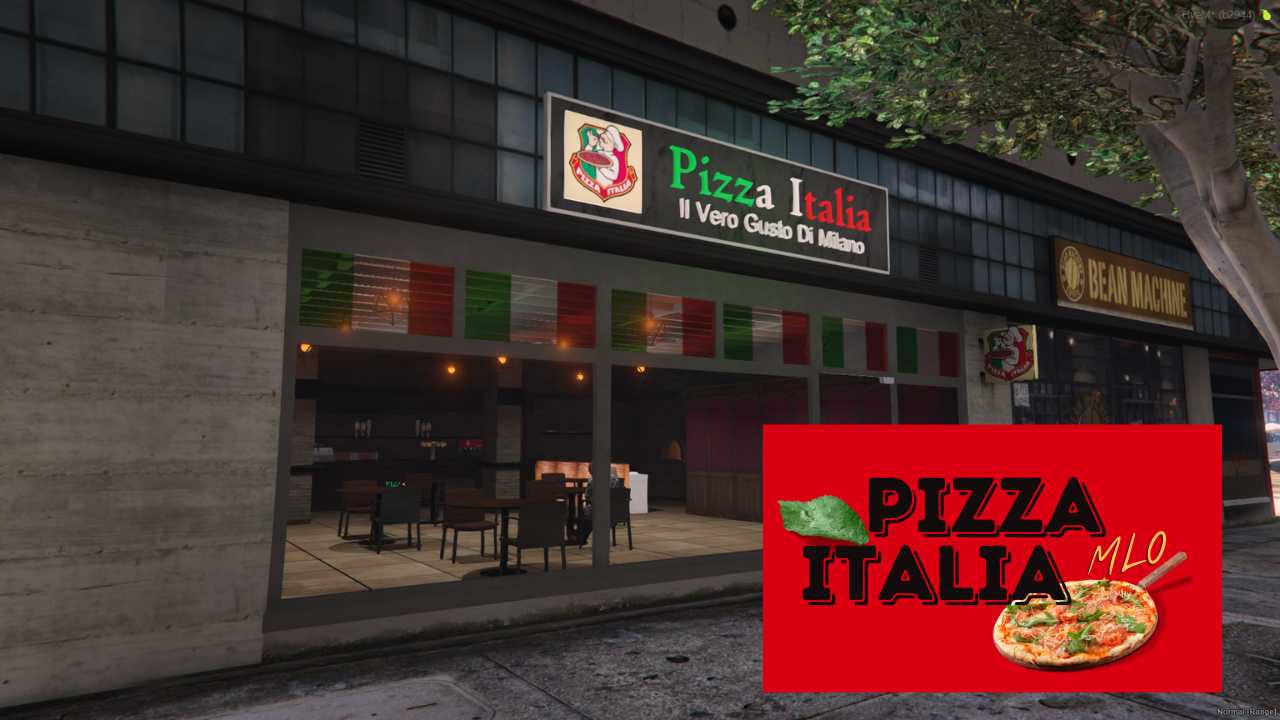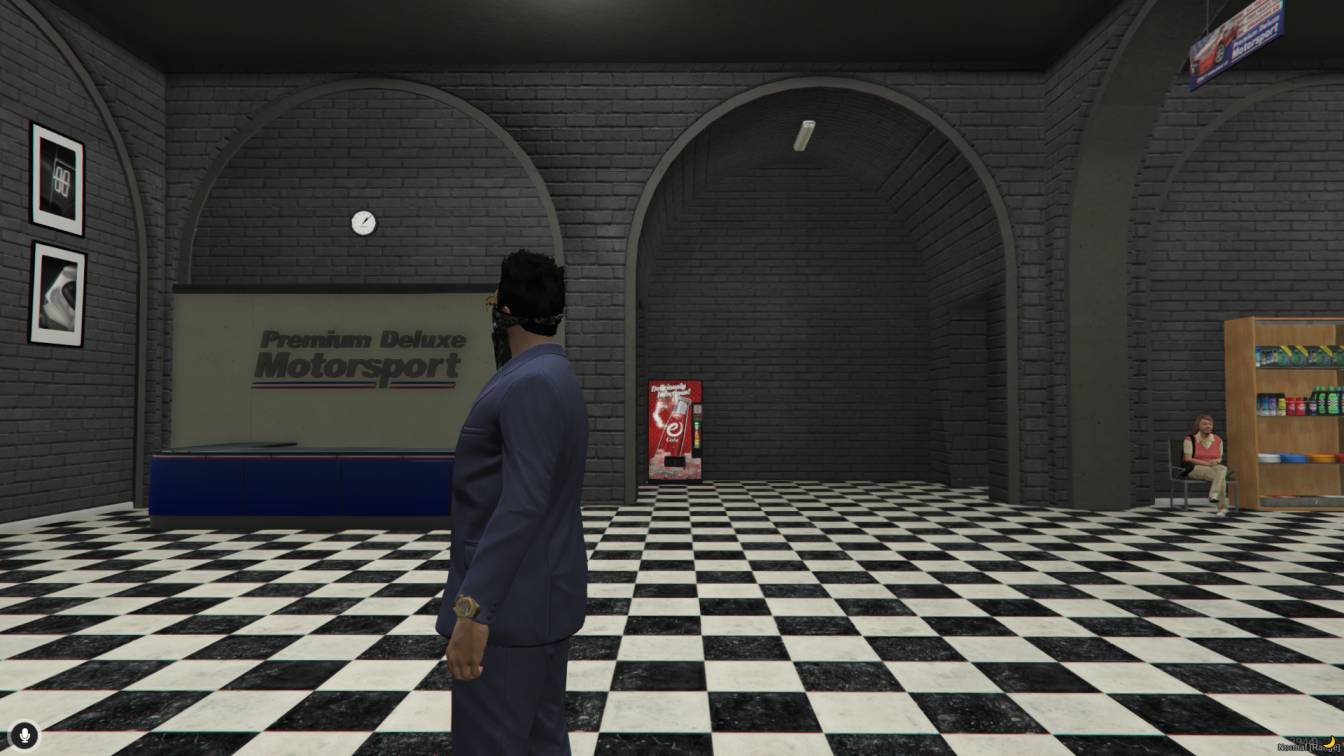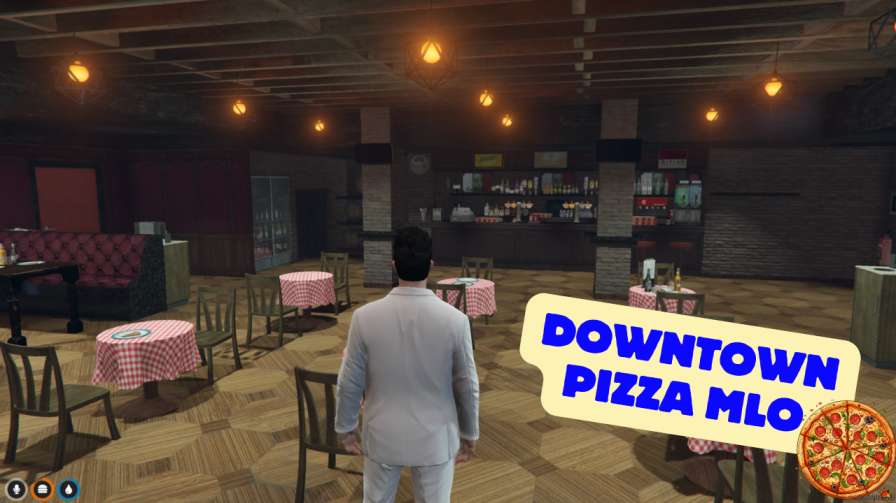
Add a new, highly detailed food spot to your server. The Kebab King interior comes with a full kitchen, seating area, and amazing lighting for your hungry players.




Bridges ship across the catalogue. Confirm the cores for this listing in Requirements below.
Kebab King Restaurant MLO brings a mouth‑watering, immersive eat‑ery to any FiveM community. Within the first 100 words we promise a realistic, bustling kebab joint where players can chill, roleplay, and savor virtual cuisine. This high‑detail map packs authentic Middle Eastern decor, cozy seating, and a fully equipped kitchen, all rendered with crisp textures and meticulous design.
Imagine a vibrant restaurant that feels alive – the clatter of plates, the aroma of sizzling meat, and the hum of conversation. The Kebab King Restaurant MLO adds that dynamic atmosphere, giving players a dedicated space for quick bites or full‑blown events. It’s perfect for RP servers looking to diversify social hubs and for server owners wanting fresh, engaging content.
From the moment players step inside, they’ll notice the authentic decor and high‑quality textures that set the scene. The cozy dining area invites groups to gather, while the fully equipped kitchen lets roleplayers act as chefs, staff, or hungry customers. Every corner is crafted to boost immersion and encourage social interaction.
Installation is a breeze: drop the zip into your resources folder, add start Kebab_King_Restaurant_MLO_FiveM to your server.cfg, and restart. The MLO works flawlessly with ESX, QBCore, or any standalone setup on Windows or Linux.
Server admins can script menu systems, staff roles, or special events, turning the restaurant into a bustling hub for quests, meet‑ups, or even in‑game weddings. The pre‑designed layout is also fully customizable for those who want to tweak decor or add new menu items.
Upgrade your FiveM world with Kebab King Restaurant MLO and watch your community gather around the grill for unforgettable roleplay moments.
This resource is built to be compatible with modern FiveM frameworks. Check the requirements for your framework version and installed resources before buying.
Yes, purchasing this asset grants you lifetime access to all future updates and patches.
Check the product requirements for file access and licensing details. If you need editable source files or a specific integration, contact support before buying.
After successful payment, sign in to your xFiveM Shop dashboard to access your purchased downloads. Contact support if your download is unavailable.
Review framework support, dependencies and editable files before buying. Contact support if your server uses a custom framework or needs a particular integration.
No waiting and no Keymaster syncing needed. Receive your clean, zip archive direct download link instantly in your dashboard right after your purchase.
Pay once and get every future update for free. When FiveM releases new builds or features, we update our scripts so your server stays up to date.
Complete your secure checkout. You will receive an instant download link to get your files immediately.
Extract the zip file and place the folder inside your server's resources directory.
Add ensure resource-name to your server.cfg and restart.

 FiveM
FiveM