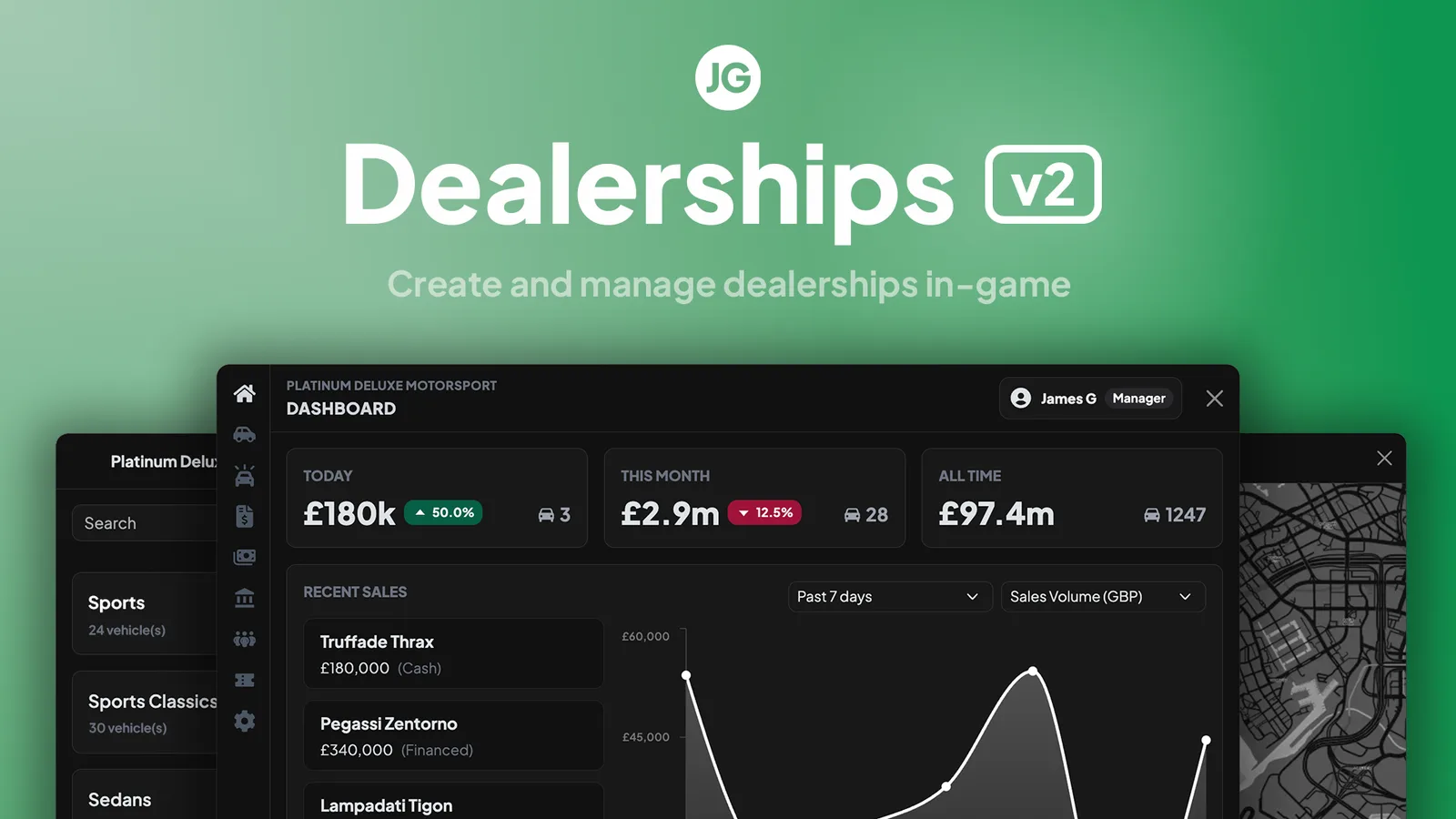
JG Dealerships v2.2.1 for FiveM: player-owned or public showrooms, in-game dealership creator, employee tablet sales with financing and test drives, display vehicles, stock trucking missions, RGB/chameleon colours and coupon codes. QBCore, Qbox, ESX.




Bridges ship across the catalogue. Confirm the cores for this listing in Requirements below.
JG Dealerships v2 (resource jg-dealerships, v2.2.1) by JG Scripts is a full rewrite of the most-installed dealership script on FiveM, with a redesigned UI and a new backend. Run self-service public showrooms with unrestricted browsing, or fully player-owned dealership businesses with stock tracking, employees, financing control and sales reporting – every location is configured independently.
Admins create and edit dealerships entirely in-game through the admin panel, placing interaction points, zones and display areas without restarts. Interactions attach to peds, objects, vehicles, polyzones or radii and work with target systems, radial menus, DUI text prompts, text UI or markers.
Staff sell vehicles through an in-game tablet, handling financing, colour selection and test drives as roleplay. A configurable financing system with interest, coupon codes for promotions, a custom currency API (VIP coins, tokens) and staff dashboards with detailed sales reporting are included.
Display vehicles can be placed, moved and updated in-game to reflect real stock. Stock ordering can become gameplay through trucking missions where ordered vehicles physically appear on a car trailer, or use automated timed deliveries.
Offer a full RGB wheel, a curated RGB palette or a limited list of colour IDs, including chameleon finishes.
QBCore, Qbox or ESX, OneSync Infinity, FXServer artifact 7290 or newer, oxmysql and ox_lib. Database tables install automatically (manual SQL included as fallback) and a v1 migration path is provided. Distributed as an escrow package with open config files.
This resource is built to be compatible with modern FiveM frameworks. Check the requirements for your framework version and installed resources before buying.
Yes, purchasing this asset grants you lifetime access to all future updates and patches.
Check the product requirements for file access and licensing details. If you need editable source files or a specific integration, contact support before buying.
After successful payment, sign in to your xFiveM Shop dashboard to access your purchased downloads. Contact support if your download is unavailable.
Review framework support, dependencies and editable files before buying. Contact support if your server uses a custom framework or needs a particular integration.
No waiting and no Keymaster syncing needed. Receive your clean, zip archive direct download link instantly in your dashboard right after your purchase.
Pay once and get every future update for free. When FiveM releases new builds or features, we update our scripts so your server stays up to date.
Complete your secure checkout. You will receive an instant download link to get your files immediately.
Extract the zip file and place the folder inside your server's resources directory.
Add ensure resource-name to your server.cfg and restart.

 FiveM
FiveM
