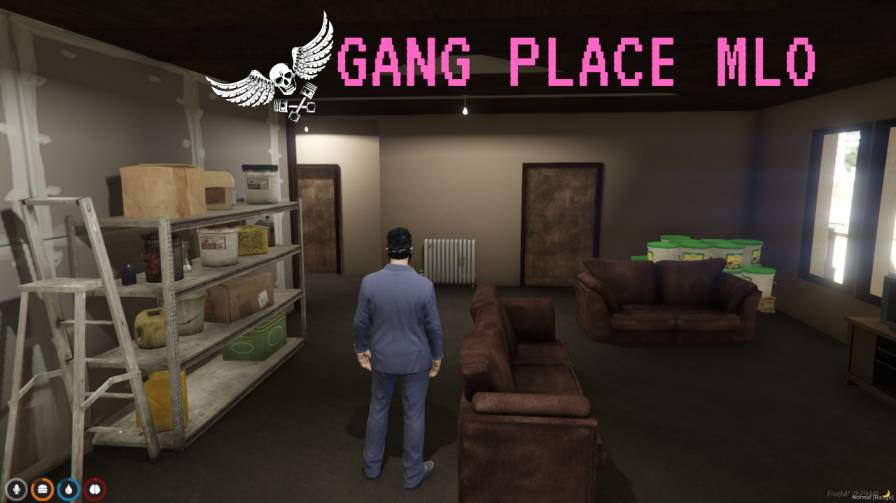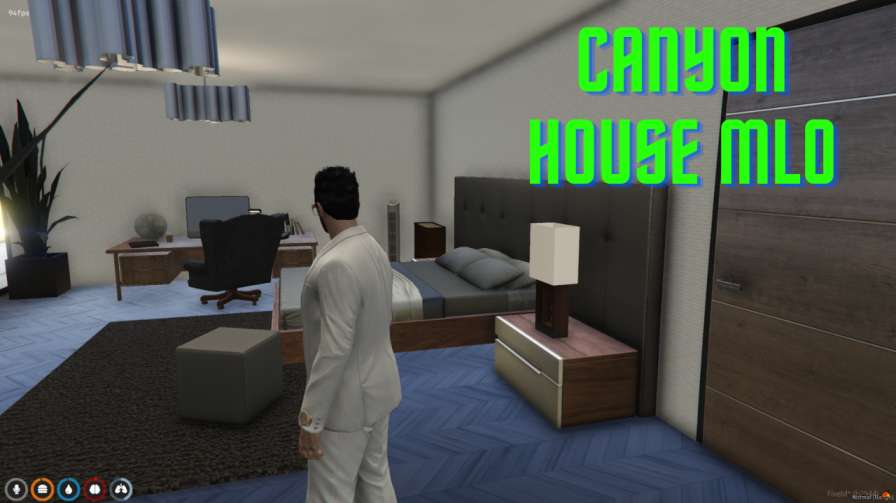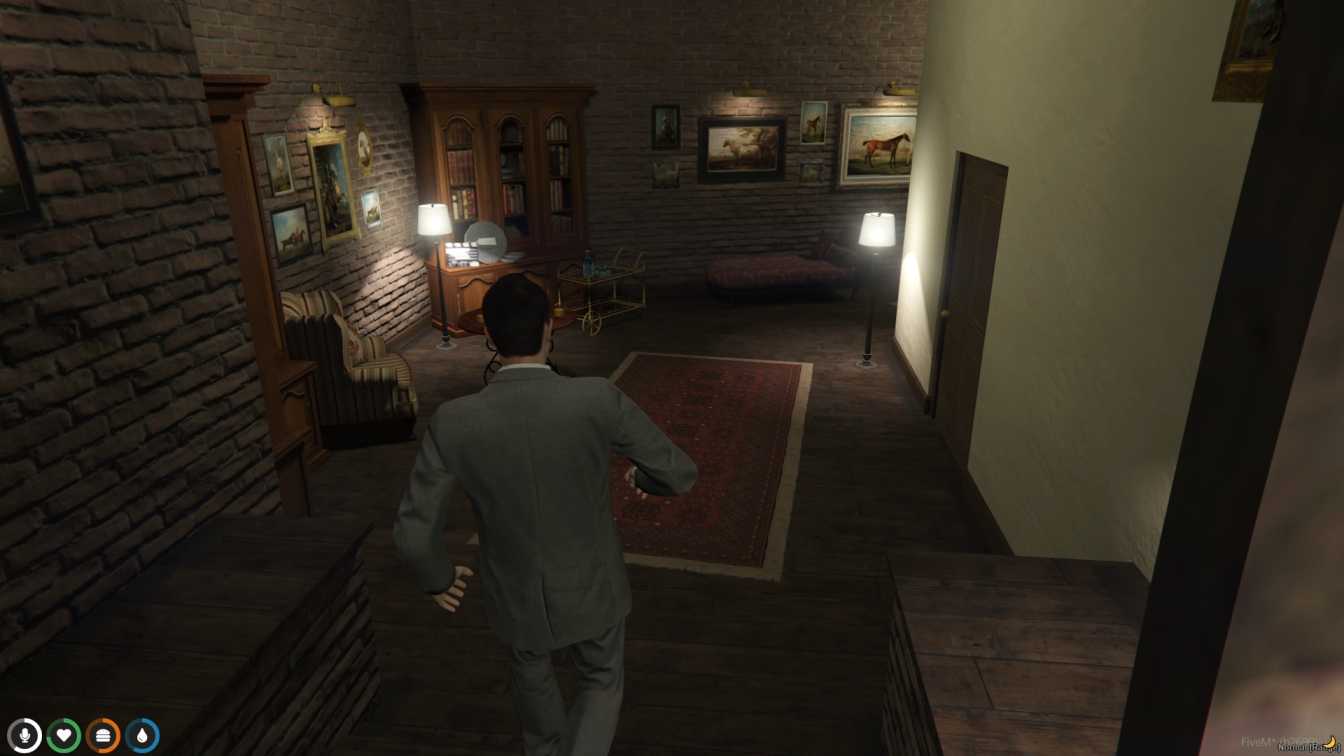
Interactive Hacking Fun: Crack terminals, solve puzzles for ultimate engagement. Hacker Hideouts: Explore hidden rooms, cybercrime props set the scene. Popular Choices: Cyberpunk Hideout, Hacker Penthouse & Abandoned Server Farm!




Bridges ship across the catalogue. Confirm the cores for this listing in Requirements below.
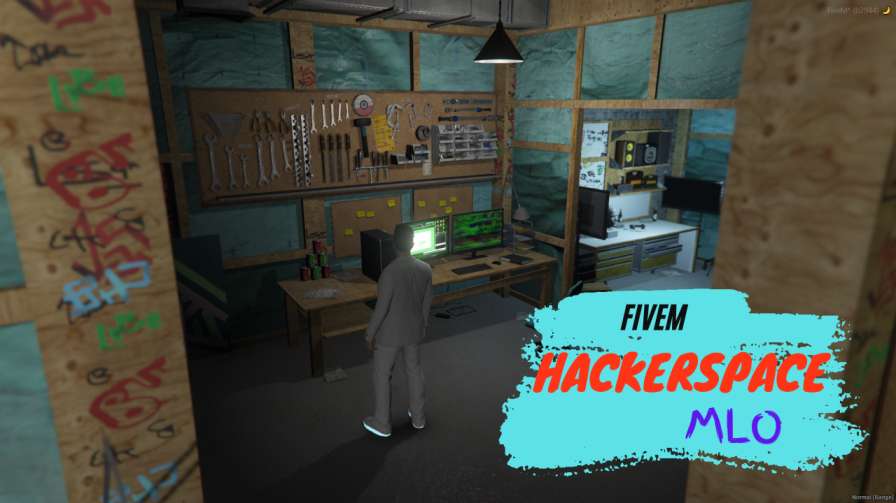
Looking for a Hackerspace MLO that turns your FiveM server into a cyber‑punk playground? Dive straight into a fully‑fleshed, hacker‑themed interior where code, neon lights, and digital intrigue collide. This MLO is built for role‑players who want to simulate hacking missions, collaborate on coding projects, or just vibe in a realistic cyber‑lab.
Every wall, desk, and server rack is custom‑designed to echo real‑world makerspaces. Dynamic lighting and interactive props let you pretend to breach firewalls, run virtual network scans, or host secret meetings. Whether you’re a newbie learning the ropes or a seasoned “script‑kiddie,” the environment scales with your imagination.
From collaborative workstations to hidden back‑door consoles, the space encourages teamwork and skill‑building. Players can set up mock cyber‑operations, test exploits, or simply hang out while the city bustles outside. The immersive soundscape and sleek UI elements keep the adrenaline pumping.
Just download, extract to your GTA V mods folder, add the resource to your server, and restart. In minutes you’ll have a fully functional Hackerspace ready for your crew.
Load the MLO, invite your crew, and start planning the next big virtual heist. The possibilities are limitless—code, hack, learn, and dominate the cyber‑scene on your server.
This resource is built to be compatible with modern FiveM frameworks. Check the requirements for your framework version and installed resources before buying.
Yes, purchasing this asset grants you lifetime access to all future updates and patches.
Check the product requirements for file access and licensing details. If you need editable source files or a specific integration, contact support before buying.
After successful payment, sign in to your xFiveM Shop dashboard to access your purchased downloads. Contact support if your download is unavailable.
Review framework support, dependencies and editable files before buying. Contact support if your server uses a custom framework or needs a particular integration.
No waiting and no Keymaster syncing needed. Receive your clean, zip archive direct download link instantly in your dashboard right after your purchase.
Pay once and get every future update for free. When FiveM releases new builds or features, we update our scripts so your server stays up to date.
Complete your secure checkout. You will receive an instant download link to get your files immediately.
Extract the zip file and place the folder inside your server's resources directory.
Add ensure resource-name to your server.cfg and restart.

 FiveM
FiveM