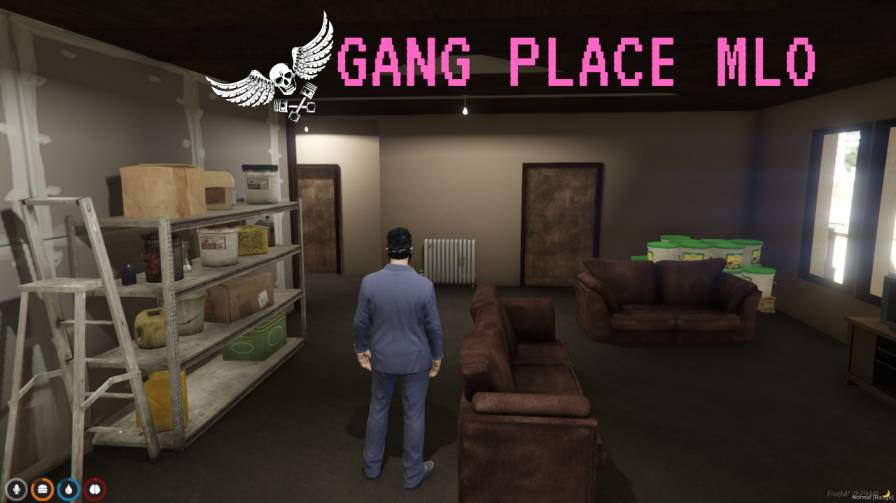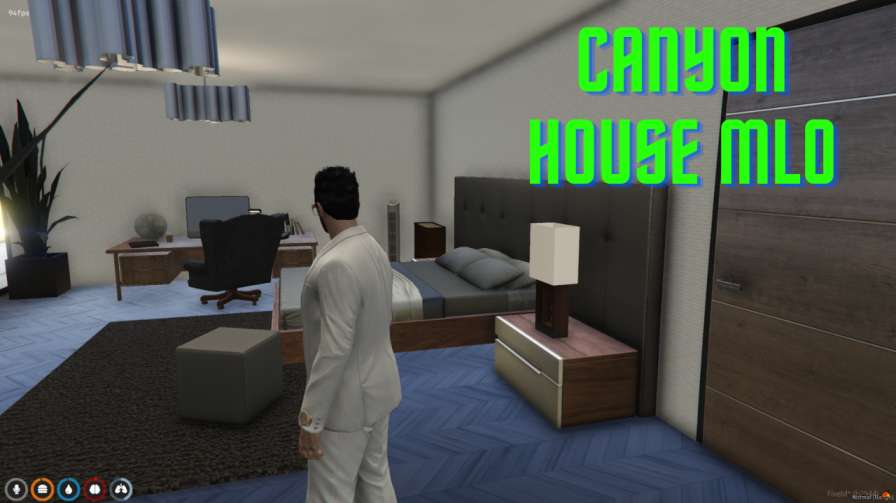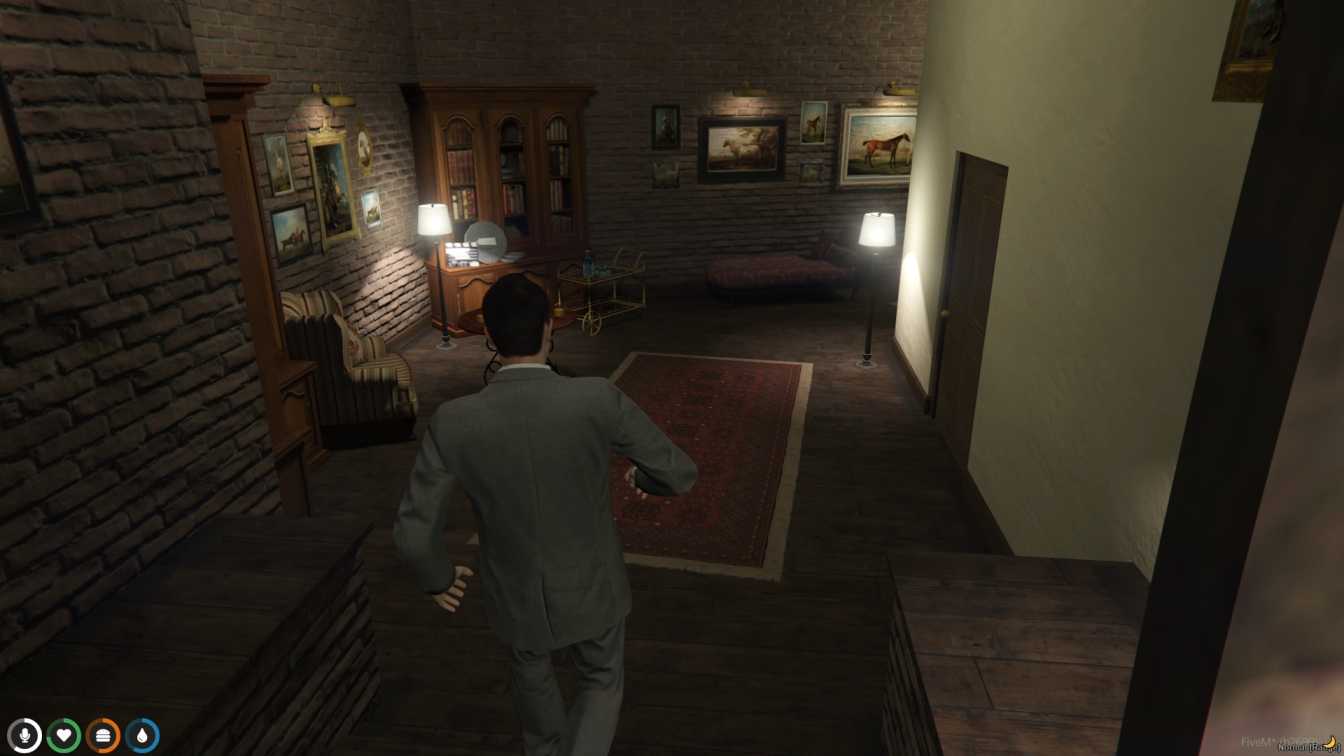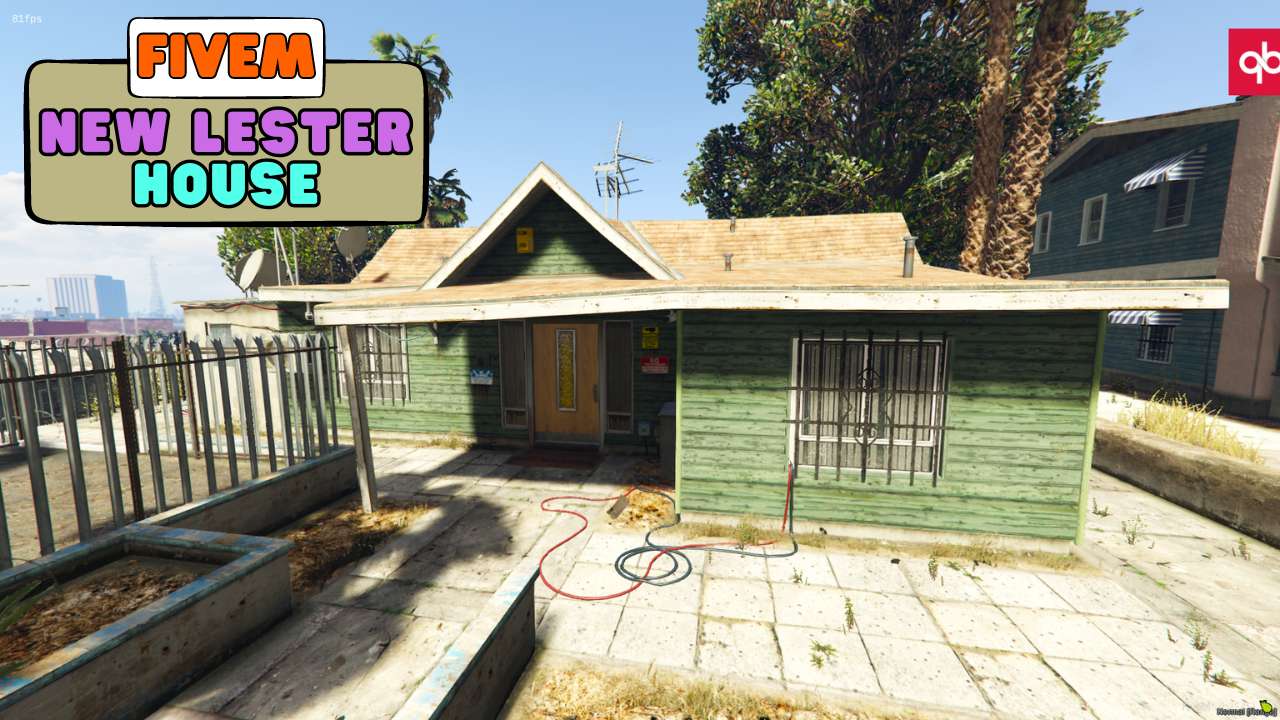
Lester's Lair Reborn: Explore a meticulously detailed recreation of Lester's iconic house. Seamless & Smooth: Effortless integration with zero performance hit for a flawless experience. Streamable Screen Time: Watch YouTube directly in-game on the working TV. Easy Placement: Pre-configured...




Bridges ship across the catalogue. Confirm the cores for this listing in Requirements below.
Looking to level up your roleplay server? The FiveM New Lester House delivers a stunning, fully functional interior that will wow your community from the first glance. This meticulously crafted MLO packs a working TV, sleek bedrooms, and a dedicated computer nook, all optimized for zero FPS impact. Seamlessly drop it into your V3 location (1274.017, -1731.57849, 53.9503822) and watch the immersion soar.
Designed with performance in mind, the New Lester House runs smooth on both Windows and Linux servers, making it perfect for ESX, QBCore, or standalone setups. The working TV isn’t just for show—it streams YouTube links in‑game, opening fresh roleplay scenarios and entertainment options for your players.
Flawless Functionality: Tested rigorously to ensure zero lag. Optimized Performance: Minimal asset usage keeps your server humming. Entertainment Central: A functional TV for YouTube streaming. Relaxing Retreat: Cozy bedrooms and a computer space for realistic living. Prime V3 Location: Perfectly placed for easy access.
Just download the lester_house folder, add ensure lester_house to your server.cfg, restart, and you’re ready to roll. No complex scripts, no headaches—just a modern MLO makeover that boosts gameplay and deepens roleplay.
Got questions? Our support team is ready to help. Remember, the map isn’t meant for post‑install tweaks—keeping it untouched guarantees bug‑free performance.
This resource is built to be compatible with modern FiveM frameworks. Check the requirements for your framework version and installed resources before buying.
Yes, purchasing this asset grants you lifetime access to all future updates and patches.
Check the product requirements for file access and licensing details. If you need editable source files or a specific integration, contact support before buying.
After successful payment, sign in to your xFiveM Shop dashboard to access your purchased downloads. Contact support if your download is unavailable.
Review framework support, dependencies and editable files before buying. Contact support if your server uses a custom framework or needs a particular integration.
No waiting and no Keymaster syncing needed. Receive your clean, zip archive direct download link instantly in your dashboard right after your purchase.
Pay once and get every future update for free. When FiveM releases new builds or features, we update our scripts so your server stays up to date.
Complete your secure checkout. You will receive an instant download link to get your files immediately.
Extract the zip file and place the folder inside your server's resources directory.
Add ensure resource-name to your server.cfg and restart.

 FiveM
FiveM