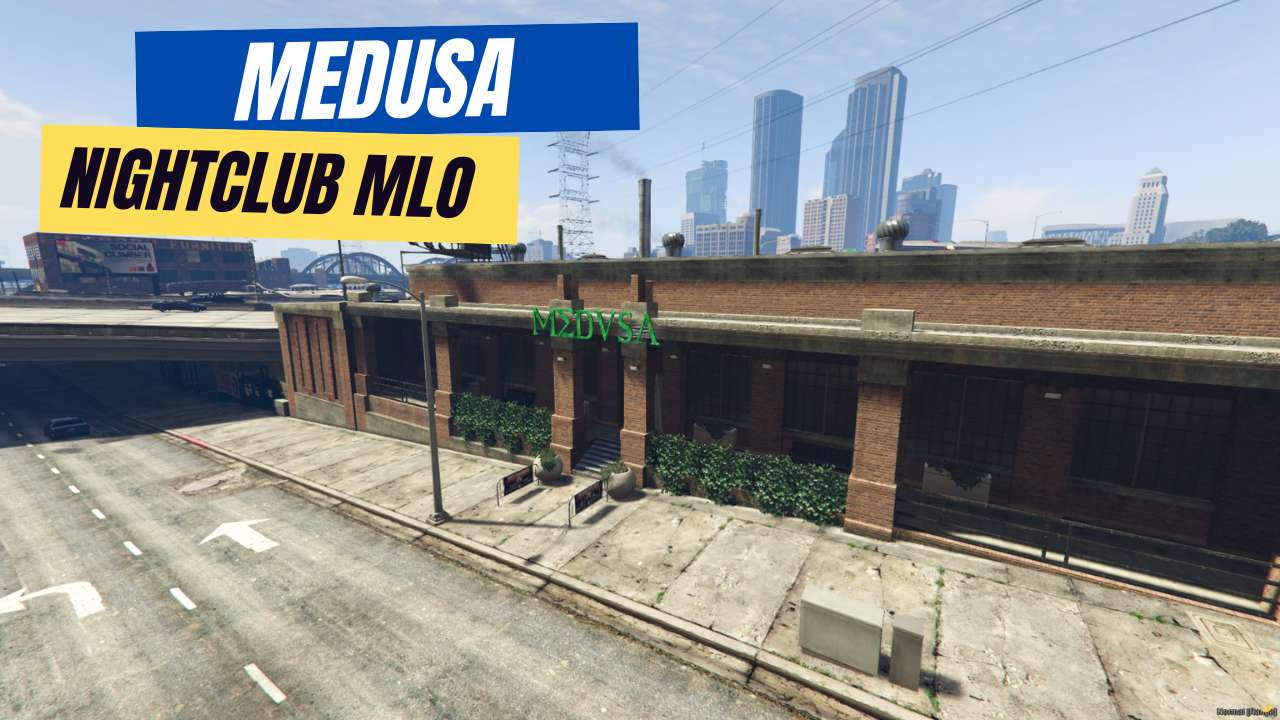
Stylish Bar & Lighting: Impress with a chic atmosphere. Hidden Underground: Explore secret VIP spaces. Rock the Dance Floor: Dedicated area for DJs and parties. Boost Your Server: Attract players and liven things up. Easy Setup: Get started fast with our guide.




Bridges ship across the catalogue. Confirm the cores for this listing in Requirements below.
FiveM Medusa Nightclub MLO drops a high‑octane nightlife experience straight into your server. Imagine neon lights, a sleek bar, a thumping DJ booth and a secret underground lounge—all ready for players to dance, role‑play, and make memories. Located at coordinates (744.0927, -563.9367, 36.62129), this ultra‑detailed club becomes the hotspot that keeps crowds coming back for more.
Players love a place to hang out, and the Medusa Nightclub delivers a stylish bar area, customizable lighting, and a massive dance floor that never stops the beat. The hidden underground zone adds an exclusive VIP feel, perfect for private events or secret meet‑ups.
From the meticulously crafted interior to the adjustable ambience, every detail is built for immersion. The club’s capacity can be tweaked in your server settings, ensuring smooth performance no matter the crowd size.
Just download, drop the files into your resources folder, add start Medusa to your server.cfg, and restart. In minutes you’ll have a fully functional nightclub ready for custom events, role‑play scenarios, or simply a place to chill.
Servers with a dedicated nightlife hub see higher player retention, more social interaction, and a surge in event participation. Turn your server into the go‑to destination for unforgettable nights.
This resource is built to be compatible with modern FiveM frameworks. Check the requirements for your framework version and installed resources before buying.
Yes, purchasing this asset grants you lifetime access to all future updates and patches.
Check the product requirements for file access and licensing details. If you need editable source files or a specific integration, contact support before buying.
After successful payment, sign in to your xFiveM Shop dashboard to access your purchased downloads. Contact support if your download is unavailable.
Review framework support, dependencies and editable files before buying. Contact support if your server uses a custom framework or needs a particular integration.
No waiting and no Keymaster syncing needed. Receive your clean, zip archive direct download link instantly in your dashboard right after your purchase.
Pay once and get every future update for free. When FiveM releases new builds or features, we update our scripts so your server stays up to date.
Complete your secure checkout. You will receive an instant download link to get your files immediately.
Extract the zip file and place the folder inside your server's resources directory.
Add ensure resource-name to your server.cfg and restart.

 FiveM
FiveM