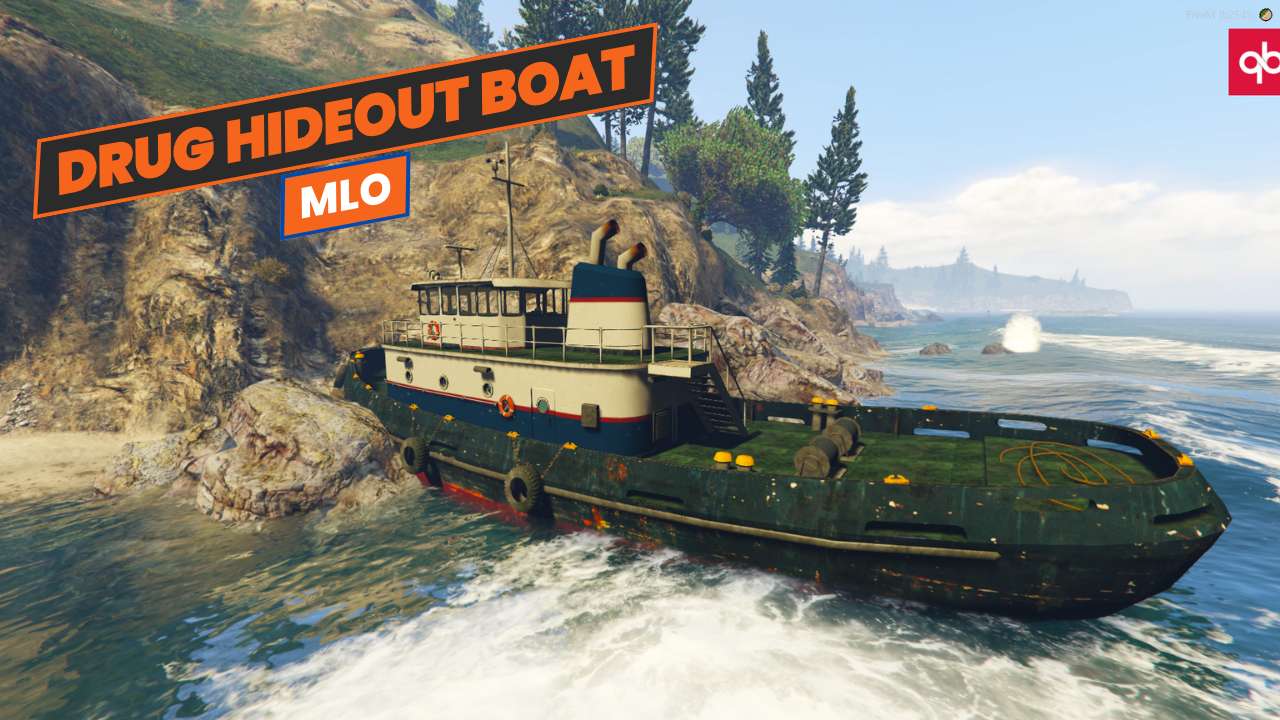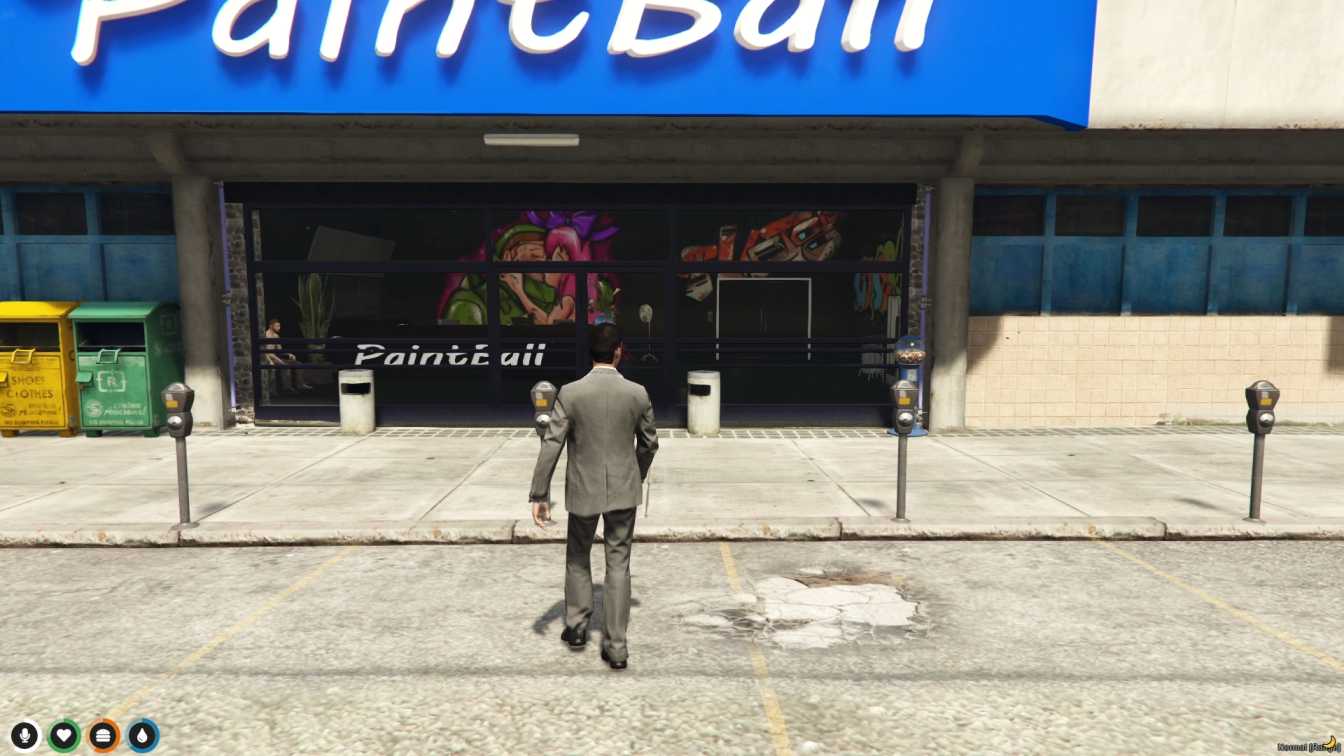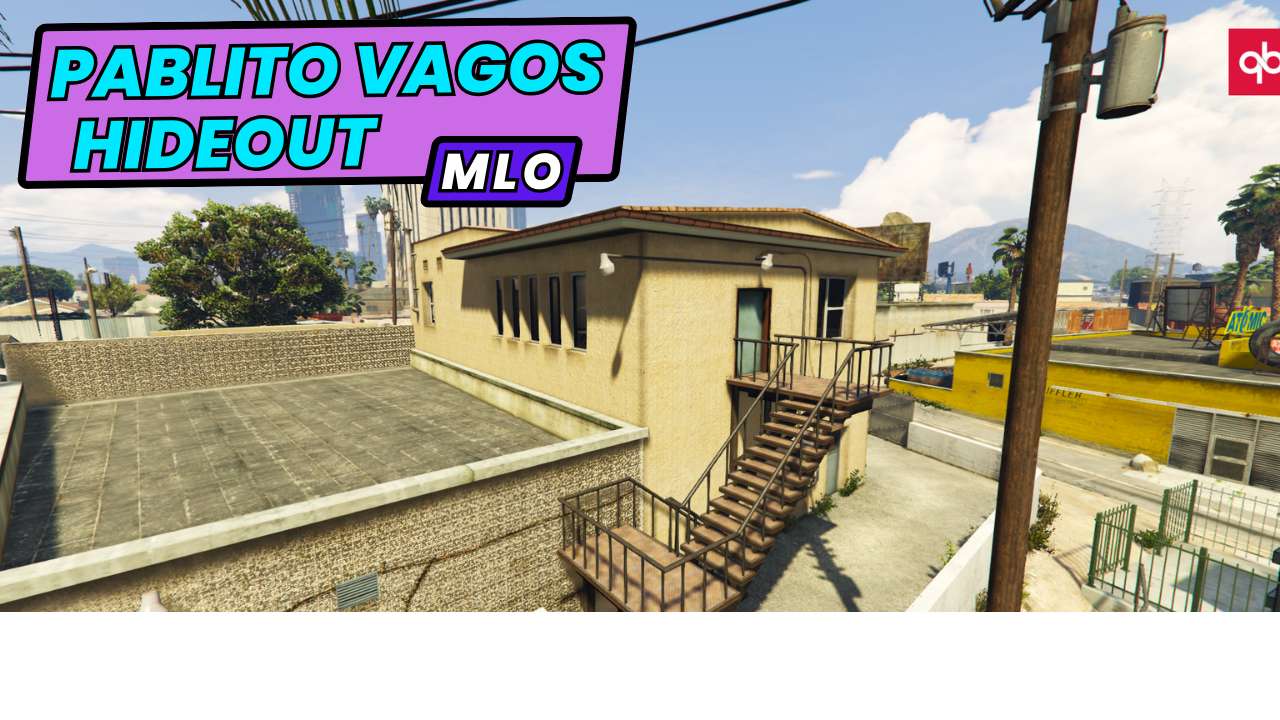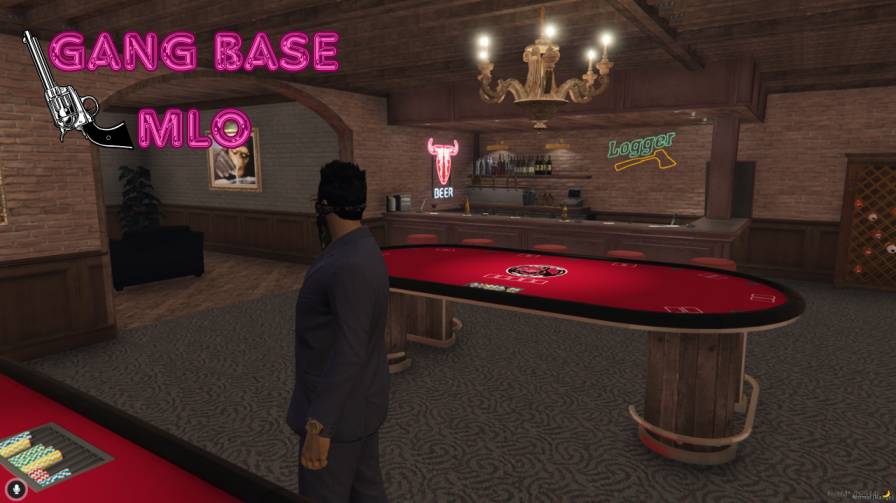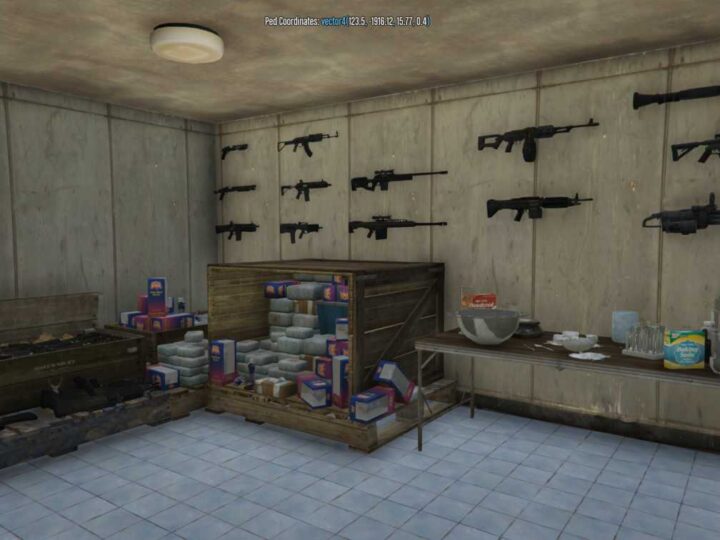
Vibrant City Square: Dynamic and bustling city square design. Detailed Architecture: Features realistic textures and interactive elements. Engaging Atmosphere: Perfect for roleplay and city-based events. Easy Integration: Simple setup and integration into your FiveM server.




Bridges ship across the catalogue. Confirm the cores for this listing in Requirements below.
Step into the heart of your FiveM server with Legion Square, the most immersive, bustling city center ever built for GTA V. From the gleaming skyscrapers to the neon‑lit cafés, every corner feels alive. Whether you’re running a crime‑filled roleplay, a racing club, or a bustling marketplace, this MLO delivers the perfect backdrop. The first 100 words already highlight the main keyword, ensuring instant relevance for search engines and players alike.
Legion Square is engineered for performance without sacrificing detail. High‑resolution textures, realistic lighting, and dynamic weather support a seamless experience on both Windows and Linux servers. The architecture is modular, letting you add or remove sections to suit your server’s scale. Plus, the built‑in pedestrian AI routes keep NPCs moving naturally, creating a living city that never feels empty.
• Fully Optimized for FiveM – No lag spikes, even on low‑end hardware.
• Customizable Zones – Add your own shops, police stations, or event arenas with ease.
• High‑Detail Models – Realistic cars, street furniture, and dynamic billboards.
• Easy Integration – Works out‑of‑the‑box with ESX, QBCore, or standalone scripts.
• Responsive Design – Mobile‑friendly UI for in‑game menus and overlays.
Bring your server to life with a square that feels like a living, breathing city hub. Play the game your way, and let Legion Square be the stage for your greatest adventures.
This resource is built to be compatible with modern FiveM frameworks. Check the requirements for your framework version and installed resources before buying.
Yes, purchasing this asset grants you lifetime access to all future updates and patches.
Check the product requirements for file access and licensing details. If you need editable source files or a specific integration, contact support before buying.
After successful payment, sign in to your xFiveM Shop dashboard to access your purchased downloads. Contact support if your download is unavailable.
Review framework support, dependencies and editable files before buying. Contact support if your server uses a custom framework or needs a particular integration.
No waiting and no Keymaster syncing needed. Receive your clean, zip archive direct download link instantly in your dashboard right after your purchase.
Pay once and get every future update for free. When FiveM releases new builds or features, we update our scripts so your server stays up to date.
Complete your secure checkout. You will receive an instant download link to get your files immediately.
Extract the zip file and place the folder inside your server's resources directory.
Add ensure resource-name to your server.cfg and restart.

 FiveM
FiveM