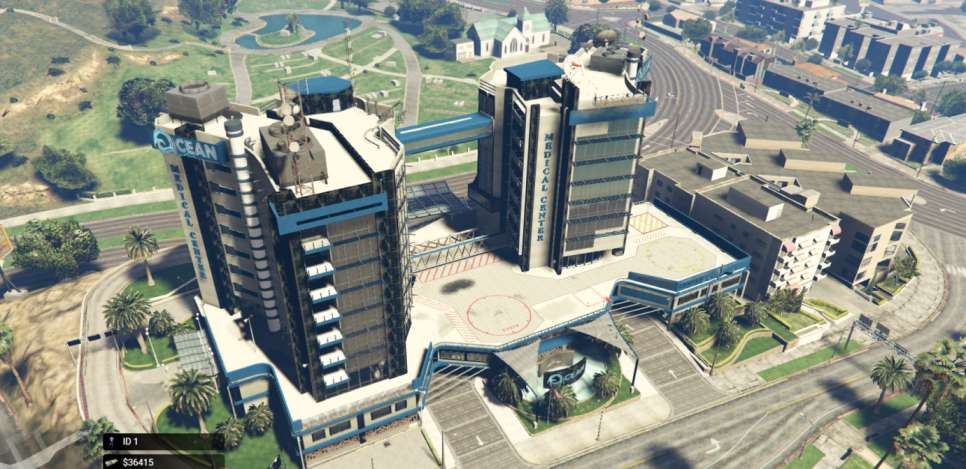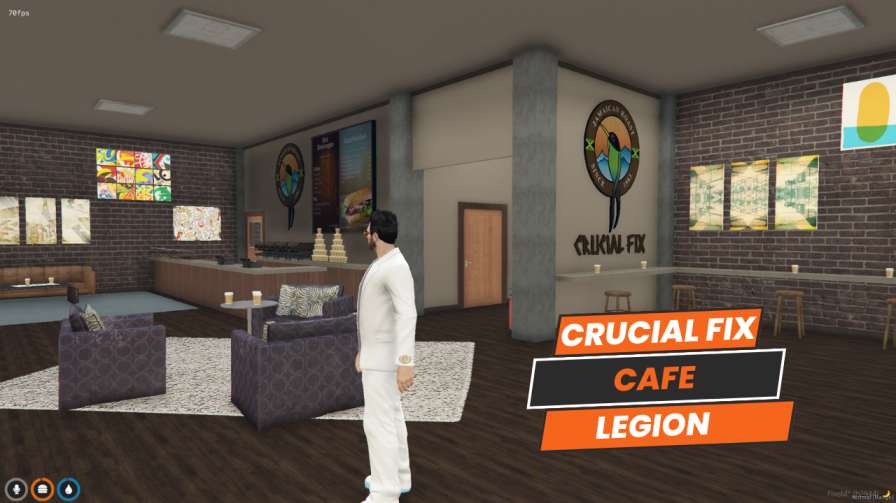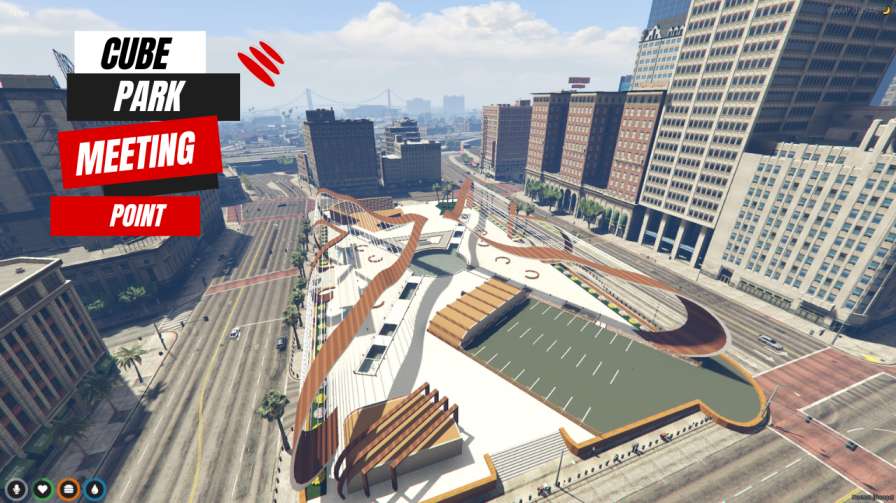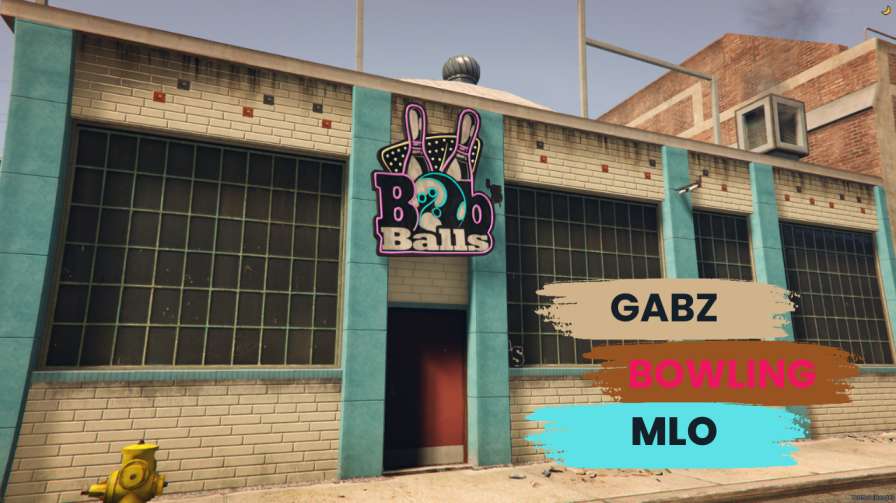
Realistic bowling alley environment for FiveM Immersive multiplayer matches Easy installation process Enhance gaming experience with atmospheric lighting




Bridges ship across the catalogue. Confirm the cores for this listing in Requirements below.
FiveM Gabz Bowling MLO brings the neon glow and clatter of a real bowling alley straight into your server. Imagine sleek lanes, polished wood, and atmospheric lighting that makes every strike feel epic. This meticulously crafted environment is perfect for casual hangouts, competitive tournaments, or just a night of fun with friends.
Every detail—from the realistic lane textures to the ambient sound of pins crashing—has been fine‑tuned for maximum immersion. The interiors feature stylish décor, dynamic lighting, and a layout that encourages social interaction. Players will love the authentic vibe, and server owners will appreciate the fresh, engaging space it adds.
Built for multiplayer, the Gabz Bowling MLO supports smooth matches with dozens of players. Host tournaments, set up leaderboards, or simply let friends drop in for a quick game. The MLO integrates flawlessly with popular frameworks like ESX and QBCore, ensuring a hassle‑free setup.
Installation is a breeze: download, extract to your resources folder, add start gabz_bowling to your server.cfg, and restart. In minutes you’ll have a fully functional bowling alley ready for action. Minimal performance impact means it runs smoothly even on modest servers.
Enhance player retention with a unique social hub, boost server variety by adding a one‑of‑a‑kind venue, and encourage community events like leagues and parties. The Gabz Bowling MLO is the perfect addition to any FiveM server looking to stand out.
This resource is built to be compatible with modern FiveM frameworks. Check the requirements for your framework version and installed resources before buying.
Yes, purchasing this asset grants you lifetime access to all future updates and patches.
Check the product requirements for file access and licensing details. If you need editable source files or a specific integration, contact support before buying.
After successful payment, sign in to your xFiveM Shop dashboard to access your purchased downloads. Contact support if your download is unavailable.
Review framework support, dependencies and editable files before buying. Contact support if your server uses a custom framework or needs a particular integration.
No waiting and no Keymaster syncing needed. Receive your clean, zip archive direct download link instantly in your dashboard right after your purchase.
Pay once and get every future update for free. When FiveM releases new builds or features, we update our scripts so your server stays up to date.
Complete your secure checkout. You will receive an instant download link to get your files immediately.
Extract the zip file and place the folder inside your server's resources directory.
Add ensure resource-name to your server.cfg and restart.

 FiveM
FiveM