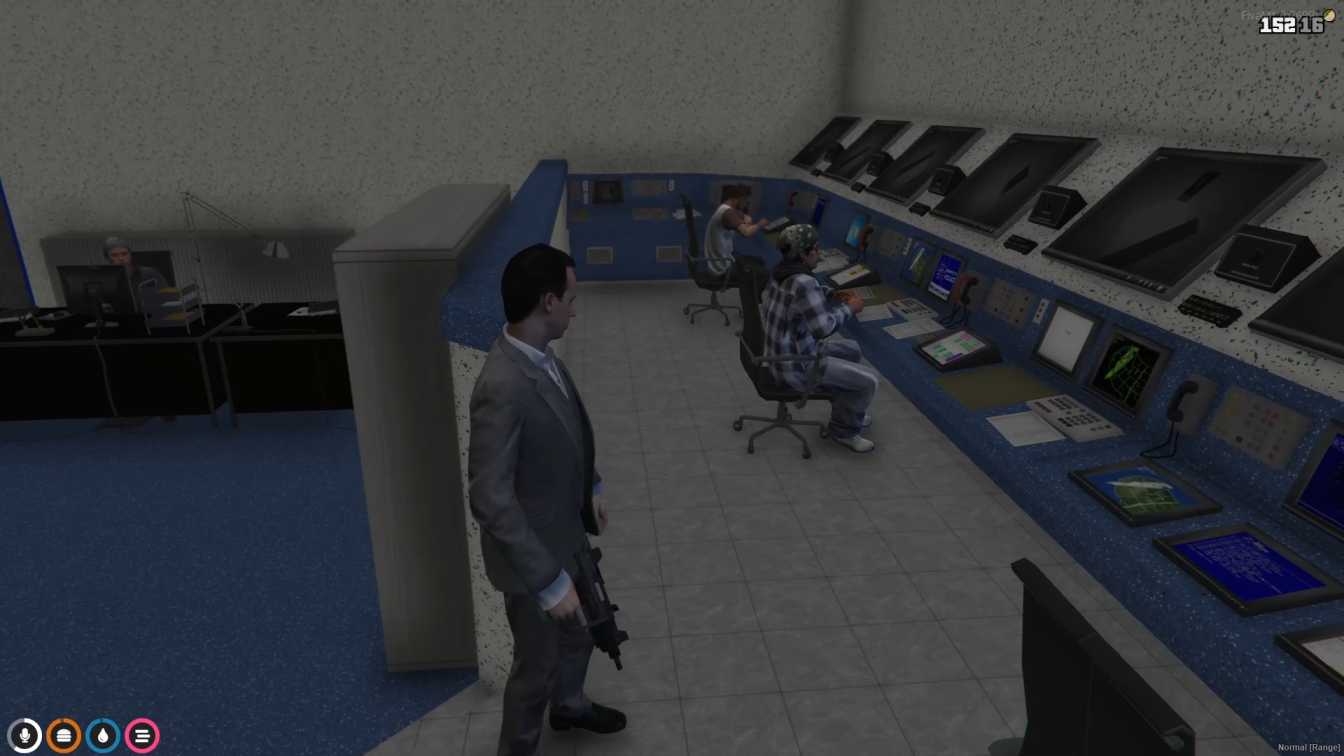
Realistic Police Station: Complete with holding cells and interrogation rooms. Perfect for Role-Playing: Ideal for pretending to be a cop or playing with friends. Easy Installation: Download, add to server, and start playing. Immersive Experience: Adds depth and realism to GTA V's law enforcem...




Bridges ship across the catalogue. Confirm the cores for this listing in Requirements below.
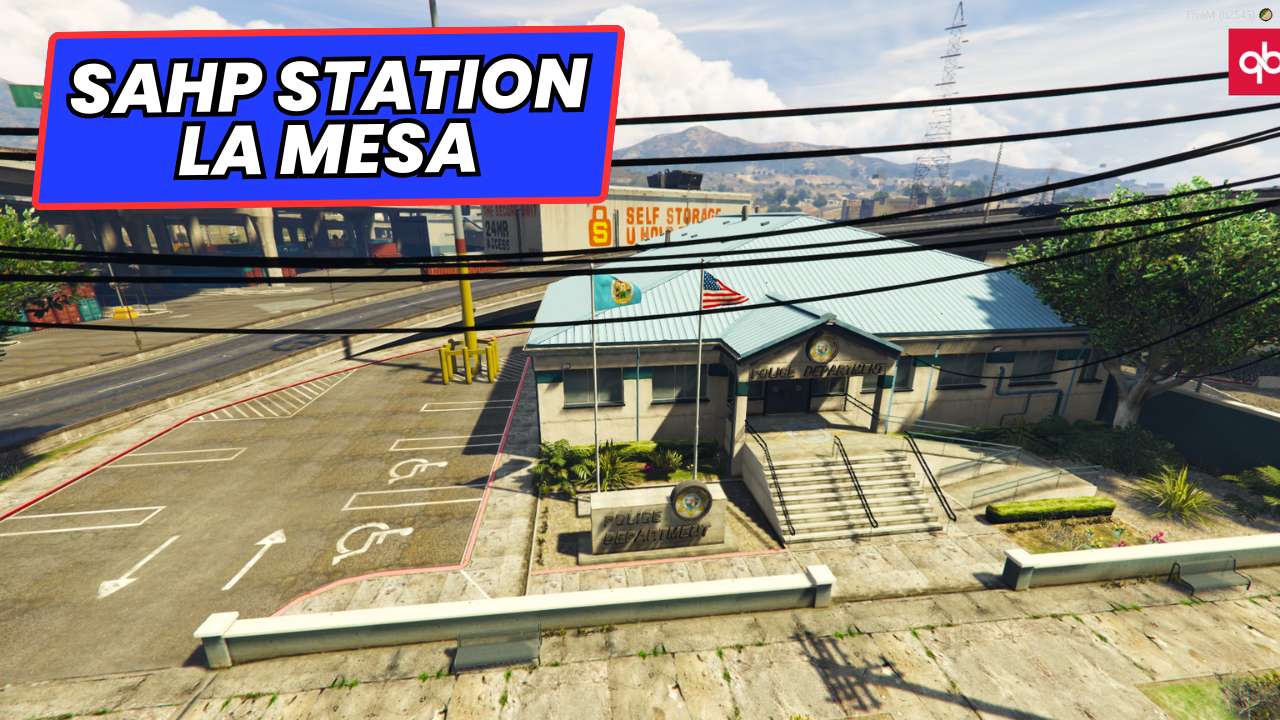
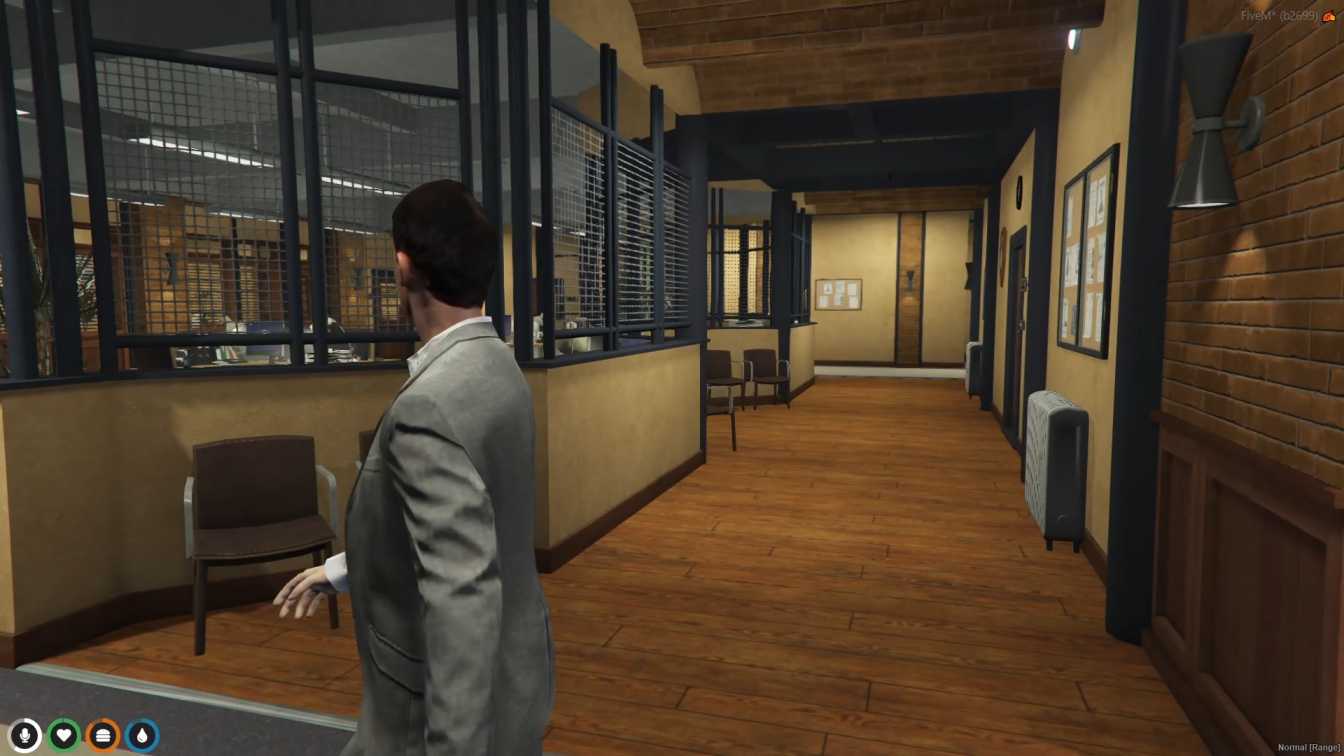
FiveM Davis Police Department MLO brings a fully functional, ultra‑realistic police station right into the heart of Los Santos. Nestled in the iconic Davis area, this map extension lets you roam inside a meticulously crafted precinct complete with holding cells, interrogation rooms, evidence lockers, and a bustling front desk. The first 100 words already set the scene: you’ll hear the clank of metal doors, the glow of working computer terminals, and the distant hum of patrol cars waiting outside.
Unlike simple exterior add‑ons, this MLO is an immersive interior experience. Every doorway opens, every desk is interactive, and every police vehicle is perfectly positioned for quick response missions. Whether you’re chasing down a suspect, conducting a stakeout, or simply role‑playing a day in the life of an officer, the environment reacts to you, making each session feel fresh.
Detailed Police Station: Authentic layout with cells, interview rooms, evidence storage, and a briefing area.
Functional Props: Working computers, radios, weapon racks, and police vehicles ready for deployment.
Seamless Integration: Compatible with ESX, QBCore, and standalone scripts for easy server setup.
Visual Polish: High‑resolution textures and lighting that enhance the overall aesthetic of GTA V.
Role‑Play Ready: Perfect backdrop for cops‑and‑robbers, investigations, and community events.
Adding this MLO instantly upgrades your server’s RP credibility. Players love having a dedicated space to plan patrols, hold suspects, and host police‑related events. The realistic environment encourages longer play sessions, more collaborative storytelling, and a stronger community vibe.
Installation is straightforward—just drop the resource into your server folder, add it to your config, and restart. Need help? Our support team is ready to assist, ensuring you get the most out of your new precinct.
This resource is built to be compatible with modern FiveM frameworks. Check the requirements for your framework version and installed resources before buying.
Yes, purchasing this asset grants you lifetime access to all future updates and patches.
Check the product requirements for file access and licensing details. If you need editable source files or a specific integration, contact support before buying.
After successful payment, sign in to your xFiveM Shop dashboard to access your purchased downloads. Contact support if your download is unavailable.
Review framework support, dependencies and editable files before buying. Contact support if your server uses a custom framework or needs a particular integration.
No waiting and no Keymaster syncing needed. Receive your clean, zip archive direct download link instantly in your dashboard right after your purchase.
Pay once and get every future update for free. When FiveM releases new builds or features, we update our scripts so your server stays up to date.
Complete your secure checkout. You will receive an instant download link to get your files immediately.
Extract the zip file and place the folder inside your server's resources directory.
Add ensure resource-name to your server.cfg and restart.

 FiveM
FiveM