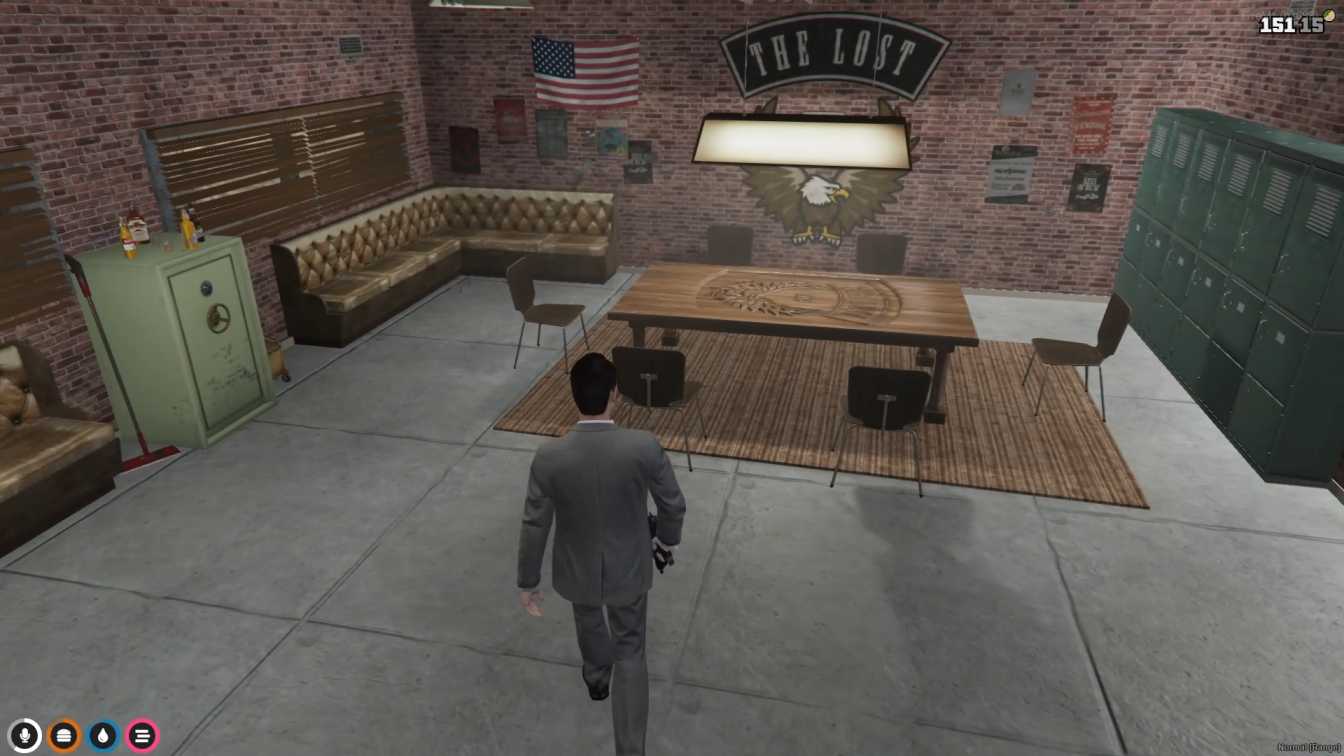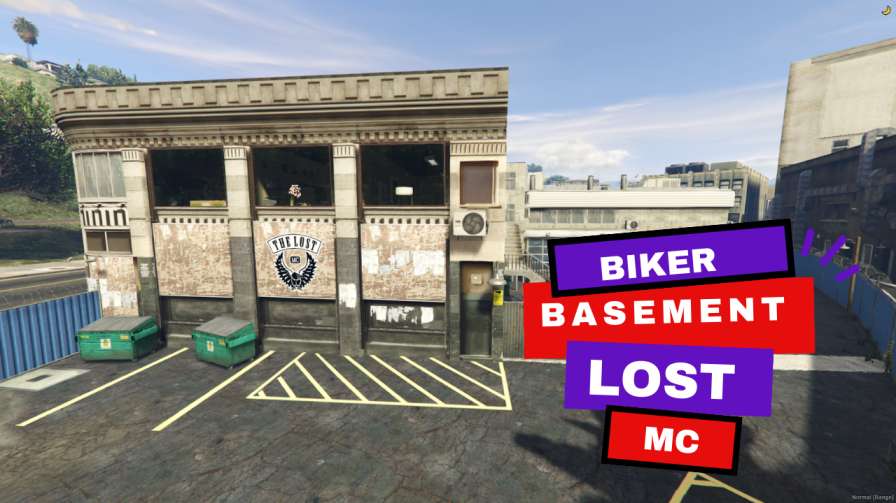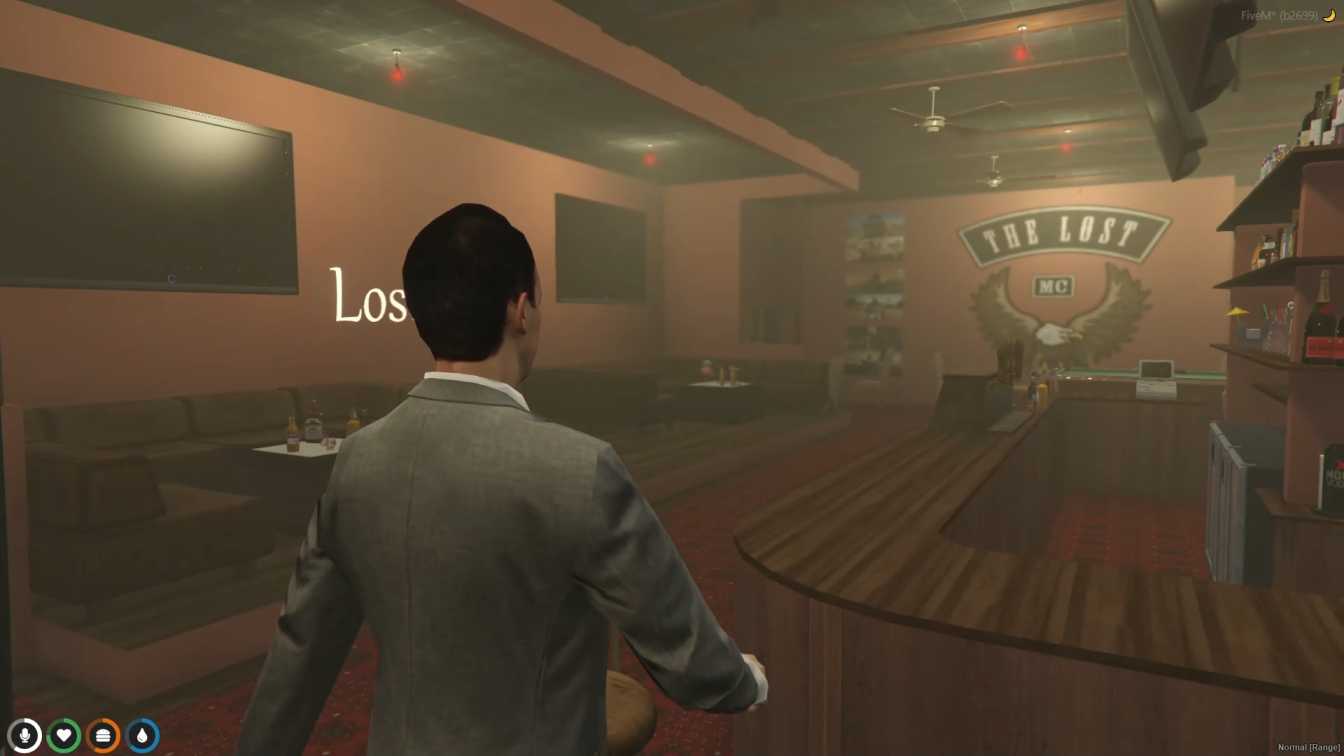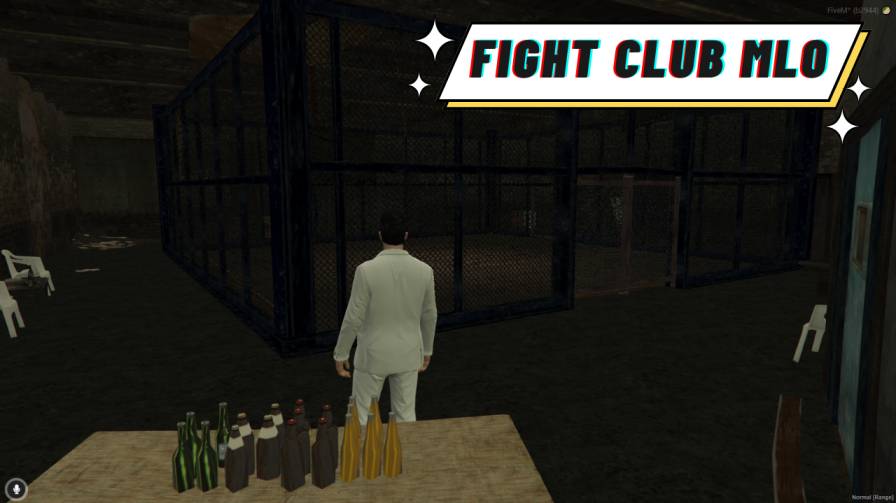
Have exciting fights and play with friends in the Fight Club MLO. Change the rules to make fights more fun. Watch fights even if you're not playing. Play on computers and phones whenever you want.




Bridges ship across the catalogue. Confirm the cores for this listing in Requirements below.
Fight Club MLO brings a gritty underground arena straight into your GTA V server, letting you and your crew throw down in heart‑pounding hand‑to‑hand battles. From the moment you walk through the neon‑lit entryway, the immersive lighting and detailed surroundings crank the adrenaline up to eleven. Whether you’re a lone wolf looking for a solo showdown or a pack of friends craving multiplayer mayhem, this arena adapts to every playstyle.
The arena isn’t just a static map—it reacts. Dynamic lighting flickers with each punch, and the ambient sounds of a bustling underground club keep the tension high. Spectator zones let non‑combatants watch the action live, turning every match into a community event.
Take control of the chaos with fully customizable rules. Set time limits, health modifiers, or even introduce special weapon‑free rounds to keep the fights fresh. The flexible match settings mean you can tailor the experience for casual fun or hardcore competition.
Challenge friends or random opponents in fast‑paced multiplayer matches, all while staying compatible with both PC and mobile devices. No matter where your players are, they can jump into the ring and start fighting in seconds.
Installation is a breeze—just unzip, drop the files into your server’s resource folder, update the config, and restart. Our dedicated support team is ready to help if you hit any snags.
Ready to dominate the underground? Load the Fight Club MLO today and give your server the most electrifying combat experience available.
This resource is built to be compatible with modern FiveM frameworks. Check the requirements for your framework version and installed resources before buying.
Yes, purchasing this asset grants you lifetime access to all future updates and patches.
Check the product requirements for file access and licensing details. If you need editable source files or a specific integration, contact support before buying.
After successful payment, sign in to your xFiveM Shop dashboard to access your purchased downloads. Contact support if your download is unavailable.
Review framework support, dependencies and editable files before buying. Contact support if your server uses a custom framework or needs a particular integration.
No waiting and no Keymaster syncing needed. Receive your clean, zip archive direct download link instantly in your dashboard right after your purchase.
Pay once and get every future update for free. When FiveM releases new builds or features, we update our scripts so your server stays up to date.
Complete your secure checkout. You will receive an instant download link to get your files immediately.
Extract the zip file and place the folder inside your server's resources directory.
Add ensure resource-name to your server.cfg and restart.

 FiveM
FiveM