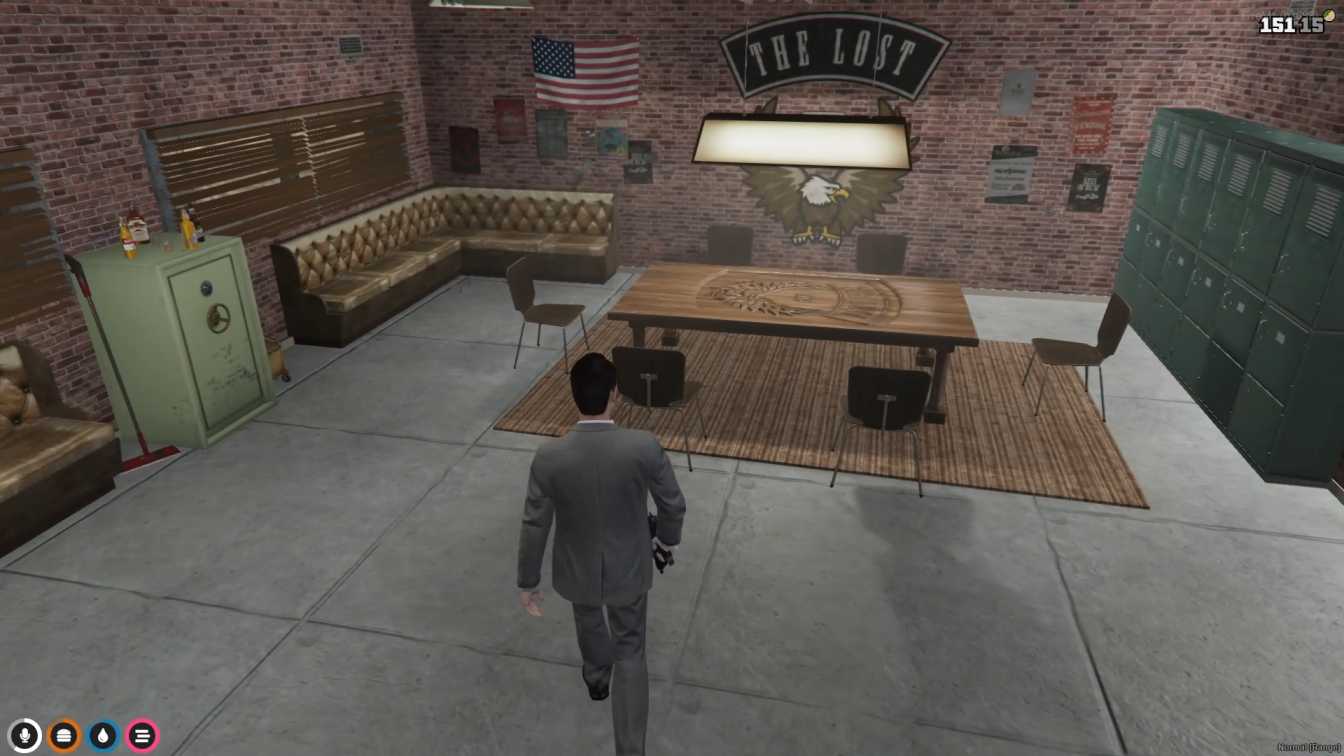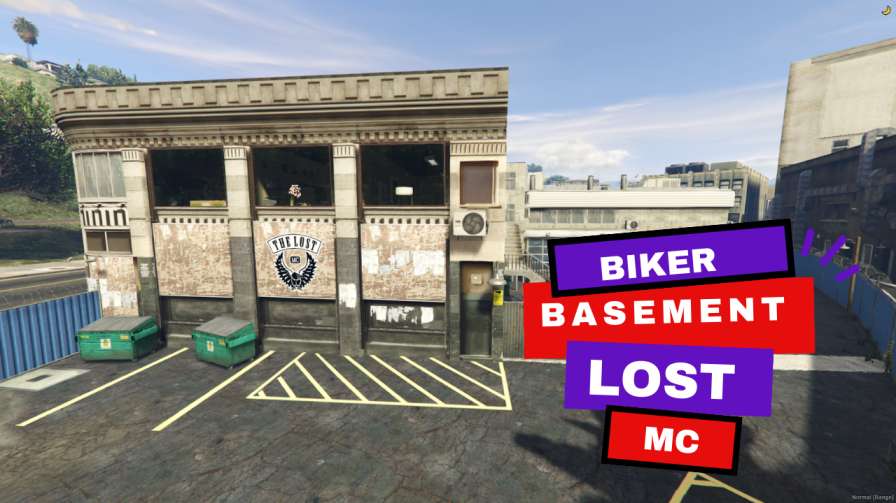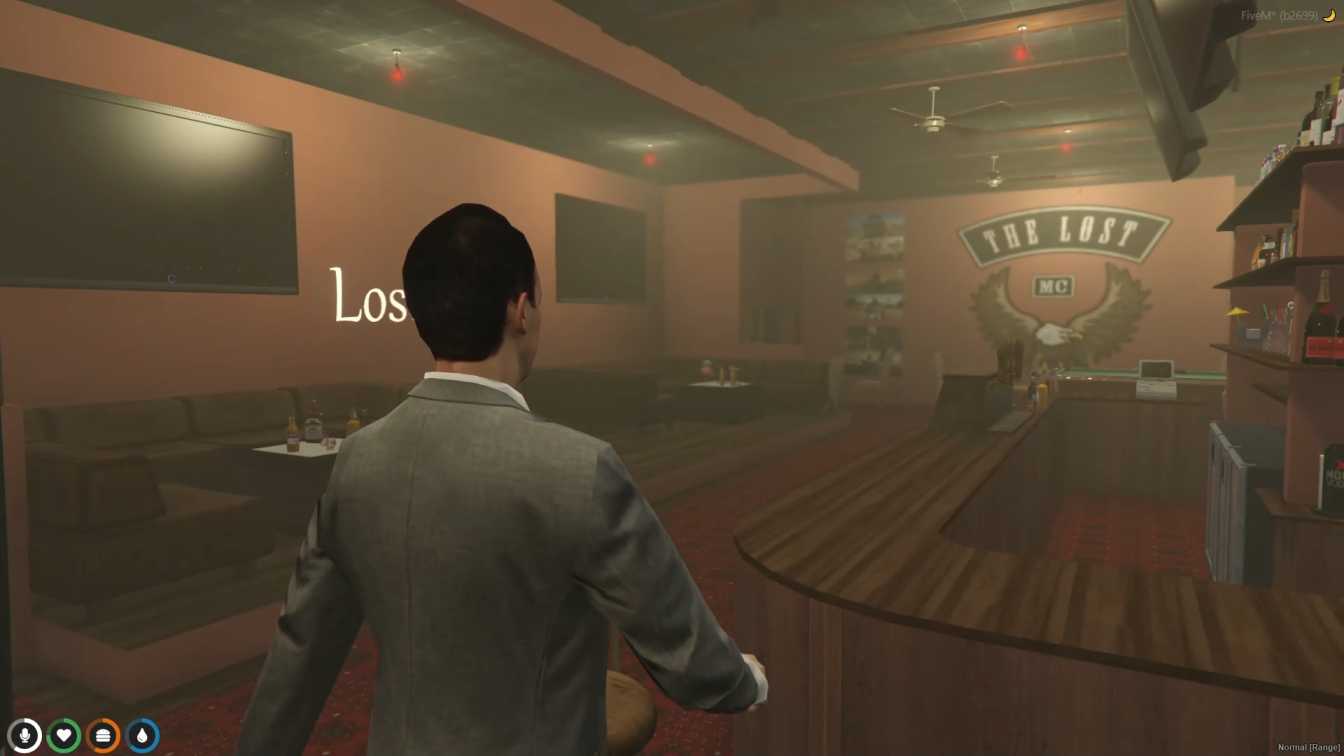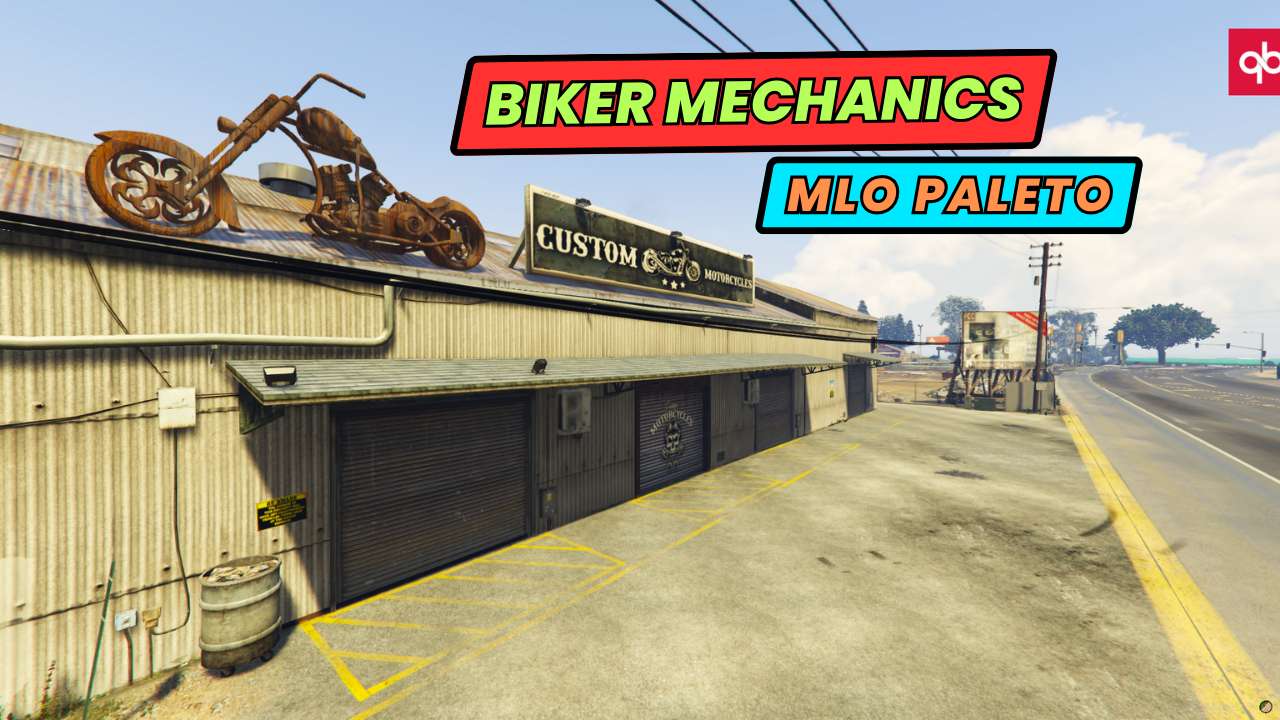
Biker Haven in Paleto: Craft a biker clubhouse with the Biker Mechanics MLO. Gear Up & Ride: Customize your motorcycles and manage inventory with ease. Versatile Playground: Transform your server with features for bikers. Convenience Meets Immersion: Experience a whole new level of biker R...




Bridges ship across the catalogue. Confirm the cores for this listing in Requirements below.
Biker Mechanics MLO Paleto is your ultimate destination for all things motorcycle-related in your FiveM server. Dive into a custom-built hub that lets you fix bikes, meet crew, and style your rides—all in one slick location. With dedicated repair bays, pristine restrooms, a boss room for strategy, secure lockers, and a gear area, this MLO keeps you focused on the road and not on logistics. And the best part? Setup is a cinch—just drop the file, tweak your config, and restart to roll in no time.
Forget the hassle of searching for a place to tweak your bike or stash gear. Biker Mechanics MLO Paleto gives you everything you need in a single, immersive environment. The clean design keeps the vibe high-energy while the functional rooms let you stay organized, so you’re never interrupted by a sudden need for a bathroom break or a spare part.
Take your custom bike designs to the next level. The MLO’s dedicated customization area lets you paint, add decals, or swap parts—making every ride feel uniquely yours. Whether you’re a hardcore racer or a casual cruiser, this MLO amplifies your gaming experience.
Just download the paleto_moto file, add it to your server config, and restart. No complex scripts or mods—just pure, ready-to-use fun. Compatible with ESX, QBCore, and standalone servers, it fits seamlessly into any FiveM setup.
This resource is built to be compatible with modern FiveM frameworks. Check the requirements for your framework version and installed resources before buying.
Yes, purchasing this asset grants you lifetime access to all future updates and patches.
Check the product requirements for file access and licensing details. If you need editable source files or a specific integration, contact support before buying.
After successful payment, sign in to your xFiveM Shop dashboard to access your purchased downloads. Contact support if your download is unavailable.
Review framework support, dependencies and editable files before buying. Contact support if your server uses a custom framework or needs a particular integration.
No waiting and no Keymaster syncing needed. Receive your clean, zip archive direct download link instantly in your dashboard right after your purchase.
Pay once and get every future update for free. When FiveM releases new builds or features, we update our scripts so your server stays up to date.
Complete your secure checkout. You will receive an instant download link to get your files immediately.
Extract the zip file and place the folder inside your server's resources directory.
Add ensure resource-name to your server.cfg and restart.

 FiveM
FiveM