
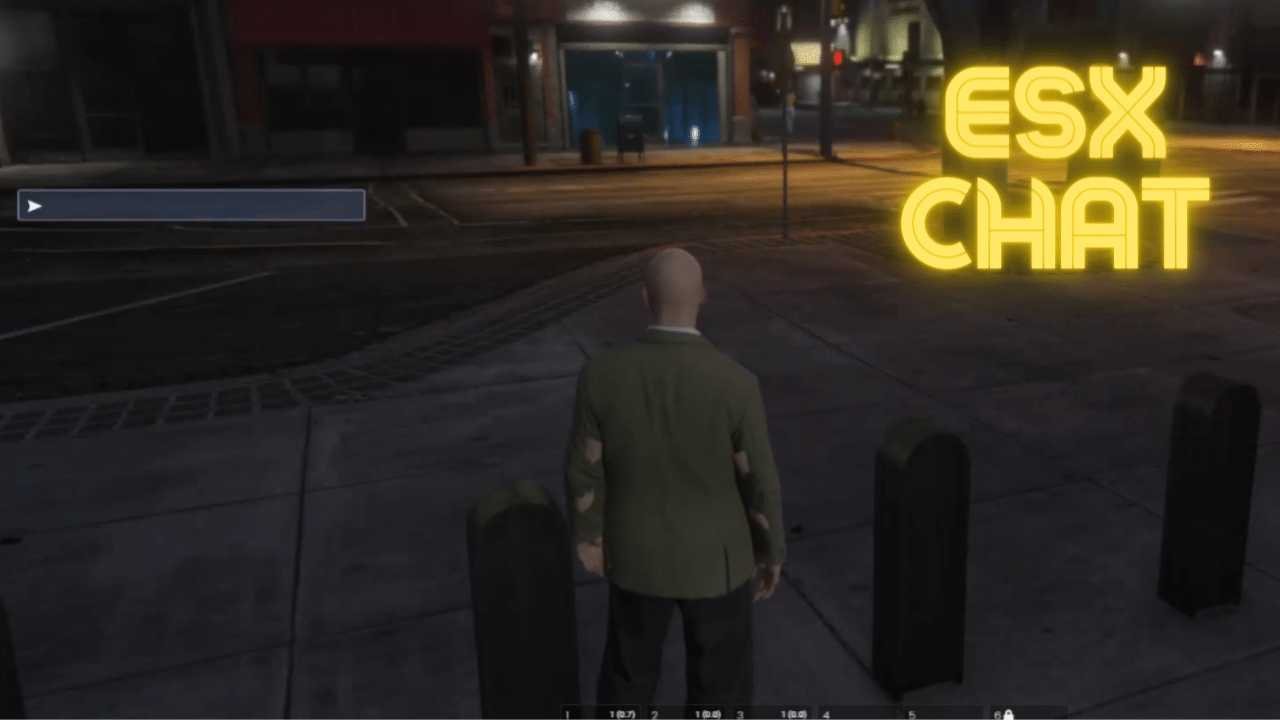
 Premium ESX Chat UI! Modern chat interface, customizable design & enhanced communication for ESX servers!
Description
💬 ESX Chat – Cool Chat UI System

The ESX Chat Cool UI is the ultimate solution for creating immersive and modern communication systems in your FiveM server. This comprehensive ESX Chat package includes stylish interface, customizable features, and enhanced roleplay communication. Perfect for roleplay servers seeking professional chat experiences with the ESX Chat system.
Ideal for roleplay servers aiming to offer a professional and engaging communication experience, this script integrates seamlessly with the ESX framework, providing a complete and customizable solution with modern chat mechanics, communication management systems, and comprehensive integration.
💬 Top 13 ESX Chat Features That Transform Your Server:
- 💬 Modern Chat Interface: Sleek and intuitive design for better player interaction
- ⚡ Customizable UI: Tailor appearance to match server theme
- 🎨 Advanced Features: Private messaging, group chats, customizable channels
- 🎯 ESX Integration: Full compatibility with ESX framework
- ⚙️ Easy Configuration: Simple setup with comprehensive options
- 🔧 Admin Tools: Advanced management for chat moderation
- 📊 Message History: Comprehensive chat logging system
- 🎪 Emoji Support: Built-in emoji and formatting options
- ⚡ Optimized Performance: Efficient code with minimal impact
- 🛡️ Security Features: Anti-spam protection and secure messaging
- 📱 Responsive Design: Works on all screen sizes
- 🌟 Channel System: Multiple chat channels with customization
- 🔄 Regular Updates: Continuous improvements and new features
🌟 Why Choose Our Premium ESX Chat UI? (4 Proven Benefits)
✅ Enhanced Communication
- 💬 Create professional chat systems with modern interface
- 🎨 Add immersive communication experiences for roleplay
- ⚡ Zero performance impact with optimized code
🔗 Seamless ESX Integration
- 🔧 Easy to install and compatible with ESX
- 🎯 Perfect for roleplay servers
- 📱 Compatible with all ESX scripts
🚀 Enhanced ESX Chat Gameplay Features
- 🌟 Professional communication with comprehensive management
- 🛡️ Dedicated support from experienced developers
🚀 8 Premium Features That Set Us Apart From Competition
📋 Installation Guide
🔧 Quick Setup (5 Minutes)
- Download the ESX Chat package
- Extract files to your server’s resources folder
- Add ‘ensure esx_chat’ to your server.cfg
- Configure chat settings in the config file
- Restart your server and enjoy enhanced chat!
⚙️ Customization Options
- Configure chat themes and colors
- Set channel options and permissions
- Customize UI elements and fonts
- Adjust feature settings and restrictions
❓ Frequently Asked Questions
Q: Can the chat UI be customized?
A: Yes! Full customization options for design and features.
Q: Is it compatible with other ESX mods?
A: Absolutely! Seamless integration with ESX scripts.
Q: Will this affect server performance?
A: No! Highly optimized with minimal resource usage.
Q: What advanced features are included?
A: Private messaging, group chats, customizable channels, and more.
🛠️ Support & Resources
📚 Documentation & Support
- Complete installation guide
- Video tutorials
- Best practices
- Community showcase
🔄 Updates & Maintenance
- Lifetime updates
- Regular optimizations
- New features
- Compatibility updates
Need Help? Visit our Contact Us page or join our Discord Community for instant support!
📊 Performance Metrics:
⚡ Performance
Optimized for 500+ players
🔧 Compatibility
ESX Latest & Legacy
💬 Features
Advanced Chat System
🎨 Design
Customizable UI




Reviews
There are no reviews yet.